Free download (29 MB) Previous versions
- Version
- 4.0.122
- Developer
- Softorino
- Languages
- English
- License type
- K'ed by TNT team
| macOS range | macOS 10.13 or later |
|---|---|
| Chip | Intel 64-bit |
| Download | 29 MB |
| Previous versions | 2 on file |
Screenshots
Scroll the row, it snaps to each screenshot. Click one to see it wider.
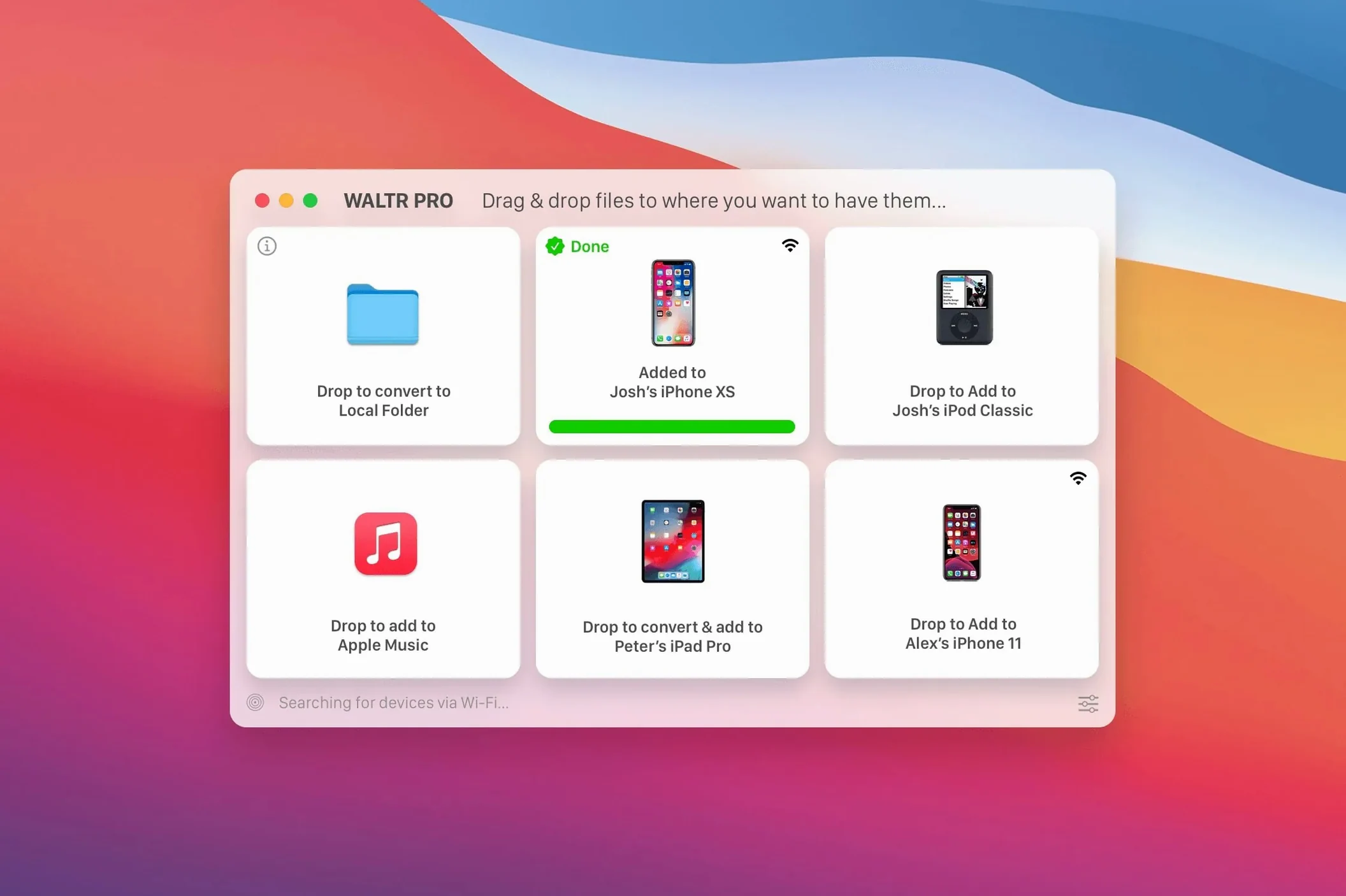
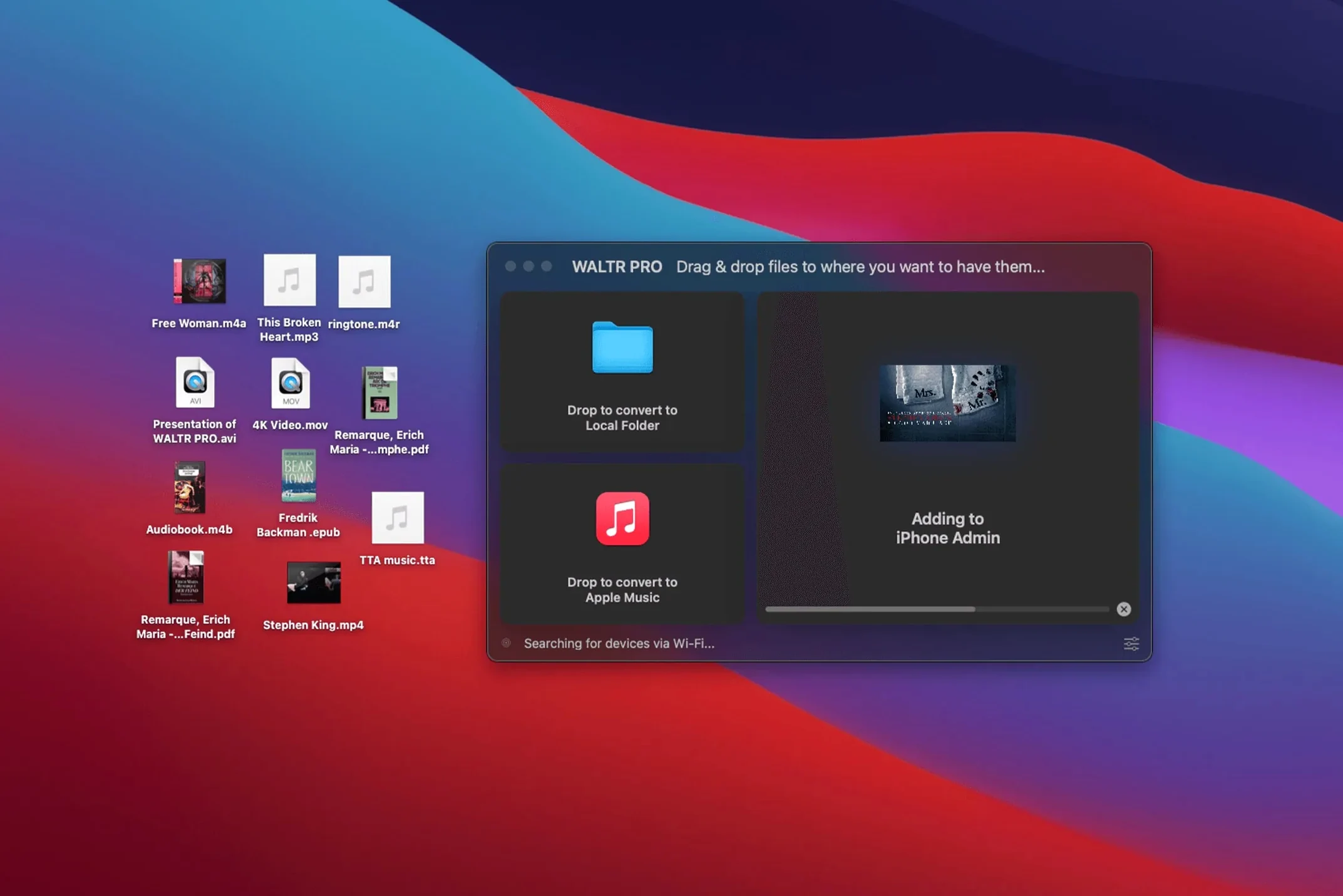
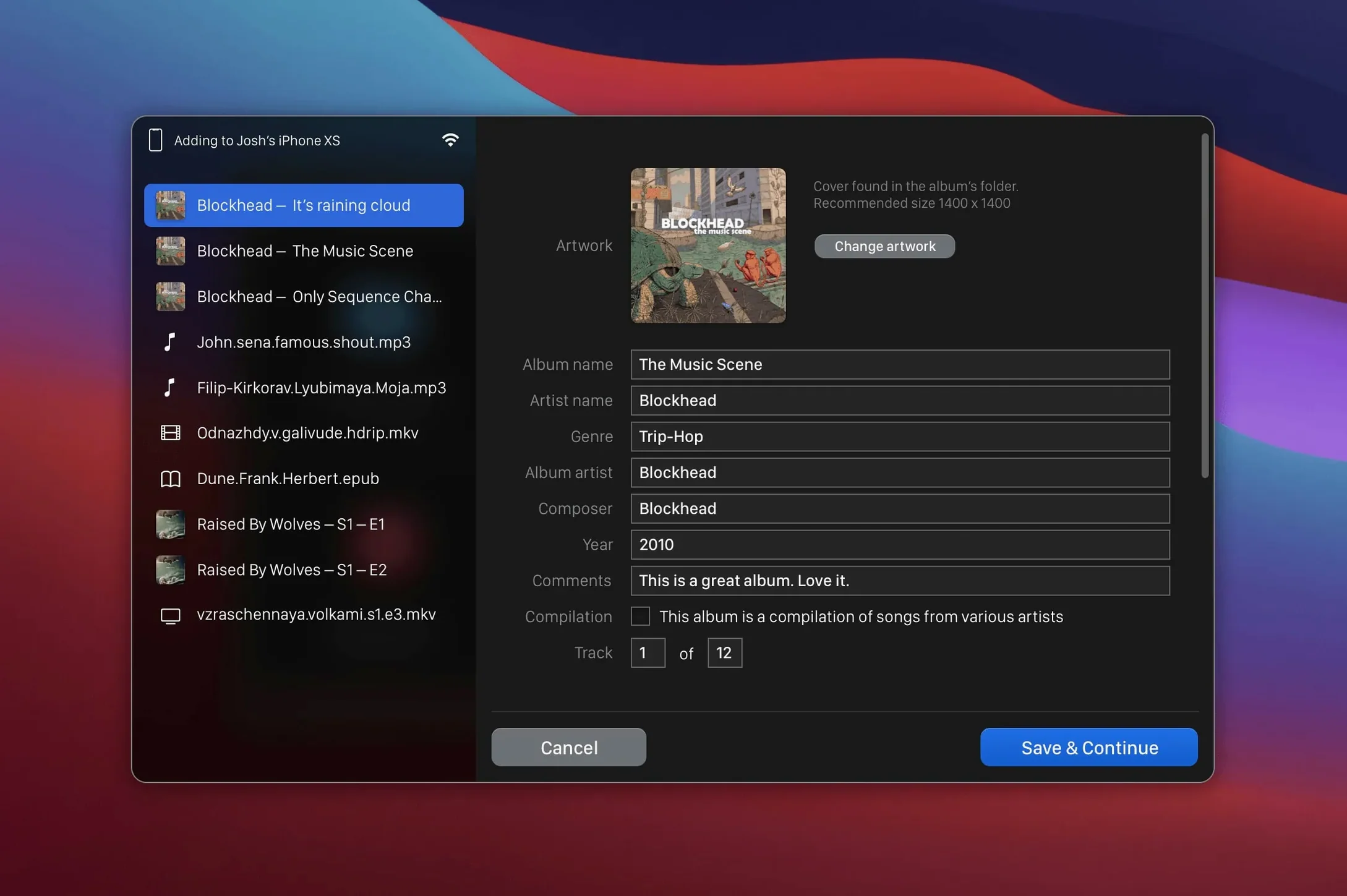
WALTR PRO is for anyone who wants to watch or listen to files that Apple says won't work on an iPhone or iPad. You drag a file in, it converts and transfers over Wi-Fi, and it shows up in the iOS Music or Movies app. No iTunes, no cable, no format headaches.
For MKV, AVI, FLAC, and iPod Classic Users
For people with a media library full of MKV, AVI, FLAC, or CUE files who don't want to re-encode everything manually. Also for those who still use an older iPod Classic and want a simple way to sync without a wired connection.
How does it transfer?
Over Wi-Fi, wirelessly. You drag a file onto the WALTR PRO window, it converts if needed, and pushes it to your iOS device over the network.
CUE Sheet Support for Album-Length Rips
WALTR PRO handles the obvious formats, but a few of its supported types save you trouble. CUE sheet files are rare in Mac transfer tools — if you listen to album-length FLAC rips with chapter tracks, WALTR PRO reads the CUE and splits the tracks during transfer. No need to cut the file manually first.
The app also handles M4R and ALAC out of the box. M4R is the ringtone format, useful if you still make custom ringtones for an older iPhone or iPod. ALAC (Apple Lossless) is Apple’s own lossless codec, so files already in that format transfer without any re-encode step.
Wireless transfer means no cable, but it also means WALTR PRO works with the iPad and iPod over Wi-Fi. If your device has no USB-C port or the cable is in another room, it still works.
Bypasses iTunes, VLC, and Xilisoft Limits
Three apps do similar work: iTunes (or the newer Music app), VLC for iOS transfer, and Xilisoft iPhone Transfer. Each has limits WALTR PRO sidesteps.
iTunes / Apple Music syncs Apple-native formats well but chokes on MKV, AVI, and FLAC. You have to convert those separately in HandBrake or another encoder. WALTR PRO does the conversion inside the transfer step.
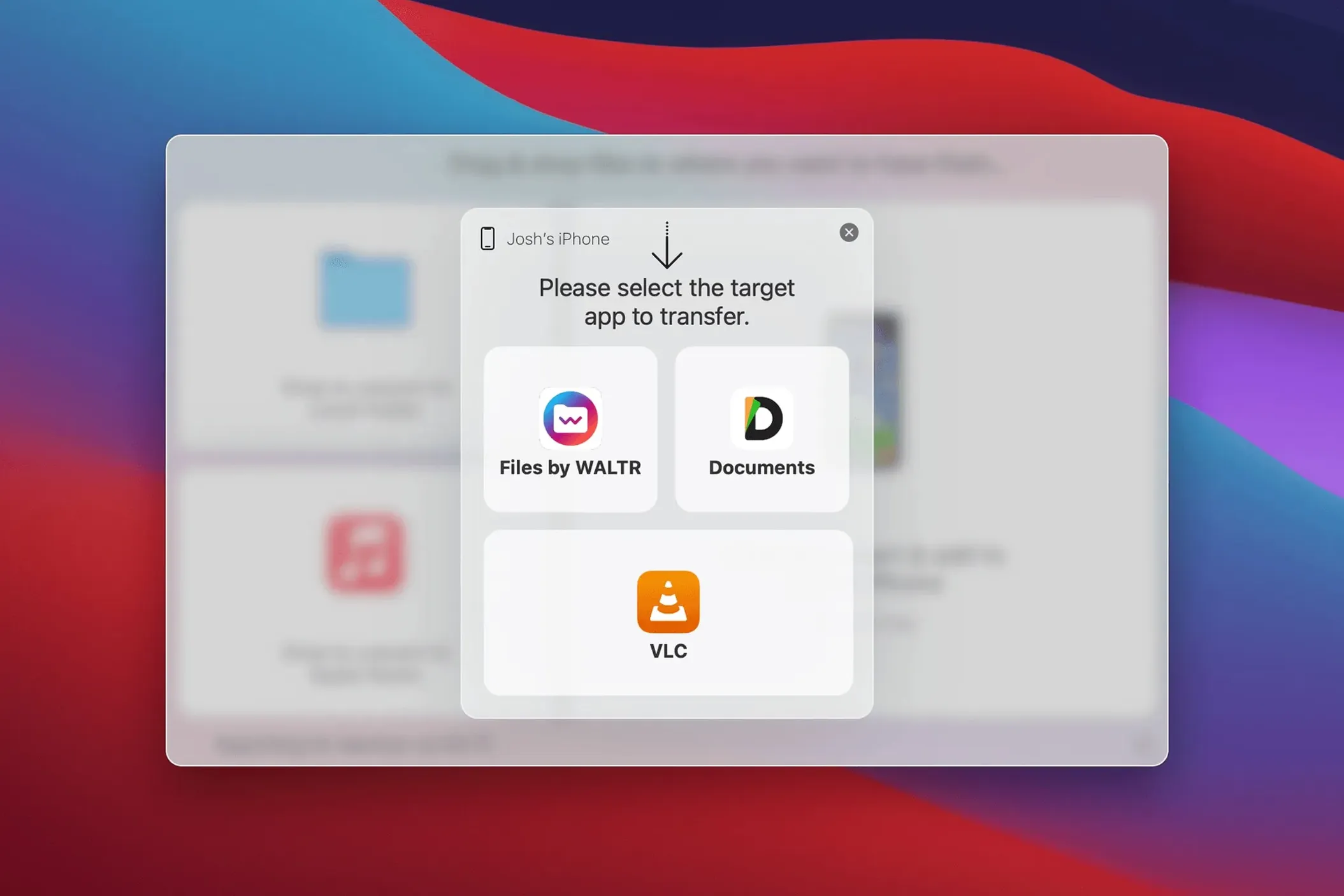
VLC can stream or convert video to iOS, but it does not push files directly into the iOS Music or Movies app. You end up with a file in VLC’s own app or a manual copy step. WALTR PRO delivers to the default iOS player.
Xilisoft iPhone Transfer supports many formats but requires a USB cable for reliable syncing. Its Wi-Fi mode is less consistent. WALTR PRO uses only Wi-Fi and is designed around it from the start.
Wi-Fi Transfer Fixes and Unplayable Files
- Transfer won’t start over Wi-Fi.
Make sure the iOS device and the Mac are on the same network. Restart WALTR PRO and the iOS Music app. - File appears in the iOS app but won’t play.
WALTR PRO converts to a compatible format, but if the original file is damaged or uses a very odd codec variant, the conversion may produce a broken file. Try re-encoding the source file in HandBrake first, then transfer the re-encoded version. - Gatekeeper blocks the app on first launch.
The install step with “Open Gatekeeper friendly” and the Terminal command is normal. If you skip it, the app may not run. Re-mount the disk image and follow the Terminal step again. - iPod Classic not showing up.
Older iPods need the iOS Music app (or iTunes) to be open on the Mac side, even though WALTR PRO works wirelessly. Sync with iTunes once to establish the connection, then WALTR PRO can send files over Wi-Fi afterward.
For most users, the app works as expected. These snags are rare but easy to solve when they come up.
All iPhones, iPads, and iPods, including the original iPod Classic. The app runs on any 64-bit Intel Mac with macOS 10.13 or later.
- macOS 10.13 or later
- 64-bit Intel architecture
Questions I get about this line
Yes, it supports all iPhones, iPads, and iPods, including the original iPod Classic.
It converts and transfers files that are normally incompatible with iOS, such as MKV, AVI, FLAC, and CUE.
You drag files into WALTR PRO, and it transfers them wirelessly over Wi-Fi to your iOS device.
The install order
- Mount the disk image.
- Run Open Gatekeeper friendly.
- Press Enter in Terminal to bypass Gatekeeper.
- Drag the app to Applications.
- Launch the app.