Free download (36 MB) Previous versions
- Version
- 12.0.7282
- Developer
- Corel Corporation
- Languages
- English
- License type
- Included
| macOS range | macOS 10.15 or later |
|---|---|
| Chip | Apple Silicon, Intel 64-bit |
| Download | 36 MB |
| Previous versions | 1 on file |
Screenshots
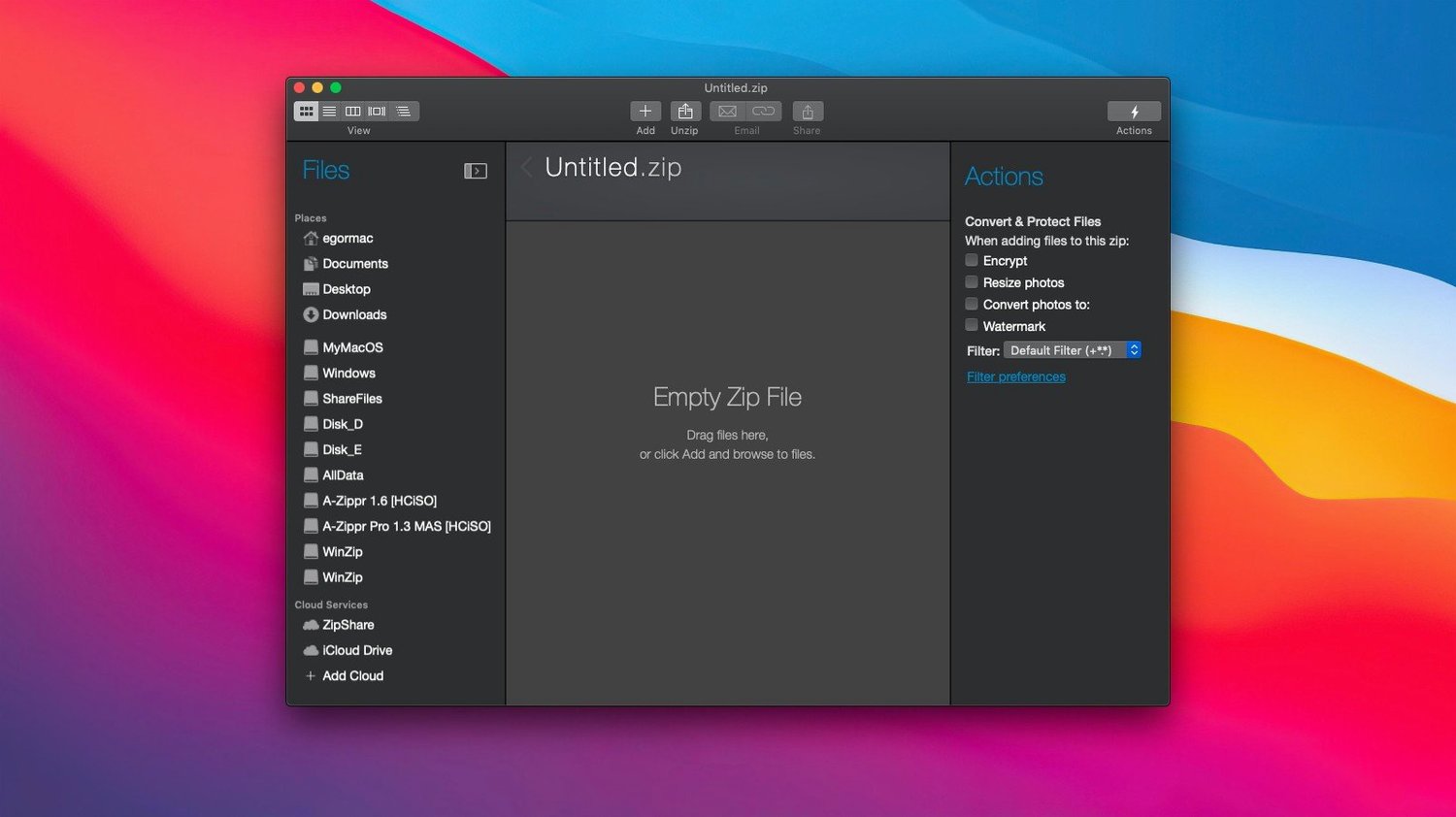
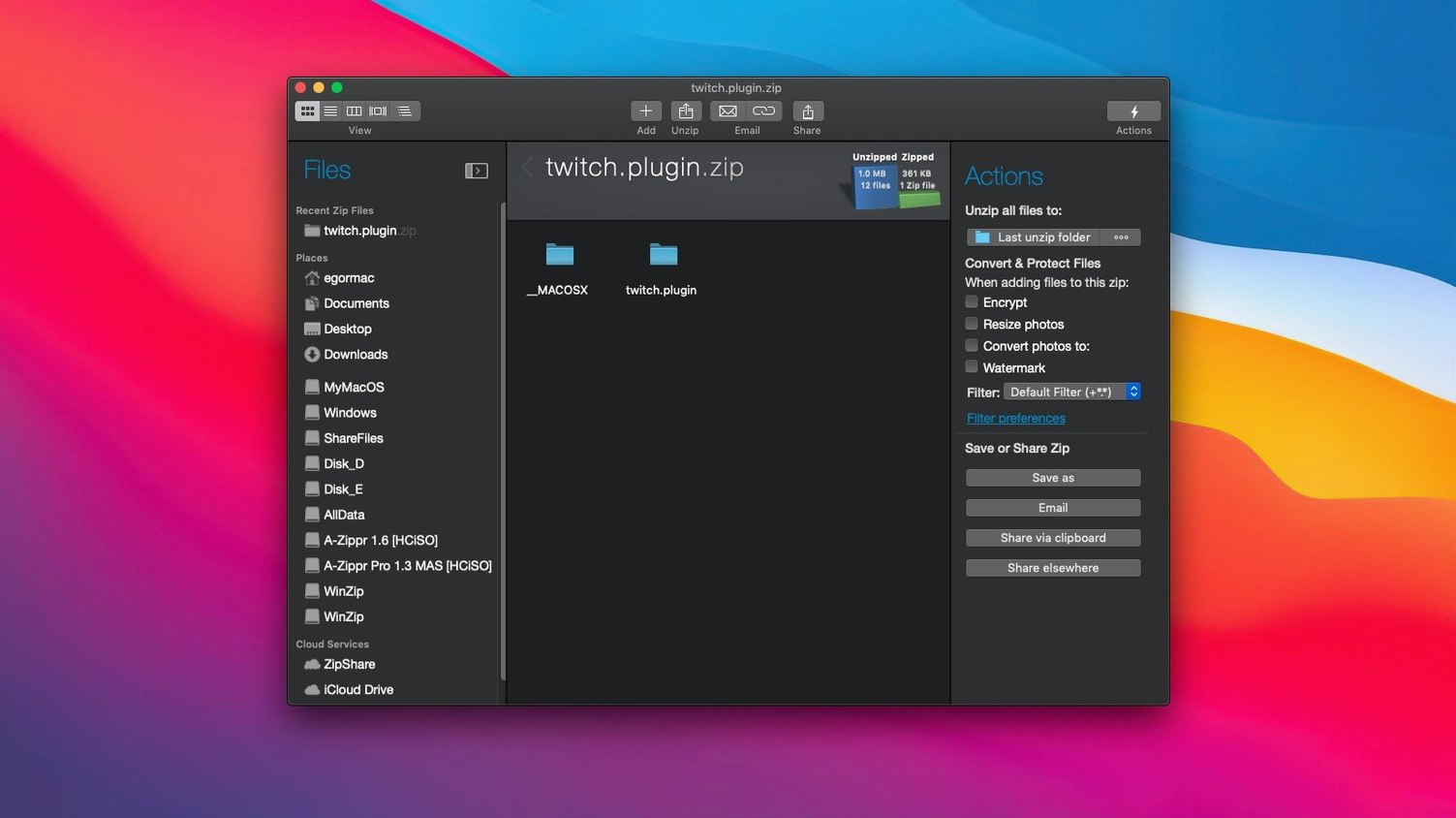
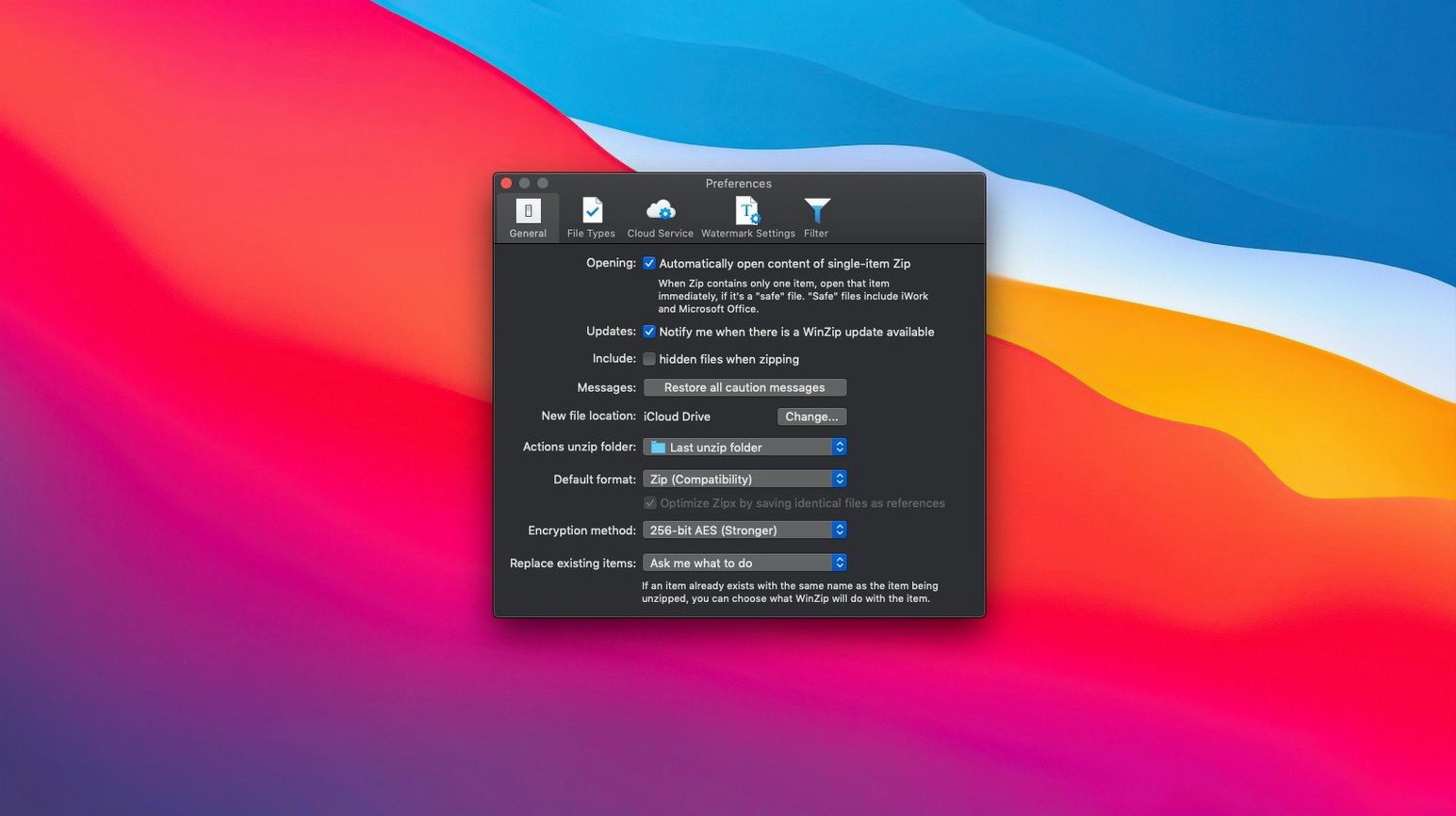
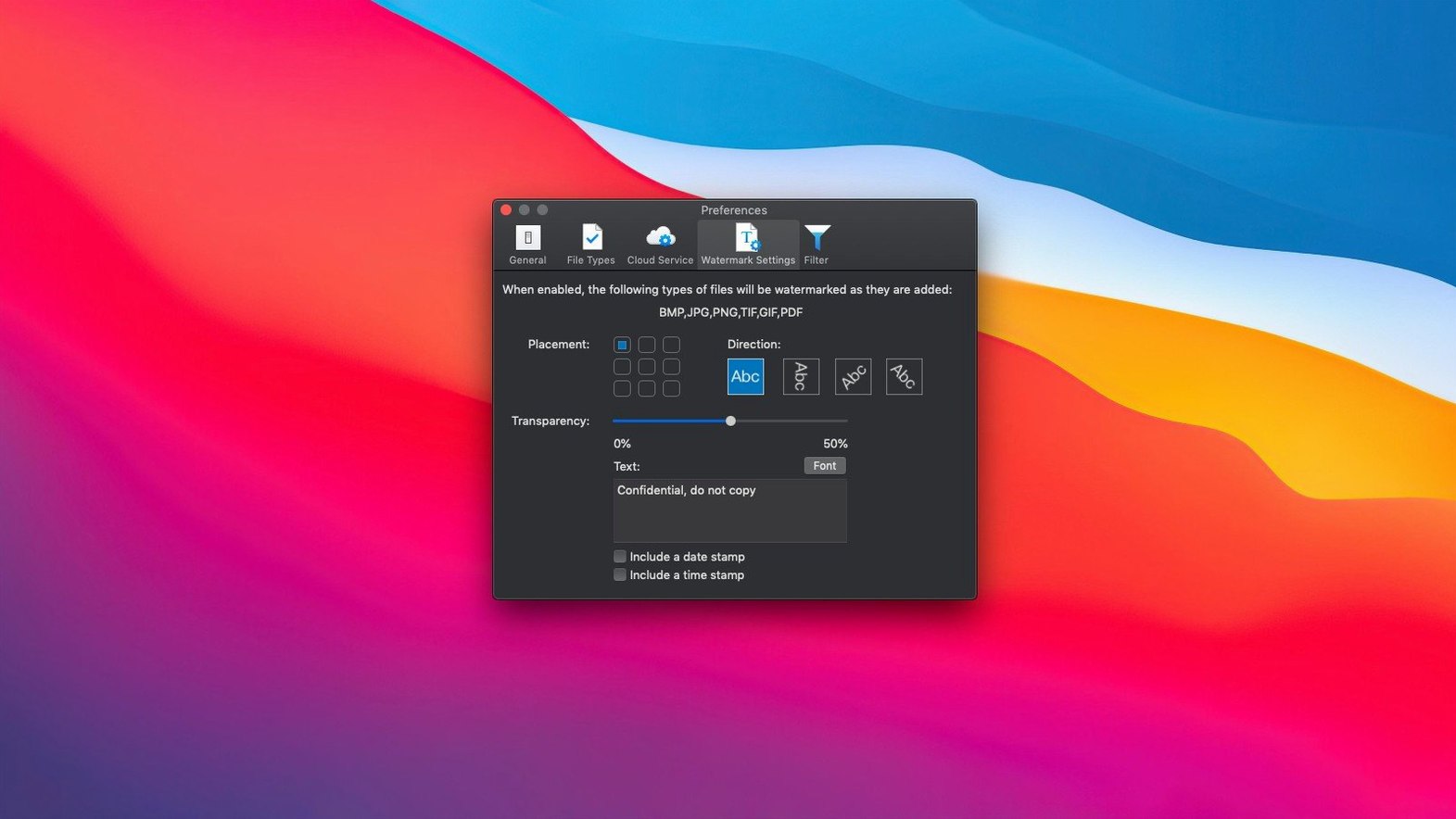
Scroll the row, it snaps to each screenshot. Click one to see it wider.
Files pile up. Downloads, exports, and old projects eat disk space and slow down transfers. WinZip Mac Pro handles the cleanup: it compresses files to shrink what they occupy, encrypts what needs protection, and converts incoming archives into formats you can actually work with.
Converts LHA, RAR, 7Z, and More to Zip or ZipX
- Converts LZH, LHA, RAR, 7Z, TAR, and others into Zip or ZipX instantly.
- Connects directly to iCloud Drive, Dropbox, and Google Drive for archiving cloud files.
- Detects duplicate files before you store them twice.
- Includes productivity tools beyond basic zipping.
Mac specifics
This is the Mac edition of WinZip, so the workflow matches the platform. The minimum processor is Intel 64-bit, and it runs on macOS 10.10 or higher. If you manage a mixed environment, the conversion list alone justifies keeping it installed.
Three Pre-Install Questions: Formats, Cloud, and Setup
Most inquiries come down to three things: format support, cloud access, and what happens after installation.
Does it handle formats other than Zip? Yes. The conversion tool accepts LZH, LHA, RAR, 7Z, TAR, Z, GZ, TAZ, TGZ, BZ, XZ, and Z files and converts them to Zip or ZipX. You do not need separate utilities for each format.
Is it possible to access files stored on iCloud or Dropbox? WinZip Mac Pro links straight to iCloud Drive, Dropbox, and Google Drive. You can browse cloud folders from inside the app and create archives without manually downloading and re-uploading.
What about the activation process? The installation and activation instructions are included inside the package. Follow the steps, and the app is ready.
Will it run on Apple Silicon? Yes. The current build supports both ARM and x86 64-bit architecture. It runs natively on M-series Macs and on Intel machines.
Workflow: archive a project folder for email
Here is how WinZip Mac Pro gets the files there.
- Drag the project folder onto the WinZip window. The app creates a new Zip archive and displays its contents.
- Check for duplicate files. Use the duplicate detection tool to identify any repeated items inside the folder. Remove them before compressing.
- Apply encryption. Set a password for the archive so only the recipient can open it. The app handles AES encryption within the Zip format.
- Choose the compression level. A higher compression ratio reduces file size more, but it takes slightly longer to process. For email, select Maximum compression.
- Convert to ZipX if the file is still too large. ZipX offers better compression ratios than standard Zip for large media files. The recipient needs a ZipX-compatible extractor, which WinZip provides on both platforms.
- Save the archive and attach it to your email. The final file fits within the attachment limit.
Paste Files from Finder Directly into Archives
WinZip Mac Pro includes a few features that save time once you know they exist.
Mac clipboard support. You can copy files in the Finder, then paste them directly into a Zip or ZipX archive. No need to open a separate window or use drag-and-drop if you prefer keyboard shortcuts.
Duplicate file detection. Before adding files, the app checks for duplicates. It flags items that already exist in the archive so you avoid bloating it with copies.
The file browser includes the ability to link to iCloud Drive, Dropbox, and Google Drive. You do not need to mount cloud drives as local volumes or use third-party sync tools.
Format conversion built in. When you receive a RAR or 7Z file, you can convert it to Zip or ZipX in one step. The original archive stays unchanged; the app creates a new archive in the format you choose.
These are not headline features, but they reduce friction in everyday work. If you handle archives regularly, each one saves a few clicks that add up over the week.
- Current version is 12.0.7282.
- macOS 10.15 or later
- Intel 64-bit processor
- Interface languages: English
Questions I get about this line
It connects directly to iCloud Drive, Dropbox, and Google Drive, so you can compress and manage files stored in those services.
The install order
- Install and activation instructions are inside the package.