Free download (7 MB) Previous versions
- Version
- 2.38
- Developer
- Kaylee Calderolla
- Languages
- English
- License type
- Included
| macOS range | macOS 10.13 or later |
|---|---|
| Chip | Apple Silicon, Intel 64-bit |
| Download | 7 MB |
| Previous versions | 1 on file |
Screenshots
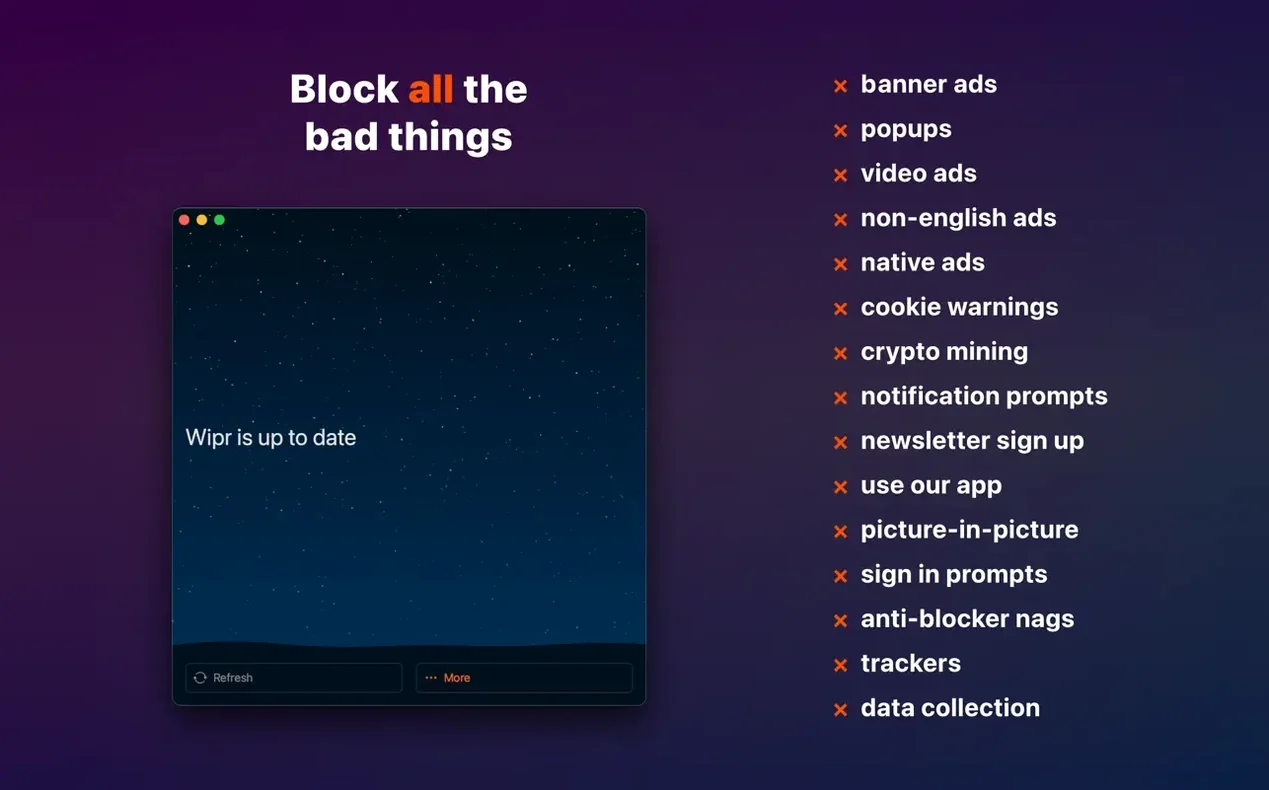
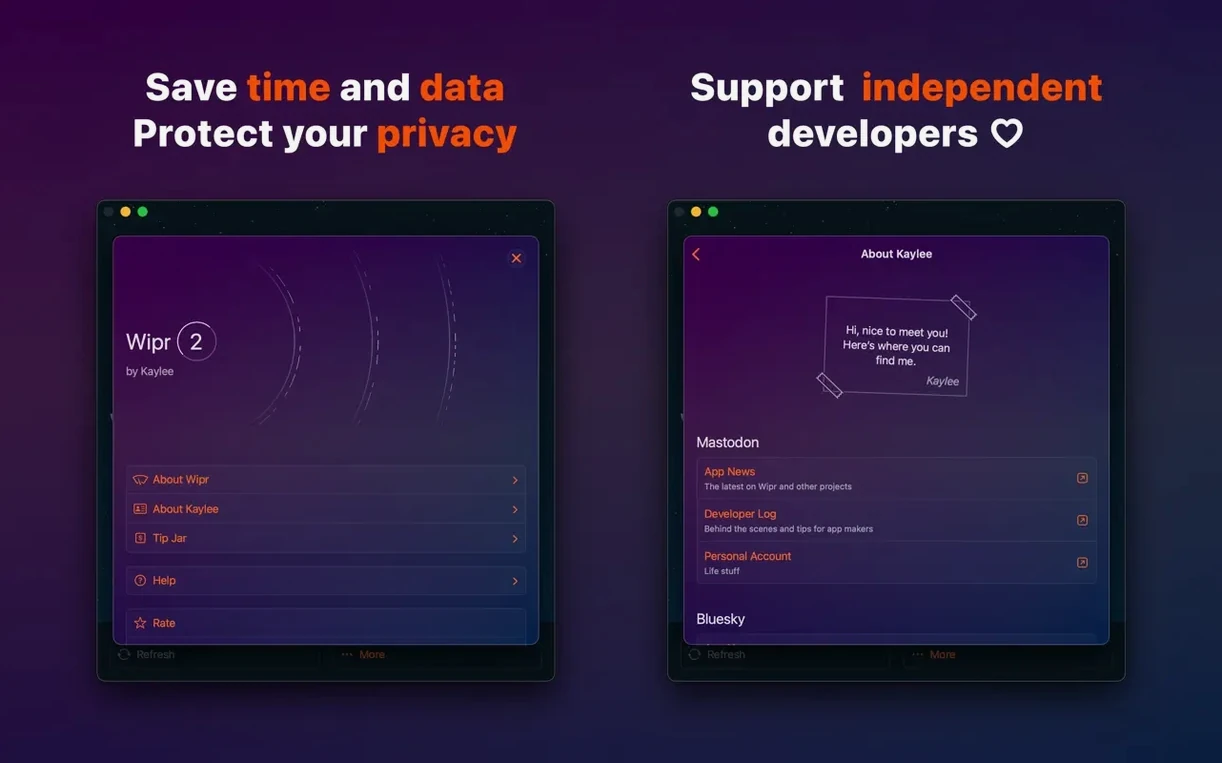
Scroll the row, it snaps to each screenshot. Click one to see it wider.
Wipr is a Safari content blocker that strips out ads, trackers, cookie warnings, and other web annoyances.
If you just installed it, start with the basics. Open a page that used to be cluttered with banners and popups. You should see a cleaner view almost immediately. Then visit a site that tracks you across pages; Wipr's twice-weekly list updates help keep that in check without you doing anything.
Next, try the accessibility improvements in version 2.38. They make the blocker easier to manage if you rely on VoiceOver or keyboard navigation. Finally, check the Wipr Extra features on a few heavy sites like news or video pages. The latest release improves coverage there, so you get fewer interruptions with less manual tuning.
No banner ads or auto-playing video on news sites
Open Safari and load a news site you visit every day. The page appears without the usual row of banner ads along the top. No auto-playing video in the sidebar. The article text sits centered, readable, without a cookie consent banner blocking the bottom third of the screen.
You click a link to a second article. That page also loads stripped down. The popup that usually asks you to disable your ad blocker never appears because Wipr handles the detection scripts before they run.
Now open a recipe site. Those sites are notorious for trackers and sticky headers. With Wipr running, the page shows just the recipe and the photos. No "share this page" modal popping up after ten seconds. The ingredient list is right there without scrolling past a wall of personal anecdotes and affiliate links.
You do not need to check for updates. The blocking list refreshes twice a week automatically. The only time you open Wipr's settings is if you want to whitelist a specific site that breaks without its ads.
That is the rhythm. Safari stays fast. Pages look clean. You do not think about the blocker until a site loads with too much clutter, which means the list needs a moment to catch up, or you need to whitelist something.
Runs on Intel, Apple Silicon, and iOS/iPadOS/Vision Pro
Wipr 2 runs on any Mac with macOS 10.13 or later, whether that is an Intel 64-bit machine or an Apple Silicon model. It is a single app for Mac, iPhone, iPad, and Vision Pro, so the same blocking list syncs your preferences across devices.
Installation uses a disk image. Mount it, drag the app to the Applications folder alias, then launch from Launchpad after the copy finishes. You also need to disable SIP as part of the setup — Wipr needs that to inject its blocking rules into Safari's processes.
The app itself is lightweight. It sits in the background and only interacts with your browser traffic. It does not recompile system files or install browser extensions. It is listed in English only.
Blocks dozens of trackers during research sessions
Emily works as a freelance writer. She spends four hours a day researching in Safari, jumping between news archives, competitor sites, and blog platforms. Every page she visits loads dozens of trackers from ad networks and analytics services.
She runs Wipr 2 free to stop those trackers from recording her browsing habits. The double benefit: pages load with less data, and she does not see cookie notices on every European site she visits. She does not need to configure anything beyond the initial install. The twice-weekly list updates cover new trackers as they appear.
For her, the blocker is a productivity tool. She gets to the information faster, and she does not have to clean cookies or reset browser profiles every few weeks. One less thing to manage.
That is the core loop: install, browse, adjust when needed.
- Wipr Extra improvements on many websites.
- Accessibility improvements.
- macOS 10.13 or later
- Intel or Apple Silicon
- English interface
Questions I get about this line
Yes, Wipr blocks cookie warnings along with ads, popups, and trackers.
Wipr refreshes its blocking lists twice a week.
Wipr is a universal app, so it works across supported Apple devices.
The install order
- Mount the downloaded disk image.
- Drag the app to the Applications folder alias.
- Launch the app from Launchpad after copying finishes.
- Disable SIP as required.