
Free download (21 MB) Previous versions
- Version
- 10.5
- Developer
- Twocanoes Software
- Languages
- English
- License type
- K'ed by TNT team
| macOS range | macOS 10.15 or later |
|---|---|
| Chip | Intel 64-bit |
| Download | 21 MB |
| Previous versions | 2 on file |
Screenshots
Scroll the row, it snaps to each screenshot. Click one to see it wider.
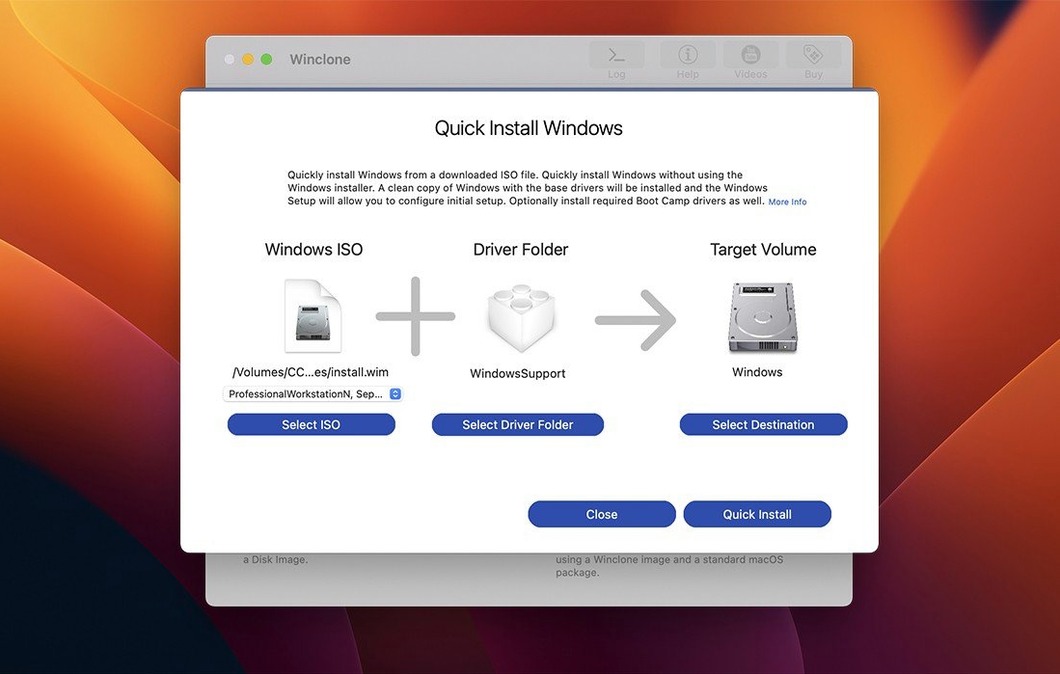
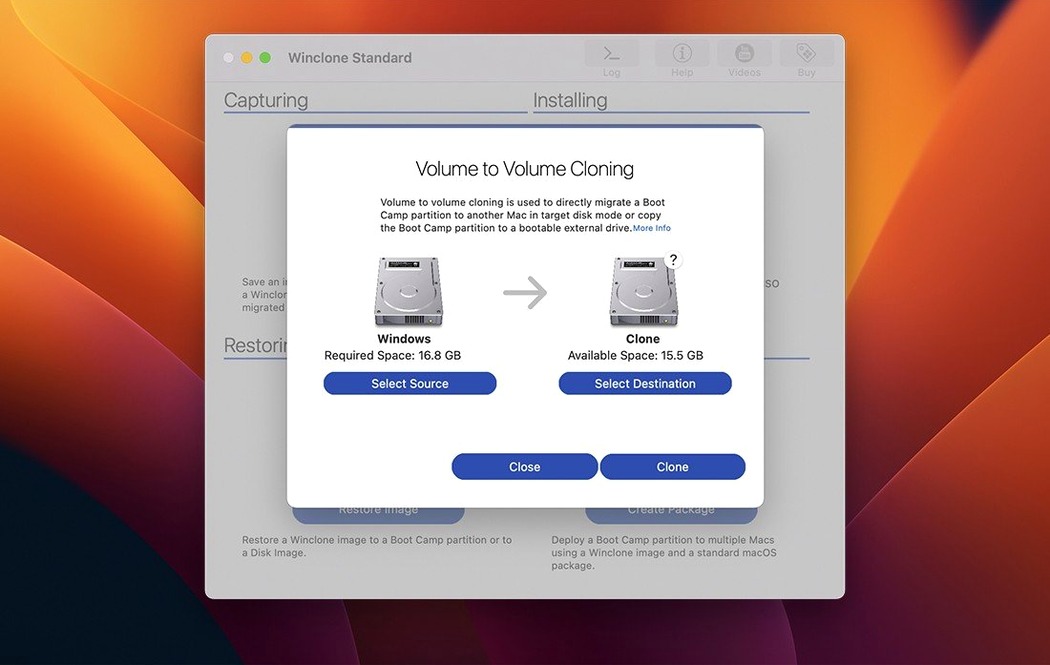
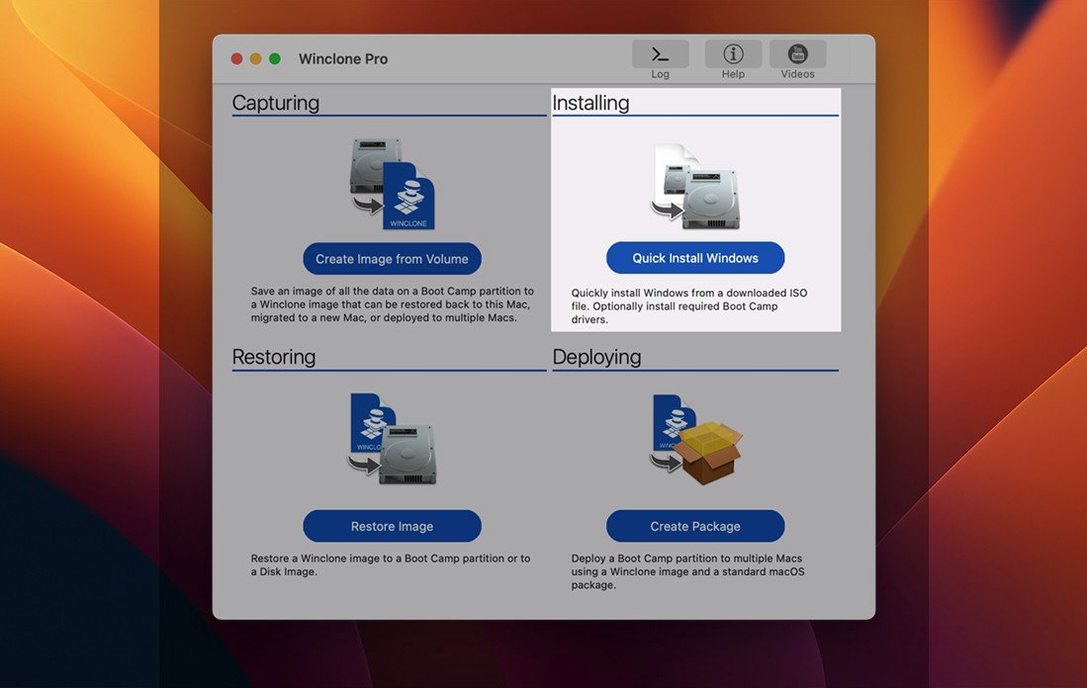
Winclone Pro is a Mac utility for cloning, migrating, and restoring Boot Camp Windows installations.
Boot Camp cloning — Creates a full image of your Windows partition, ready to restore or deploy.
Migration — Moves a Boot Camp Windows setup to another Mac or drive without reinstalling.
Package deployment — Builds deployable packages for business and education environments.
MDT and SCCM support — Works alongside Microsoft deployment tools for larger rollouts.
Boot options — Creates legacy bootable installations and EFI bootable setups for Windows 7 and later.
Volume handling — Restores to DOS-FAT32, ExFAT, or NTFS; shrinks or expands the Boot Camp file system.
Integrity checks — Detects and reports inconsistent GPT and MBR boot records.
Storage — Saves images to external or network storage; supports basic storage volumes.
Interface — Updated UI, in-app support links, and sound alerts for success or failure.
- Updated OS requirements.
- Verified Tahoe compatibility.
- macOS 10.15 or later
- Intel architecture
- English interface
Questions I get about this line
Yes, it supports restoring images to DOS-FAT32, ExFAT, and NTFS volumes.
It handles macOS 11.0 or later and is verified for Tahoe compatibility.
Yes, it includes options for legacy bootable installations and EFI bootable on Windows 7 and later.
The install order
- Mount the disk image and run Open Gatekeeper friendly.
- Press Enter in the Terminal window to bypass Gatekeeper.
- Drag the app to the Applications folder.
- Disable SIP before installing.