- Version
- 8.24
- Developer
- Eltima Software
- Languages
- English, German, Spanish, Italian, Chinese (Simplified), Korean, Dutch, Polish, French, Czech, Swedish, Japanese
- License type
- K'ed by TNT team
| macOS range | macOS 10.12 or later |
|---|---|
| Chip | Apple Silicon, Intel 64-bit |
| Download | 157 MB |
Screenshots
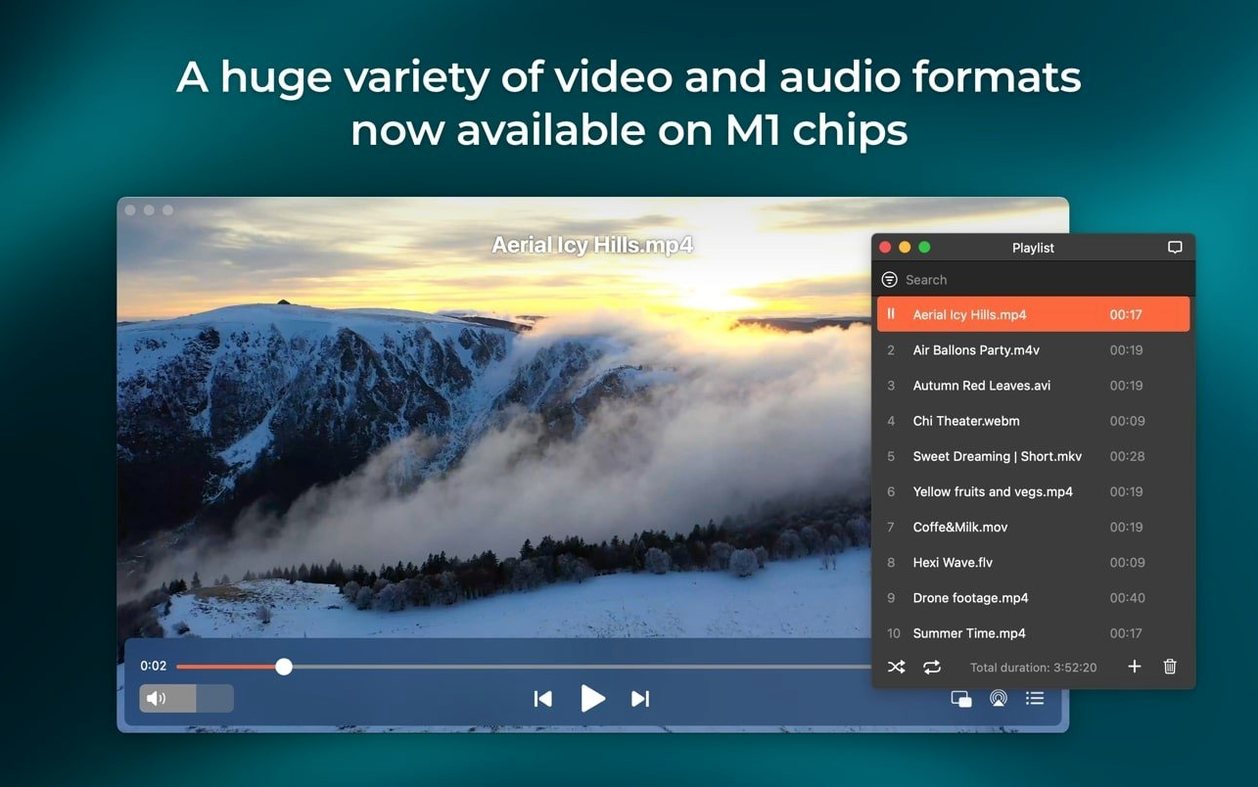
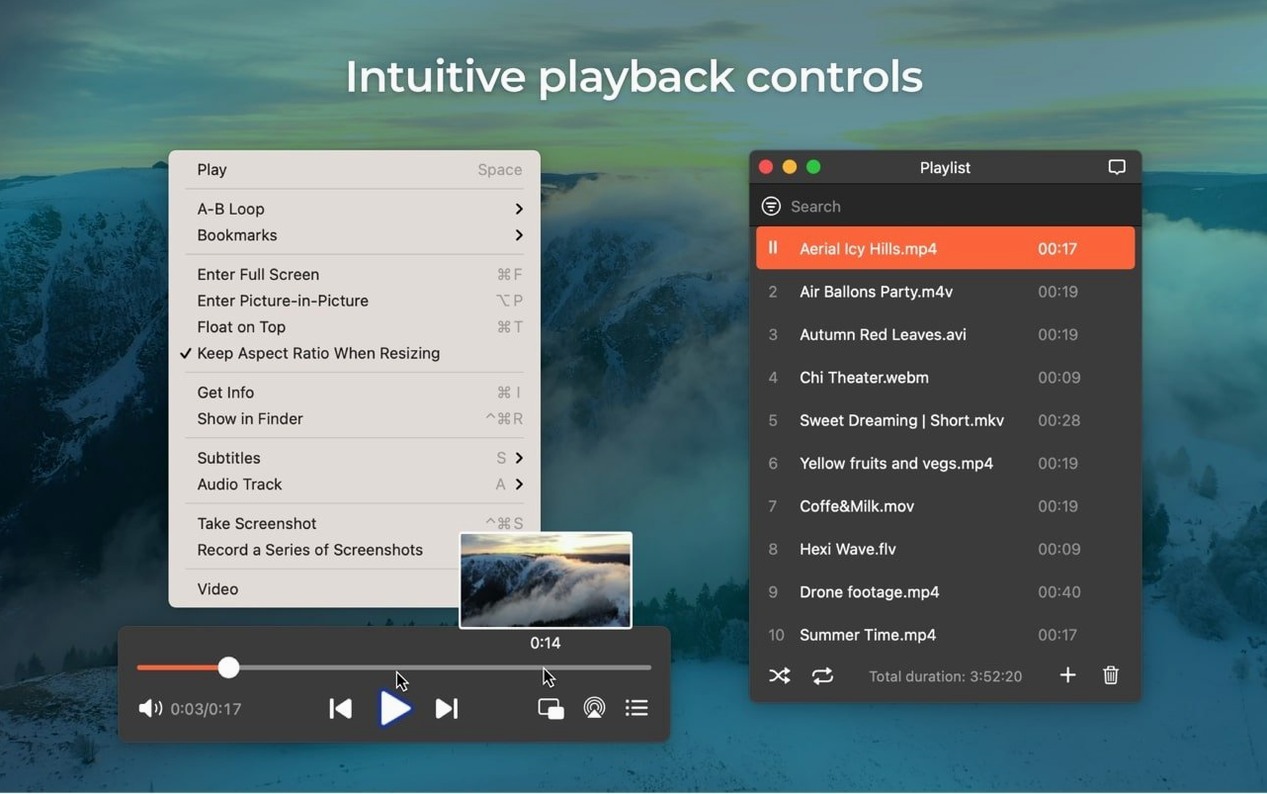
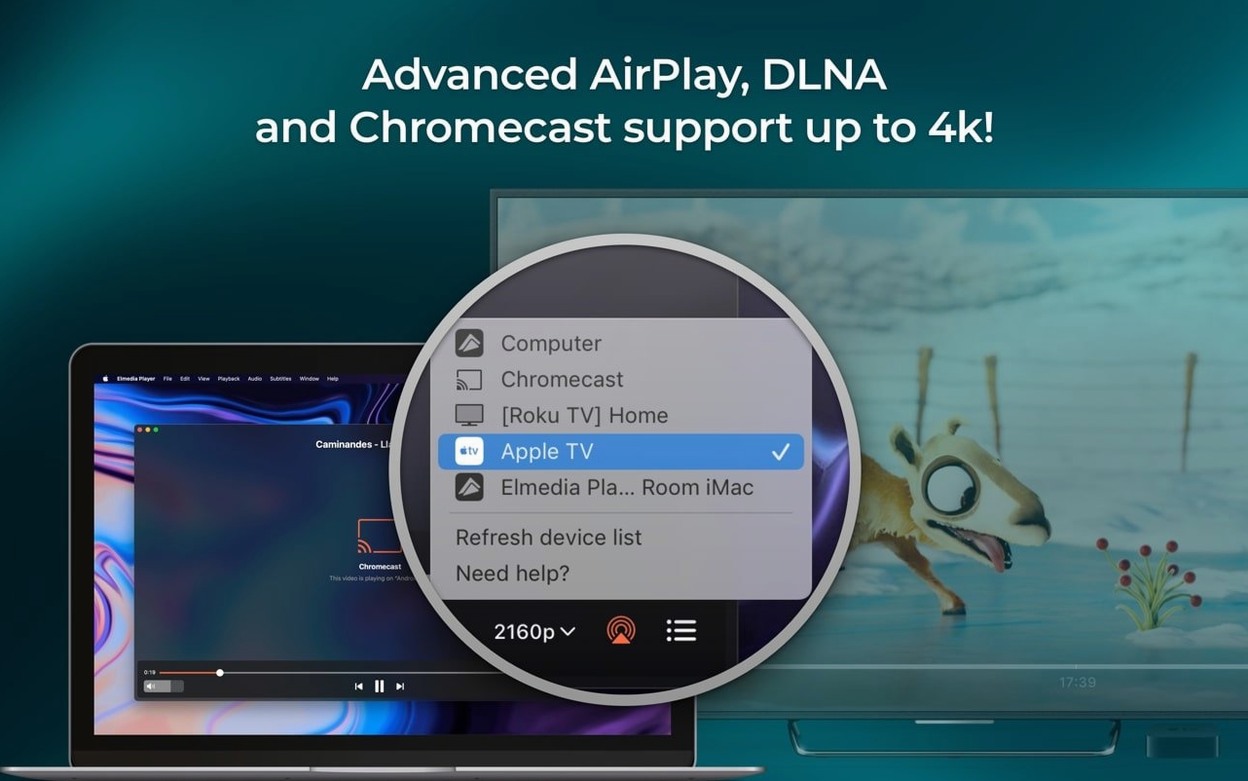
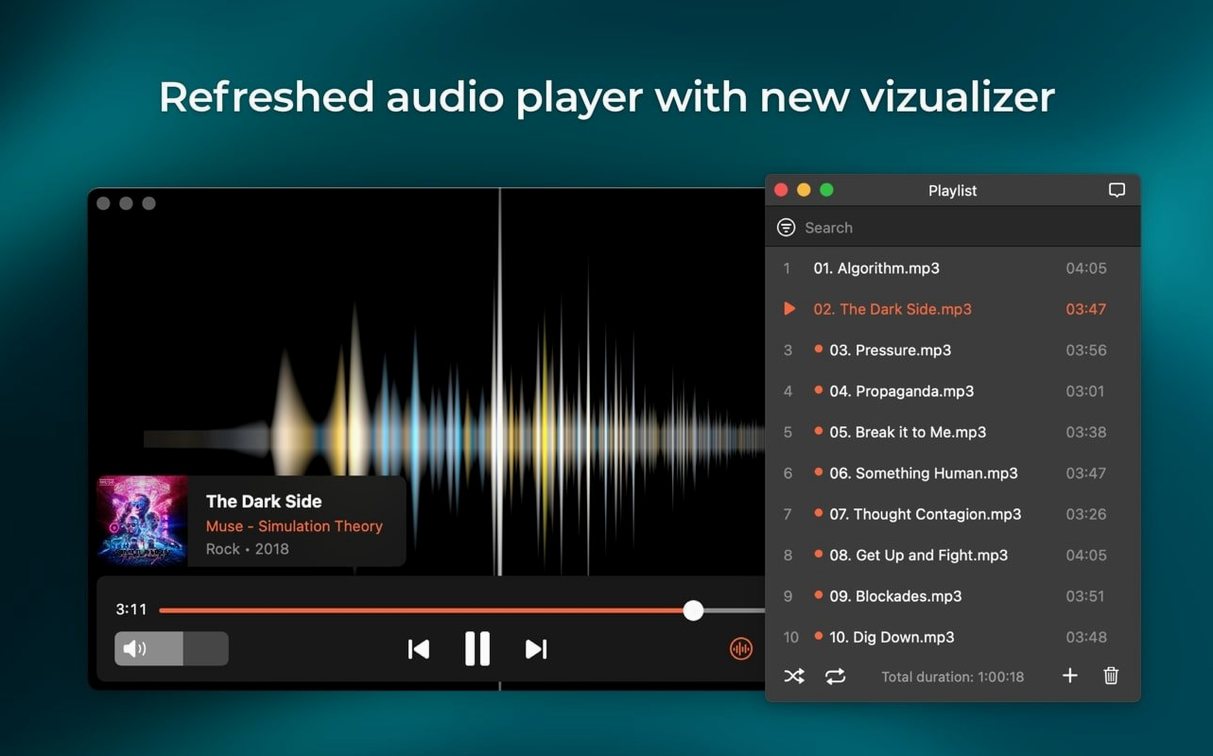
Scroll the row, it snaps to each screenshot. Click one to see it wider.
Elmedia Player Pro 8.24 (released December 5, 2025) adds support for M4B audiobook files and improves compatibility with macOS 26. If you manage media on a Mac, this update keeps things moving.
Features by the job they do
- Multi-channel audio: Use two, four, or eight channels to match your speaker setup or headphone output.
- RTMP stream download: Save streaming video directly to disk for offline viewing.
- AC-3 and DTS passthrough: Send raw audio from DVD rips to your receiver via S/PDIF or HDMI when the hardware supports it.
- Screen capture: Grab frames as TIFF, PNG, or GIF — no extra tool needed.
- Play online video: Enter a URL and watch it inside the player, no browser required.
- Flash EXE to SWF: Convert old Windows Flash executables into a format Macs can handle.
- AirPlay streaming: Push playback to AirPlay devices or to other Macs running Elmedia.
Why it fits a generalist's toolkit
Elmedia Player Pro covers the gaps QuickTime leaves behind. The M4B support matters if you handle audiobooks for staff training; the stream download and passthrough options cover the rest. It is a solid, multifunctional player for macOS.
Set Audio Channels Before First Play
Out of the box, Elmedia Player Pro runs fine. A few changes save time later.
- Audio channel count: Set two, four, or eight channels before you play anything. The default may not match your headphone or speaker setup.
- Hardware acceleration: Confirm it is on. This uses the GPU for HD video and keeps the fan quiet.
- AirPlay preferences: If you stream to another Mac or an AirPlay device, check the device list is visible. The v8.24 fix for the device list populates it correctly now.
- Download directory: Pick a folder you can find. Screenshots and downloaded streams land here by default.
These take two minutes. They stop surprises during a demo or a long playback session.
Scenario: an audiobook library for a clinic waiting room
A dental office in Columbus has a spare Mac hooked up to a speaker system in the waiting room. The front desk rotates through patient-education M4B files and background audio tracks. Before v8.24, the player could not open the M4B files without a conversion step. Now it handles them natively. The desk staff drags a folder into the playlist, sets the audio output to two channels, and hits play. No extra software, no batch conversion. The M4B support here is what makes the difference.
Fill QuickTime's Format Gaps on macOS
Elmedia Player Pro slots into a standard Mac workflow without friction.
- QuickTime gap filler: QuickTime on macOS has limited format support. Elmedia covers MKV, FLV, and SWF files that QuickTime ignores.
- macOS screen capture: The player's screenshot tool replaces a dedicated utility when you only need a frame grab. Save as PNG for quick sharing or TIFF for documentation.
- AirPlay across Macs: Push audio from the clinic's main iMac to a Mac mini in the back office that runs Elmedia. No extra audio cable, no pull-up. The v8.24 fix keeps the streaming connection stable.
- Downloads for offline use: Save an RTMP stream or an online video track to disk. No need for a separate download manager or browser add-on. The file lands in your chosen folder, ready for Apple's Finder to index or for a backup script.
For an IT generalist, that is one fewer tool to install and one fewer setting to chase.
- Added support for M4B audiobook files.
- Improved compatibility with macOS 26.
- Improved preventing the Mac from sleeping while streaming.
- Fixed streaming to certain devices.
- Fixed errors when opening the list of devices for streaming.
- macOS 10.12 or later
- Intel or Apple Silicon
Questions I get about this line
Yes, version 8.24 added support for M4B audiobook files.
It can use two, four, or eight audio channels, and it supports AC-3 and DTS passthrough when the audio path allows.
Yes, it supports AirPlay streaming from a Mac to AirPlay devices or to other Macs with Elmedia installed.
The install order
- Mount the disk image and run Open Gatekeeper friendly.
- Press Enter in the Terminal window to bypass Gatekeeper.
- Drag the app into the Applications folder.
- Use the app after installation.