
Free download (622 MB) Previous versions
- Version
- 14.4
- Developer
- Lostmarble LLC
- Languages
- Russian, English, German, Spanish, Chinese (Traditional), Chinese (Simplified), French, Japanese
- License type
- k'ed by CORE
| macOS range | macOS 10.15 or later |
|---|---|
| Chip | Apple Silicon, Intel 64-bit |
| Download | 622 MB |
| Previous versions | 11 on file |
Screenshots
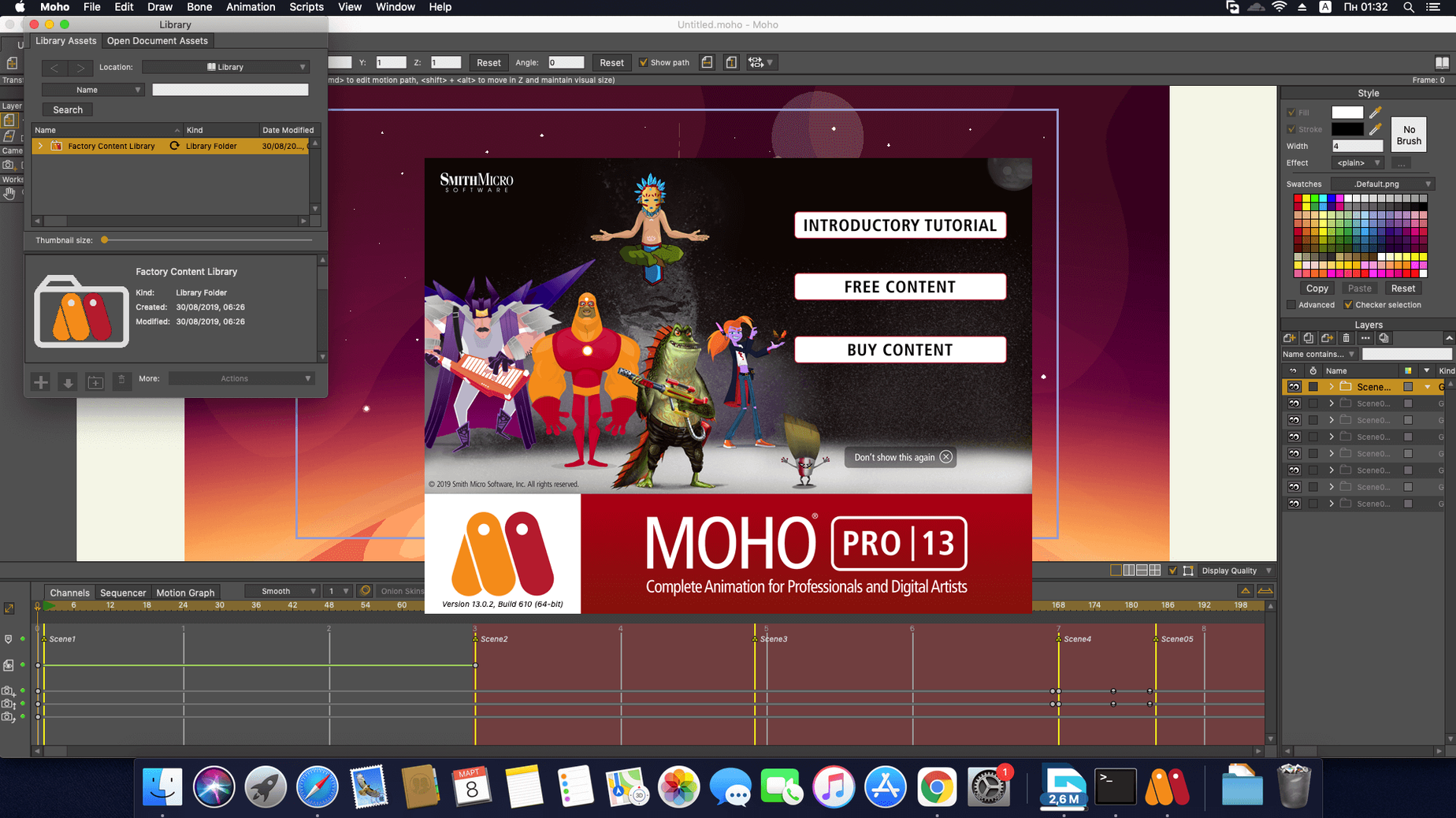
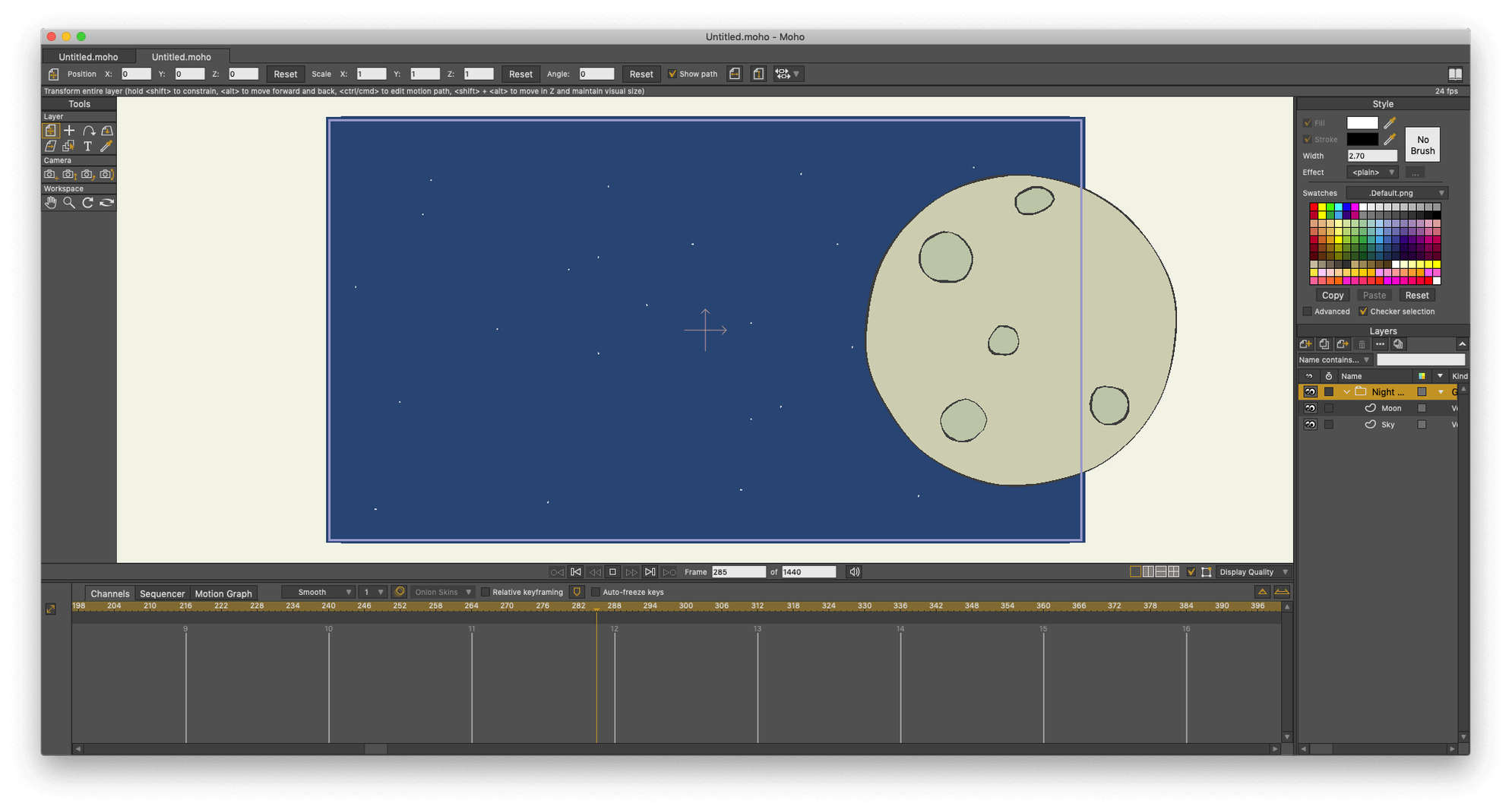
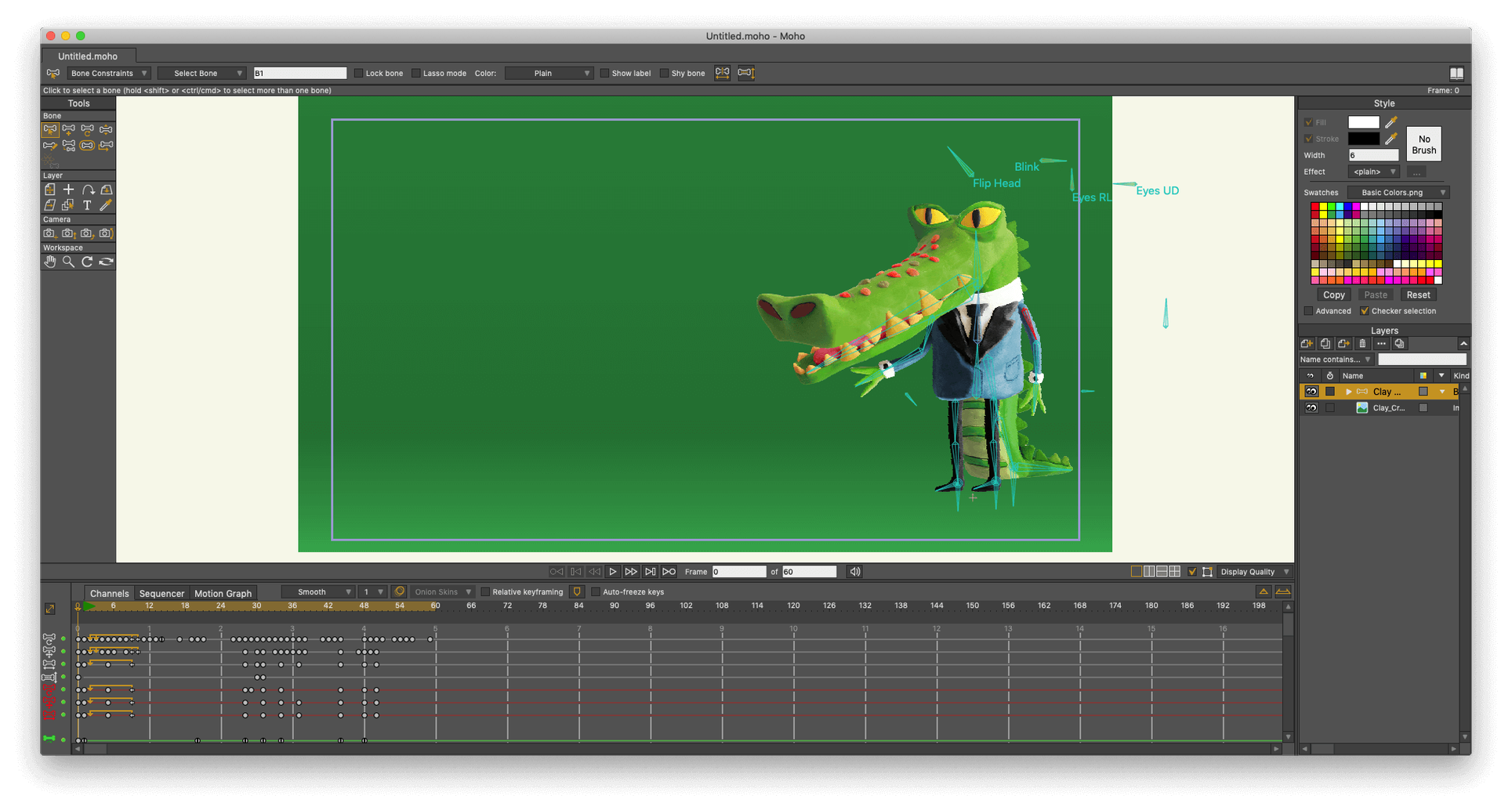
Scroll the row, it snaps to each screenshot. Click one to see it wider.
Moho Pro 14.4 works on Macs running macOS 10.15 or newer, both Intel and Apple Silicon. You will need a 64-bit OS, OpenGL 4.1 graphics, a 2.0 GHz processor, 4 GB RAM, and 1.6 GB free disk space.
Vector and cut-out 2D animation with physics
- Vector and cut-out 2D animation.
- Combining 3D scenes from Poser with 2D layers.
- Adding physics — density, gravity, friction, elasticity — to characters and props.
- Full HD video import and export.
- Using Lua scripting (updated to 5.4.4) for custom tools.
Built-in sequencer and curve animation core workflow
- Formerly called Anime Studio Pro.
- Built-in sequencer and curve animation tools are the core workflow.
- glTF/GLB export is new in 14.4 for game engines and 3D apps.
- Online connection needed at activation.
Independent animators and small studios for cut-out content
Moho Pro 14.4 fits anyone doing regular 2D animation work. The people who benefit most are:
- Independent animators who need one tool for vector drawing, rigging, and timeline work without switching apps.
- Small studios producing cut-out style content for YouTube, social media, or internal projects. The bone rigging system and physics sliders speed up repetitive motions.
- Motion graphics designers adding character animation to explainer videos. The Photoshop document support means you can keep assets in your usual art program and bring them in whole.
- Game animation teams using the new glTF/GLB export. Exporting directly to Unity, Unreal, or Godot saves the extra step of converting through another format.
- Lua scripters who build custom animation helpers. The 5.4.4 update in Moho 14 opens up newer language features for more reliable scripts.
Interface and layer stack in the first session
Spend the first session on the interface, not on a finished piece. Open the built-in library of visual objects and see how layers stack. Try the sequencer with a simple two-frame switch — it is the fastest way to understand the timeline logic.
Second session: rig a single character. Add a bone, apply a physics control (gravity or friction), and watch how the motion changes when you adjust the sliders. This tells you more than reading the manual.
Third session: import a short HD video clip and export it back out. Check the file size and format. Knowing the export pipeline early saves rework later.
Layer order before complex rigs
- Jumping into complex rigs without learning the layer order first. Moho Pro 14.4 treats layers in a specific stack order. A bone on the wrong layer breaks the whole rig. Start with three-layer characters until the concept clicks.
- Skipping the scripting interface because it looks advanced. Even simple Lua 5.4.4 scripts for duplicating frames or batch-renaming layers cut hours off a project. Run one example from the documentation on day two.
- Ignoring the physics controls. Gravity and density are not just for effects. Apply a small amount to a falling character and it looks natural without manual keyframes. Beginners tend to animate every frame instead of letting the simulator handle it.
- Exporting at full resolution every time. Moho Pro 14.4 can produce HD video, but test renders at a lower setting until the timing is right. Full exports take space and time — use previews during the edit phase.
- Not checking the glTF/GLB export settings before sending assets to a game engine. The new 14.4 exporter has options for scale and axis orientation. Setting those wrong means re-exporting everything.
- macOS 10.15 or later
- Intel or Apple Silicon
- 64-bit OS
- OpenGL 4.1 supported graphics card
- 2.0 GHz Intel Core i3 or higher
- 4 GB RAM or higher
- 1.6 GB free hard drive space or higher
- Online connection required for activation
Questions I get about this line
Yes, Moho Pro 14.4 runs on both Intel and Apple Silicon Macs.
Moho Pro uses Lua; version 5.4.4 in the current 14.4 release.
Yes, version 14.4 adds glTF/GLB export for use in video game engines and 3D software.