
Free download (90 MB) Previous versions
- Version
- 8.5.5 CRACKFIX
- Developer
- Firecore LLC
- Languages
- Russian, English, German, Arabic, Basque, Burmese, Bulgarian, Hungarian, Vietnamese, Greek, Gujarati, Danish, Hebrew, Spanish, Italian, Catalan, Chinese (Traditional), Chinese (Simplified), Korean, Latvian, Dutch, Norwegian, Polish, Portuguese, Romanian, Slovak, Turkish, Ukrainian, Finnish, French, Croatian, Czech, Swedish, Estonian, Japanese
- License type
- Included
| macOS range | macOS 12 or later |
|---|---|
| Chip | Apple Silicon, Intel 64-bit |
| Download | 90 MB |
| Previous versions | 5 on file |
Screenshots
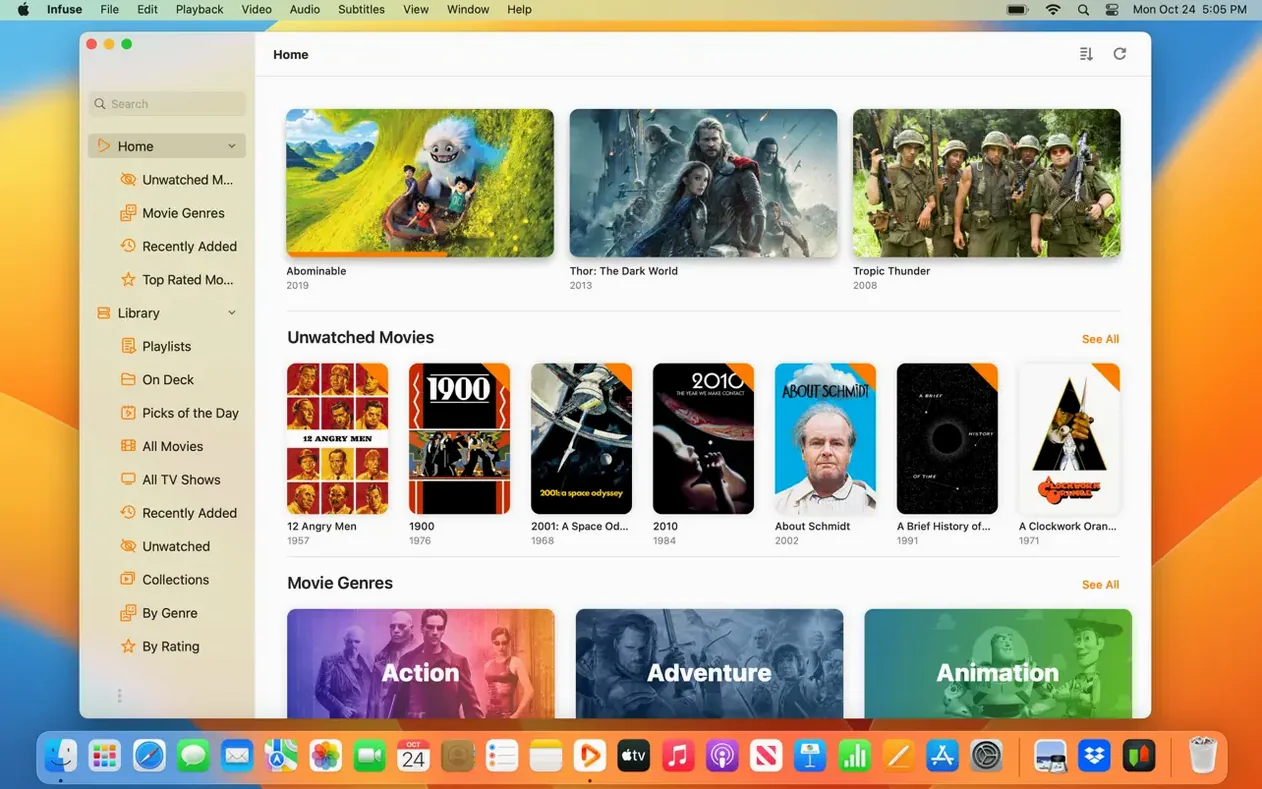
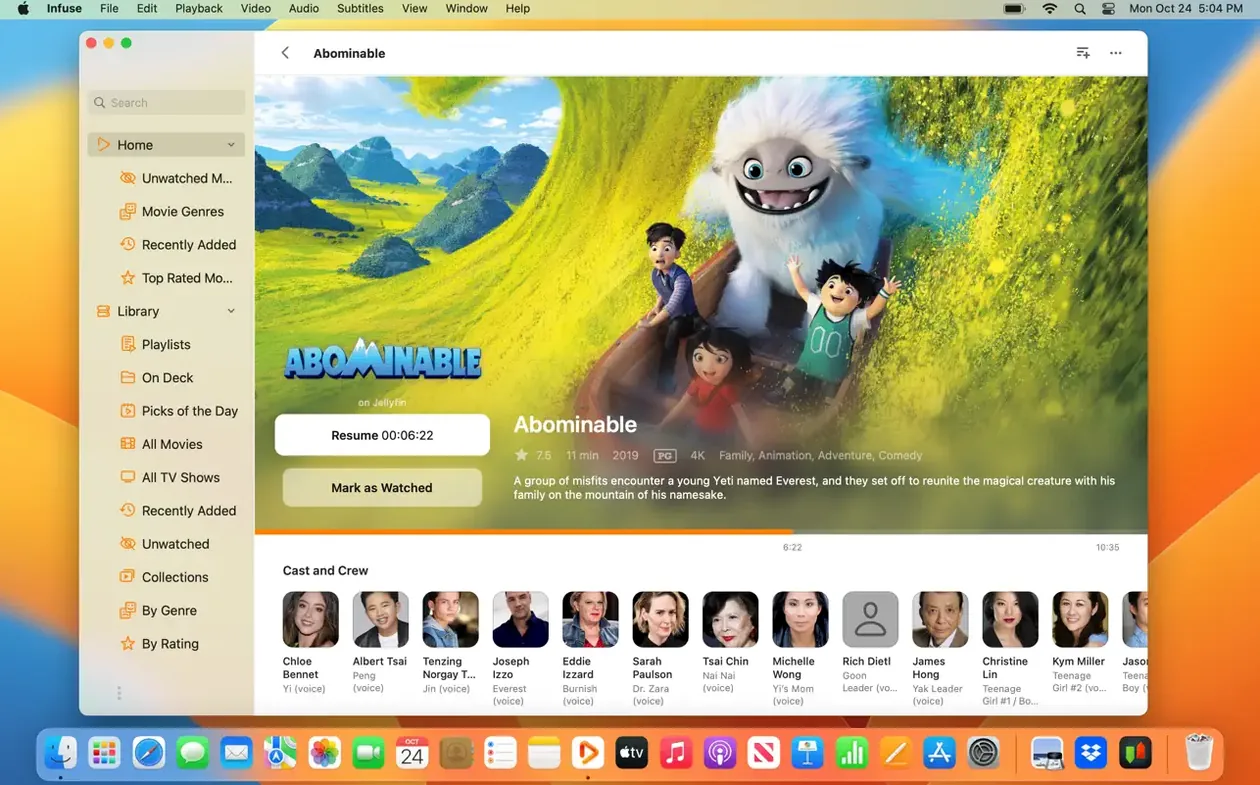
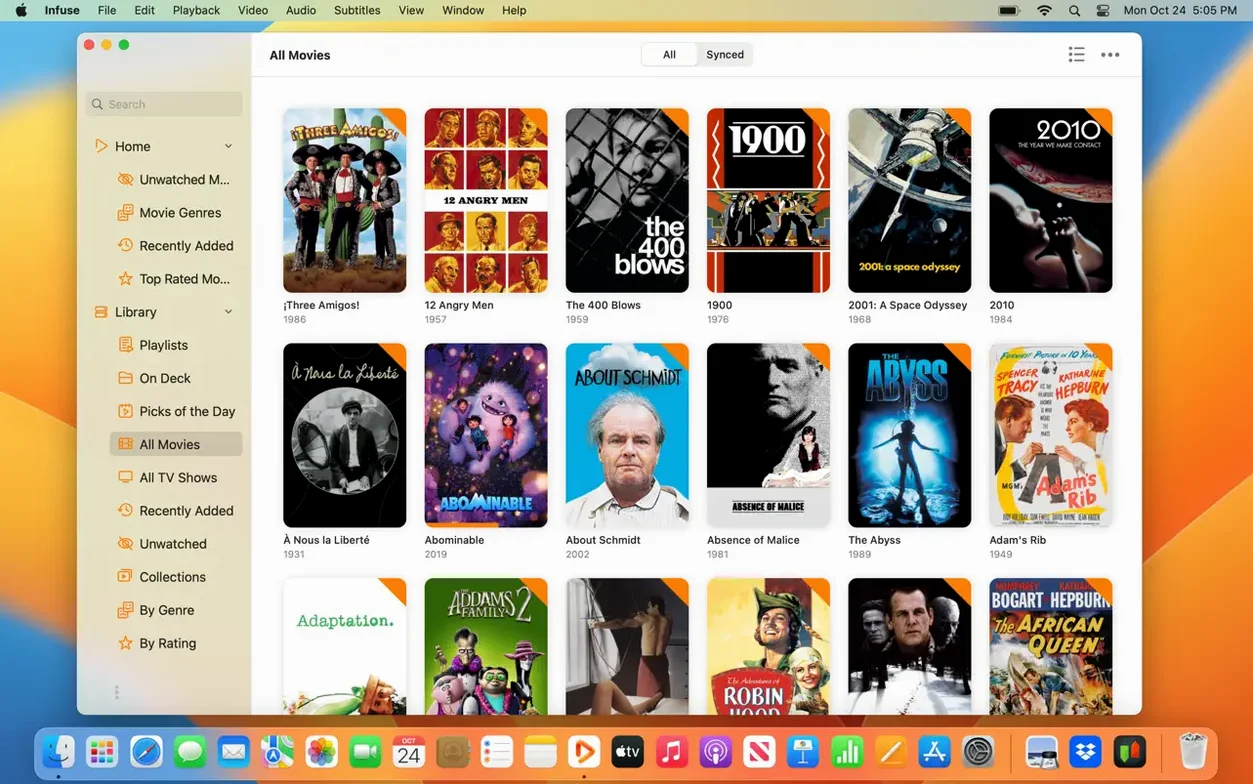
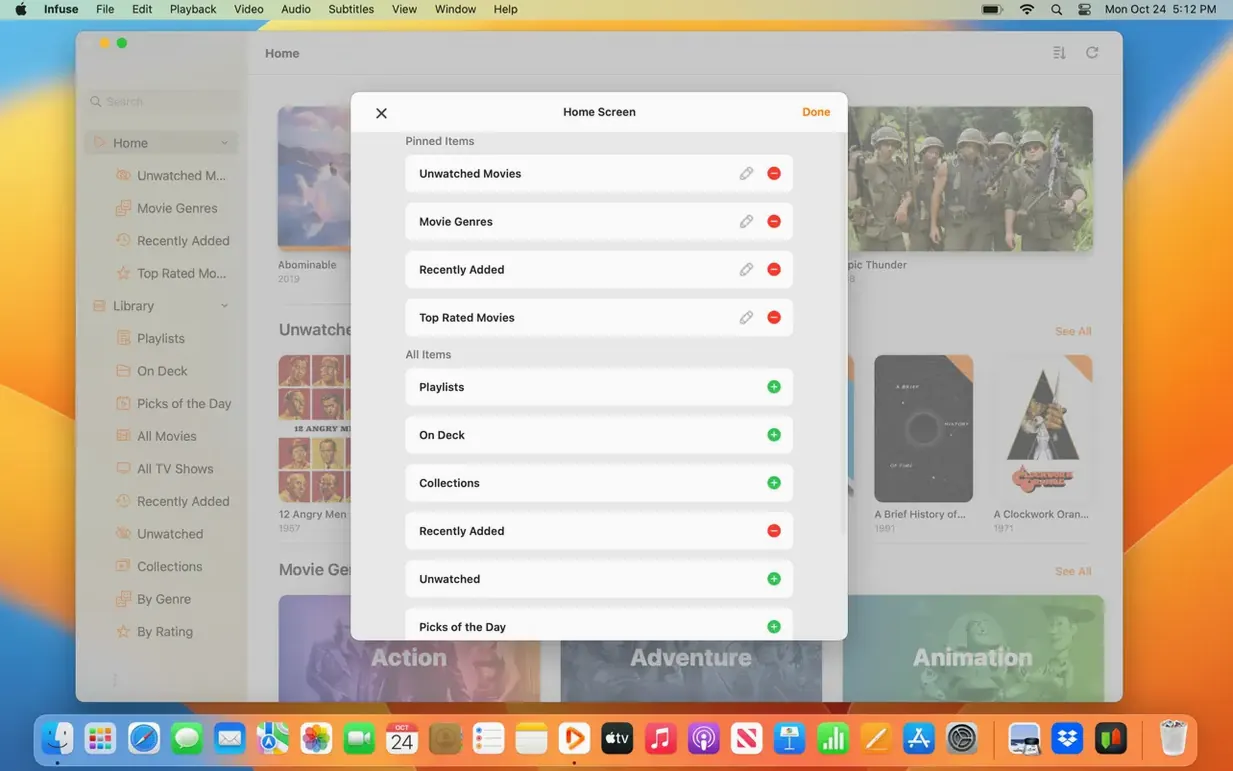
Scroll the row, it snaps to each screenshot. Click one to see it wider.
Infuse Pro 8.5.5 for macOS plays video from a dozen sources without transcoding, and the current version keeps the core while tuning the details.
Infuse Pro macOS — the paid feature set for Infuse, adding native iCloud sync for your library, watched status, and in-progress queue.
Streaming sources — pulls from Mac, PC, NAS, Wi-Fi drives, Plex, Emby, Jellyfin, Dropbox, Google Drive, OneDrive, Box, pCloud, Yandex.Disk, and Mega.nz.
Hardware support — runs on both Apple Silicon and 64-bit Intel Macs, optimized for macOS 12 and later.
Interface — available in 34 languages, including English, Russian, German, Spanish, French, and Chinese.
What stayed the same — the straightforward player layout, the format handling, and the way it treats your existing library.
Workflow: add a new TV season from a network drive
You have a Synology NAS on the same network, and you dropped the new season of a show into a shared folder. Open Infuse Pro. Tap Sources in the sidebar, then Add Source. Pick the shared folder from the browse list. If you use SMB, Infuse finds the share automatically. If you use NFS or FTP, pick that protocol and enter the path.
Infuse scans the folder and builds the library entry. It pulls metadata from the file names and shows the episodes in a grid. Open the show and pick the season. Each episode has a poster, a synopsis, and a play button. Trakt sync kicks in after you play one episode — Infuse marks it as watched in your Trakt history. If you stop mid-episode, the in-progress queue saves your spot and syncs across devices through iCloud.
Subtitles are next. If the episode has embedded subs, they load automatically. If you need external ones, drop an SRT file in the same folder with the same base name. Infuse picks it up. You can also tap the subtitle icon and search OpenSubtitles for the episode. Pick one, and it downloads and places it inline.
The whole process takes about a minute. No renaming, no metadata editors, no external tools. Infuse does the parsing and syncing on its own.
A typical session: Friday night, couch, random files
You open Infuse Pro after dinner. The library shows the last five things you watched, the in-progress queue, and the recent additions. You see a documentary you started two days ago, a Blu-ray rip in MKV from a friend, and a folder of WebM clips someone shared from Google Drive.
You start the documentary. Twenty minutes in, you get a text and need to pause. You close the laptop and walk to the kitchen. Later, from the iPad in the living room, you open Infuse. The in-progress marker is exactly where you left off. You finish the last ten minutes on the iPad, then switch back to the Mac to start the MKV rip.
The MKV plays without a stutter. DTS-HD audio goes through your DAC. The subtitles are already synced. After that, you open the WebM clips from the recent additions row. Each file loads as fast as you tap it. No transcoding, no stalling, no fumbling with formats. You close the app. Infuse syncs the watched state to iCloud and Trakt. Next time you open it on any device, those three items are marked done.
For Mac users with a NAS or network drive
Infuse Pro suits any Mac user who keeps a media library outside the Apple ecosystem. If you have a NAS or a network drive with TV shows and movies, Infuse is the best way to watch them on a Mac without re-encoding. The same applies if you use cloud storage as your main library — Dropbox, Google Drive, OneDrive, pCloud, Yandex.Disk, or Mega.nz. Infuse treats those folders like local ones.
It also fits people who watch across devices. If you start a movie on the Mac, pick it up on the iPad, and finish on the Apple TV, Infuse Pro’s iCloud sync keeps your place and watched history consistent. Trakt users get the same benefit for tracking and recommendations.
People who deal with unusual formats benefit too. MKV, ISO, FLV, OGV, WebM, WTV — Infuse handles them natively. You never need a separate converter or a secondary player. If you download a random video from a friend and it doesn’t play in the default player, Infuse usually does.
Finally, if you care about audio quality, Infuse Pro passes DTS and Dolby Digital Plus without downsampling. That matters for home theater setups or anyone using an external DAC.
- Version 8.5.5 released September 16, 2026.
- Release notes list Infuse 8.5.5 for iOS and iPadOS.
- macOS 12 or later
- Apple Silicon or 64-bit Intel
Questions I get about this line
Yes, Infuse Pro adds native iCloud syncing for your library, watched status, and in-progress queue.
The install order
- Open the downloaded disk image.
- Drag the app into the Applications folder shortcut.
- Launch the app from Launchpad after copying finishes.