
- Home
- VST Plugins
- Minuit Solstice
Free download (117 MB) Previous versions
- Version
- 1.2.0
- Developer
- Minuit Une
- Languages
- English
- License type
- Included
| macOS range | macOS 12 or later |
|---|---|
| Chip | Apple Silicon, Intel 64-bit |
| Download | 117 MB |
| Previous versions | 1 on file |
Screenshots
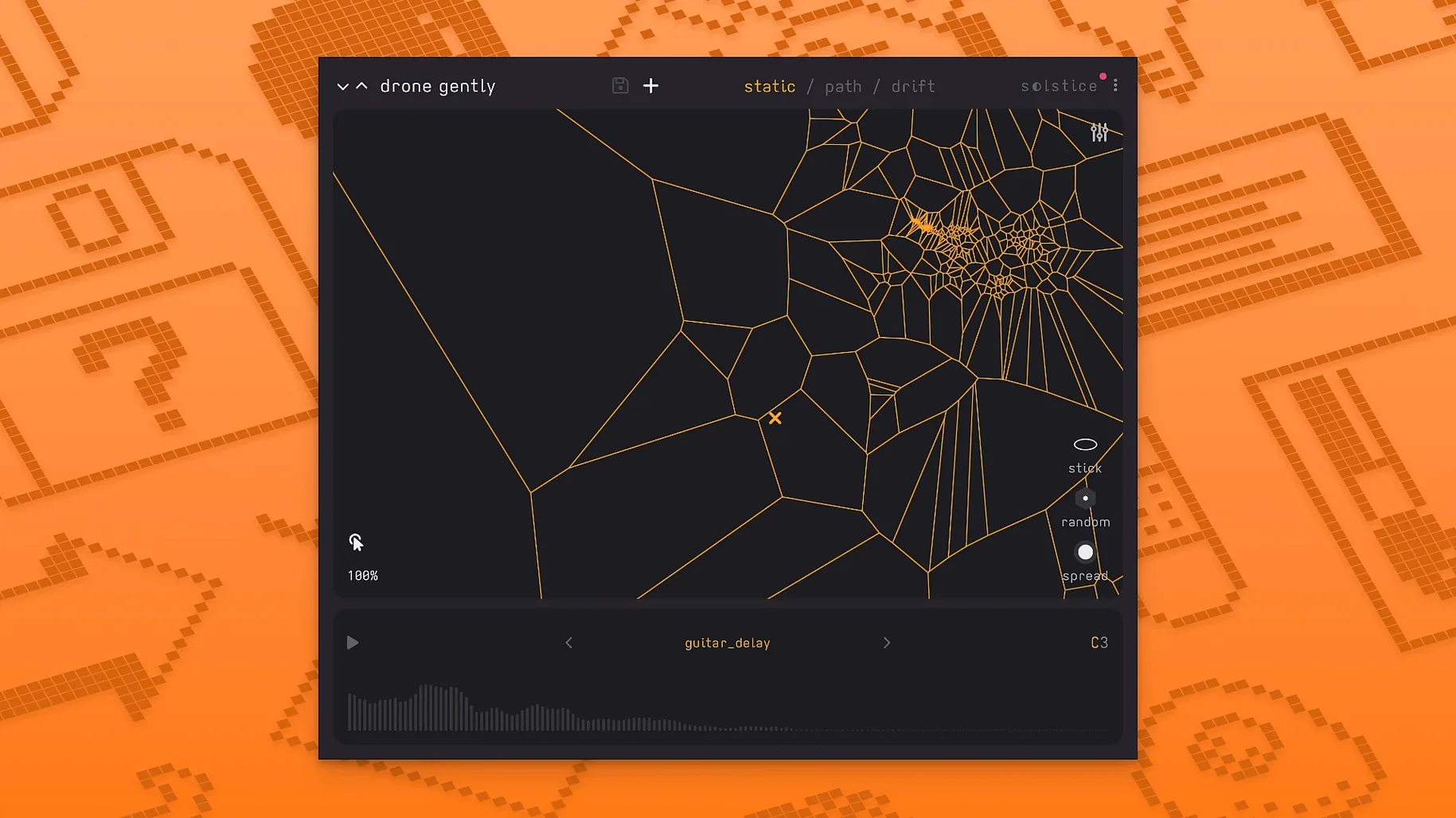
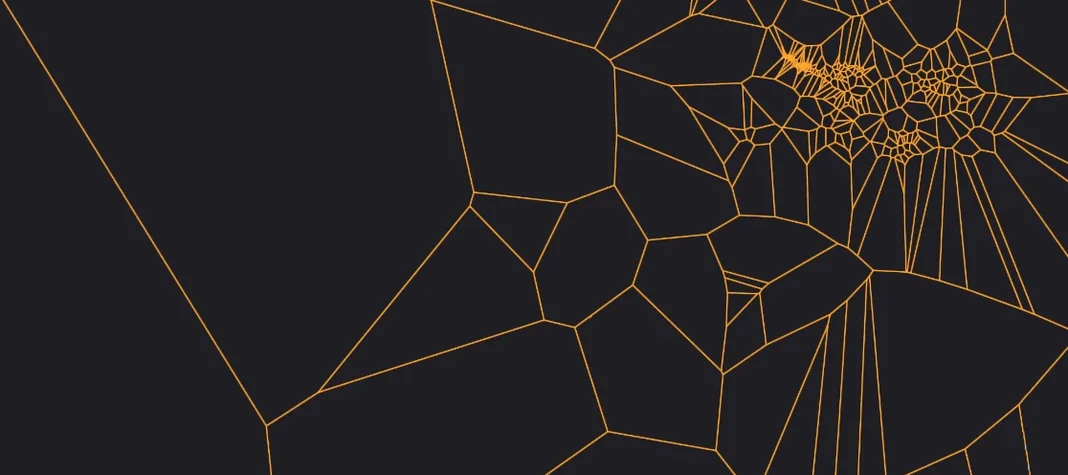
You drop a vocal phrase or a field recording into Solstice. It analyzes the sample's spectral content and projects it onto a two-dimensional map. Similar timbres cluster into dense regions, so you can mouse or MIDI across the grid and get a morphing, playable soundscape without pitch-shifting artifacts.
Controls and sound
- Map navigation – X/Y movement picks different spectral slices; dense clusters mean smooth timbral transitions.
- Reverb modulation – Adds motion to the tail, keeps the sound from sitting still.
- Saturation and glue – Two processors that bind the spectral layers together; useful for making the map feel cohesive.
- Auto root note detection – Sets the base pitch from the loaded sample, so the map plays in key without manual tuning.
- Spectral effects (1.2.0) – Texture, tilt, flutter, stretch, and bloom let you reshape the map's character after analysis.
- Basic MPE and MTS-ESP support – Per-note pitch, timbre, and pressure control if your controller supports it.
Genre fit
Solstice works for ambient, experimental, and sound-design work where you want a sample to remain recognizable but fluid. The spectral effects and reverb modulation make it easy to go from a clean map to something grainy or stretched. The new MPE support adds expressive control if you perform the map live rather than drawing automation.
Loading full mixes instead of isolated sounds
New users often load a full mix and expect a clean instrument. Solstice works better with isolated sounds — a single voice, a drum hit, a synth pad. A dense mix produces a map that jumps between too many timbres at once.
Another frequent error is ignoring the spectral effects until after the map is built. Applying texture or stretch before you start navigating can change the entire playable area, not just the tail. Experiment with bloom and flutter right after loading the sample, not at the end of your session.
Over-reliance on the automatic drift is also common. It generates unpredictable patterns, but the map sounds best when you guide it — dragging the cursor across regions yourself gives you control over the dynamics. Let the drift run for texture, but steer it for structure.
Spectral maps vs. Arcade's granular library
Several Mac plugins work with samples and spectral manipulation, but they take different approaches.
- Against Output Arcade: Arcade uses a sample library and a granular engine. Solstice uses any audio you load and builds a two-dimensional spectral map instead of grains. Arcade is preset-heavy; Solstice rewards experimentation with your own source material.
- Against Spektron: Spektron focuses on spectral freezing and granular playback of a single sample position. Solstice spreads the sample across a playable X/Y field. Spektron is good for drones, but Solstice gives you morphing between clusters of similar timbres, which is better for live performance.
- Against Hyperion: Hyperion is a spectral re-synth with a different mapping logic. It leans toward cinematic pads and layered textures. Solstice stays closer to the original sample's character and lets you move through it with a cursor or MIDI. Hyperion is more polished for preset work; Solstice feels more direct and hands-on.
None of these replace minuit solstice when you want to explore a single sample as a playable terrain. The combination of spectral effects, MPE support, and auto root detection keeps the workflow fast without forcing you into a preset browser.
- Basic MPE support added.
- MTS-ESP support added.
- Five spectral effects added: texture, tilt, flutter, stretch, and bloom.
- macOS 12 or later
- Intel or Apple Silicon
- Interface language: English
Questions I get about this line
macOS 12 or later, with both Intel and Apple Silicon supported.
Version 1.2.0 adds basic MPE support, so you can use per-note pitch, timbre, and pressure via a compatible controller.
The install order
- Follow the included installation instructions.
- Follow the included activation instructions.