
- Home
- VST Plugins
- Roland ZENOLOGY Pro
Free download (1.8 GB) Previous versions
- Version
- 2.0.7
- Developer
- Roland Cloud
- Languages
- English
- License type
- k'ed by Team V.R
| macOS range | macOS 11 or later |
|---|---|
| Chip | Apple Silicon, Intel 64-bit |
| Download | 1.8 GB |
| Previous versions | 3 on file |
Screenshots
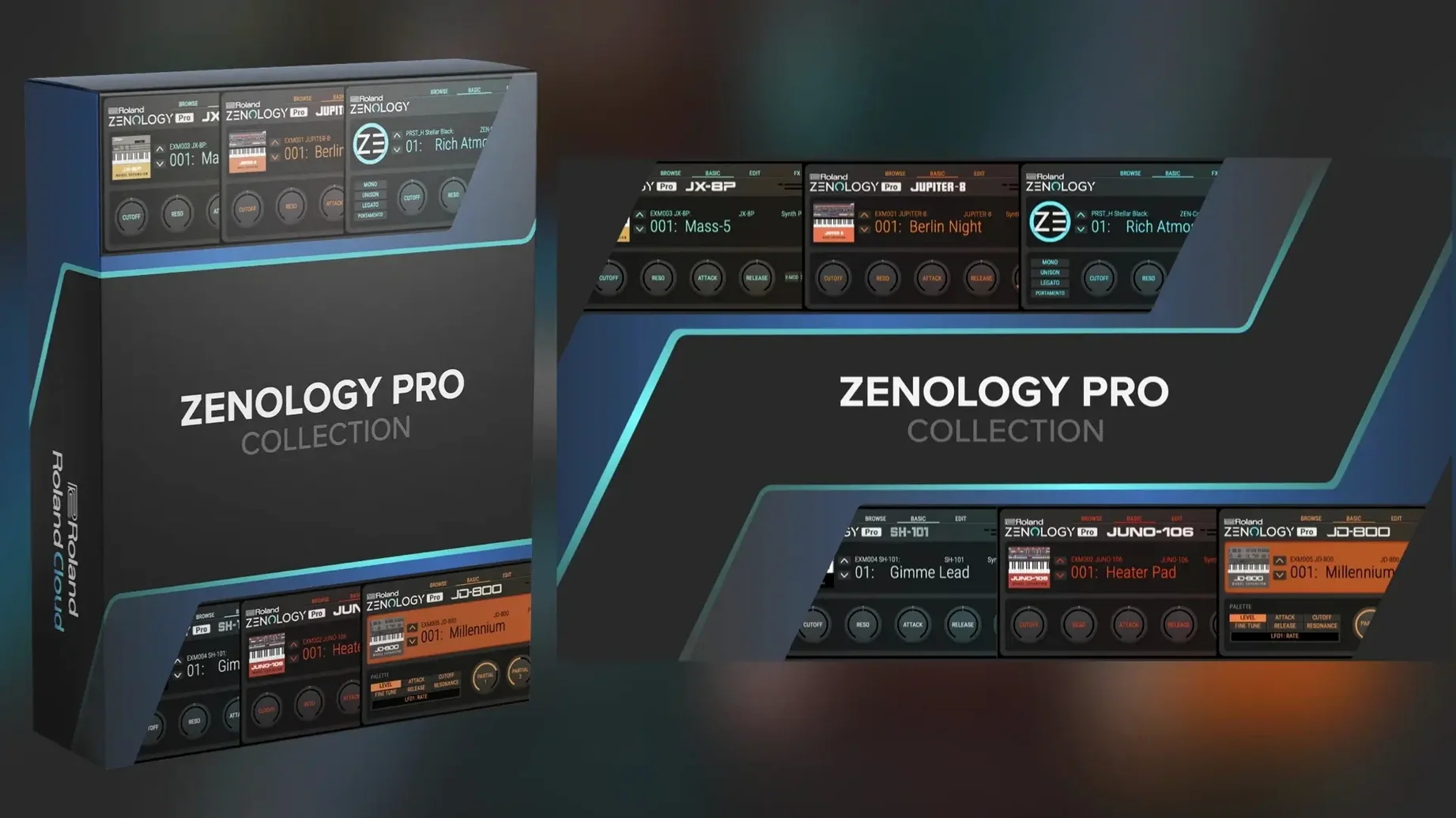
ZENOLOGY Pro runs on any 64-bit Intel or Apple Silicon Mac running macOS 11 or later. It loads as a standard plug-in in your DAW — AU, VST, or AAX — no extra hardware needed.
- Four-part architecture per tone: oscillator, filter, amp, two LFOs, and EQ per part.
- Four oscillator types: virtual analog, Supersaw, noise, PCM, and PCM SYNC.
- More than 4,000 tones and 200 drum kits built in.
- Over 90 Roland effects included.
- Edit and share sounds with ZEN-Core hardware instruments.
- Expandable with Roland Cloud Sound Packs and Wave Expansions.
Beginners often overlook the four-part structure
New users load a tone, hear something decent, and stop. The mistake is treating ZENOLOGY Pro like a one-layer synth. Each tone can hold up to four parts. Each part has its own oscillator, filter, amplifier, two LFOs, and EQ. If you only use Part 1, you are leaving three-quarters of the engine unused. Start by duplicating a part and detuning the second oscillator a few cents. Layer a bright PCM waveform over a warm virtual analog waveform. That is where the sound opens up.
Another common error is ignoring the filter types. Ten filters are available, including JUPITER models. Beginners tend to stick with the default low-pass filter. Try a band-pass or a notch filter on a drum loop. The character changes fast.
The tone browser also gets missed. You can mark favorites and build custom banks. Without that, you scroll through 4,000 tones every session. Spend five minutes tagging your go-to patches. It saves time on every project afterward.
Loading ZENOLOGY Pro as a DAW VST
I open my DAW, create a new instrument track, and load ZENOLOGY Pro as a VST. The plug-in window appears. I click the tone browser. I have a few banks saved from last week — drum kits for a techno track and some pads for an ambient piece. I pick a pad called "Deep Space Drift" and play a chord. It sounds thin.
I open Part 2. I switch the oscillator type to PCM SYNC and select a waveform from the 1,840 available. I tune it up seven cents. The chord gains a metallic shimmer. I add a slow LFO to the filter cutoff — one of the 11 LFO shapes, a sine wave. The pad now breathes.
Next, I route the sound through one of the 90 effects. I choose a reverb with a long decay. I adjust the wet/dry mix. The part sits better now. I save the edited tone as a new bank entry under "Pads."
I move to a bass line. I load a tone called "Analog Sub." I open Part 3, set the oscillator to Supersaw, and add a second LFO to the pulse width. The bass gets grittier. I layer Part 1 with a simple noise oscillator for attack. I export the MIDI clip and move on. Total time: about twelve minutes.
Workflow: build a layered drum kit from scratch
This task uses the 200 drum kits included and the four-part architecture to build a custom kit.
- Load a drum kit tone from the browser. Pick one that has a kick, snare, and hi-hat mapped to keys.
- Open Part 1. This is the kick drum. Change the oscillator type to PCM and select a punchier waveform from the PCM list. Adjust the filter envelope — shorter decay, higher resonance.
- Open Part 2 for the snare. Switch the oscillator to noise and layer a PCM waveform underneath. Tune the PCM waveform to C3. Adjust the amplifier envelope for a sharp attack.
- Open Part 3 for the hi-hat. Use a noise oscillator with a high-pass filter. Set the LFO to a triangle shape modulating the filter cutoff slightly. This adds movement to the open hat.
- Open Part 4 for a crash cymbal. Use a PCM SYNC oscillator with a long release on the amplifier envelope. Add a reverb effect from the effects list.
- Save the entire tone as a new custom bank. Name it "Custom Kit 01." You can recall it in any project.
- Drag the MIDI clip to the timeline. Adjust note velocities in your DAW for dynamics.
The result is a kit that uses the same engine as Roland ZEN-Core hardware but lives entirely inside your Mac. No external modules needed.
Custom banks for tone browser grouping
- The tone browser lets you create custom banks. You can group sounds by project or genre. This is not just a favorites list — it is a separate bank you can export or share.
- You can edit sounds and share them with compatible ZEN-Core hardware instruments like the JUPITER-X or FANTOM. If you own the hardware, you are not locked into one platform.
- The plug-in supports up to four parts per tone. Each part has its own LFOs and EQ. You can set different LFO shapes on different parts and modulate them independently.
- Wave Expansions and Sound Packs from Roland Cloud install directly into the browser. No extra mapping or configuration required.
- The interface is resizable. Drag the corner to match your screen or workflow. Small details like this matter over a long session.
If you search for a cracked version, you will find the same version 2.0.7. The install procedure is standard: mount the disk image, run the installer, and it works on macOS 11 or later, both Intel and Apple Silicon. No extra steps for ARM users.
It is the advanced version of the standard ZENOLOGY plug-in — same core engine, more layers, more control.
- macOS 11 or later
- Apple Silicon or Intel 64-bit
The install order
- Mount the downloaded disk image.
- Run the standard installer.