- Home
- VST Plugins
- Solemn Tones MayoBass
- Version
- 1.4.15
- Developer
- Solemn Tones
- Languages
- English
- License type
- Not required
| macOS range | macOS 10.13 or later |
|---|---|
| Chip | Apple Silicon, Intel 64-bit |
| Download | 3.6 GB |
Screenshots
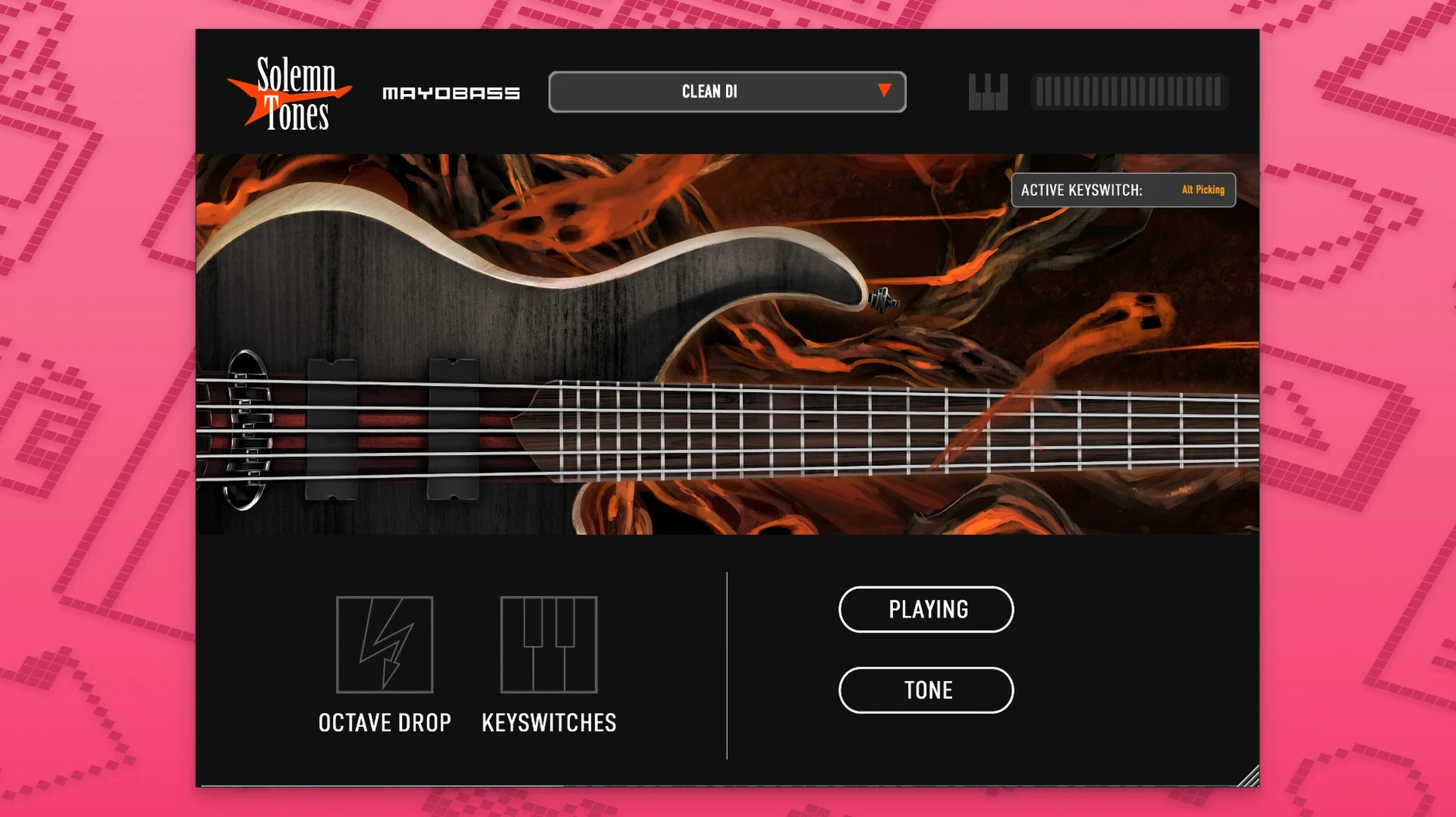
MayoBass 1.4.15 keeps the same solid feature set that made it a staple for programmed bass lines. This update stays focused on stability, so you can keep working without surprises.
- 20 articulations, including slap, give you enough variation for natural-sounding parts.
- Two-channel emulation of the Mayo M-200 amplifier: a warm, rounded clean channel and an aggressive overdriven channel with natural sustain.
- Built-in compressor, equalizer, and limiter cover the essential shaping without extra plugins.
- A cabinet with multiple microphones lets you dial in the tone directly.
- More than 70 presets get you started fast, whether you need a quick sketch or a final track.
- No Kontakt or third-party sampler required — it runs on its own, saving you setup time.
MayoBass sits well next to your existing Mac tools. It supports both ARM and x86 64-bit, works on macOS 10.13 and later, and can tune down to double drop C for heavier styles. If you produce in Logic, GarageBand, or any AU/VST host, it slots in without fuss.
Loading the heavy overdriven channel for metal riffs
Open your DAW and load MayoBass on a new instrument track. Pick one of the 70 presets first — the heavy overdriven channel is a good starting point for a metal riff. The interface shows both amp channels. Dial in the cabinet microphone position by ear until the low end sits where you want it.
Write a simple palm-muted pattern using one of the 20 articulations. Cycle through a few others — the slap articulation adds attack for a bridge section. The built-in compressor catches the peaks, and the EQ shapes the midrange so the bass cuts through without fighting the guitars.
For a breakdown, switch to the clean channel. The warm, rounded tone sits back in the mix naturally. The limiter on the master bus keeps the level consistent when you toggle between presets. Save your own as a user preset once the tone matches the song.
macOS 10.13+ with Intel and Apple Silicon support
MayoBass 1.4.15 installs from a disk image — double-click it and run the standard installer. It requires macOS 10.13 or later, and it runs on both Intel and Apple Silicon Macs. The interface is in English. No activation step is needed, so you load it and play.
You can download solemn tones mayobass for mac and start with any modern DAW that supports AU or VST. The sampler uses its own engine, not Kontakt. The tuning range goes down to double drop C, sampled from drop F and retuned, which covers most modern metal and rock tunings without extra work.
Building a bass track from scratch
Start with a new project in your DAW and load MayoBass on an empty instrument track. Scroll through the preset list — pick "Modern Rock" or any clean tone for an open verse section. Write a simple root-note pattern first. The 20 articulations let you vary attack for each note without switching patches.
For the chorus, switch to one of the heavy overdriven presets. The Mayo M-200 overdriven channel adds natural sustain, so held notes ring out without extra compression. Adjust the cabinet microphone position until the low end feels solid. The built-in EQ cleans up the sub-bass region.
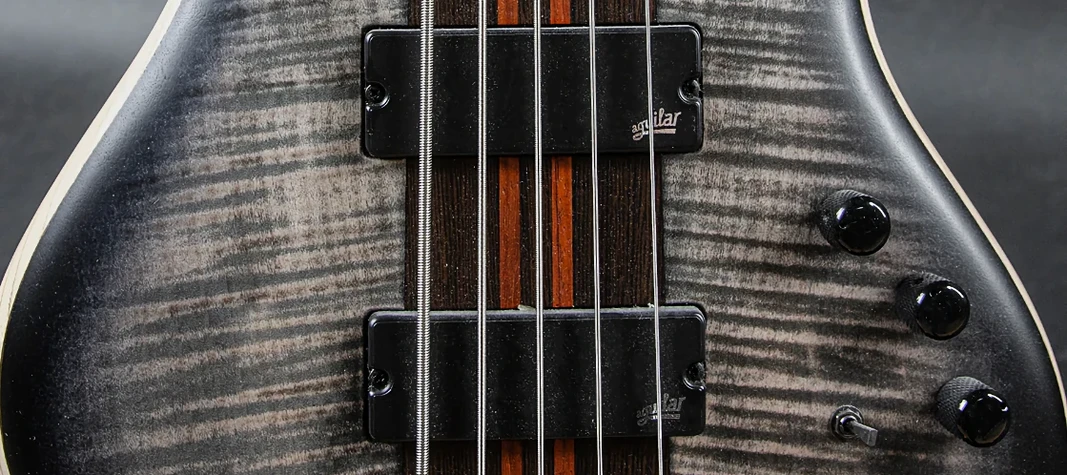
Record a bridge section using the slap articulation. The sampled Mayones Patriot Bass responds well to velocity changes, so play in the part rather than drawing it. Toggle between the clean and overdriven channels for contrast between sections. Save your custom mix as a user preset when the tone matches the arrangement.
What the Mac requirements mean day to day
MayoBass 1.4.15 needs macOS 10.13 or later. It runs on both ARM and x86 64-bit architectures, so it works on any modern Mac without checking processor type. The installer comes as a standard disk image — open it, run the installer, and the plugin appears in your DAW's instrument list.
No Kontakt or third-party sampler means one less thing to update. The interface is in English only. No activation step exists, so there is no online check or license file to manage. You can download solemn tones mayobass for mac and load it immediately in any AU or VST-compatible DAW.
- macOS 10.13 or later
- ARM or x86 64-bit architecture
The install order
- Open the downloaded disk image.
- Run the standard installer.