- Home
- VST Plugins
- Soundtheory Gullfoss

Free download (176 MB) Previous versions
- Version
- 1.11.7
- Developer
- Soundtheory
- Languages
- English
- License type
- k'ed by GUISEPPE
| macOS range | macOS 11 or later |
|---|---|
| Chip | Apple Silicon |
| Download | 176 MB |
| Previous versions | 1 on file |
Screenshots
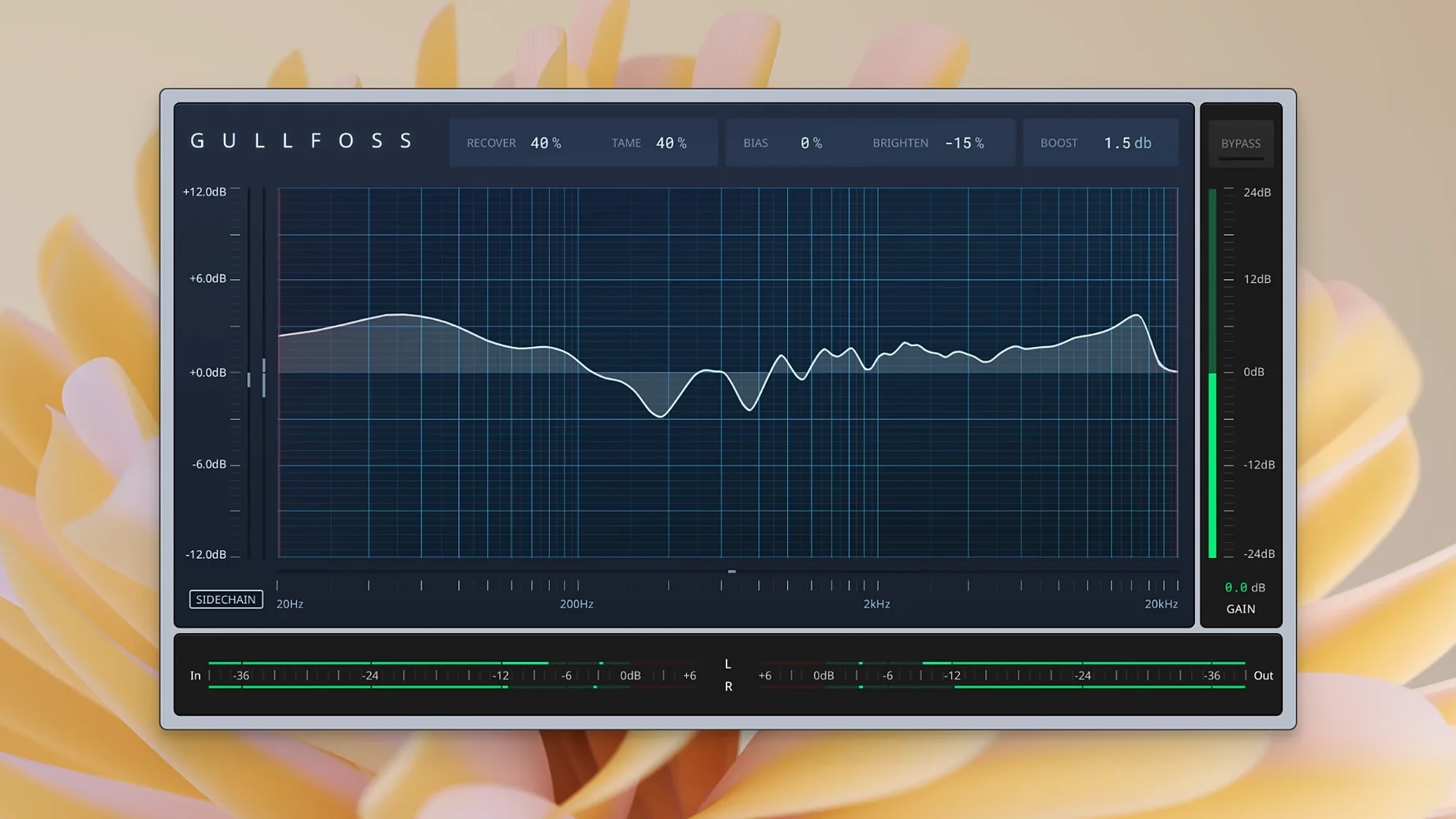
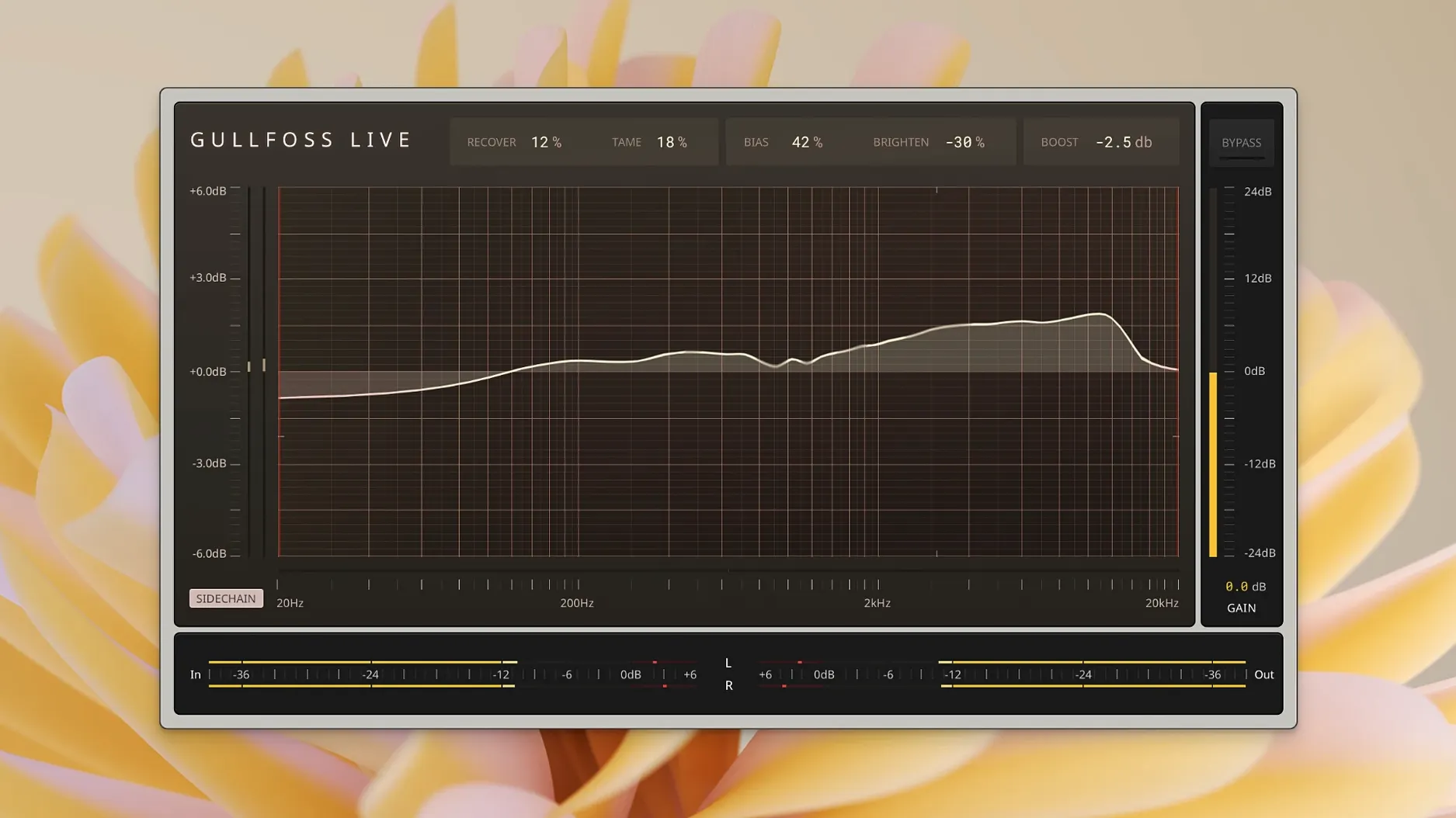
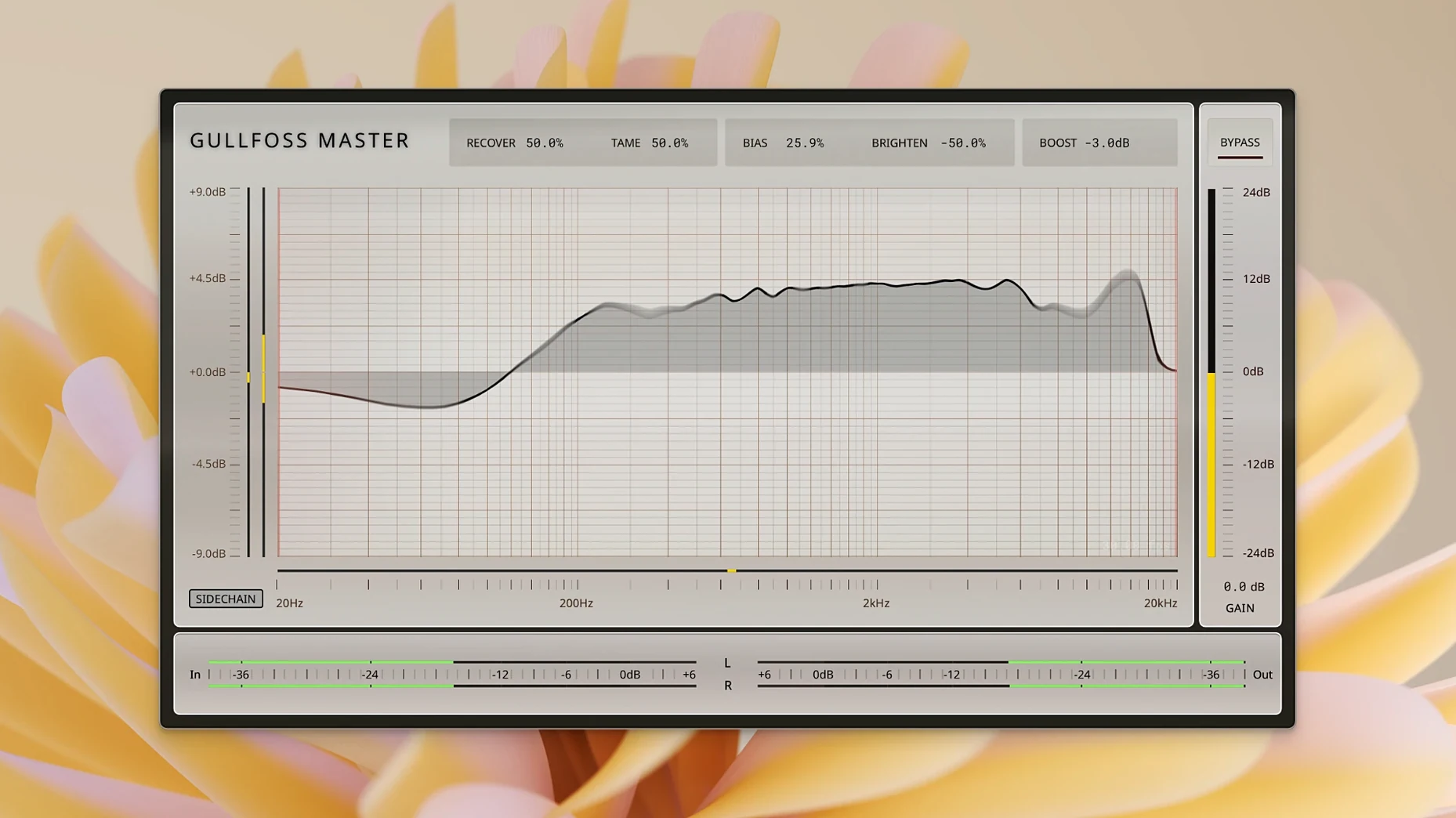
Click a screenshot to see it wider.
Soundtheory Gullfoss is an intelligent equalizer that listens to a signal and prepares audio so your brain gets more information from it.
Recovers Hidden Elements and Tames Frequencies
- Vocals, drums, and synthesizers — on individual tracks or full mixes.
- Bringing out hidden elements with the Recover control.
- Controlling dominant frequencies with Tame.
- Mastering with the specialized Gullfoss Master mode.
- Live use with the low-latency Gullfoss Live version.
Real-Time Analysis on Apple Silicon Macs
- Uses a computational hearing model to analyze audio in real time.
- Built to improve clarity, detail, spatial impression, and mix balance.
- Runs on Apple Silicon Macs with macOS 11 or later.
- Version 1.11.7 fixes GarageBand compatibility on Intel Macs.
GarageBand Fix for Intel Macs
Version 1.11.7 is a maintenance update with a single fix. If you use GarageBand on an Intel Mac, the plugin now loads and runs correctly. For everyone else — Apple Silicon users, or anyone working in a different host — daily operation is the same as before. No workflow changes, no new controls, no interface updates.
What you can expect on your Mac
Gullfoss 1.11.7 runs on macOS 11 or later with Apple Silicon processors. Your machine needs a 64-bit host that supports AU, VST, VST3, or AAX Native. The graphics processor must support OpenGL 3.2 or later, which is standard on Apple Silicon Macs. Activation requires iLok License Manager, the same as earlier versions. No special tuning or extra system tweaks are needed. Perform the standard installation procedure and it is ready to go.
Three Plugins in One Install
- Three plugins in one install. Gullfoss, Gullfoss Live, and Gullfoss Master install together. You get the standard version for mixing, the low-latency Gullfoss Live for tracking or live sound, and Gullfoss Master with settings tuned for mastering — all from a single download.
- Bias adjusts the balance. The Bias control sits between Recover and Tame. Turning it one way favors recovering hidden detail; the other way favors taming dominant frequencies. It is a direct way to fine-tune how the plugin handles the signal.
- Real-time analysis. The computational hearing model works while you play audio. You hear the effect immediately as you adjust Recover, Tame, or Bias — no scanning or offline processing.
Everyday Use After Version 1.11.7
The GarageBand fix is the only change in 1.11.7. If you are not on an Intel Mac running GarageBand, nothing looks or behaves differently. The plugin opens the same controls, responds the same way to Recover and Tame adjustments, and loads in your session at the same point as before. For Apple Silicon users, this update is a maintenance release — install it and keep working.
What You Get With Each Mode
- Gullfoss (standard). For mixing individual tracks or groups. Use Recover to bring out buried details, Tame to knock down harsh or masking frequencies, and Bias to set the balance between the two. Works on vocals, drums, synths, or a full mix bus.
- Gullfoss Live. Lower latency for real-time monitoring during tracking or live sound. Same controls, same behavior, but optimized for situations where delay matters.
- Gullfoss Master. Tuned for the final stereo mix. The processing is gentler by default, meant for subtle adjustments across an entire master bus. Use it to open up a dense mix or smooth out frequency buildup.
Running Gullfoss on Your Mac
Gullfoss 1.11.7 requires macOS 11 or later with Apple Silicon. Your host must be 64-bit and support AU, VST, VST3, or AAX Native. OpenGL 3.2 or later is needed for the graphics — all Apple Silicon Macs meet this. Activation goes through iLok License Manager. No extra configuration is required after the standard install. The plugin appears in your host's effect list as Gullfoss, Gullfoss Live, and Gullfoss Master.
- Fixed GarageBand compatibility on Intel Macs.
- macOS 11 or later
- Apple Silicon or Intel
- 64-bit plug-in host (AU, VST, VST3, or AAX Native)
- Graphics processor with OpenGL 3.2 or later
- iLok License Manager for activation
Questions I get about this line
It analyzes audio with a computational hearing model and applies intelligent EQ to improve clarity, detail, spatial impression, and mix balance.
Yes, it works on mixes or individual tracks, including vocals, drums, and synthesizers.
Recover brings out hidden elements in the signal, while Tame reduces dominant frequencies that mask other parts.
The install order
- Run the standard installer package.