
- Home
- VST Plugins
- Toontrack EZkeys
Free download (707 MB) Previous versions
- Version
- 2.1.5
- Developer
- Toontrack
- Languages
- English
- License type
- k'ed by Team V.R
| macOS range | macOS 10.13 or later |
|---|---|
| Chip | Apple Silicon, Intel 64-bit |
| Download | 707 MB |
| Previous versions | 8 on file |
Screenshots
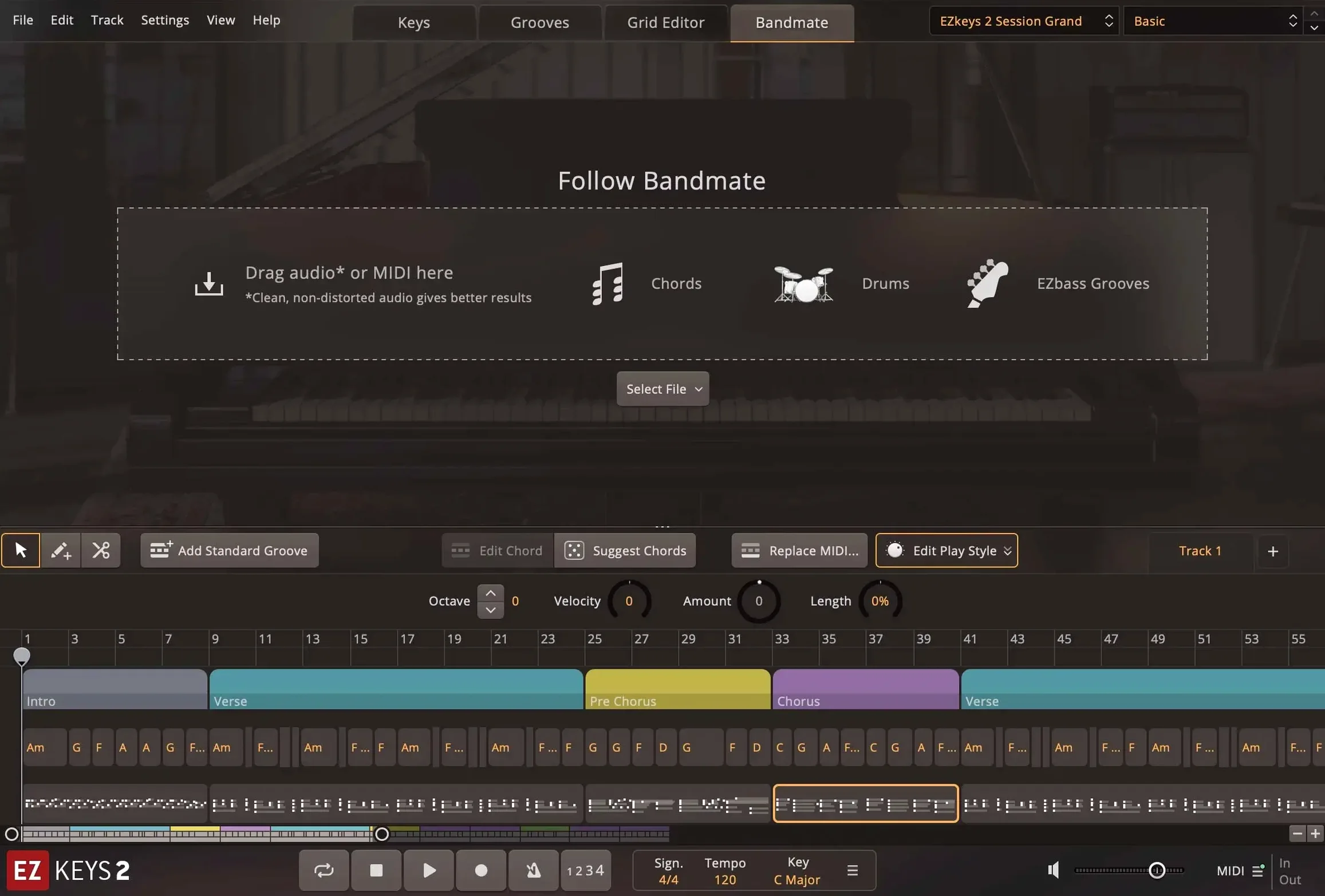
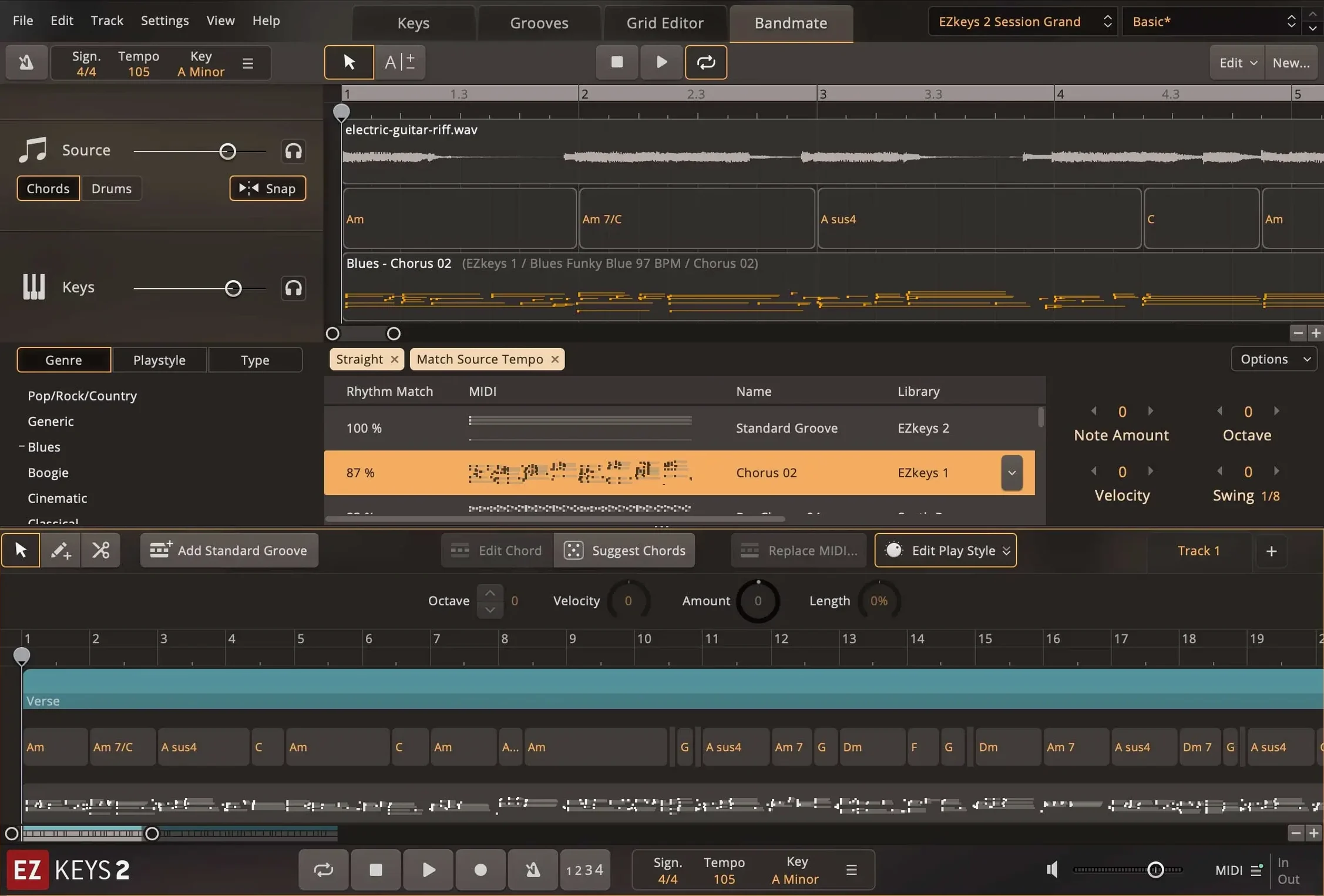
Scroll the row, it snaps to each screenshot. Click one to see it wider.
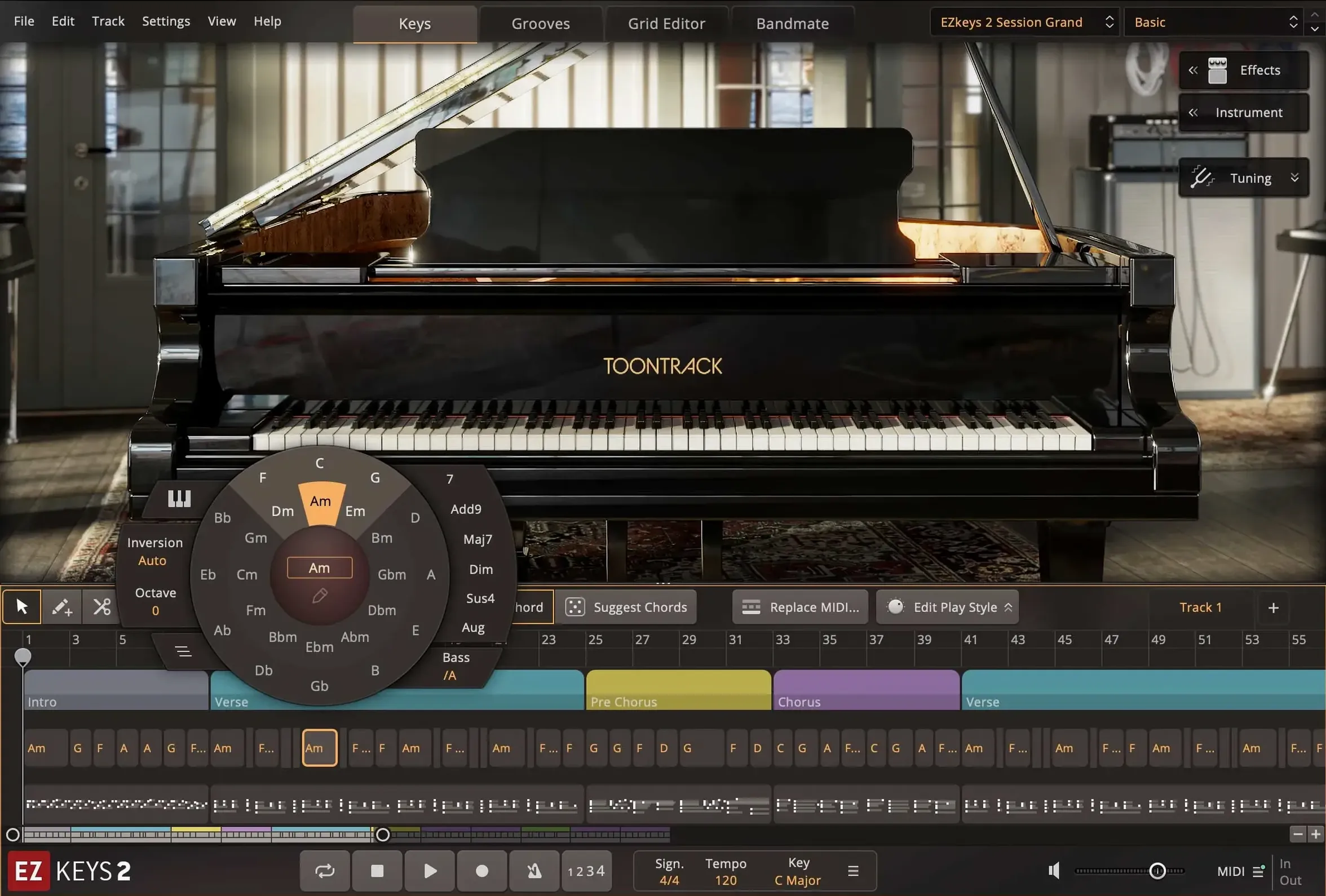
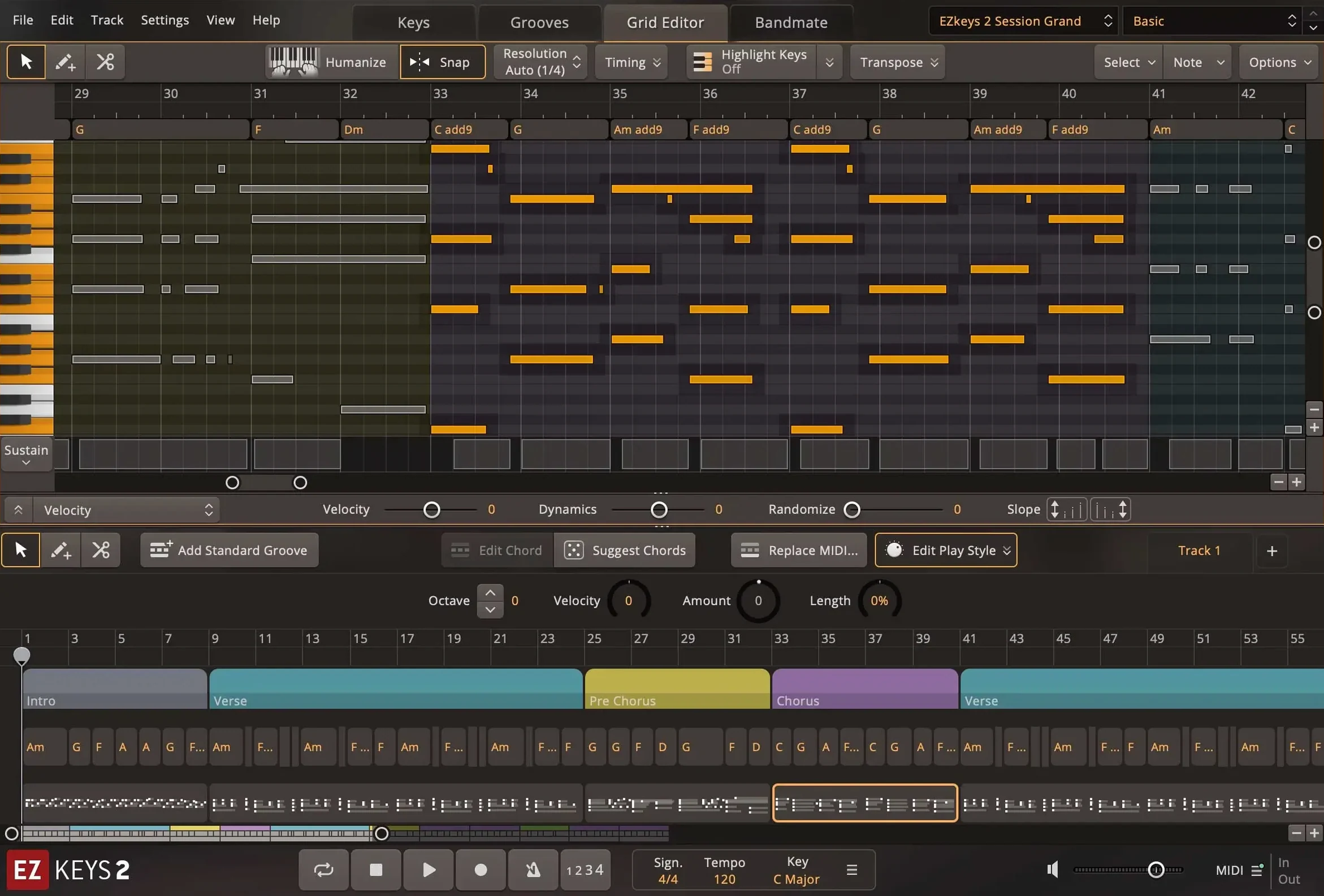
EZkeys 2 is a piano and songwriting plugin that turns chord progressions and melodies into full arrangements.
Checking compatibility
Before installing, confirm your Mac runs macOS 10.13 or later. The plugin works on both Intel and Apple Silicon. The interface is fully resizable, and the language is English.
Understanding the tools
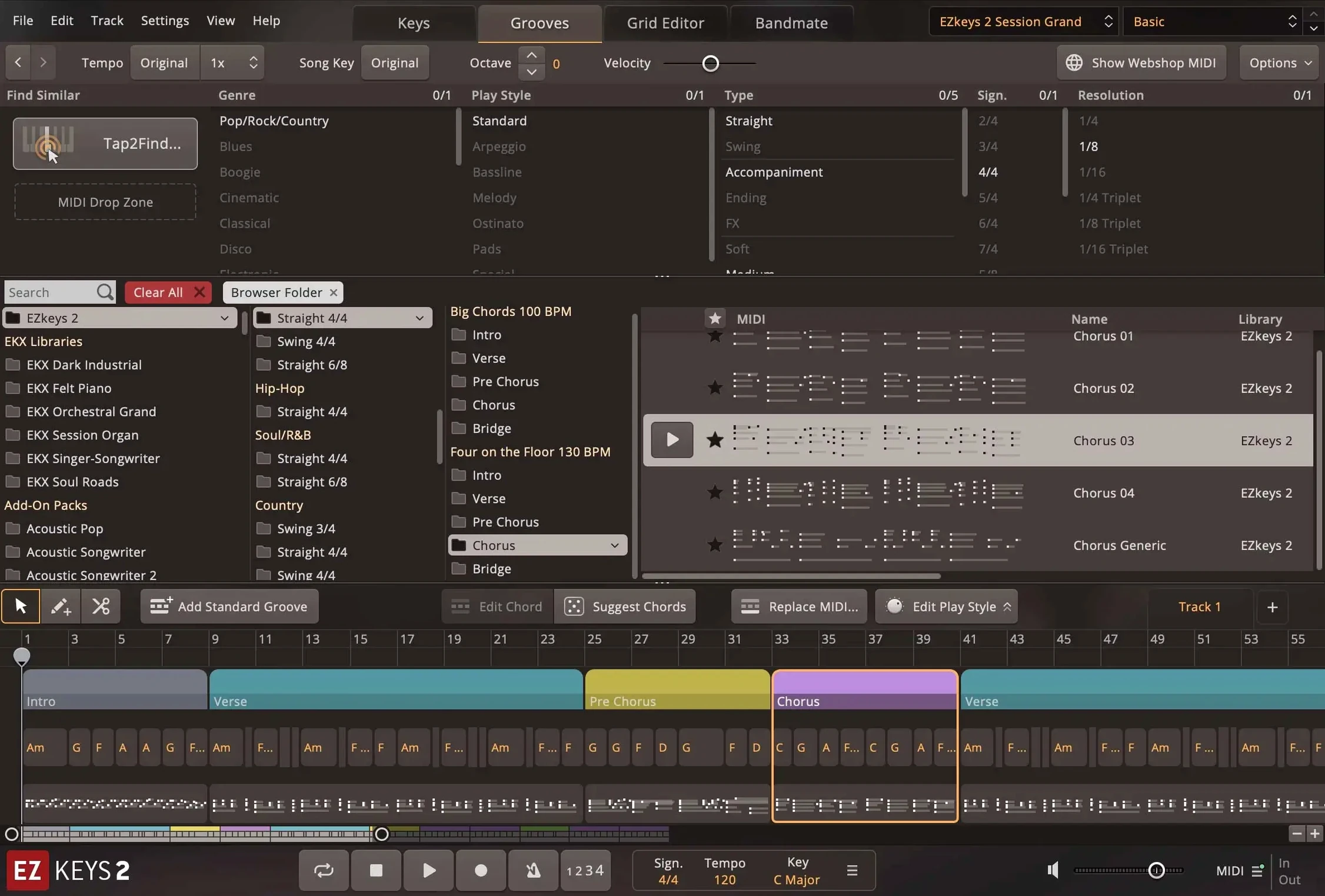
EZkeys 2 includes the Chord Wheel for quick progressions and Bandmate, which generates chords and grooves from audio or MIDI. Tap2Find suggests accompaniment based on rhythm and notes you enter. The built-in MIDI library covers multiple genres and playing styles.
Planning your setup
Version 2.1.5 adds support for Transistor Organ EKX and improves multi-core performance on Mac. Mix-ready presets cover a range of styles. You can run it as a standalone app or inside your DAW.
Quick piano parts from MIDI library and Bandmate
Songwriters who need quick piano parts without recording a live player get the most out of it. The MIDI library and Bandmate tool turn rough ideas into finished tracks fast. Producers working in pop, film scoring, or singer-songwriter styles will find the Fazioli sound fits most mixes. Keyboard players who want a reliable piano plugin for live MIDI input also get good use from it, since the core library covers a range of microphone positions and ambiences.
Composers who write to picture will like the Chord Wheel and Songwriting Scales tools. They speed up sketching when you need to match a mood fast. Casual users who just want a solid grand piano for home recording can download the core library and work with the presets without digging into the advanced features.
Common questions about installing and using it
People often ask whether EZkeys 2 works alongside the original EZkeys. Yes, it replaces or runs alongside version 1 depending on how you set it up. EZkeys MIDI packs require a working installation of either version, so your existing library carries over.
Another regular question is about the plugin formats. EZkeys 2 supports AU, VST3, and AAX, so it works in Logic Pro, Ableton Live, Pro Tools, and most other modern DAWs. The standalone application is useful when you want to play or arrange without opening your DAW at all.
People also ask if the CPU performance matters on Apple Silicon machines. Version 2.1.5 improved multi-core performance on Mac, so both Intel and ARM users see better tracking and playback, especially with large MIDI arrangements. The minimum OS version is macOS 10.13, so older machines still work as long as they meet that requirement.
Transistor Organ EKX support and updated Mac icons
Three things affect how you work day to day. First, Transistor Organ EKX support was added, so if you own that expansion, it integrates without extra steps. Second, the standalone icon and project icon on Mac were updated to the macOS Tahoe style, which just means they look consistent with current system apps. Third, multi-core CPU performance was improved, so sessions with multiple EZkeys instances or heavy MIDI editing feel more responsive, especially on Mac.
In the Keys tab, the String Machine EKX instrument controls now include a knob for the expression pedal. That is a small change, but it matters if you use that expansion for dynamic parts. The core sound library and presets are unchanged, so existing projects load exactly as before. For anyone running an older build, upgrading to 2.1.5 is a straightforward way to get these refinements without relearning the workflow.
- Added support for Transistor Organ EKX.
- Updated standalone and project icons to macOS Tahoe style on Mac.
- Improved performance with multiple CPU cores, especially on Mac.
- macOS 10.13 or later
- Intel or Apple Silicon
The install order
- Mount the downloaded disk image.
- Run the standard installation procedure.