Free download (370 MB) Previous versions
- Version
- 9.5.2.32853
- Developer
- Abvent
- Languages
- Russian, English, German, Spanish, Italian, Chinese (Simplified), Korean, Polish, Portuguese, French, Japanese
- License type
- K'ed by TEAM HCiSO
| macOS range | macOS 10.13 or later |
|---|---|
| Chip | Intel 64-bit |
| Download | 370 MB |
| Previous versions | 3 on file |
Screenshots
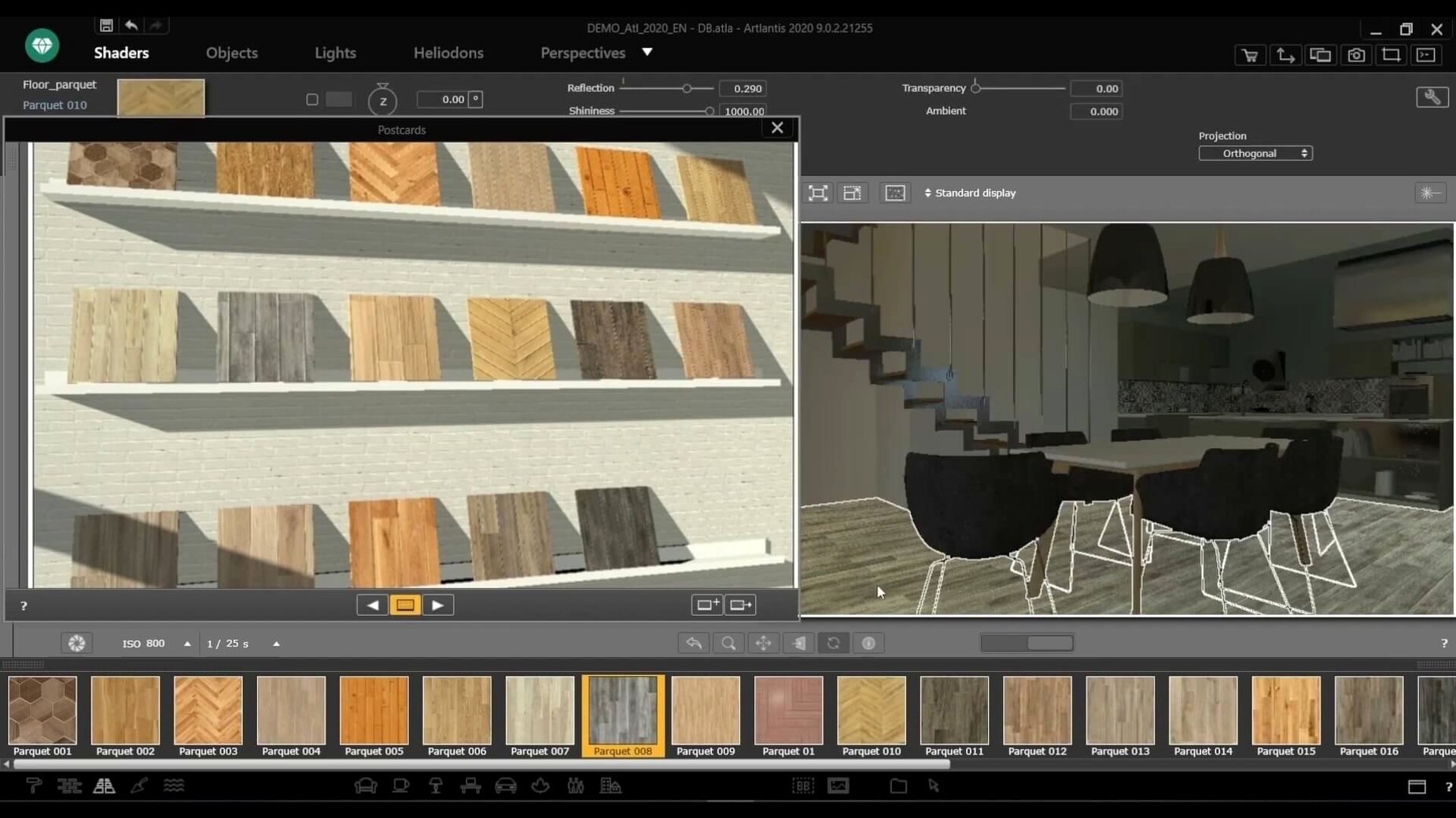
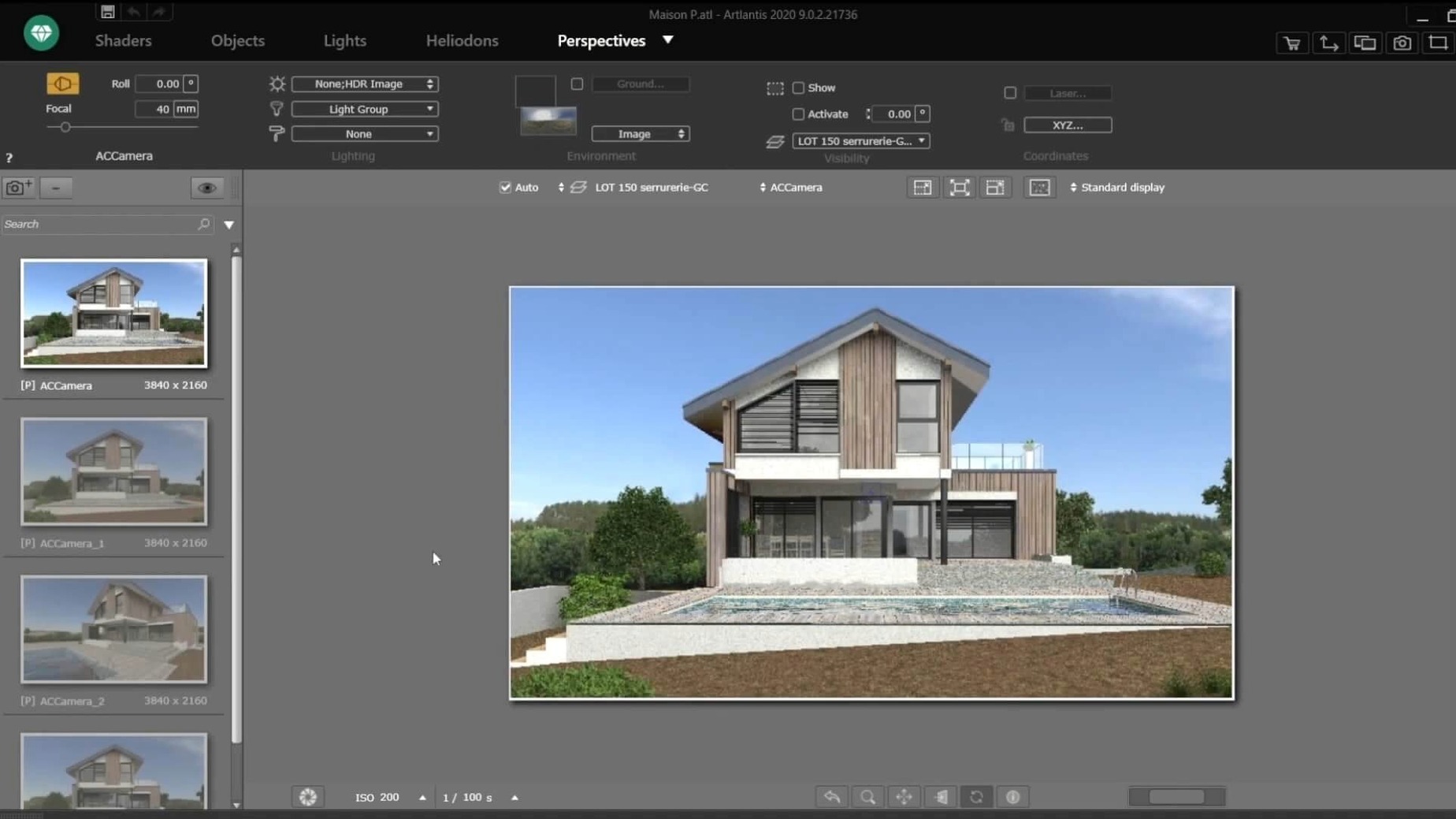
Scroll the row, it snaps to each screenshot. Click one to see it wider.
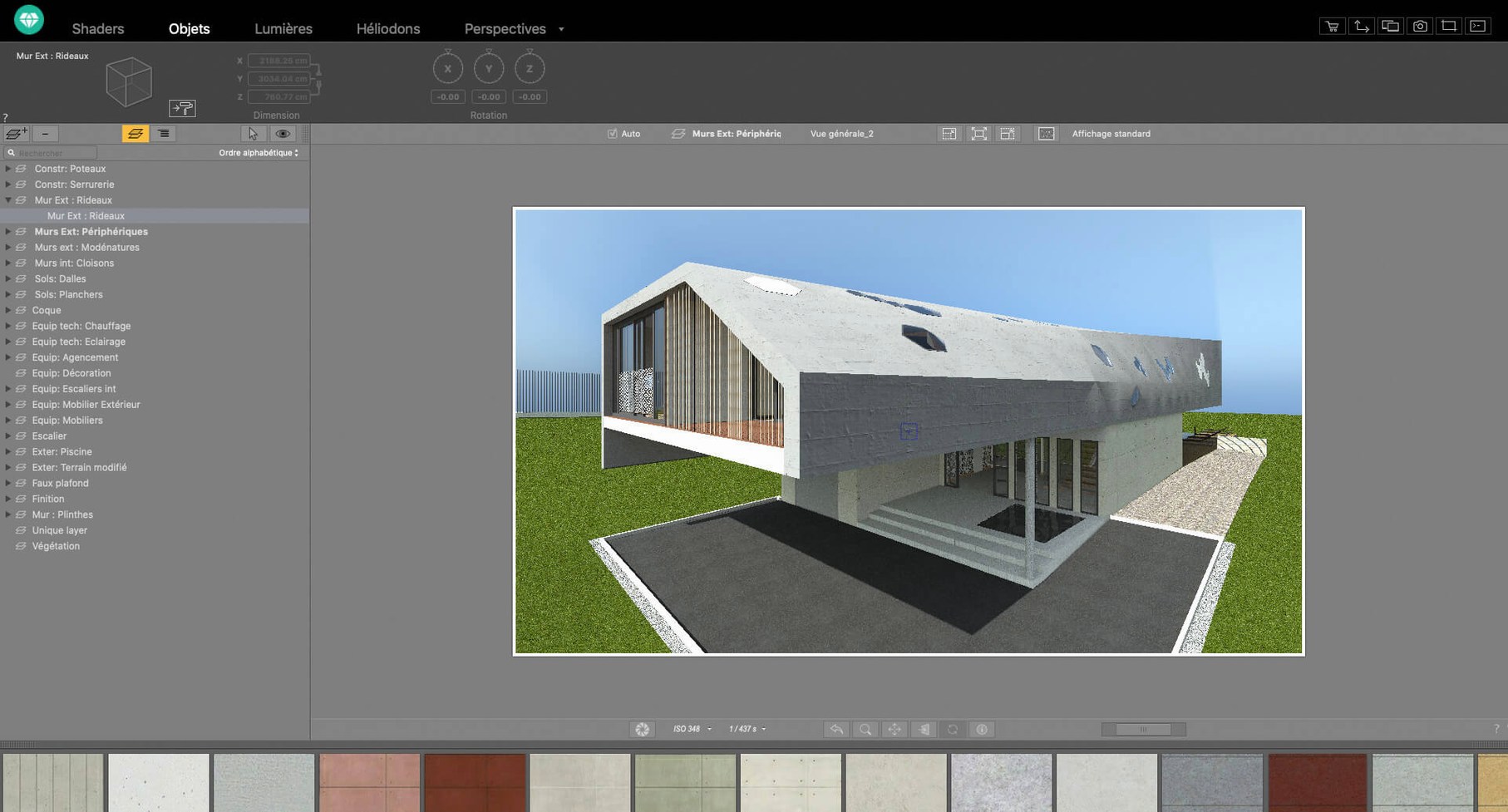
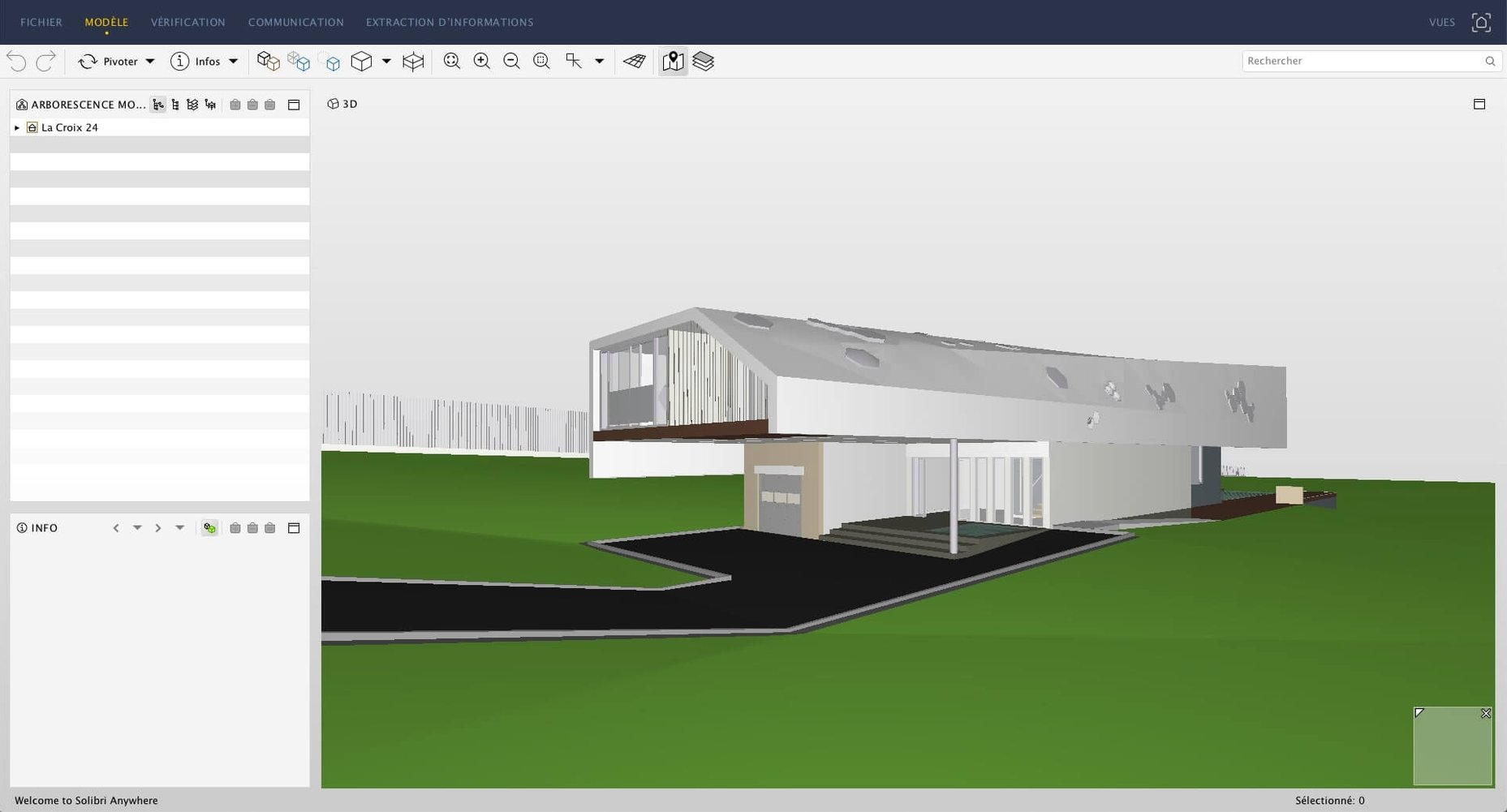
3D rendering often stalls a project when the client wants a quick preview. Artlantis handles that by turning CAD and modeling scenes into realistic images, animations, and VR panoramas without a long learning curve.
Architects and designers needing fast client visuals
- Architects and designers who need fast, realistic visuals for client reviews.
- Teams working with CAD or modeling apps that want a dedicated renderer.
- Anyone producing virtual reality scenes or QuickTime VR files for presentations.
Runs on Intel Macs, not Apple Silicon natively
- It is a 64-bit Intel app, so it runs on macOS 10.13 or later, but not natively on Apple Silicon.
- You can tweak brightness, contrast, and color tables after rendering.
- Shader tools let you build custom textures, and you can use your own images as materials.
- The interface is available in English, German, French, Spanish, Italian, Portuguese, Polish, Russian, Simplified Chinese, Korean, and Japanese.
Fix import fails by stripping CAD layers
- Import fails on complex DXF or DWG files. The geometry might contain unsupported elements. Strip out extraneous layers in your CAD app before exporting. Keep the file to the geometry you actually need to render.
- Materials don’t look right after drag-and-drop. Check the material scale and rotation in the object properties. The default mapping may not match your scene’s units.
- Animation paths produce jittery motion. Set keyframes at regular intervals along the route. Artlantis interpolates between them, so evenly spaced points give a smoother result. Avoid sharp angle changes unless the scene calls for it.
- VR panorama exports are blank or distorted. Verify the camera position is inside the space you want to capture. The VR output depends on a 360-degree view from a single point. Move the camera to a central location and re-render.
DWG layer handling and material catalog response improved
- Improved handling of imported DWG layers for fewer geometry errors on open.
- Better response when applying materials from the catalog to large object groups.
- Fixed a crash that could occur when editing motion paths after loading a saved scene.
Workflow: produce a client-ready exterior still from a SketchUp model
- Export your model from SketchUp as a DWG file. Keep only the building and site geometry to reduce clutter.
- In Artlantis, import the DWG. The scene will appear in the 3D view with its existing orientation.
- Set the perspective you want. Move the camera to the angle that presents the building best.
- Assign materials from the built-in catalog. Drag and drop a brick finish onto the walls, glass onto windows, and asphalt onto the ground. For a custom look, import your own image as a material.
- Place one or two artificial light sources to supplement the default sunlight. Position them to fill harsh shadows on the facade.
- Open the rendering window, choose the output resolution, and run a test render at a lower quality setting. Check for missing materials or odd reflections.
- Adjust brightness and contrast in the post-processing tools. Apply a slight color table shift if the client prefers a warmer image.
- Run the final render at your target resolution. The result is a realistic still ready for presentation or a VR panorama if you switch the output type.
- macOS 10.13 or later
- Intel processor
The install order
- Mount the downloaded disk image.
- Run the standard installation procedure.