
- Version
- 4.5.0
- Developer
- RAGE Software
- Languages
- English, German, Spanish, Italian, Chinese (Traditional), Chinese (Simplified), Dutch, Norwegian, Portuguese, Finnish, French, Swedish, Japanese
- License type
- K'ed by TNT team
| macOS range | macOS 10.13 or later |
|---|---|
| Chip | Intel 64-bit |
| Download | 123 MB |
Screenshots
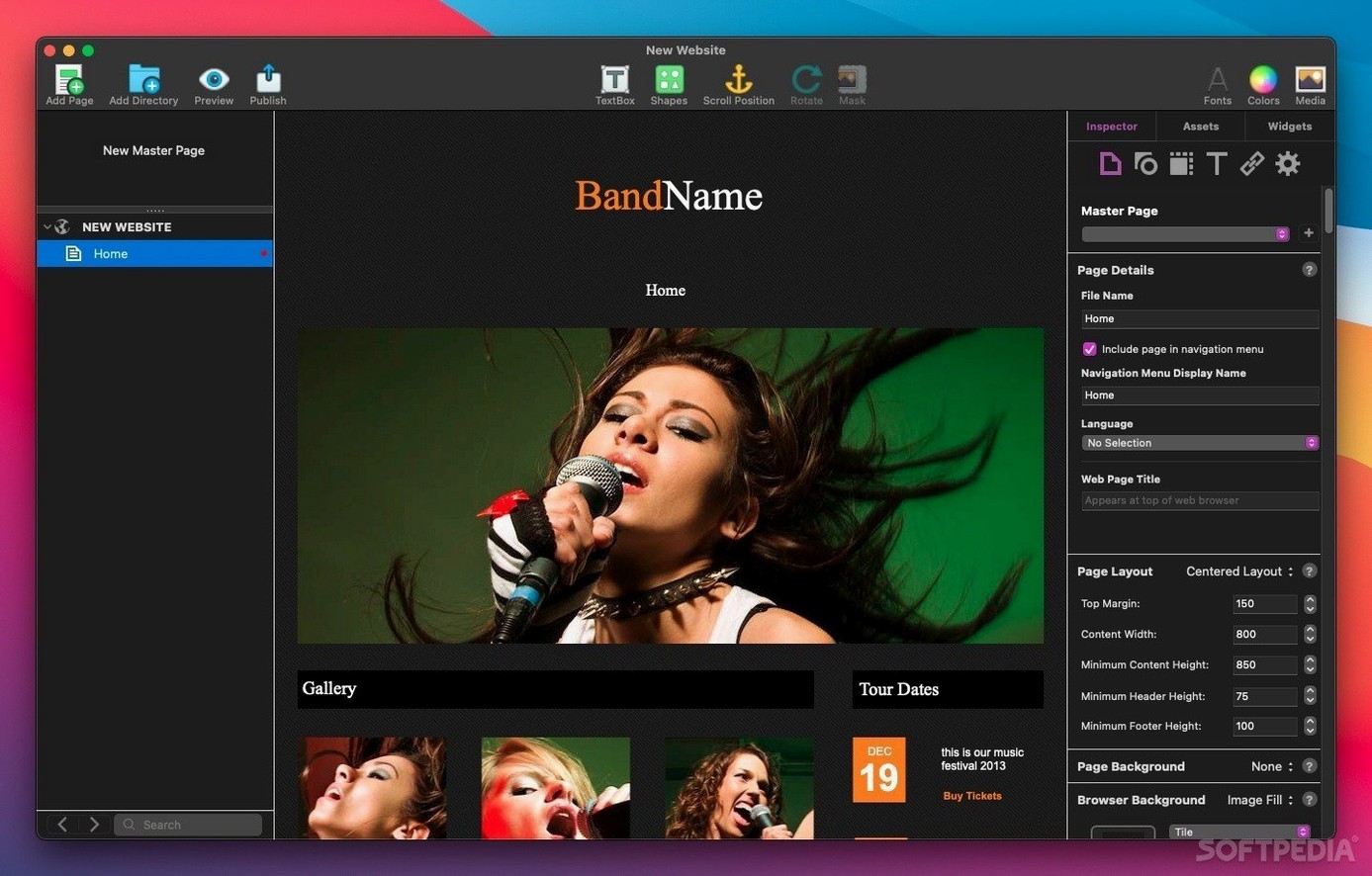
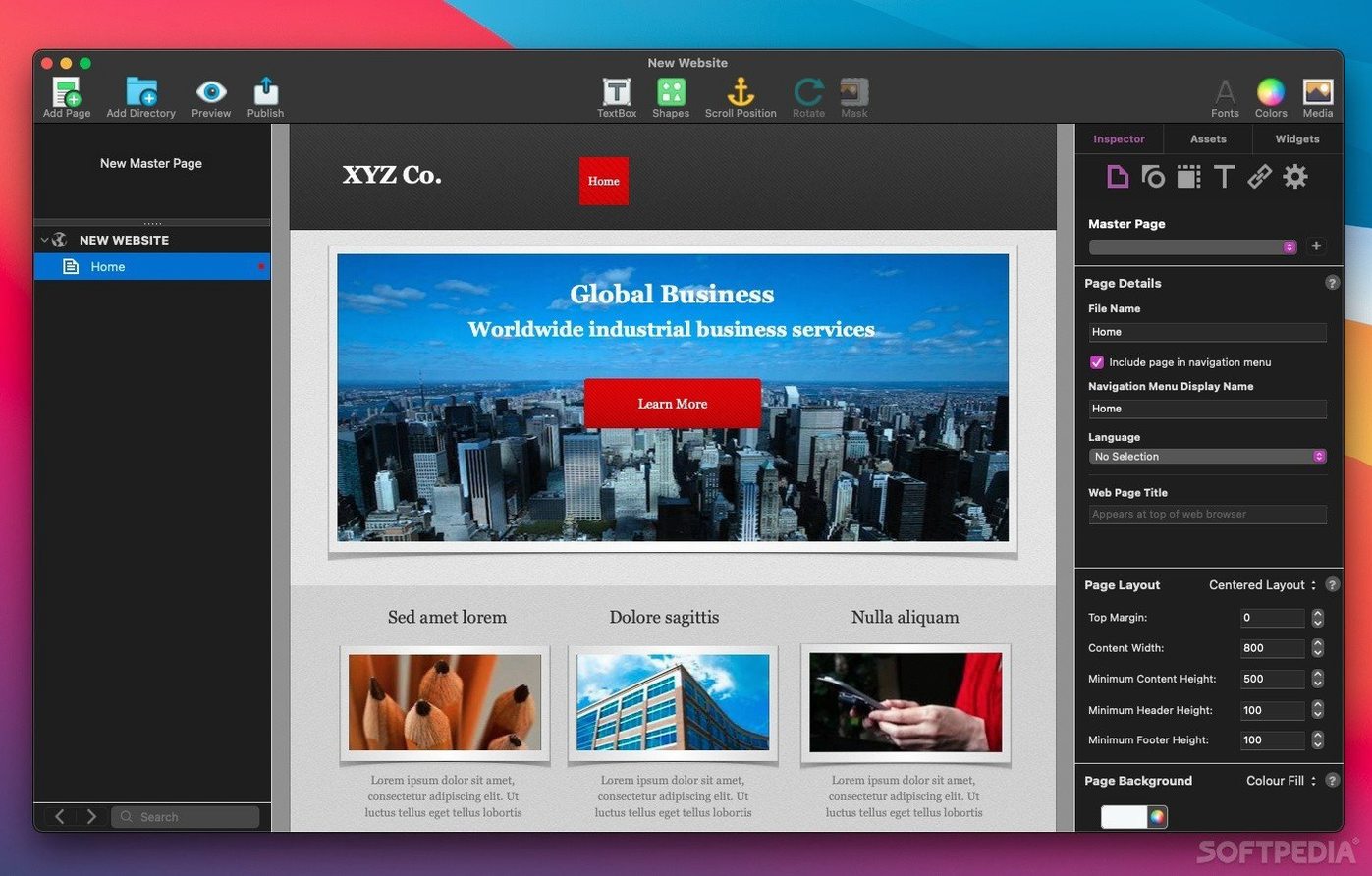
Click a screenshot to see it wider.
EverWeb 4.5.0 is a drag-and-drop website builder that runs on Mac and Windows. No coding required. You can start from a blank project or use one of the built-in templates.
Common Questions, Defined
Blog feature — Built in, so you can publish posts without extra plugins.
Master pages — Set a layout once and apply it across your site for consistent headers and footers.
Drop-down menus — Created automatically from your page structure, so navigation stays organized.
Photo frames — More than a dozen designs included, just drag your images in.
Site search — Optional feature you can add for visitor convenience.
Media support — Text, photos, video, and widgets all drop onto pages easily.
Responsive Sites by Default
Will my visitors see the site on their phones? Yes. EverWeb creates responsive websites by default. The layout adjusts to different screen sizes automatically, so you do not need a separate mobile version or extra steps.
Do I need to know HTML or CSS? No. The whole point of EverWeb is drag-and-drop. You add elements visually. If you want to tweak code later, the option exists, but it is not required for building a complete site.
Can I host the finished site anywhere? Generally yes. EverWeb exports standard HTML, CSS, and image files. You can upload them to any web host that supports static files — your own server, a hosting provider, or even a cloud storage service with public folders.
What happens to my site if I stop using EverWeb? The exported files are plain HTML. They need no special software to serve, and you can open and edit them in any text editor or web development tool.
Is the built-in blog feature enough for regular posting? It handles adding, editing, and organizing posts. You manage everything inside EverWeb. For heavy-duty blogging with comments, categories, and RSS feeds, it works well for most personal and small business sites.
Drag Photos from Finder into Templates
You open EverWeb and pick one of the built-in templates to start. The template gives you a home page layout with placeholder text and images. You replace those with your own content — drag a photo from Finder onto a photo frame, or click into a text block to type your headline.
Your site has a services page, an about page, and a contact page. You add them in the sidebar, and EverWeb builds the drop-down navigation menu automatically from that page list. No separate menu editor to configure.
For the blog, you click the blog icon and write a post introducing your business. The app creates the post page and adds it to the blog archive. You set a featured image and publish.
You want a consistent header across every page, so you go to Master Pages. You edit the master page once — add your logo, a tagline, and social media links — and every page updates instantly.
Before finishing, you add a site search widget to the master page so visitors can find content fast. Then you export the whole site to a folder on your desktop, ready to upload.
Total time from opening the app to a finished site: under an hour for a simple business site.
Bypass Gatekeeper with Terminal Command
Gatekeeper blocks the app on launch. This happens because EverWeb is not signed by Apple. Open Terminal, type sudo xattr -d com.apple.quarantine /path/to/EverWeb.app, press Enter, then right-click the app and select Open. This bypasses the block permanently for that copy.
Elements look misaligned on the page. Check that you are not manually dragging things outside the grid. Use the alignment guides that appear when you move an element near another one. If things still shift, make sure you are not working in a zoom level that hides the snap grid.
The blog archive page does not show new posts. You need to regenerate the blog page after adding or editing posts. Look for a "Rebuild Blog" or similar button in the blog settings panel. The archive does not update automatically during the session.
Fonts look different on another computer. You used Google Fonts, which are built in. That is fine — they load from Google's servers when the site is live. If you used a local font not included in the Google Fonts list, that font appears only on machines that have it installed. Stick to Google Fonts for consistent results.
EverWeb for Mac torrent users often struggle with unmountable files due to incomplete disk images. Check the file size against the expected size on the download page. Redownload if it is smaller than listed. If it still fails to mount, try a different archive tool like 7-Zip for Windows or the built-in Disk Image Mounter on macOS.
- macOS 10.13 or later
- Intel processor
Questions I get about this line
No. EverWeb is built as a drag-and-drop tool that does not require code, according to the developer.
Yes. You can begin with a blank project or use one of the built-in templates.
Yes, it includes a built-in blog feature, so you can add posts directly to your site.
The install order
- Mount the disk image and open Gatekeeper friendly.
- Press Enter in the Terminal window to bypass Gatekeeper.
- Drag the app to the Applications folder.
- Launch the app when installation is complete.