
Free download (577 MB) Previous versions
- Version
- 4.5.0
- Developer
- HitPaw
- Languages
- Russian, English, German, Arabic, Indonesian, Spanish, Italian, Chinese (Traditional), Chinese (Simplified), Korean, Dutch, Portuguese, Turkish, French, Hindi, Japanese
- License type
- K'ed by TNT team
| macOS range | macOS 10.15 or later |
|---|---|
| Chip | Intel 64-bit |
| Download | 577 MB |
| Previous versions | 4 on file |
Screenshots
Scroll the row, it snaps to each screenshot. Click one to see it wider.
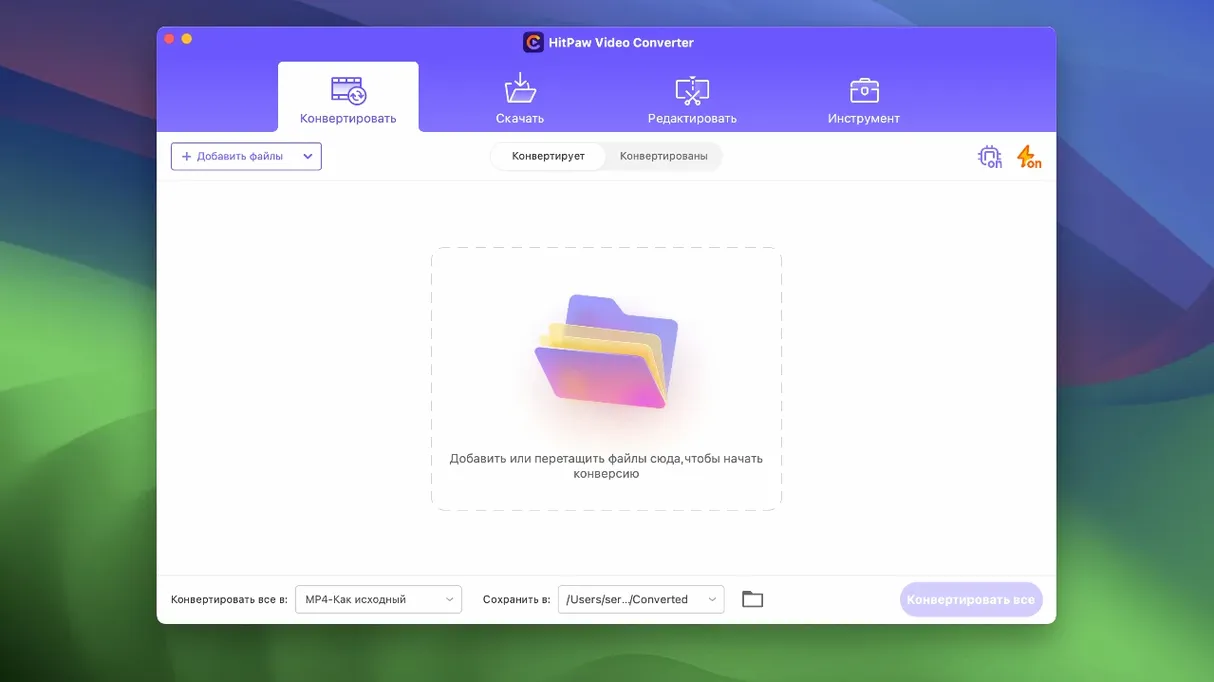
IT folks and media hoarders who juggle video files across formats will get real use out of HitPaw Video Converter. It is a Mac app that converts, downloads, compresses, and edits video and audio, all from one window. Version 4.5.0 keeps the workflow simple, so you can get the full hitpaw video converter experience without wading through menus.
- Convert video, audio, DVD content, and images without quality loss, across more than 1000 formats.
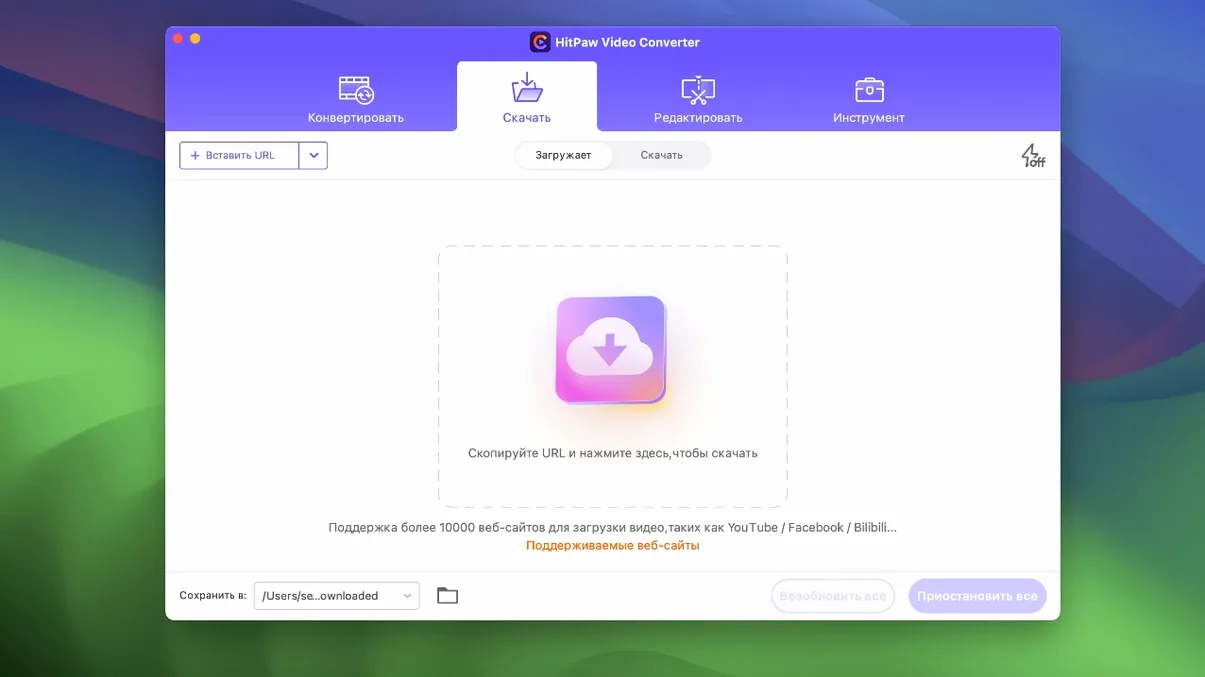
- Download videos from over 10,000 websites, including Apple Music, Spotify, and Deezer.
- Compress large files until they fit where you need them, with an optimized compression module in this build.
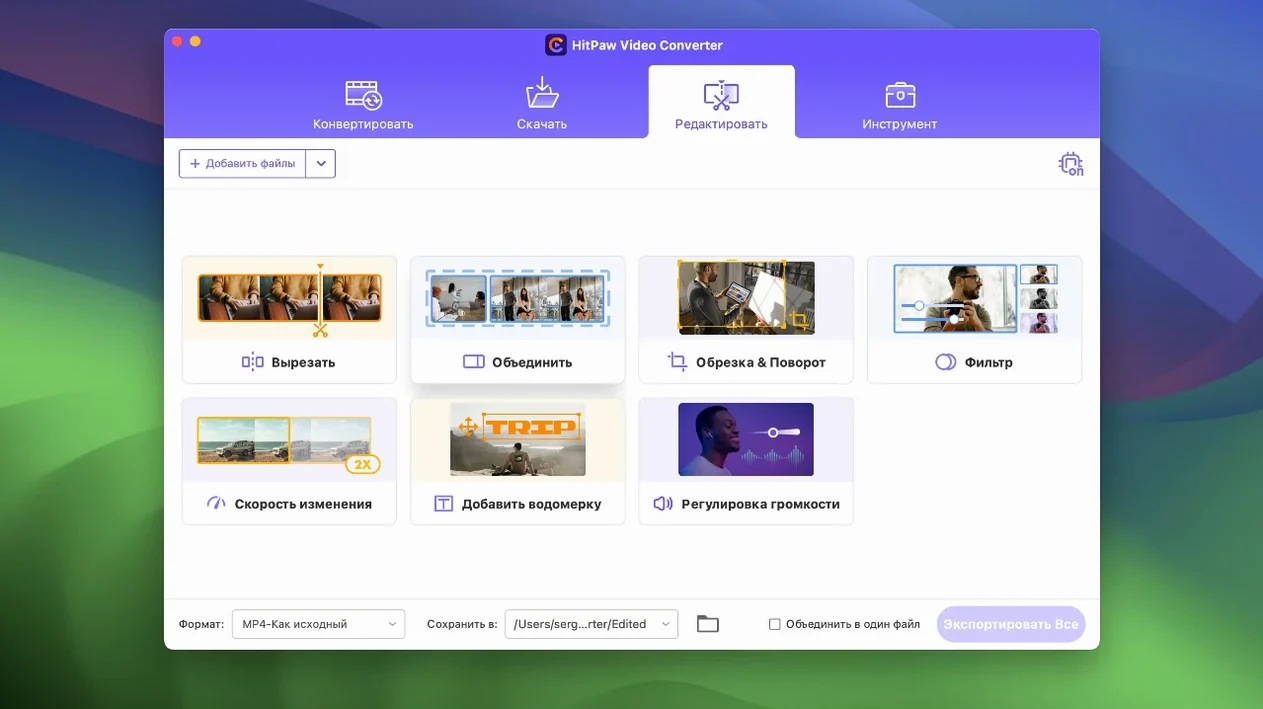
- Edit clips with built-in tools, then export with advanced codecs like VP9, ProRes, and Opus.
- Use the new auto reframe feature to adapt footage for different aspect ratios.
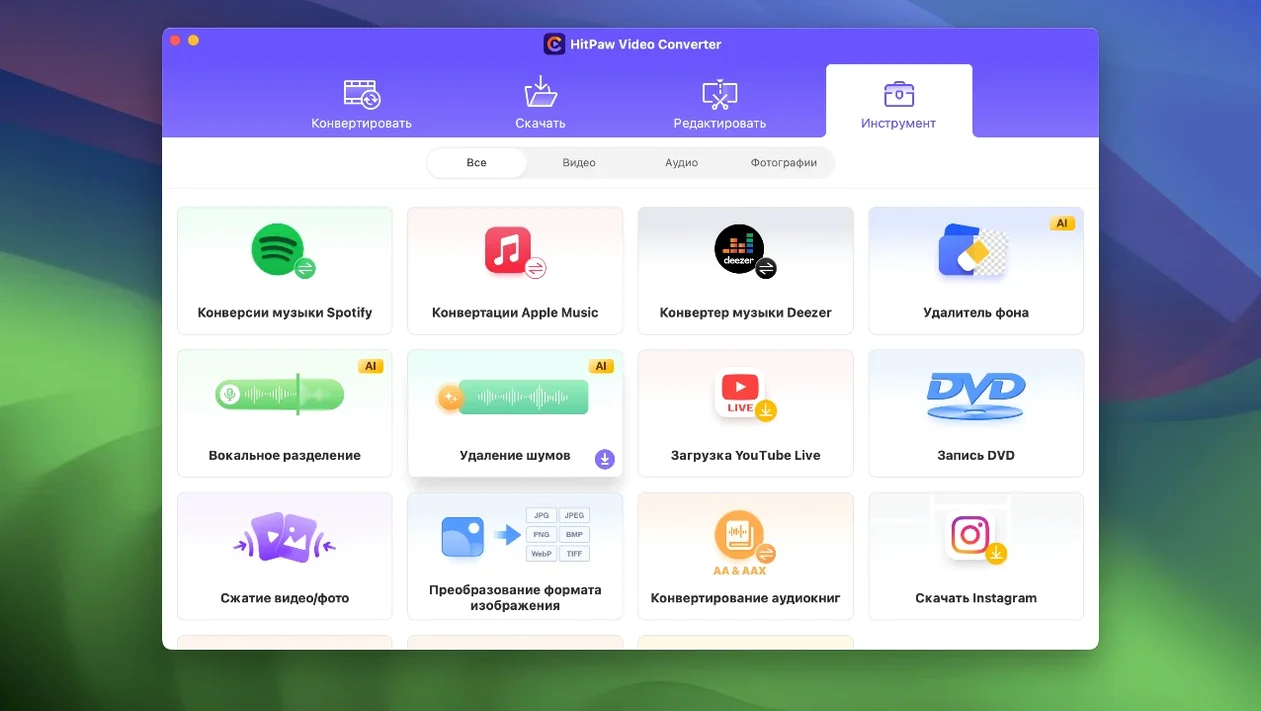
- Run AI tools inside the app for quick enhancements without another install.
Working Session: One Afternoon With It
You have a folder of MKV files from a Blu-ray rip that need to play on a colleague's iPad. Open HitPaw Video Converter and drag the first MKV onto the format panel. The interface shows a clean list of presets. Select MP4 as the output, leave the resolution alone since the iPad handles 1080p fine, and click Convert. The progress bar moves without drama.
While that runs, you copy a URL from YouTube into the Download tab. The tool pulls down the video as an MP4. You rename it, queue a second download from a music-sharing site, and let both finish while the MKV conversion wraps up.
Now you need a square version of that download for Instagram Stories. Open the editor module, select auto reframe, and the app crops the timeline to a vertical 9:16 ratio. Export that as a separate file. No format errors, no stalled queues.
Pre-Install Questions Answered
Does it handle 4K files?
The format list includes 4K-capable containers like MP4 and MOV. The app converts them without downgrading the resolution. The architecture handles the heavy lifting on Intel Macs.
Independent Converter for Final Cut or Premiere
Yes. It sits in the Applications folder and runs independently. Convert clips in HitPaw, then import the output into your editor. No conflicts, no background services.
What about Spotify downloads – do they keep metadata?
The app pulls the audio stream and saves it as an MP3 or the format you choose. Track title and artist usually carry over. Check the first few files to confirm for your region.
Is the interface in English?
English is one of 16 languages. Switch in the settings panel on first launch. The layout stays the same regardless of the language choice.
Batch Queue and Remembered Output Folder
- Batch queue. Drop multiple files onto the format panel before hitting Convert. The queue processes them one after another without extra clicks.
- Output folder stays remembered. The last destination you set carries over to the next session. No browsing for the same folder every time.
- Auto reframe preview. The feature added in 4.5.0 shows a live preview of the crop before you export. Adjust the aspect ratio without guessing.
- Compression slider. The optimized compression module gives a simple slider instead of a codec table. Slide left for smaller file size, right for quality.
- Format search. The output format list has a search box. Type "VP9" or "ProRes" to jump straight to that encoder instead of scrolling.
For anyone managing video files on an Intel Mac, HitPaw Video Converter keeps the important things fast and the distractions out of the way. The full hitpaw torrent download is available in the usual places.
It runs on macOS 10.15 or later, Intel only. If you manage a mixed fleet, keep that in mind before rolling it out.
- Optimized the compression module.
- Optimized the editor module display.
- Added auto reframe feature.
- macOS 10.15 or later
- Intel architecture
Questions I get about this line
The Mac version supports macOS 10.15 or later, and it is built for Intel architecture.
The install order
- Mount the disk image and launch Open Gatekeeper friendly.
- Press Enter to bypass Gatekeeper in the Terminal window.
- Drag the app into the Applications folder.