
Free download (1.5 GB) Previous versions
- Version
- 2026.3
- Developer
- JetBrains
- Languages
- English
- License type
- Included
| macOS range | macOS 11 or later |
|---|---|
| Chip | Apple Silicon, Intel 64-bit |
| Download | 1.5 GB |
| Previous versions | 2 on file |
Screenshots
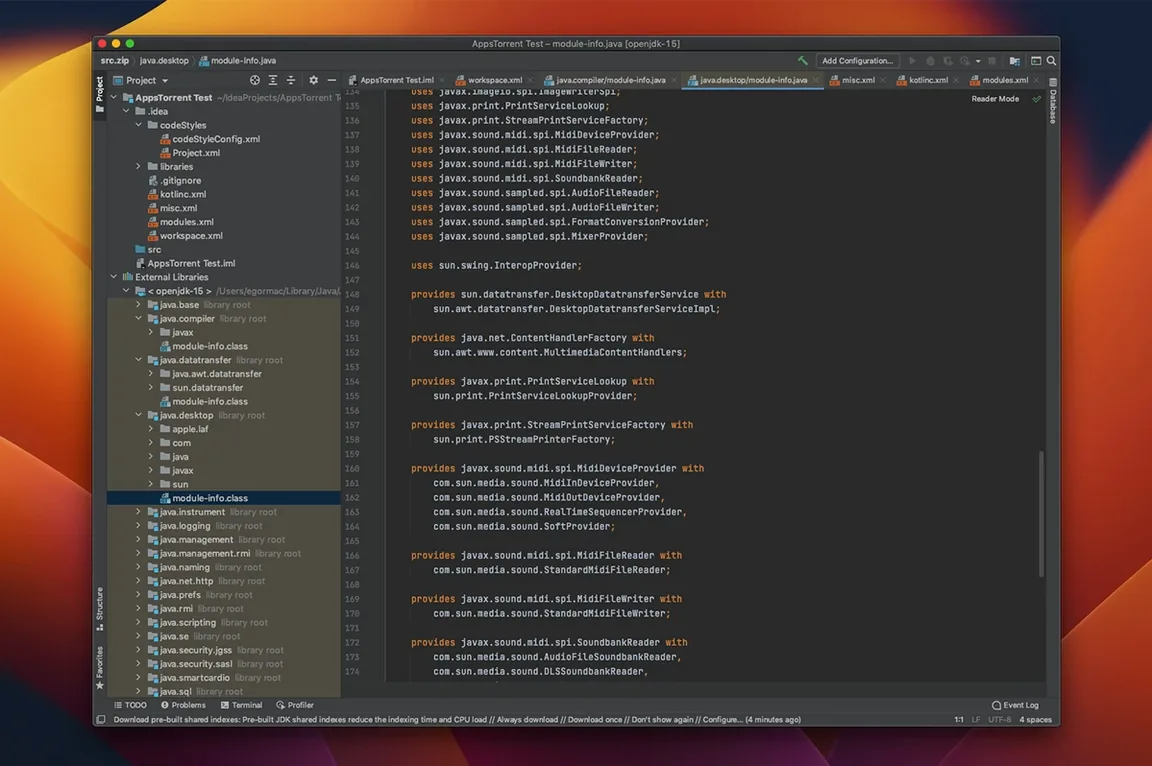
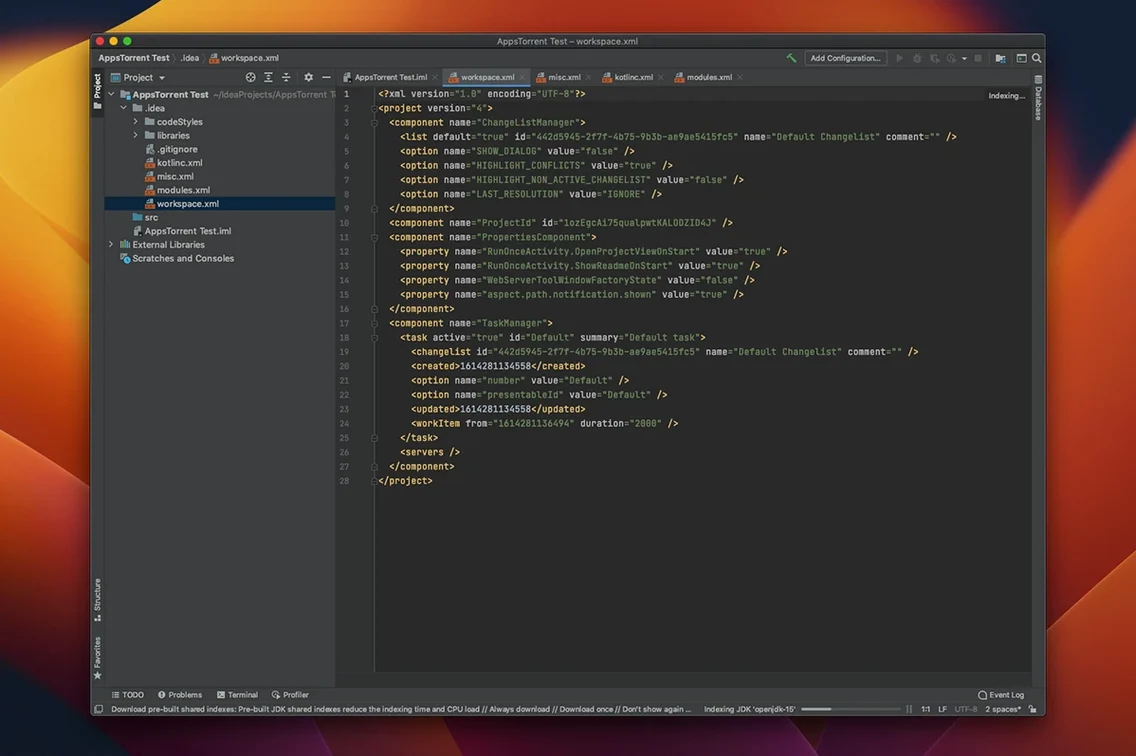
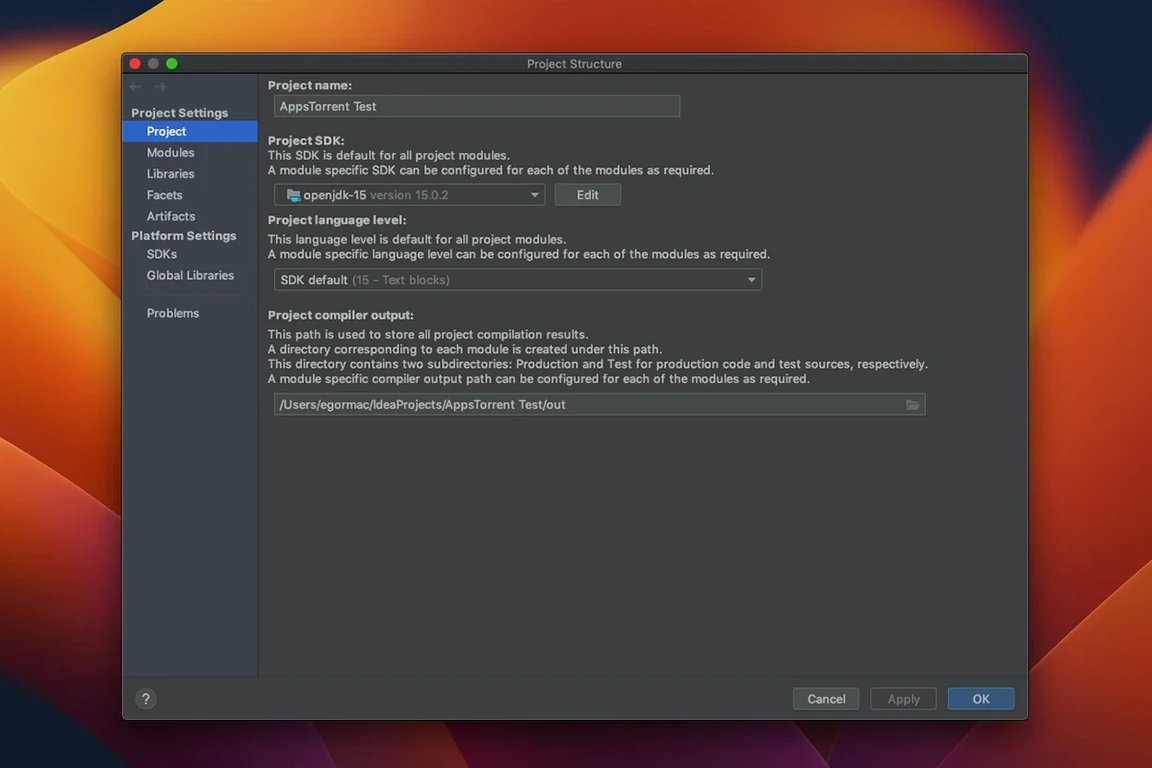
Click a screenshot to see it wider.
If you already use Visual Studio Code for lighter edits, IntelliJ IDEA is the heavier, more specialized tool for Java and Kotlin work. It does real-time code analysis, refactoring, and version control integration out of the box.
Runs on macOS 11+ with unified Ultimate edition
IntelliJ IDEA runs on macOS 11 or later, on both Intel and Apple Silicon. The 2026.2.3 build (262.10968.63) is a single unified product, replacing separate Community and Ultimate downloads—the specs identify it as Ultimate edition.
Install it
Use the included installer, then follow the provided instructions for setup and activation. No extra steps beyond that.
Fixes IDE freezes, Debug mode unresponsiveness, and Markdown scrollbar
This update fixes several IDE freezes and resolves unresponsiveness in Debug mode with WSL2 mirrored networking. It also corrects the vertical scrollbar in the Markdown preview pane and updates the PlantUML extension to version 1.2026.6.
What the latest changes mean day to day
If you spend hours in debug sessions, the fix for WSL2 mirrored networking unresponsiveness is the one you feel most. Debugging across a Windows VM stops locking up, so you don't end up force-quitting IntelliJ and losing breakpoint state.
The freeze fixes are the other big one. Previous versions could hang briefly during autocomplete on large codebases or when the indexer kicked off. Those pauses are gone. The IDE stays responsive even when you're jumping between files in a monorepo.
The Markdown preview scrollbar fix is minor but noticeable if you keep README files or documentation open in the built-in preview.
The PlantUML extension bump to 1.2026.6 means sequence diagrams and class diagrams render correctly with newer PlantUML syntax.
Catches null pointer risks and method signature errors before compile
Java developers working on Spring Boot or enterprise applications benefit most. IntelliJ IDEA's real-time analysis catches null pointer risks and incorrect method signatures before you compile. Kotlin developers writing Android apps or server-side Kotlin get the same depth of support.
Teams using JetBrains tools across projects will find the single installer convenient. No more picking Community vs. You install once and the IDE handles feature licenses internally.
If you work with mixed stacks—Java backend plus JavaScript frontend or SQL queries—the built-in editor for those languages saves you from switching to a second editor for quick changes. It's not a full replacement for a dedicated JS editor, but it handles inline fixes.
Set keymap and enable automatic import suggestions first
After installation, open Preferences and adjust these:
- Set the keymap to IntelliJ default or your muscle memory standard (VS Code, Eclipse, or Sublime Text emulation are available).
- Turn on automatic import suggestions under Editor > General > Auto Import. This saves manual import statements.
- Disable unused plugins. IntelliJ ships with support for Subversion, Perforce, and several database drivers. Removing them reduces memory usage.
- Configure the terminal to use your default shell. The built-in terminal uses bash by default; switch to zsh or fish if that's your daily shell.
IntelliJ IDEA for Mac torrent is a powerful IDE for Java, Kotlin, and JVM development. The included installer and activation instructions get you running in a few minutes.
Release notes for 2026.3 are up on the JetBrains site. This update rolls in fixes from the 2026.2 cycle and moves the IDE a step forward.
- macOS 11 (Big Sur) or later
- Apple Silicon or Intel 64-bit
Questions I get about this line
Yes, the current version supports both Intel and Apple Silicon architectures, as long as you're on macOS 11 or later.
The install order
- Run the included installer for IntelliJ IDEA.
- Follow the included instructions for installation and activation.