Free download (1.1 GB) Previous versions
- Version
- 2.7.0
- Developer
- HitPaw
- Languages
- Russian, English, German, Arabic, Indonesian, Spanish, Italian, Chinese (Traditional), Chinese (Simplified), Korean, Dutch, Portuguese, Thai, Turkish, French, Hindi, Japanese
- License type
- K'ed by TNT team
| macOS range | macOS 10.15 or later |
|---|---|
| Chip | Intel 64-bit |
| Download | 1.1 GB |
| Previous versions | 2 on file |
Screenshots
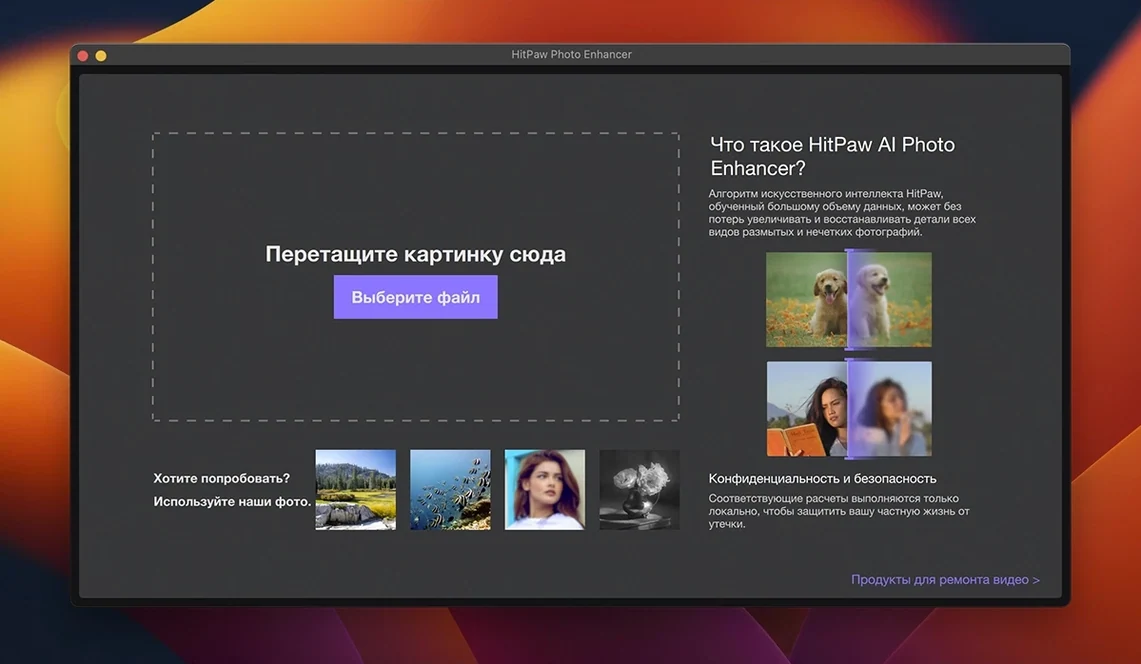
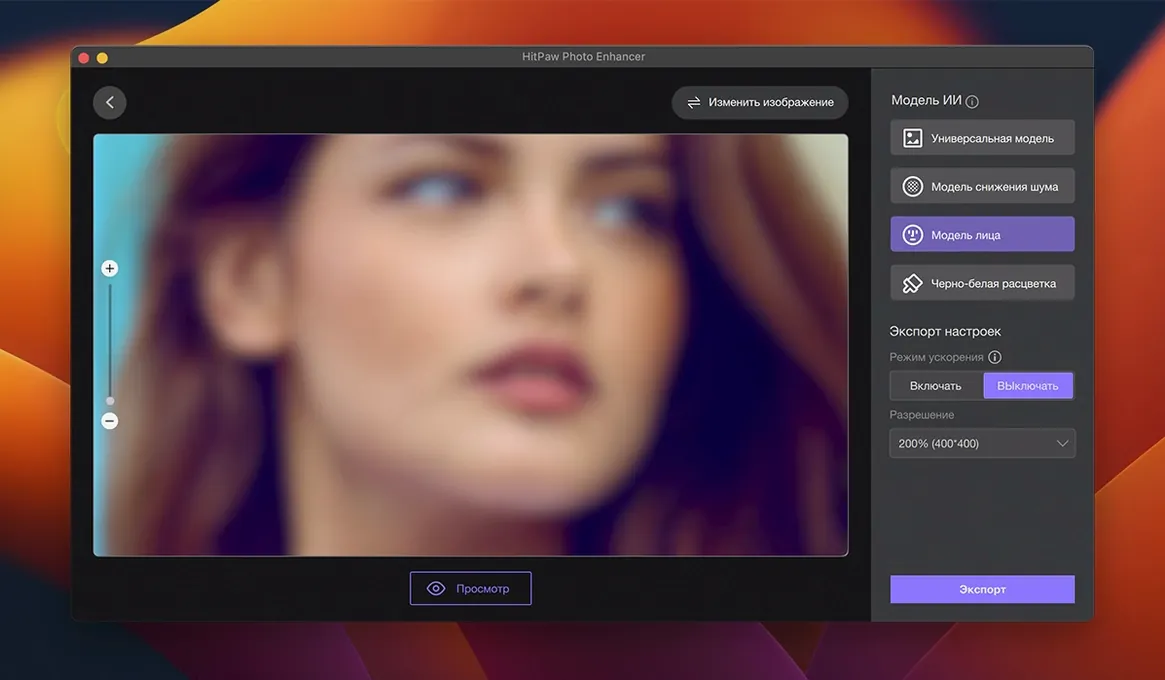
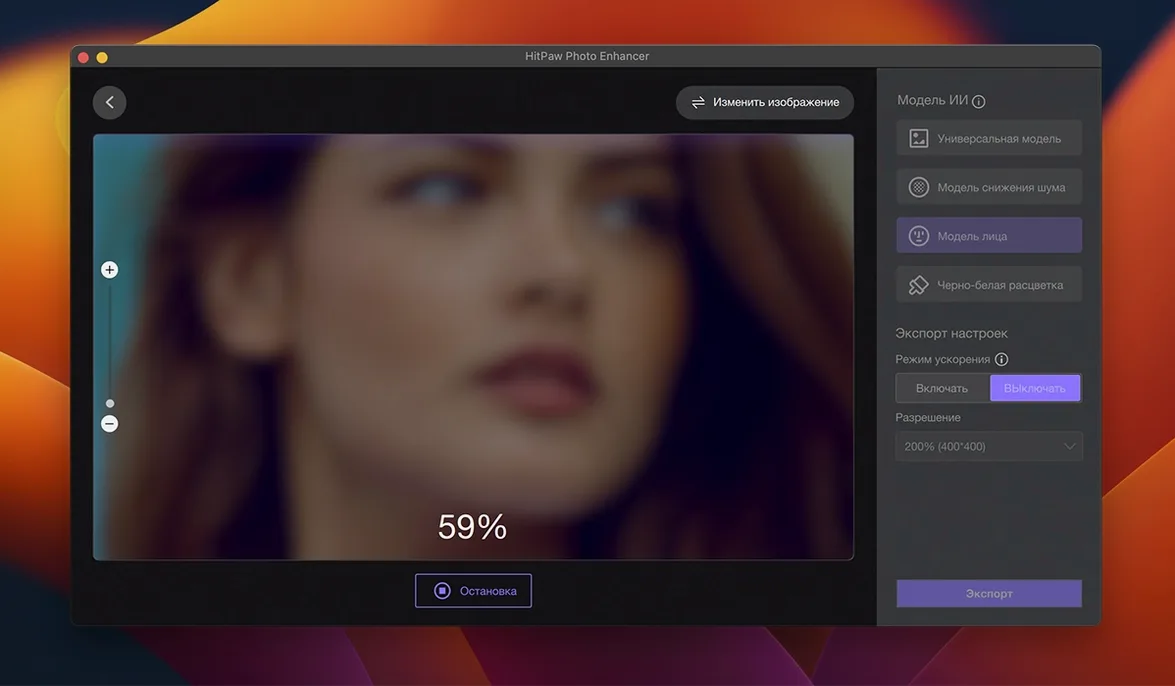
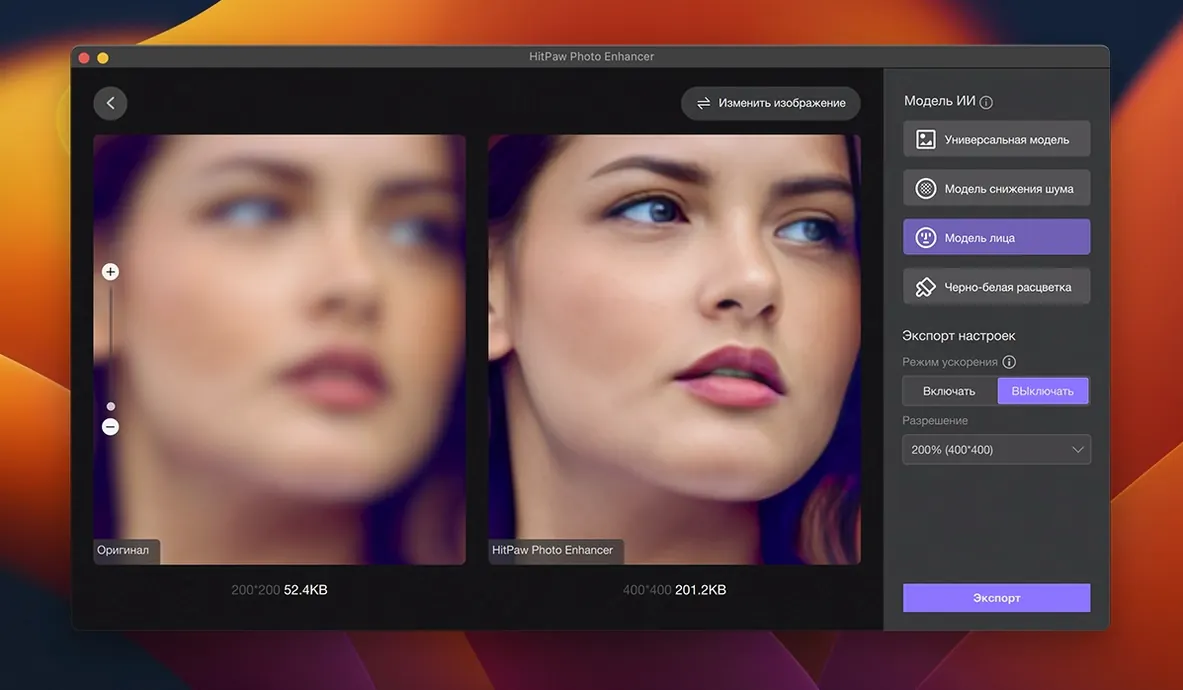
Click a screenshot to see it wider.
Old photos come out blurry, noisy, or damaged. HitPaw Photo Enhancer for macOS fixes that with AI-based upscaling and enhancement. The app automatically improves image quality, removes noise, and restores faded shots. A stronger TTA mode pushes the enhancement further when you need maximum detail.
Where to start
Open an image and hit the enhancement preset. The effect preview shows the result before you commit, so you can compare and adjust. Try the AI portrait mode on faces, then move to object removal or background removal for cleanup work. The AI art generation is a separate playground when you want creative output.
Interface and compatibility
The interface supports 17 languages, including English, Spanish, French, German, and Japanese. The app runs on macOS 10.15 and later. Note that the Mac version is now branded HitPaw FotorPea, previously known as HitPaw Photo Enhancer.
Match the AI Model to Your Image Type
The most common misstep is skipping the AI model selection. HitPaw Photo Enhancer offers multiple models tuned for different image types. Beginners often leave the default on and get decent, but not optimal, results. Take two seconds to match the model to the image — portrait, landscape, or old photograph — before running enhancement.
Another mistake is overusing TTA mode. TTA mode is strong, but not every image needs it. Applying it to a low-noise photo can produce an oversmoothed look. Save TTA for genuinely noisy or damaged originals.
People also forget to preview. The preview button is there for a reason. Running a full export on an image that needed cropping, color shifts, or a different model wastes time. Preview first, export second.
Family Photo Restorers Get the Best Results
Family photo restorers are the obvious fit. Old scans from the 90s or faded prints from the 70s respond well to the noise removal and upscaling. If you are scanning boxes of slides or digitizing albums, HitPaw Photo Enhancer does the batch-adjacent work of fixing one photo at a time cleanly.
Social media content creators benefit too. Posting to Instagram or TikTok means compressing and cropping images repeatedly. Running a quick enhancement pass before upload keeps detail sharp through the compression. It is not a batch tool, but for key posts it is worth the extra step.
Mac users who do not want to learn Photoshop also get real value. The interface is straightforward, the AI handles the heavy lifting, and the one-click enhancement is reliable enough for everyday photo cleanup. You do not need layers, masks, or curves to get a usable result.
Common Workflow Gaps New Users Hit
New users tend to treat it like a filter and skip the model selector. The app has models for different subjects — using the wrong one leaves quality on the table. Select the model that matches the image type before you run anything.
Another frequent mistake is ignoring the preview entirely. People load a photo, click enhance, and wait for the full export. That is a waste when a quick preview would have shown a poor result. Use the preview to catch issues before committing.
Beginners also try to upscale tiny thumbnails to poster size in one pass. The AI works best with reasonable jumps. Attempting a 10x upscale on a 200x200 pixel image produces artifacts. Break the job into smaller steps if the source is very small.
Who Gets the Most Out of This App
People scanning old family albums get the clearest benefit. Faded, scratched, or low-res prints from decades past are exactly what the noise removal and restoration models handle well. One pass usually brings back enough detail to make the photo usable again.
Small business owners running social media accounts also see value. Product shots or event photos that need a quick quality boost before posting benefit from a single enhancement pass. The app is not a batch tool, but for individual hero images it saves time versus manual editing.
The one-time setup and straightforward interface make it a practical alternative for anyone who needs better images without learning complex software. If you search for hitpaw photo enhancer macos download or hitpaw photo enhancer online free, you are likely the type of user who wants a simple fix for image quality.
- macOS 10.15 or later
- Intel architecture
The install order
- Mount the disk image and run Open Gatekeeper friendly.
- Press Enter in Terminal to bypass Gatekeeper.
- Drag the app into the Applications folder.
- Launch the app when installation is complete.