Free download (947 MB) Previous versions
- Version
- 9.4.260713.a97520e5
- Developer
- Hex-Rays SA
- Languages
- English
- License type
- Included
| macOS range | macOS 10.15 or later |
|---|---|
| Chip | Apple Silicon, Intel 64-bit |
| Download | 947 MB |
| Previous versions | 19 on file |
Screenshots
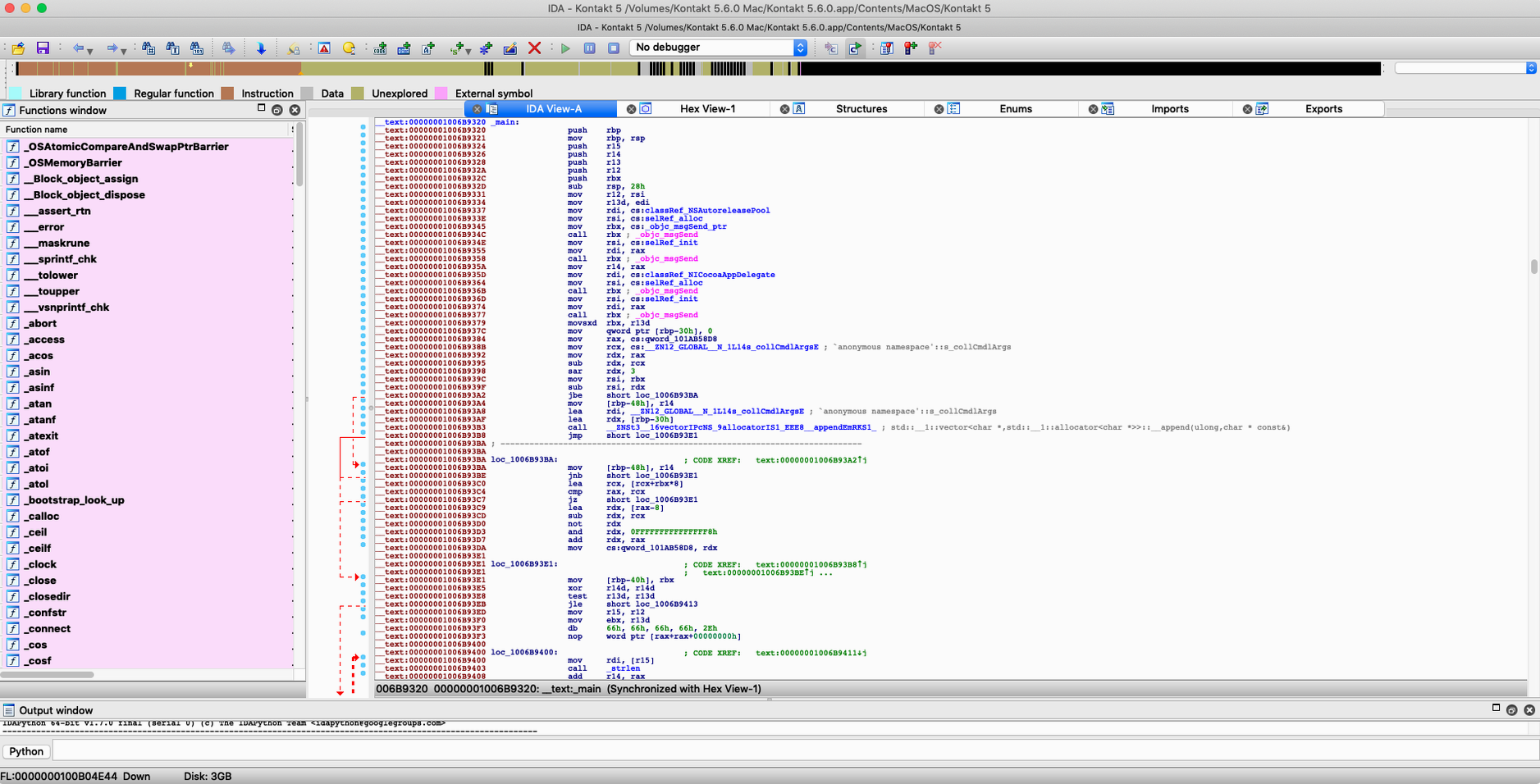
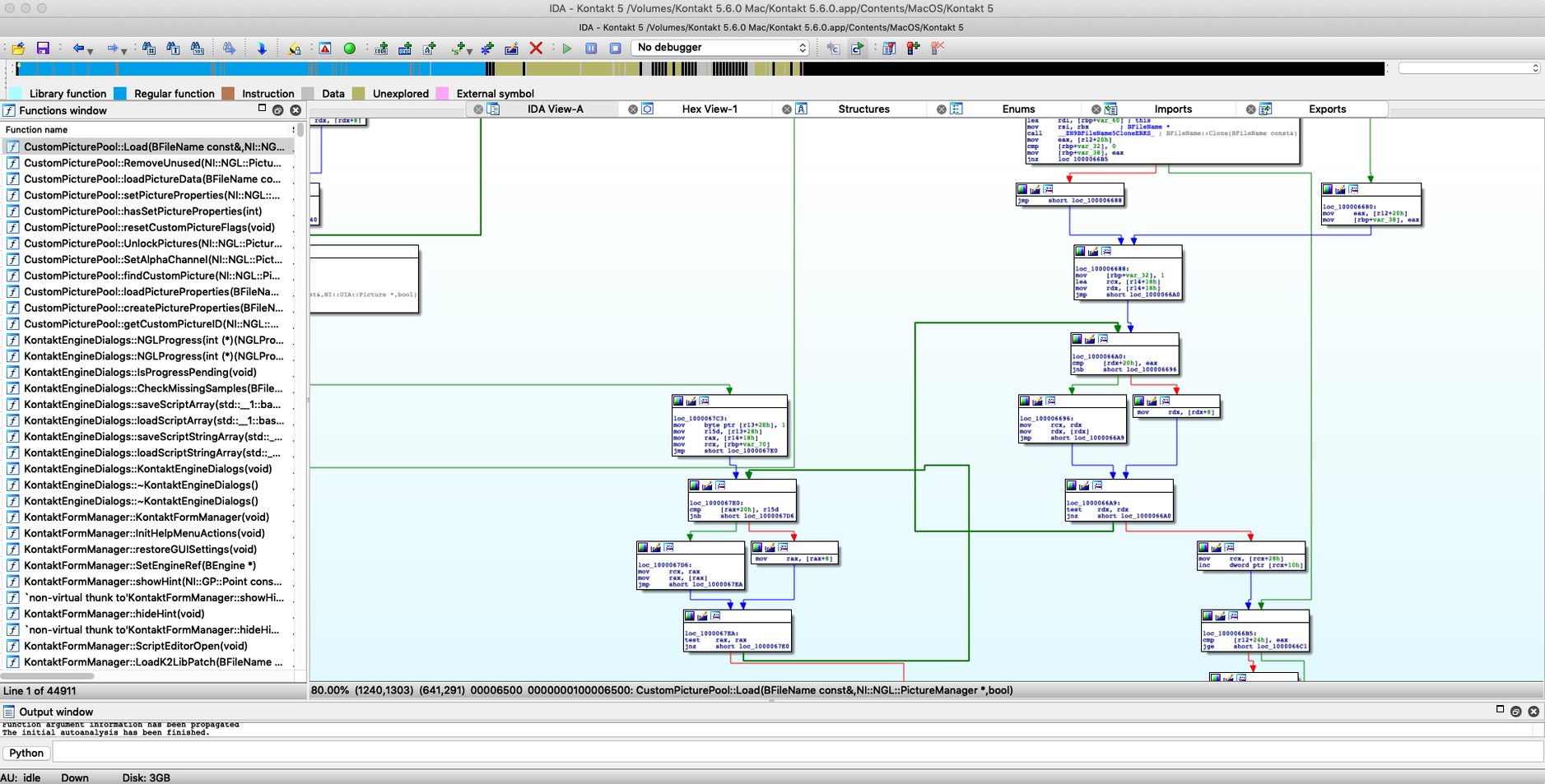
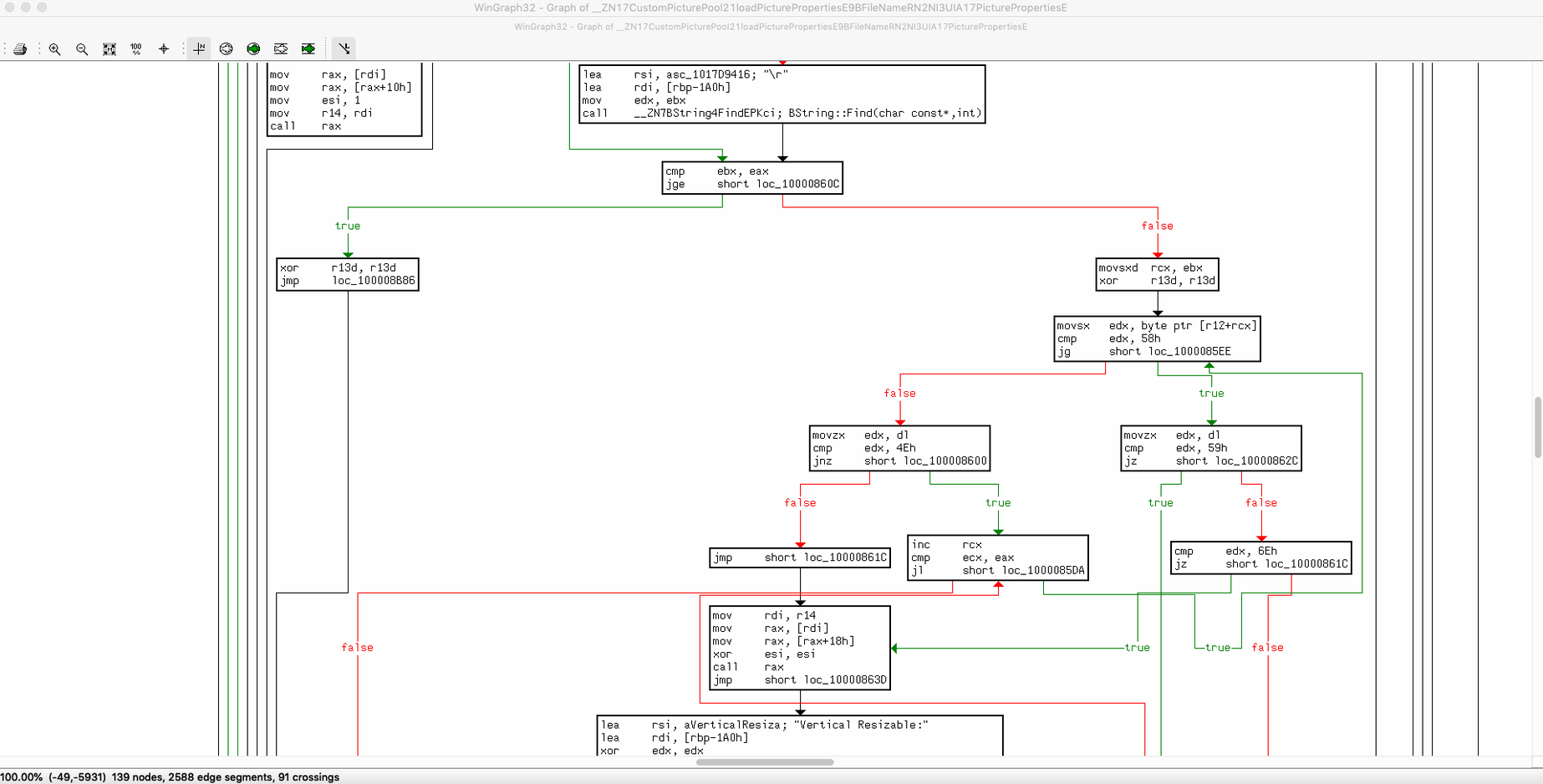
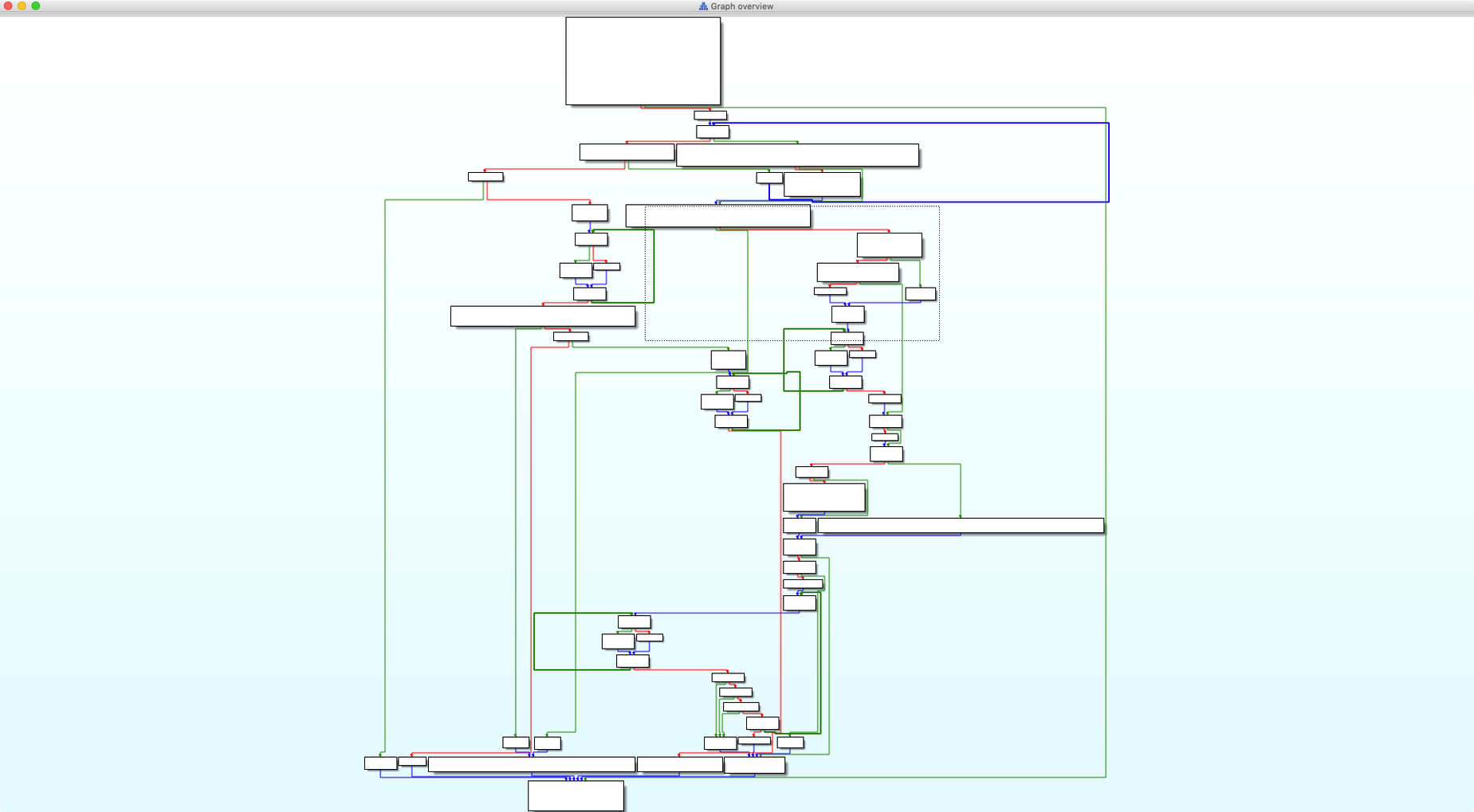
Click a screenshot to see it wider.
Pathfinder is the name you will hear first when IDA Pro 9.4 opens. It is a new way to trace execution paths through a binary, and it sits alongside the classic disassembler, decompiler, and debugger that make up the core of the tool.
Disassembling Code
IDA Pro converts machine code into assembly-language source code. You navigate through the disassembly with interactive analysis and a set of navigation tools built for moving through large binaries.
Decompiling and Debugging
The built-in debugger lets you step through code as it runs. The decompiler turns low-level instructions into a more readable pseudocode, which helps when you need to understand what a function does without tracing every register.
Extending the Analysis
IDA Pro uses an open and modular architecture. You can write scripts in the embedded IDC language, or use the Teams add-on to collaborate over Git servers. For macOS work, the new Dyld Shared Cache infrastructure and Swift analysis improvements are part of this release.
Swift symbol handling saves time on macOS binaries
Swift analysis improvements matter if you work with macOS or iOS binaries. The disassembler now handles Swift symbols and data structures more completely. That saves time when you are tracing through a Swift-compiled object and the function names actually make sense.
Pathfinder is the biggest visible change. It lets you pick a point in the binary and see which execution paths lead there or branch away. Instead of stepping through every call manually, you get a visual map of the routes. For malware analysis, this cuts down the time spent following dead-end jumps.
The Dyld Shared Cache infrastructure is behind-the-scenes work on how macOS shared libraries are loaded. It means fewer false hits when you analyze a binary that uses the macOS dynamic linker cache. If you see a reference you do not recognize, check whether it is part of Dyld Shared Cache before digging into it as custom code. You should also look at the new Hexagon QDSP6 processor module and Qualcomm MBN boot-image loader if your work touches embedded firmware.
Start with a small known binary like /bin/ls
Open a small known binary first. A simple /bin/ls or a trivial compiled program is better than dropping a large malware sample into the disassembler right away. Get comfortable with the graph view and the cross-reference lists before you rely on Pathfinder for anything important.
Set up a project directory and put your IDB databases there. IDA Pro saves analysis state into project files. Without a consistent folder structure, you will lose track of which database goes with which binary.
Test the built-in debugger on a simple executable that you compiled yourself. Confirm that breakpoints hit and single-stepping works. If you are on Apple Silicon, verify that the debugger attaches correctly to a 64-bit ARM binary before you need it for real work.
Read the IDA 9.4 release notes that ship with the package. They list the exact changes to the processor modules and file format loaders. That saves you from guessing whether a format is supported.
Skipping packed binary checks hides most instructions
Jumping straight into a large packed binary. IDA Pro can unpack many common packers using its built-in loader scripts, but beginners often skip checking whether the binary is packed. If you see only a few instructions and a long string of garbage, the binary is packed. Unpack it first, then load the unpacked copy into IDA.
Ignoring the FLIRT signatures. FLIRT recognizes standard library functions automatically. If you turn it off or do not let it run, you will spend hours manually identifying printf and malloc calls. It takes a few seconds to confirm that FLIRT ran on load.
Overusing the decompiler. The decompiler produces readable pseudocode for most functions, but it can give misleading output for obfuscated or hand-optimized code. Cross-check the pseudocode against the assembly view. If the decompiled output looks too clean, verify it.
Not using the IDC scripting language for repetitive tasks. Manual renaming and commenting is fine for small files. For a binary with thousands of functions, write a short IDC script to auto-rename standard library calls or to flag suspicious patterns. The scripting engine is not hard to learn and it multiplies your throughput.
- Adds a new Dyld Shared Cache infrastructure.
- Adds Swift analysis improvements.
- Adds Pathfinder.
- Adds a new Hexagon QDSP6 processor module.
- Adds a Qualcomm MBN boot-image loader.
- macOS 10.15 or later
- Intel or Apple Silicon
Questions I get about this line
Yes. IDA Pro 9.4 supports both Intel and Apple Silicon architectures, and requires macOS 10.15 or later.
IDA Pro supports many executable file formats for different processors and operating systems, including the new Hexagon QDSP6 processor module and Qualcomm MBN boot-image loader.
The install order
- Install the app from the provided package.
- Follow the included installation instructions.
- Use the included activation instructions if needed.