
- Version
- 1.2.5
- Developer
- HitPaw
- Languages
- English, German, Spanish, Chinese (Traditional), Korean, Portuguese, French, Japanese
- License type
- K'ed by TNT team
| macOS range | macOS 10.13 or later |
|---|---|
| Chip | Intel 64-bit |
| Download | 303 MB |
Screenshots
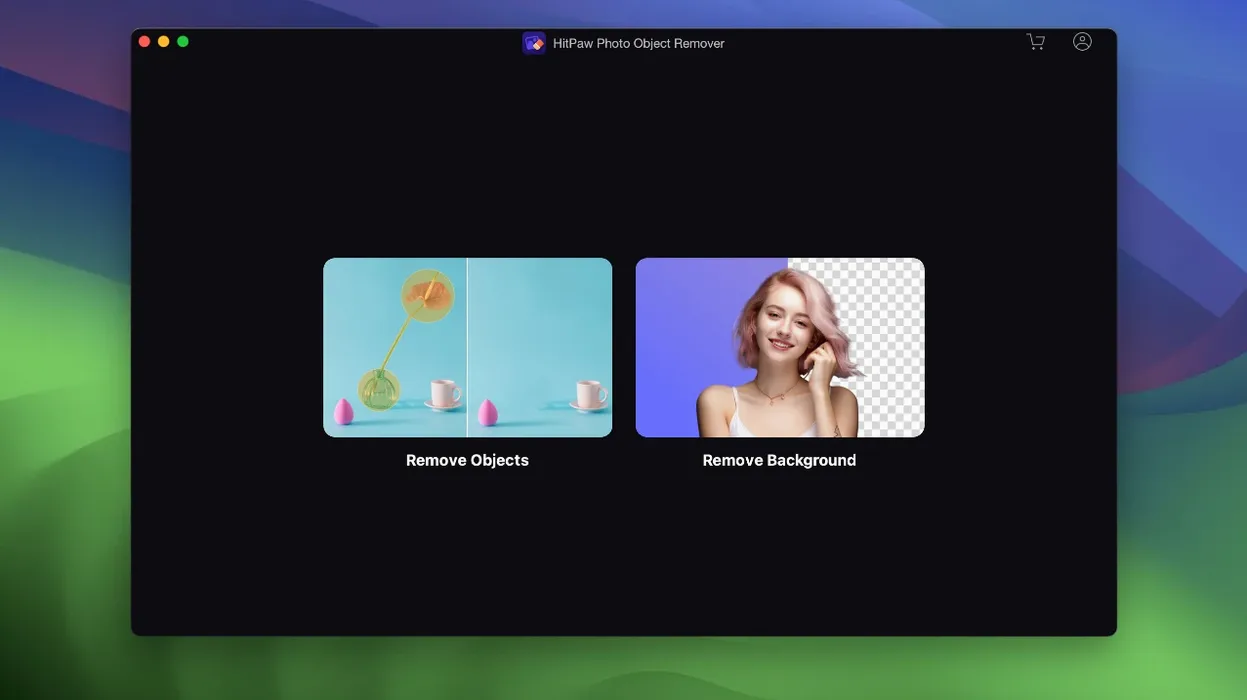
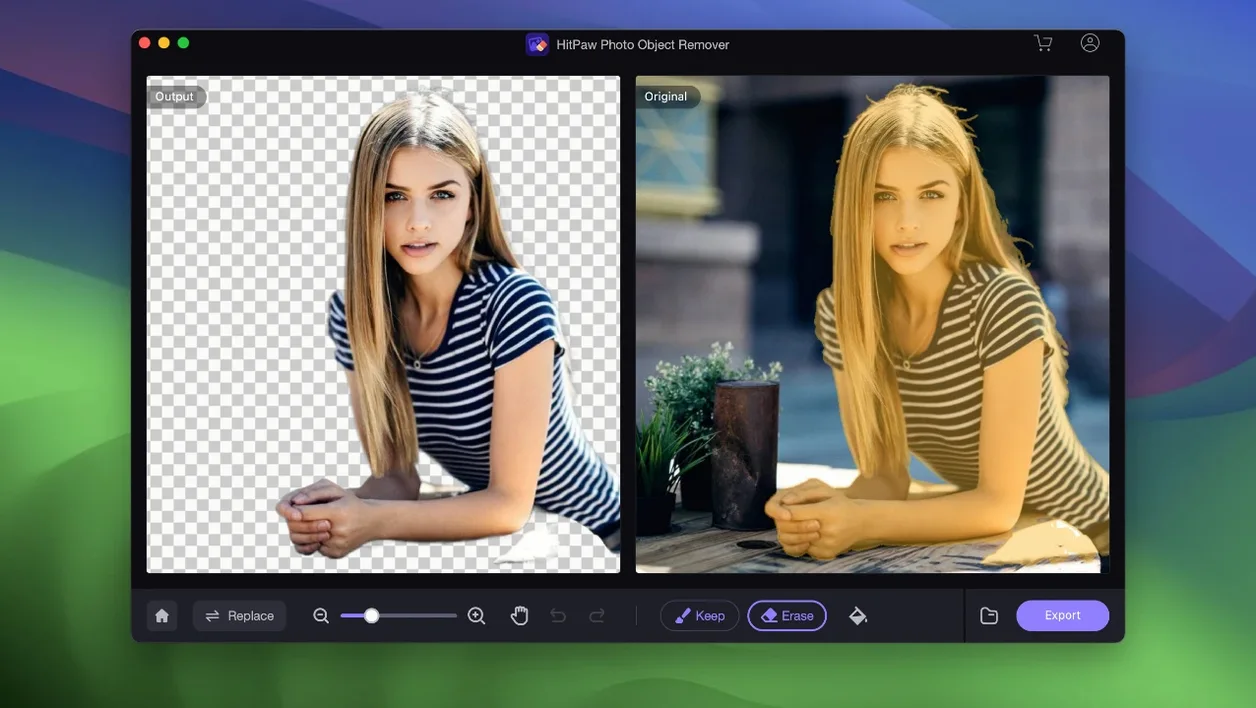
Click a screenshot to see it wider.
HitPaw Photo Object Remover 1.2.5 handles JPEG, JPG, PNG, and WebP images on 64-bit Intel Macs running macOS 10.13 or later. The app runs in English, German, Spanish, Traditional Chinese, Korean, Portuguese, French, and Japanese.
Removes Objects, Text, Blemishes, and Wrinkles
- Removing unwanted objects, people, or clutter from portrait and landscape shots
- Erasing text overlays or watermarks
- Restoring old photos — scratch removal, stain, grain, and blemish cleanup
- Cleaning up face spots and wrinkles
- Defect removal for product or document images
64-Bit Intel Only, No RAW Support
- The app is 64-bit Intel only — no native Apple Silicon build at this version
- File input is limited to JPEG, JPG, PNG, and WebP; no RAW or DNG
- Interface languages are set at install; no language packs to download later
Raise Output Quality and Enable Auto-Detect
Open the app and look for the output quality setting. By default, the app saves in JPEG at a moderate quality. This avoids extra compression on areas you have just cleaned up.
Check the auto-detect toggle. If you are removing small items like a single blemish or a stray hair, turn auto-detect off. Manual brush control gives you better precision on small, irregular shapes. For large objects like a tourist in the background, leave auto-detect on — it grabs the whole silhouette in one click.
Set your export format to PNG if you plan to open the result in another editor later. PNG preserves the edited area without further compression artifacts.
Portrait Photographers Use Spot and Wrinkle Tools
Portrait photographers working on a tight turnaround will use the face-spot and wrinkle tools more than the object remover. The workflow stays inside one app: spot removal, wrinkle smoothing, and export. No round-trip to a full image editor.
Anyone scanning and restoring old family photos will rely on the scratch and stain removal. The app handles grain and blemish cleanup in one pass, which saves time compared to cloning out each scratch manually in a layer-based editor.
Social media managers who batch-crop product shots can use the watermark and text removal. A branded overlay on a supplier image is gone in a few seconds, and the result stays in JPEG or PNG for direct upload.
Casual Mac users who just want a person or shadow out of a vacation photo will find the object-identification feature straightforward. No layers, no masking — just brush or tap and export.
Settings Worth Changing First
Before you start removing objects, adjust two settings. Open the app preferences and set the output format to PNG if you plan further edits. JPEG recompression degrades the cleaned area.
Set the output resolution to match your source image. If you downscale, details around the removed object can soften.
Check the auto-enhance toggle. For simple removals on well-lit photos, leave it on. For old photos with heavy grain or scratches, turn auto-enhance off — it can over-sharpen and create new artifacts around restored areas.
Who Gets the Most Out of This App
Users who edit photos occasionally but do not want to learn a layer-based editor benefit most. The app removes one distraction at a time without masking or selection tools. That fits casual users and non-designers.
Real estate agents and small business owners who photograph interiors or products will use the clutter and watermark removal daily. A shot with a stray handbag or a branded cup cleans up in seconds.
Event photographers processing guest portraits will use the face spot and wrinkle tools repeatedly. Each edit takes under a minute, and the export stays consistent.
Users on Intel Macs running macOS 10.13 through macOS 12 will find this version stable for their hardware. No Metal or GPU acceleration requirements beyond what Intel integrated graphics provide.
If you restore old scanned photos, the scratch and stain removal saves hours of manual clone-stamp work. The app handles grain reduction and blemish cleanup together, which is faster than multiple passes in a full editor.
- macOS 10.13 or later
- 64-bit Intel processor
Questions I get about this line
It supports JPEG, JPG, PNG, and WebP images. No RAW or DNG files.
The install order
- Mount the disk image and launch Open Gatekeeper friendly.
- Press Enter in Terminal to bypass Gatekeeper.
- Drag the app into the Applications folder.
- The app is ready to use.