Free download (63 MB) Previous versions
- Version
- 14.1 fix + ARM
- Developer
- Panic Art Studios
- Languages
- English
- License type
- Included
| macOS range | macOS 15.6 or later |
|---|---|
| Chip | Apple Silicon, Intel 64-bit |
| Download | 63 MB |
| Previous versions | 9 on file |
Screenshots
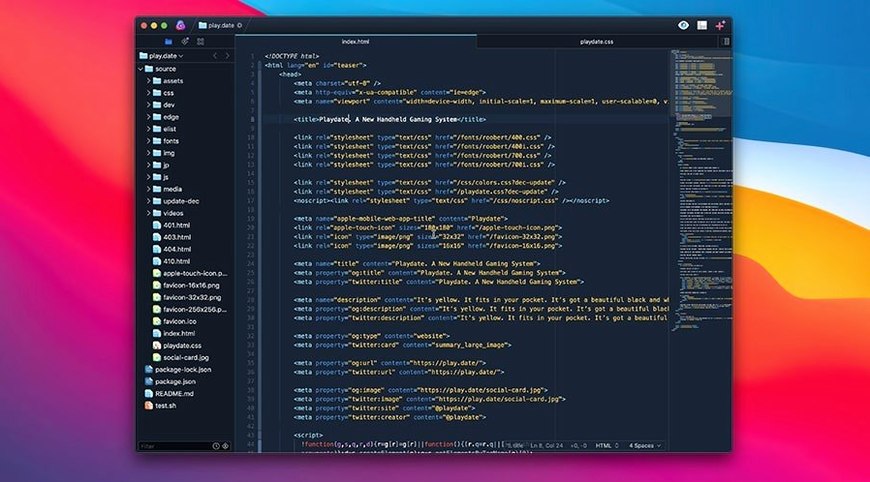
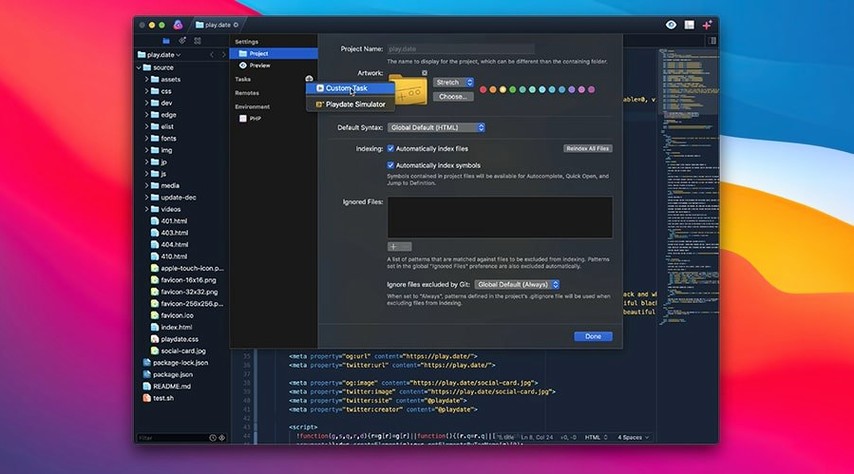
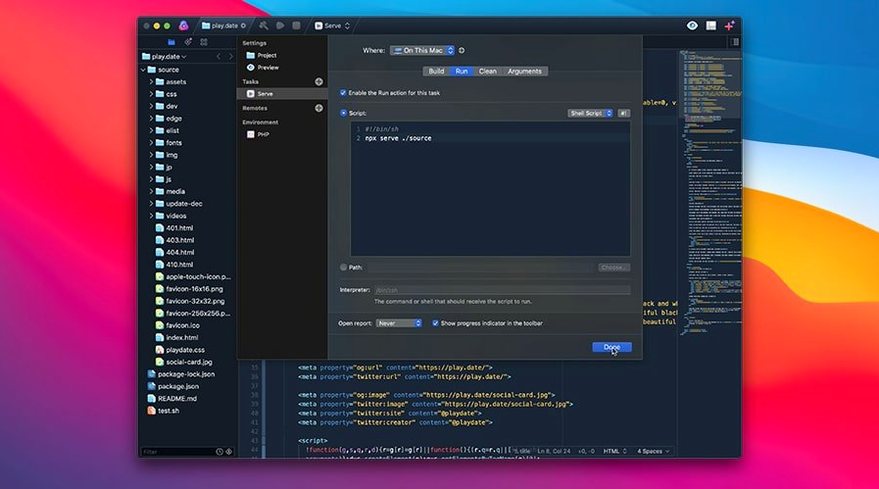
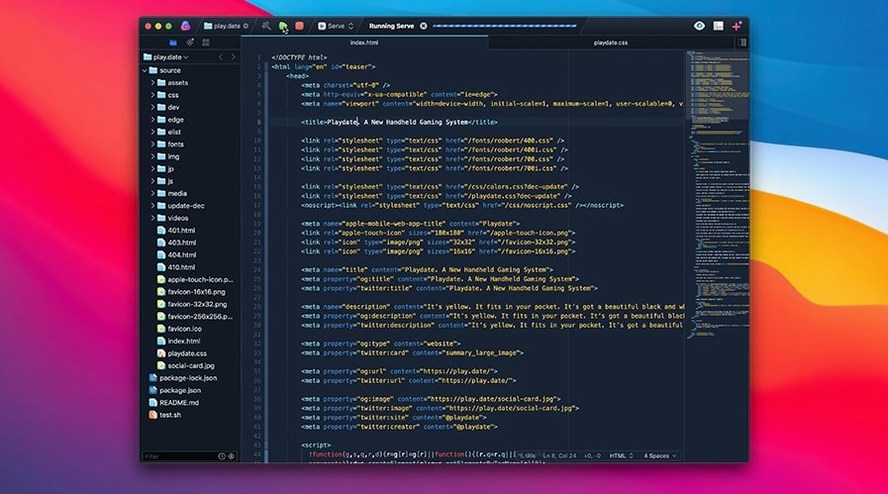
Click a screenshot to see it wider.
Over a dozen features ship in every Nova build, but the core stays the same: a fast, flexible code editor with a custom text layout engine that keeps scrolling smooth even on large files. It handles matching tag pairs and brackets, offers intelligent autocompletion, and supports multiple cursors for simultaneous edits.
Developers Who Want an Editor That Gets Out of the Way
Nova suits developers who want an editor that gets out of the way. The minimap gives quick orientation in long code files, and the built-in extension browser plus a robust API let you tailor the environment without leaving the app.
Built-In Task Automation
Beyond editing, Nova automates repetitive tasks—builds, tests, or custom commands—right from the editor. If you manage multiple projects and need consistent tooling, this reduces context switching.
Real-World Scenario: A Front-End Designer’s Monday
Consider a front-end designer who maintains three different projects simultaneously: a Sass-based marketing site, a JavaScript-heavy admin panel, and a Python script that generates static pages. Without task automation, that means opening multiple terminals, remembering different build commands, and manually switching contexts. With Nova, that designer sets up one task script per project. Each script handles the specific compile step, linter, or deploy command. The toolbar buttons stay the same, but the action changes per project. The minimap keeps orientation when jumping between a 3,000-line Sass file and a short JS snippet. Multiple cursors handle batch renames across CSS selectors. That designer finishes the morning round of updates without leaving the editor once.
Missing Out on Lua and Other Language Helpers
New Nova users sometimes treat it like a basic text editor and ignore the extension browser entirely. That means missing out on language-specific helpers that speed up work—especially for less common syntax in the built-in support list like Lua or Smarty. Another frequent misstep is not setting up task scripts early. People open a terminal separately and run commands by hand, which defeats the purpose of the task automation feature. A third mistake: ignoring the custom text layout engine’s behavior. The engine fixes Apple’s layout bugs, so if a colleague on a different editor reports a rendering oddity, Nova likely handles it correctly. Trust the editor’s display over an external tool for layout questions.
Existing Projects Without Rewriting Config Files
“Can Nova handle my existing project without me rewriting config files?” Usually yes. Nova respects common project structures. If you already have a .nova folder or a standard file layout, it picks up the patterns.
“Is the task automation tied to a specific language?” No. Task scripts run shell commands, so you can trigger anything from a make call to a Ruby deploy script. The syntax support list is for editing, not for limiting automation.
“Does the custom text engine mean slower startup on older hardware?” The engine was rewritten for performance, not against it. It targets the same bugs Apple left unfixed. If your machine meets the macOS 15.6 requirement, Nova’s layout engine runs as expected.
“Do I need to install a separate package manager for extensions?” No. The built-in extension browser handles discovery and installation inside the app. No command line needed for that step.
- macOS 15.6 or later
- Apple Silicon or Intel
- Interface: English
Questions I get about this line
Yes, Nova runs on both Apple Silicon and Intel Macs, as long as you're on macOS 15.6 or later.
Nova has a built-in extension browser and a robust API, so you can add or create extensions to fit your workflow.
Nova 14.1 requires macOS 15.6 or later. It supports both Intel and Apple Silicon architectures.
The install order
- Open the downloaded disk image.
- Drag the Nova app into the Applications folder shortcut.
- Once copying finishes, launch Nova from Launchpad.