Free download (452 MB) Previous versions
- Version
- 4.3 fix
- Developer
- Mooii Tech
- Languages
- English, German, Spanish, Italian, Chinese (Traditional), Chinese (Simplified), Korean, Dutch, Polish, Portuguese, French, Japanese
- License type
- K'ed by Dokdo
| macOS range | macOS 13 or later |
|---|---|
| Chip | Apple Silicon |
| Download | 452 MB |
| Previous versions | 1 on file |
Screenshots
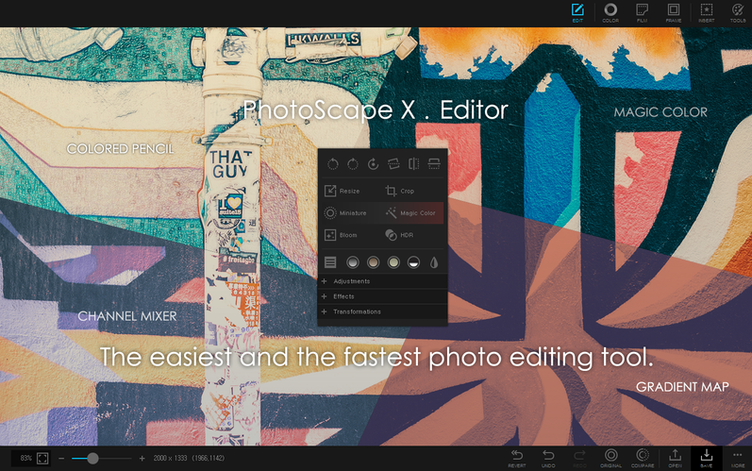
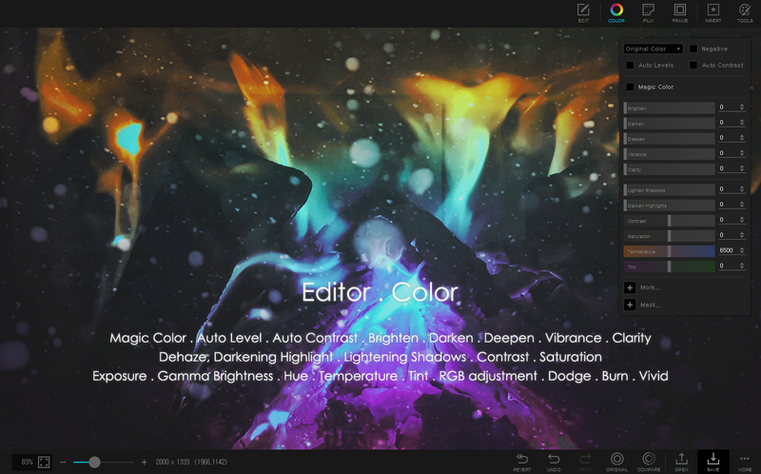
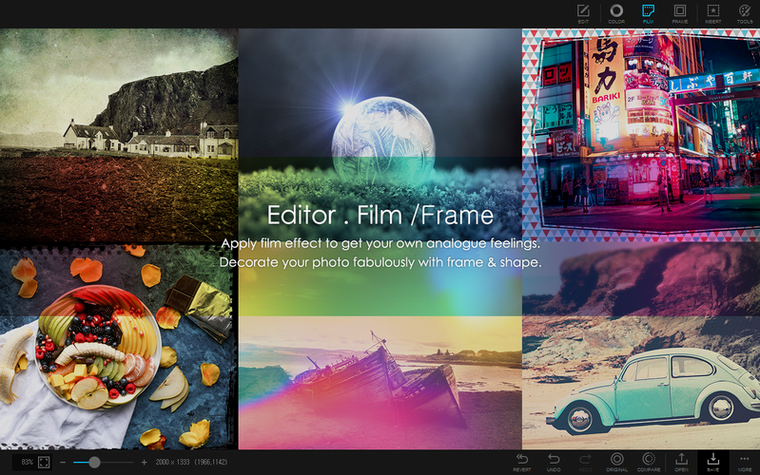
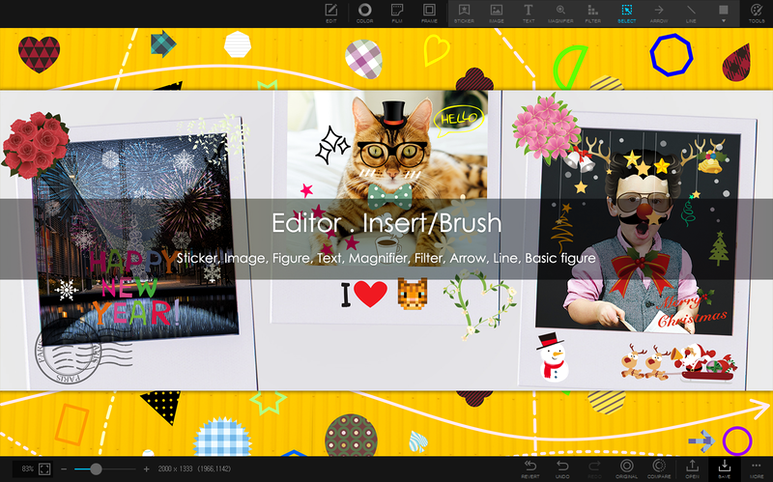
Scroll the row, it snaps to each screenshot. Click one to see it wider.
PhotoScape X Pro for macOS is for anyone who edits photos without wanting a steep learning curve. It handles the everyday jobs—viewing, cropping, retouching—and the heavier ones like batch renaming or focus stacking. Before you install the photoscape x torrent, here are the answers to the questions that usually come up.
macOS 13 Ventura or Later Required
- Does it support my Mac? It needs macOS 13 Ventura or later, and it runs on Apple Silicon.
- Can it handle multiple photos at once? Yes. Batch conversion, resizing, and renaming are built in.
- Is it only for simple edits? No. You get over 1000 filters, plus red eye fix, liquify, clone stamp, and healing brush tools.
- Can it make GIFs or collages? Yes, both, along with vertical or horizontal photo combining.
- What about printing? It includes print tools, so you can output photos directly.
Languages and Extras
The interface is available in English, German, Spanish, Italian, and eight other languages. If you work with HDR or focus stacking, those are covered too. It’s a practical tool for Mac users who want one app for most photo tasks.
A Typical Work Session With PhotoScape X Pro
You open a folder of raw shots from a weekend event. The browser panel shows thumbnails fast enough to scan without waiting. You flag the keepers with a star rating and use the loupe view to check sharpness. Lossless rotation fixes the occasional horizon without re-encoding.
For the selected shots, you open the editor. The red eye fix is one click, and the healing brush handles small sensor dust. You use the clone stamp to remove a stray arm from a group photo. The background removal is where the magic eraser and lasso tools come in — trace roughly, and the brush refines the edge. No need for a separate masking app.
When you have five headshots that need the same white balance and crop, batch resize and batch format conversion save the repetition. You set the output folder, pick JPEG at 1920px wide, and let it process while you grab coffee. The batch rename tool is right there, so filenames end up date-location-number before you move on.
For the final product — a collage of the best shots — the collage mode accepts a grid of photos and adds a frame from the 290+ library. You pick one of the 240+ shapes as an accent. Export to a single image, and you are done. If the client wants a short animated GIF of the event highlights, that mode is a few clicks away.
Clone Stamp Hang Fixed in Latest Build
This build is a fix release. The difference you notice is that the editor launches without the occasional hang that happened when switching between the clone stamp and the healing brush. The batch renaming dialog no longer resets the numbering scheme if you change the sort order mid-session. Focus stacking and HDR merging both finish without a stuck progress bar — the fix addressed that on Apple Silicon hardware.
You might also see the color picker tool update its hex value in real time again. The screenshot capture saves correctly to the chosen format even when you have a high‑DPI display connected. Nothing flashy, but the kind of polish that keeps you from restarting the app mid‑project.
- Listed build is a fix release.
- macOS 13 Ventura or later
- Apple Silicon
- In-app purchases included
Questions I get about this line
No, this build requires Apple Silicon. You need a Mac with an M-series chip.
The brief doesn't specify RAW support, but the editor includes over 1000 filters and tools like clone stamp and healing brush for detailed edits.
No, the app works offline after installation.
The install order
- Open the downloaded disk image.
- Drag the app into the Applications folder shortcut.
- After copying finishes, launch the app from Launchpad.