Free download (662 MB) Previous versions
- Version
- 3.4.15 [MAS]
- Developer
- Pixelmator Team
- Languages
- Russian, English, German, Spanish, Italian, Chinese (Traditional), Chinese (Simplified), Korean, Portuguese, French, Japanese
- License type
- Included
| macOS range | macOS 13 or later |
|---|---|
| Chip | Apple Silicon, Intel 64-bit |
| Download | 662 MB |
| Previous versions | 1 on file |
Screenshots
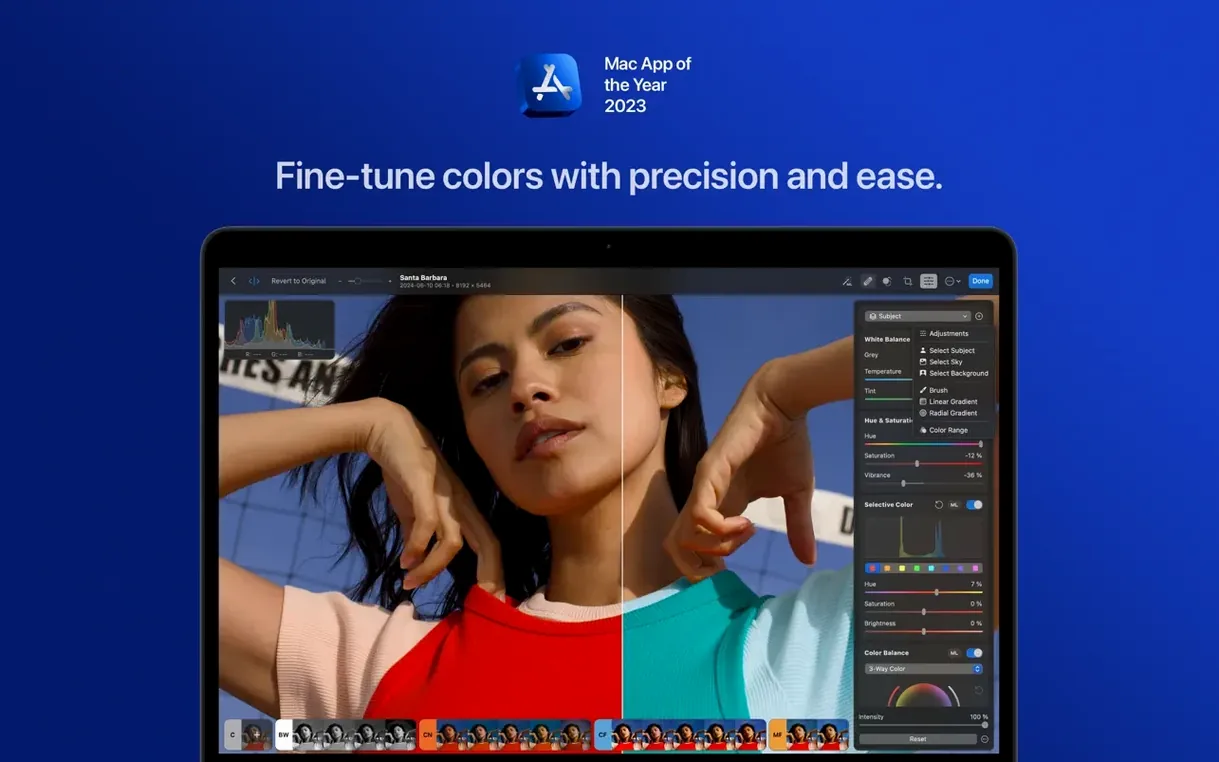
Scroll the row, it snaps to each screenshot. Click one to see it wider.
RAW files from the Panasonic LUMIX DC-S1RM2 in High Resolution mode land in Photomator 3.4.15 with full support, so you can work on 100MP-class images without a conversion step.
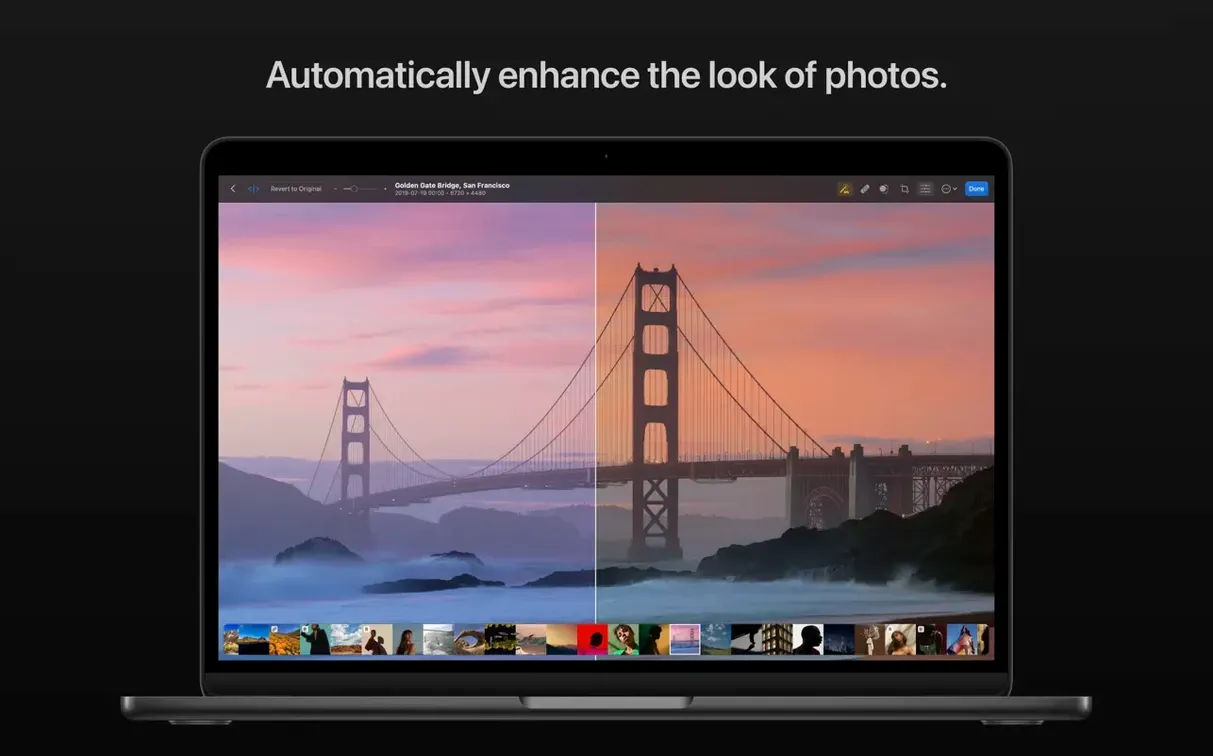
Match the Look of Two Photos
Open a reference shot and your current image side by side. The match color tool reads the tone and color of the reference and applies it to the active photo. Fine-tune with the regular color sliders until the mood lines up.
Denoise a Night Shot
High ISO shots get a separate Denoise tool that uses Core ML to separate noise from detail. One slider controls strength, and the preview updates live. It works on RAW and JPEG alike.
Batch Edit RAW and JPEG Together
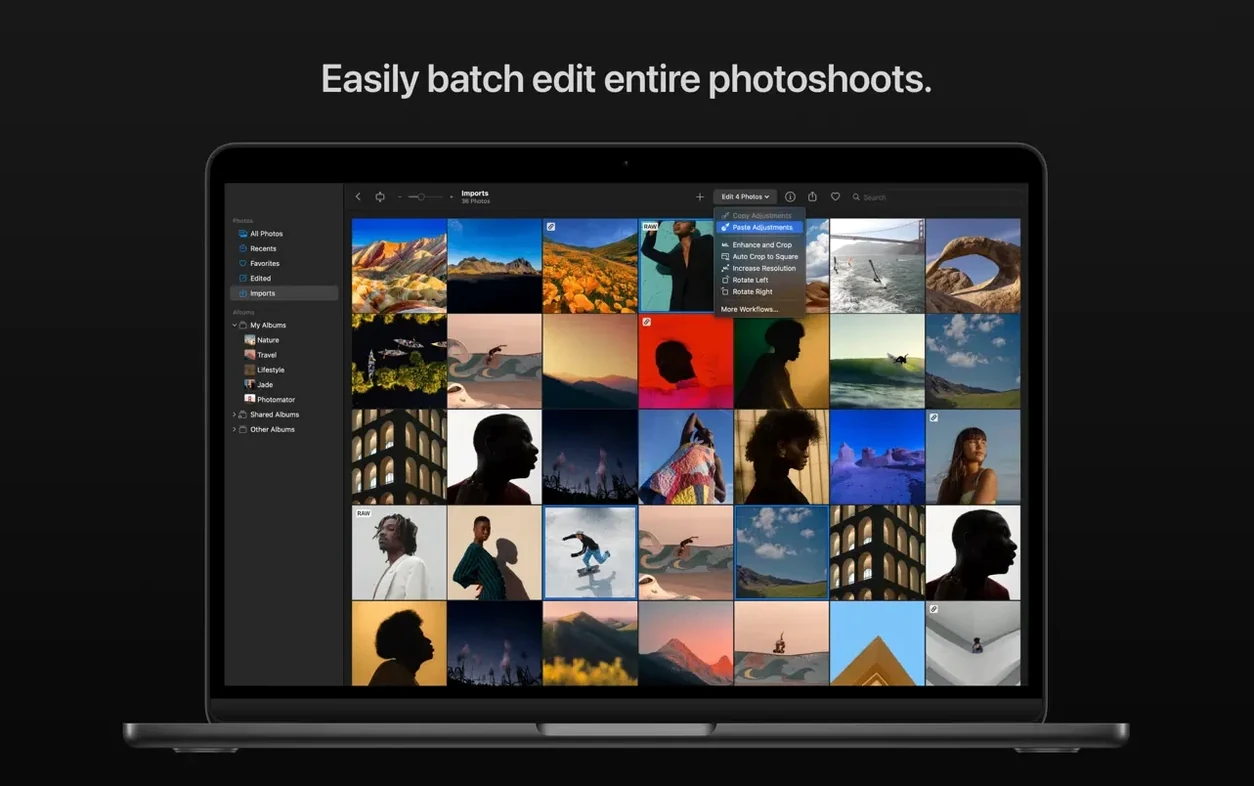
You can select a mix of RAW and JPEG files and apply the same preset or adjustment to all of them. Photomator keeps the edits non-destructive and writes the changes to each format correctly. Useful when you shoot one event with two bodies.
Drag-and-Drop RAW Import
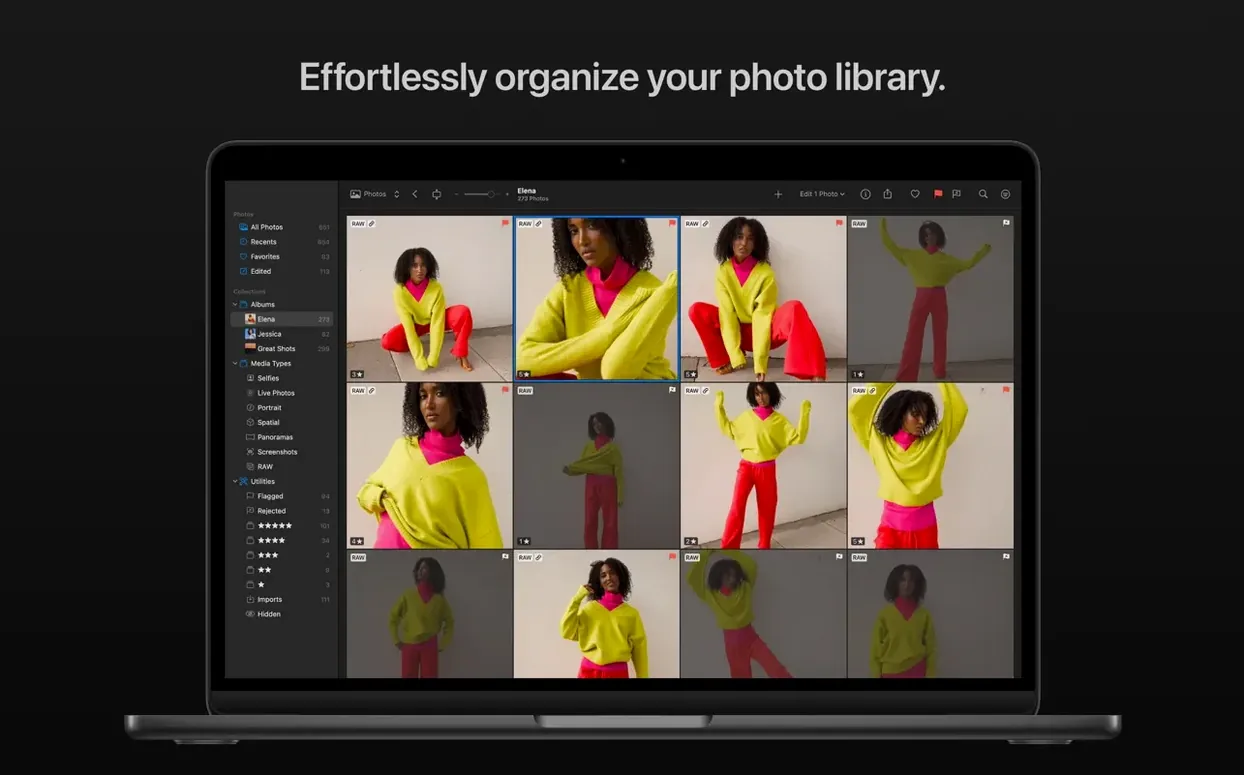
I start a session by importing a folder of raw files from a weekend shoot. Drag the folder into the browser, and thumbnails populate quickly. I pick the first frame, do a rough crop with the perspective tool to straighten a leaning building, then apply a black-and-white preset. The preset handles the base conversion, and I bump contrast with the color sliders.
Next I copy the edits from this photo and select the next five shots in the browser. Paste the edits onto all of them. Each thumbnail updates to show the same black-and-white look. I flip through and fine-tune exposure on a couple where the light shifted.
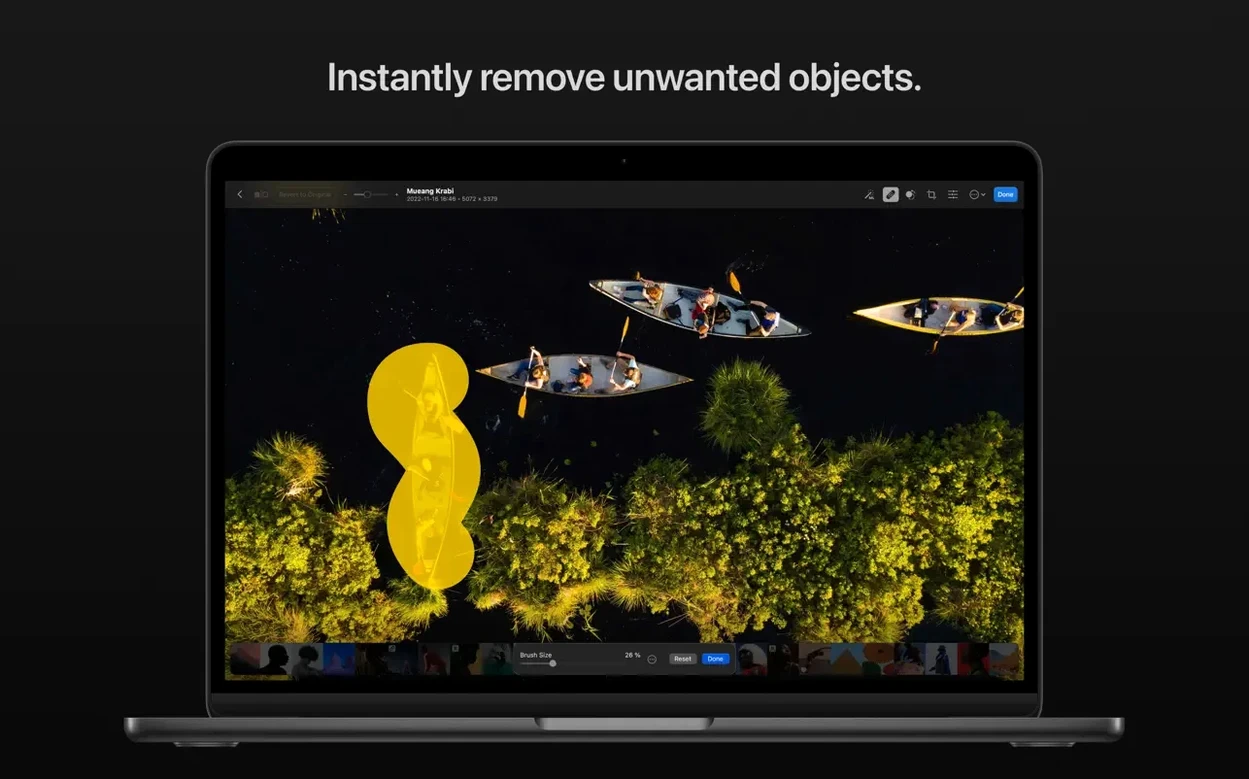
On a portrait I need to remove a distracting sign in the background. The clone and repair tool does it in a few strokes. I zoom to 100% to check the edges — good enough I move on without micro-adjusting.
For the final group of landscape shots I use the AI-based automatic selection to grab the sky. I darken it and apply a slight gradient. The subject selection tool isolates a hiker on a ridge for a targeted contrast boost. When I'm done, I export the selects as full-res JPEGs.
Instant Preset Previews and Edit Copy-Paste
- Copy and paste edits — works across RAW and JPEG without intermediate saves. Right-click or use the menu; no dialog box, just click.
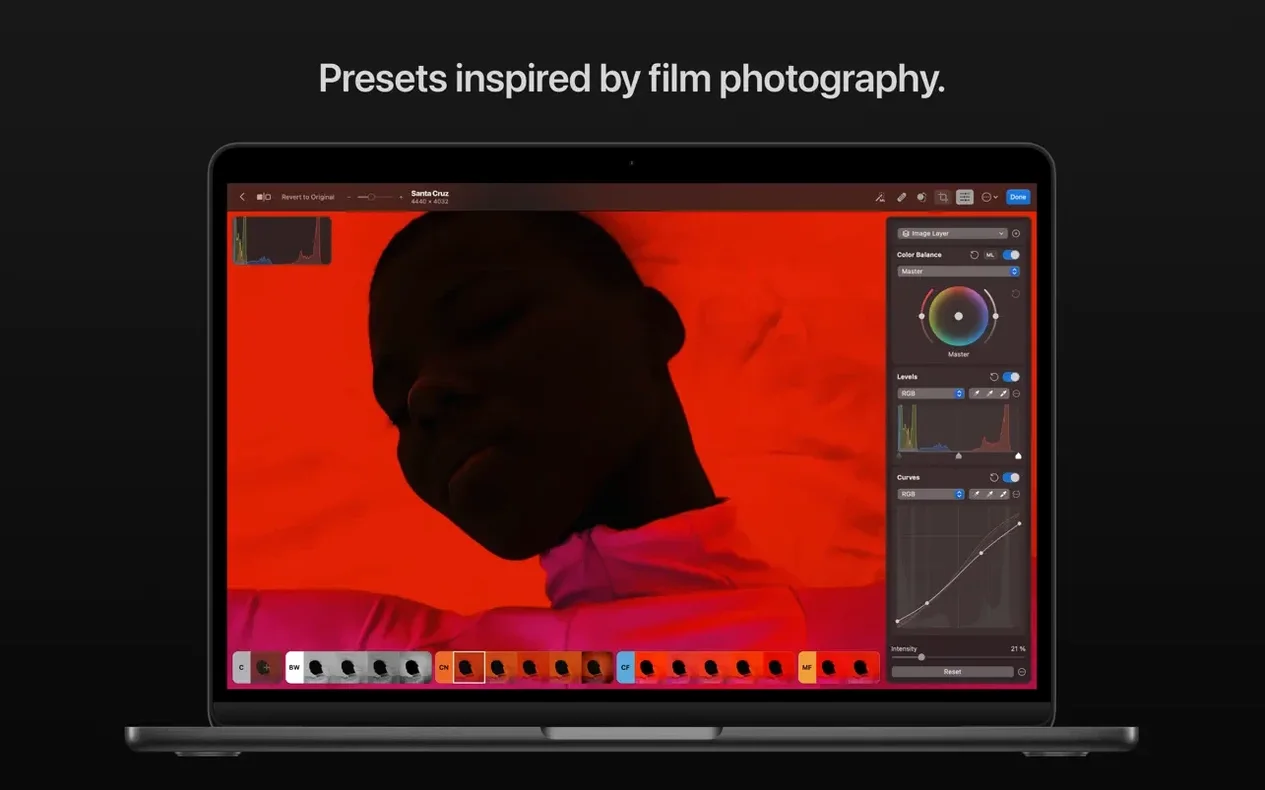
- Preset preview — hover over a preset and the thumbnail updates instantly. No need to apply and undo to see the effect.
- Smart Deband — one checkbox removes color banding from gradients in skies or product shots. It saves time you would normally spend masking.
- Upscale — available from the menu, not buried in export. You can upscale a crop and keep the resolution usable for print.
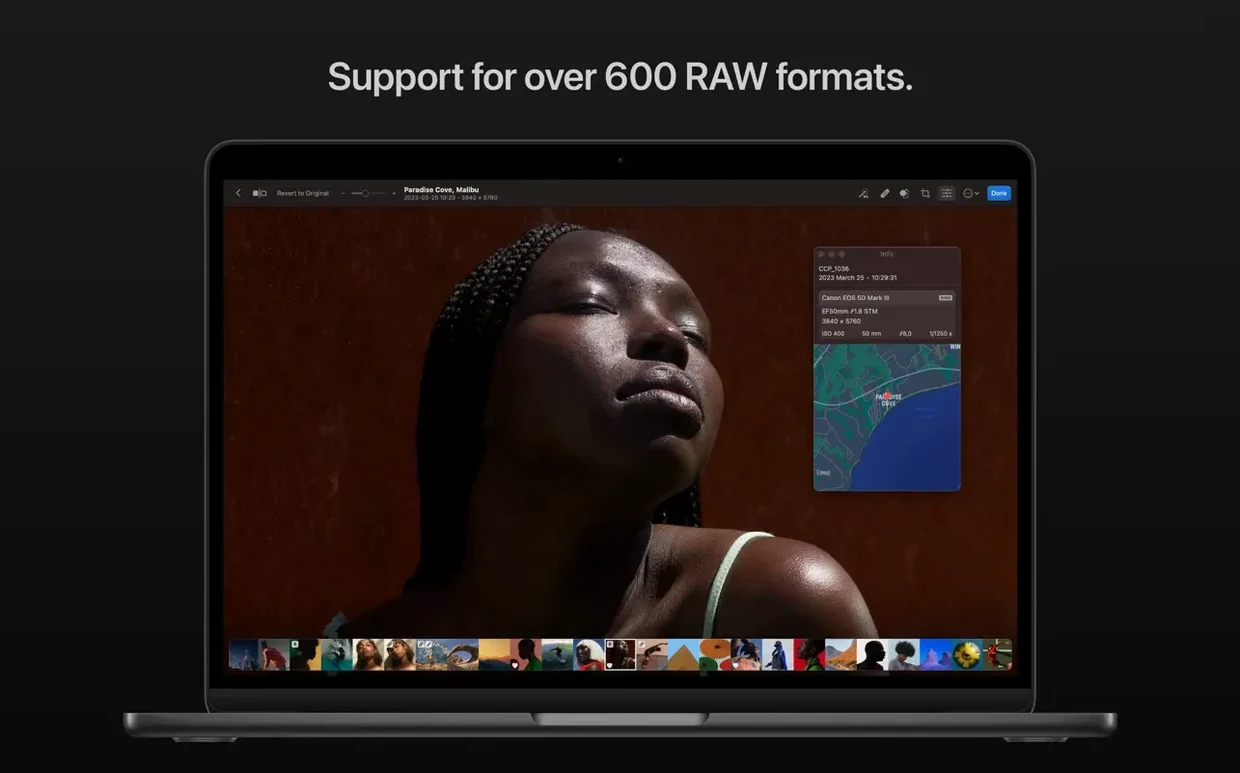
- RAW format support — the list covers over 650 formats including compressed Sony and Fujifilm files. No separate converter needed for most cameras.
How Photomator Fits With macOS and Other Apps
Photomator uses Metal, Core ML, and Core Image under the hood. That means it runs natively on both Intel and Apple Silicon Macs, and the AI tools like Denoise and subject selection leverage the Neural Processing Unit on Apple Silicon models.
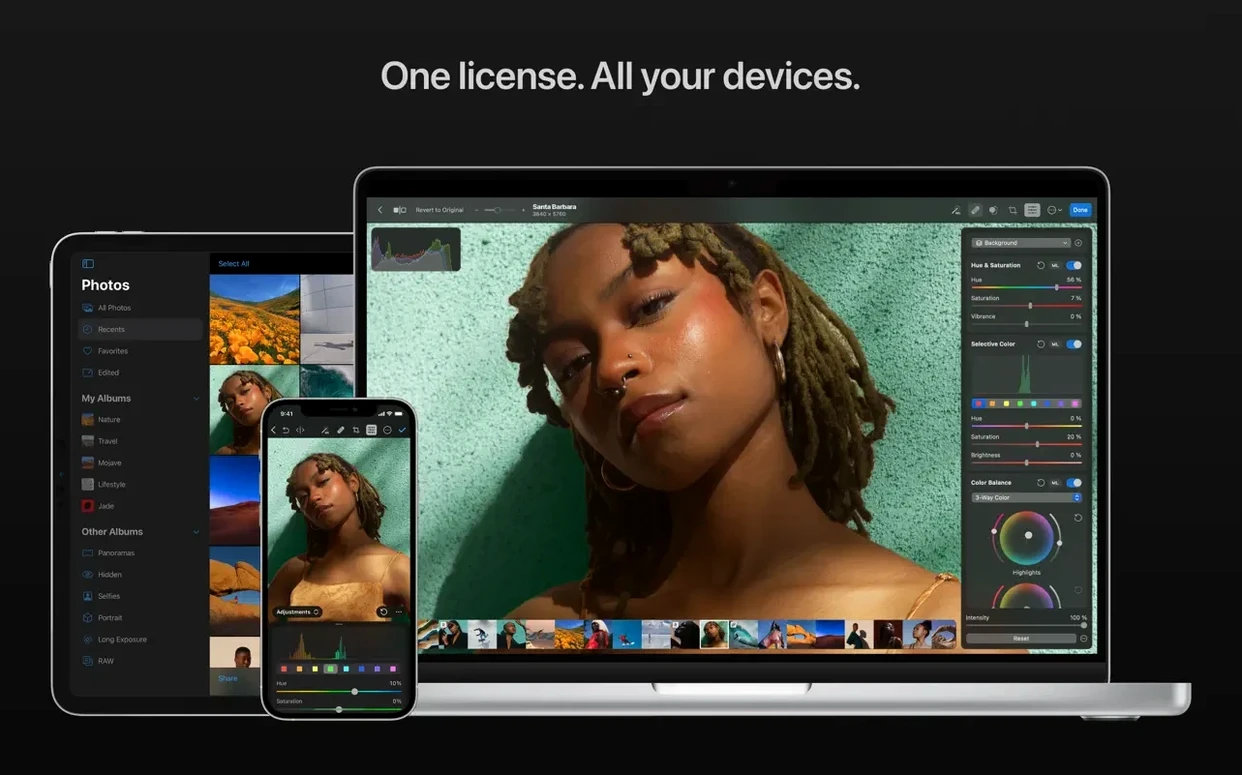
Edits sync with the Photos app and iCloud Drive. If you adjust a photo in Photomator, the changes show up in Photos on your Mac, phone, and tablet. You can also drag a file from Finder straight into Photomator's browser window.
The app integrates with macOS Ventura's share sheet and supports batch processing from the Finder context menu. You can select a group of files in Finder, open them directly in Photomator, and start editing without an import step. For a Mac workflow that already uses iCloud for storage and Photos for quick browsing, Photomator slots in as the heavy editor without breaking the sync loop.
- Bug fixes and performance improvements.
- Support for compressed RAW from Sony Alpha ILCE-7M5, FUJIFILM GFX 100S II, and FUJIFILM GFX 100RF.
- Support for High Efficiency and High Efficiency Star RAW from Nikon Z5II and Z50II.
- Support for RAW from Panasonic LUMIX DC-S1RM2 in High Resolution mode.
- macOS 13 or later
- Intel or Apple Silicon
The install order
- Mount the downloaded disk image.
- Drag the app to the Applications folder shortcut.
- After the copy finishes, open the app from Launchpad.