Free download (7 MB) Previous versions
- Version
- 6.43
- Developer
- Daniel Hooper
- Languages
- English
- License type
- K'ed by TNT team
| macOS range | macOS 10.14 or later |
|---|---|
| Chip | Intel 64-bit |
| Download | 7 MB |
| Previous versions | 1 on file |
Screenshots
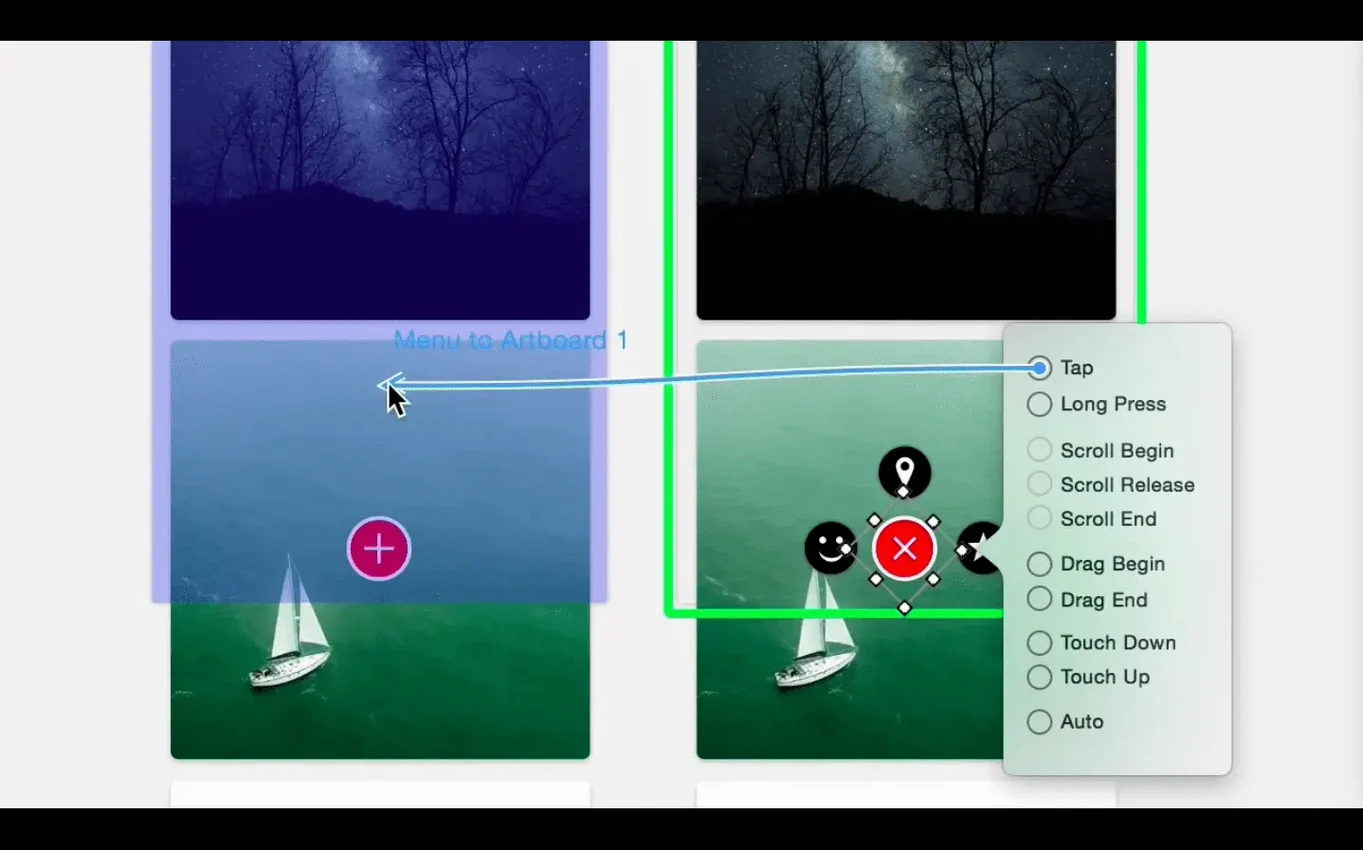
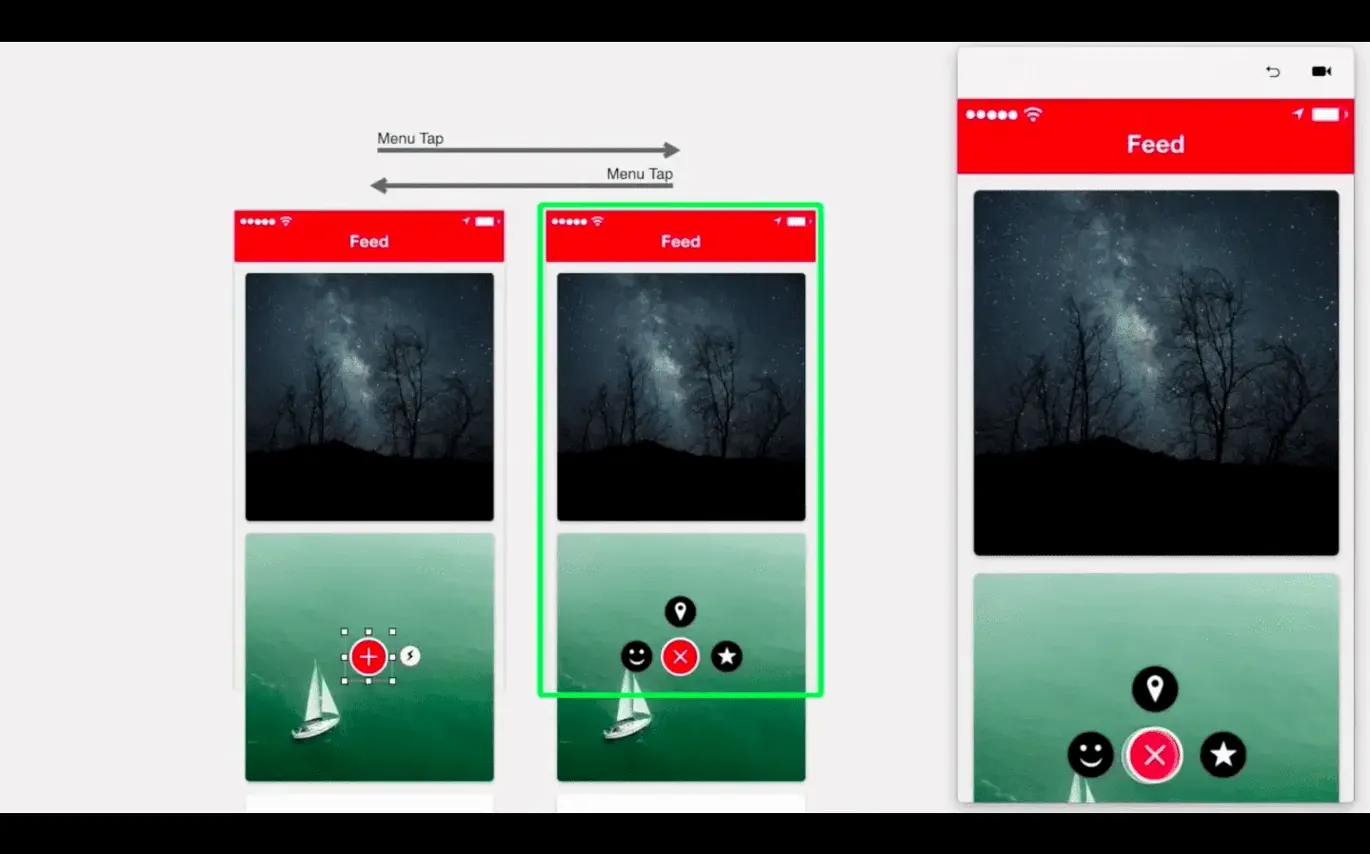
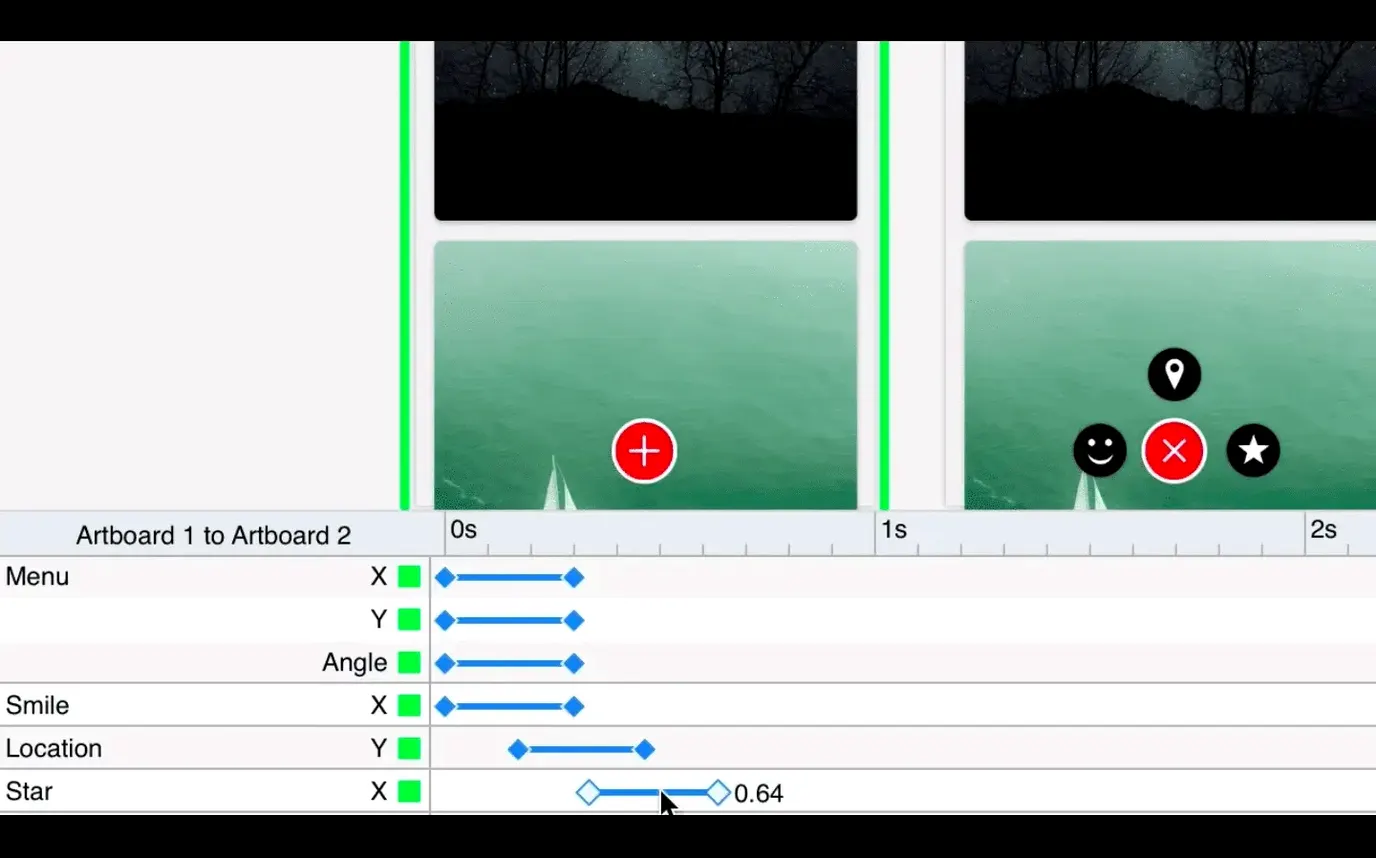
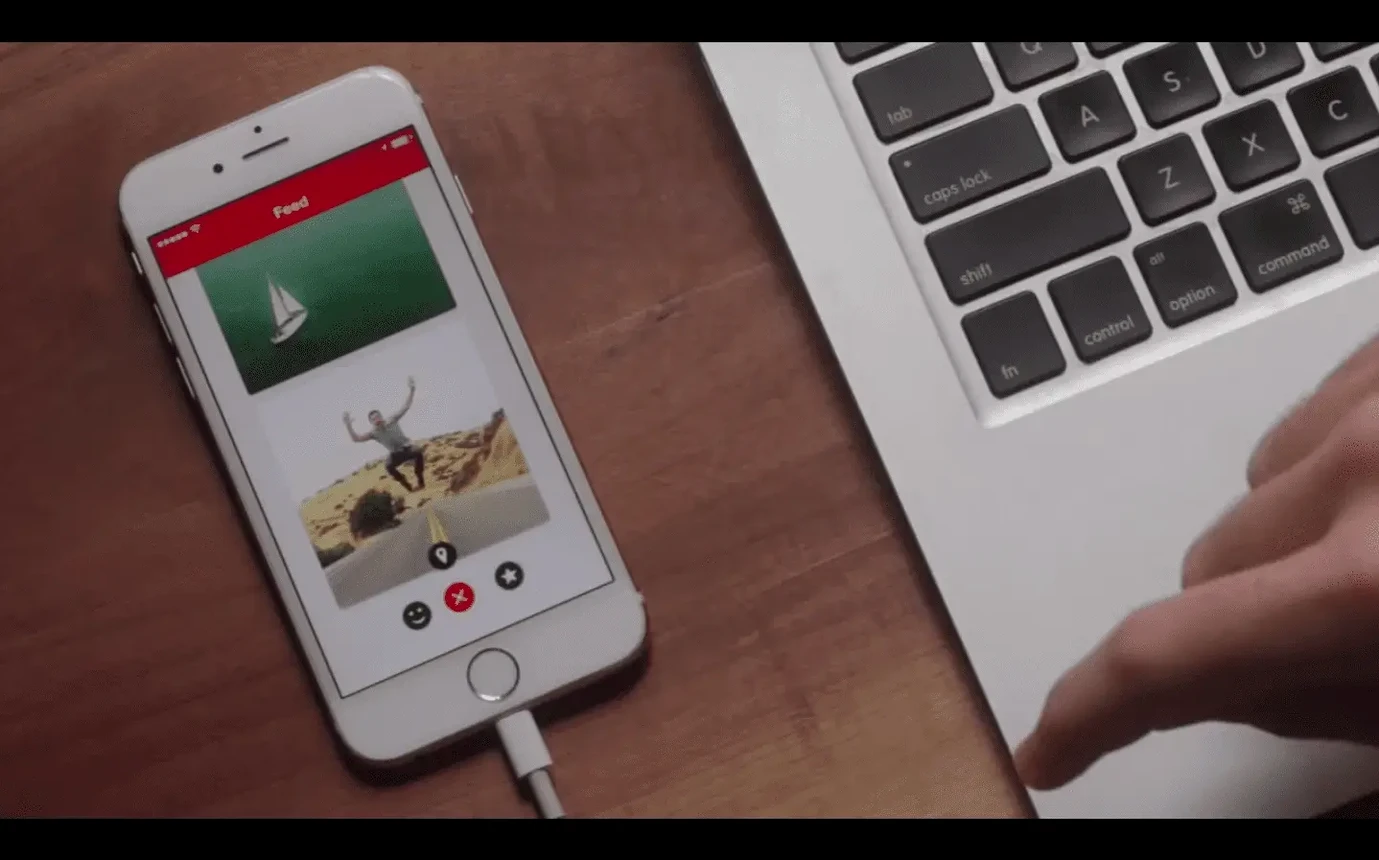
Click a screenshot to see it wider.
Designing an animated interface often means juggling timelines, keyframes, and code. Principle removes that friction. It’s a macOS app for building animated and interactive user interfaces for web, mobile, and desktop. You sketch the interaction, set the triggers, and Principle handles the motion.
Start with Artboards, Add Interactions
- Start with artboards. Lay out your screens as you would in Sketch or Figma.
- Add interactions. Link artboards with simple drag gestures. Define transitions, timing, and easing.
- Trigger events. Use hover events or mouse-wheel scrolling to simulate website and desktop behaviors.
- Preview and iterate. Run the prototype live. Tweak motion curves until the animation feels right.
- Test on device. Use the Principle Mirror companion app for iOS to see your design on a real screen.
Native macOS Integration with Retina Support
Principle is a native macOS app, so it integrates with the OS the way you expect from a pro design tool. The interface is in English and scales properly on Retina displays — no blurry UI elements on high-resolution screens.
It runs on macOS 10.14 and later. The version 6.43 build is 64-bit Intel, meaning it works on Intel Macs. Apple Silicon users (M1, M2, etc.) will run it through Rosetta 2, though the provided specs list only the Intel architecture. Auto Save keeps your work from disappearing if you forget to hit Cmd+S.
Full-screen mode lets you present prototypes without toolbars or window chrome. If you need to export a standalone Mac app for preview, Principle can generate one — useful for handing a clickable demo to stakeholders who don't have Principle installed.
Pre-Install Questions Answered
Does Principle replace my design tool?
No. It's a prototyping layer, not a full UI editor. You still create artboards and assets in Sketch, Figma, or Adobe XD. Principle imports those assets and handles the animation logic. Think of it as an animation and interaction engine that sits on top of your existing design files.
Can I prototype multi-screen flows?
Yes. Artboards let you build multi-screen app flows. Link them with transitions, set triggers like hover or click, and add mouse-wheel scrolling for desktop prototypes. The Principle Mirror iOS app lets you test those flows on a phone or tablet.
Is it heavy on system resources?
The timeline-based animation engine processes motion curves in real time. Auto Save adds a background process, but the app stays responsive during normal editing.
How Principle Compares
Principle competes most directly with Axure RP and Figma's prototyping mode. Axure RP is more logic-heavy — conditional flows, variables, and data-driven interactions. Principle is lighter; you focus on motion and timing rather than conditional branching. Figma's built-in prototyping handles basic click-and-transition flows but lacks Principle's timeline-based animation control. For designers who need precise easing curves and hover-triggered motion, Principle fills the gap between Figma's simplicity and Axure's complexity.
It’s a practical tool for interaction designers who want to validate ideas before handing off to developers.
- Release notes for version 6.43 were not available on the referenced release page.
- macOS 10.14 or later
- Intel or Apple Silicon
- Interface: English
Questions I get about this line
Yes, Principle is native to macOS and runs on both Intel and Apple Silicon Macs. It requires macOS 10.14 or later.
The install order
- Mount the disk image and run the Open Gatekeeper friendly tool.
- Press Enter in Terminal to bypass Gatekeeper.
- Drag the app into the Applications folder.
- Launch the app when installation is complete.