Free download (11 MB) Previous versions
- Version
- 1.10.0
- Developer
- Fat Cat Software
- Languages
- English
- License type
- K'ed by TNT team
| macOS range | macOS 14 or later |
|---|---|
| Chip | Apple Silicon, Intel 64-bit |
| Download | 11 MB |
| Previous versions | 3 on file |
Screenshots
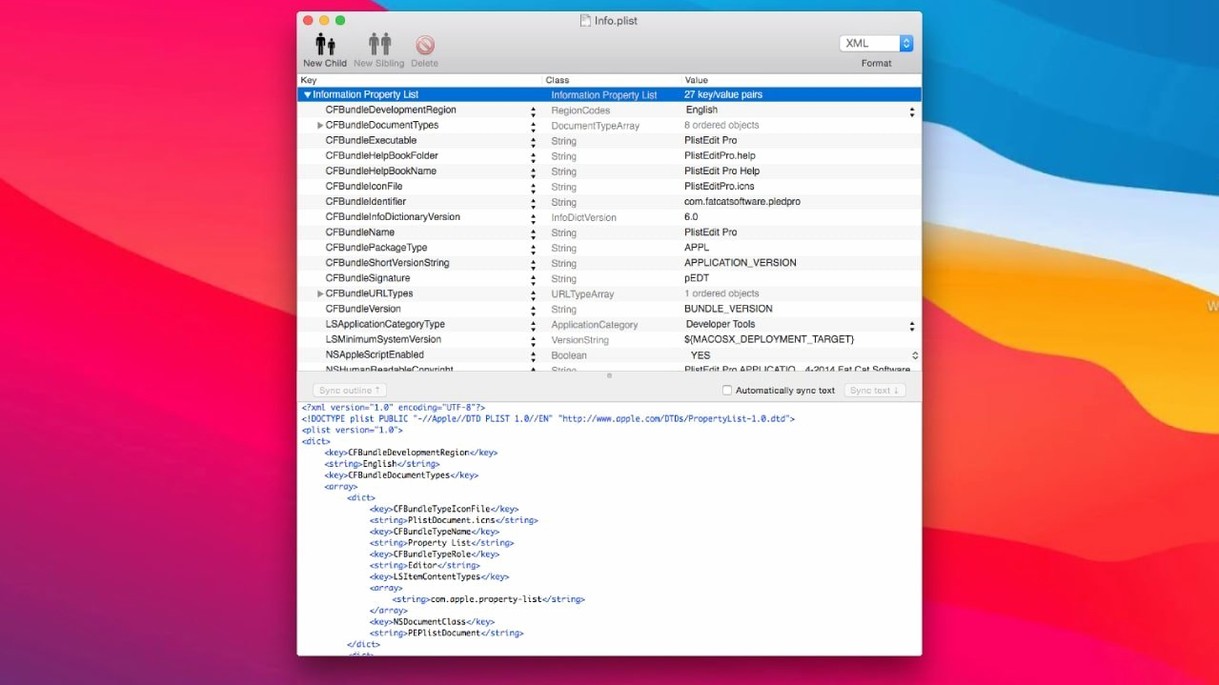
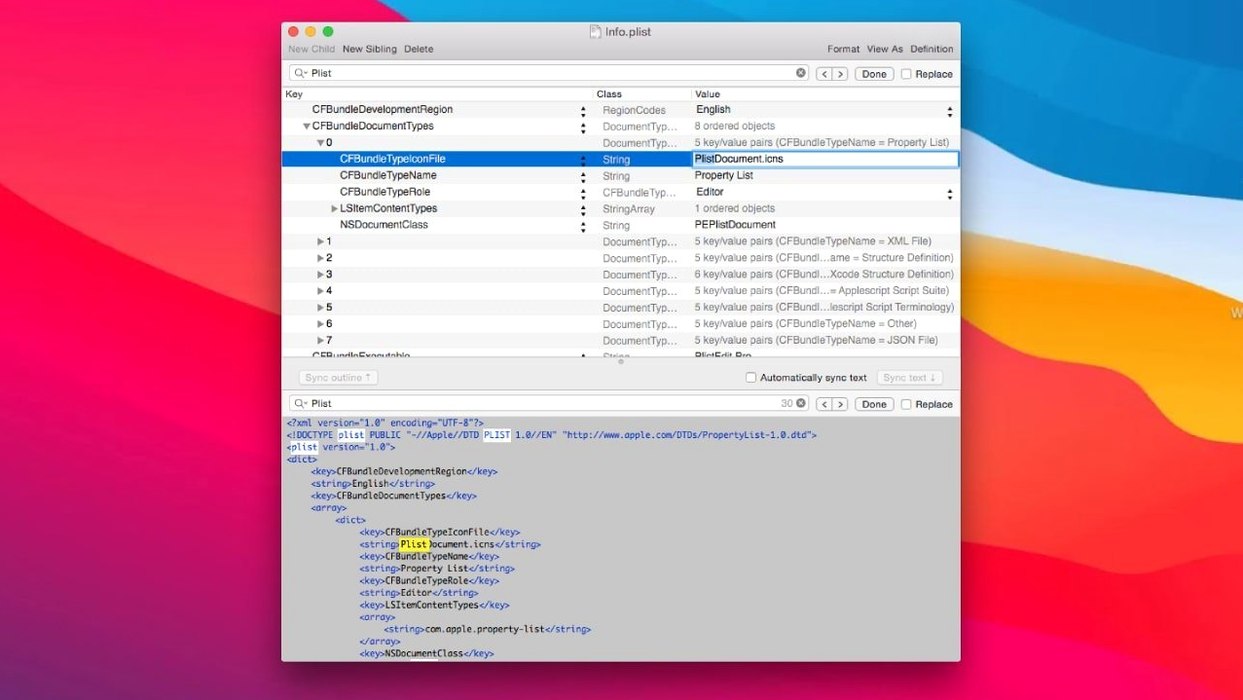
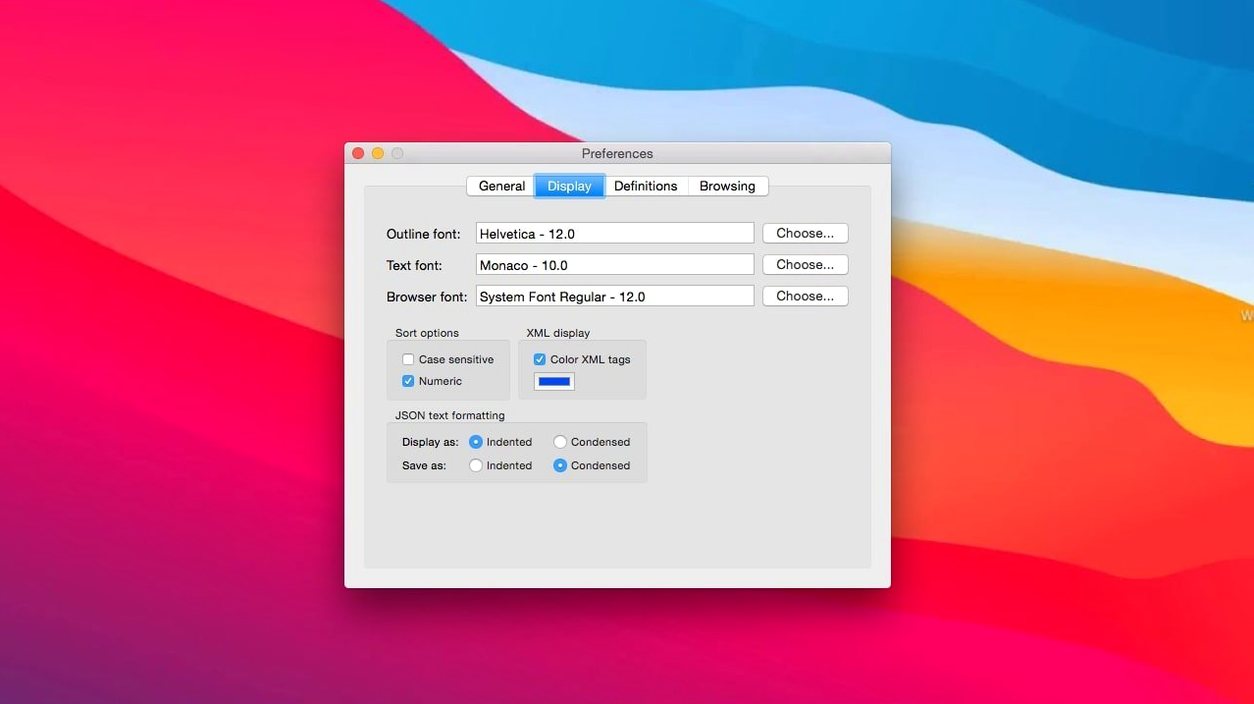
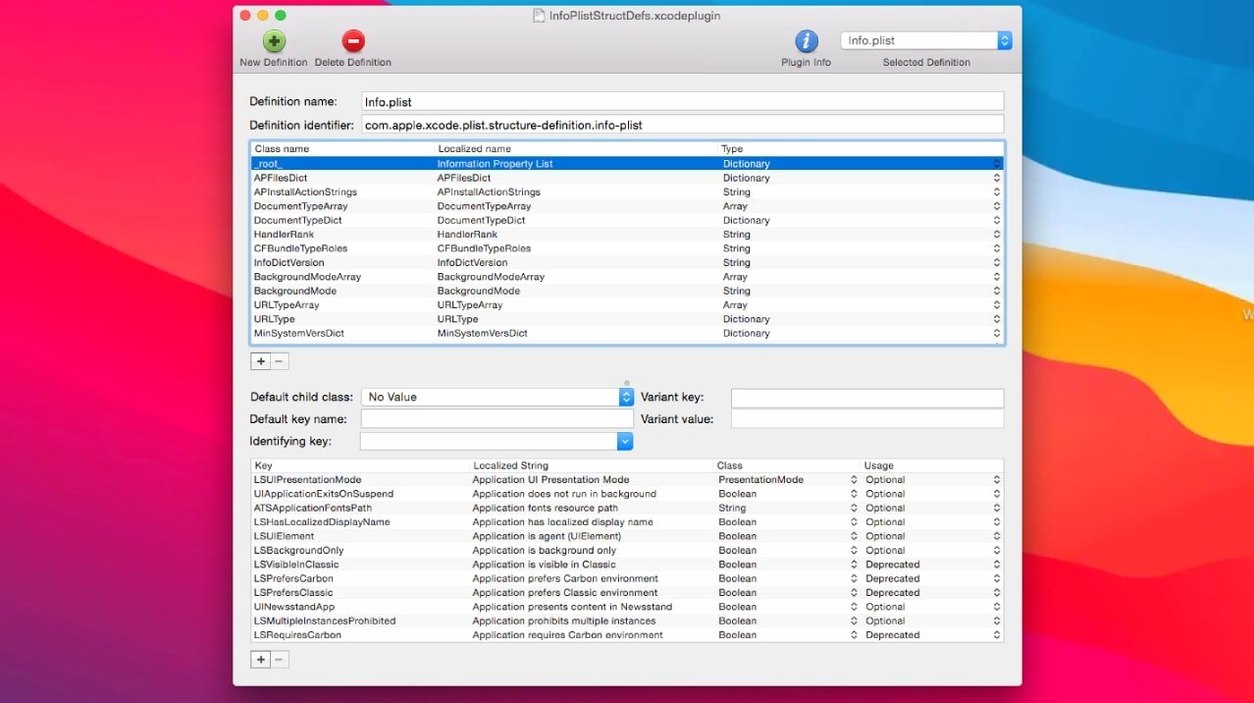
Scroll the row, it snaps to each screenshot. Click one to see it wider.
You work with plist files daily. Maybe you're tweaking a preference domain, searching a folder of configs for a specific key, or editing a JSON export. PlistEdit Pro gets that done without opening Xcode.
Search a Folder for a Key or Value
Open any folder of plist files and run a search across all of them. It finds keys or values in seconds. No need to open each file individually.
Edit macOS Preference Plists
The preferences browser lets you view and edit any macOS preference property list directly. No digging through ~/Library/Preferences by hand. Structure definitions for standard plist files mean fewer errors.
Work with JSON and the Command Line
Open and edit JSON files the same way you do plists. The included pledit command-line tool lets you script edits or integrate with other tools. AppleScript automation works too.
An Editing Session from Start to Finish
Launch PlistEdit Pro and open a plist file. The outline view shows the property list as a collapsible tree. Navigate with the keyboard to find the key you need. Drag a property group from one position to another, or copy it to paste into another file open in the same window. Run find and replace across the current file, or hit the folder search if you need a value across multiple files. Make your changes, then undo a few steps back if something went wrong — multi-level undo covers you. Save, and you're done.
A common workflow: open a macOS preference plist with the prefs browser, copy a set of properties, switch to a JSON export in another tab, paste the data in. The drag-and-drop and copy-and-paste bridge the formats without conversion steps.
plumbing into shell scripts and CI pipelines
The app fits into a developer's existing setup. The pledit command-line tool lets you call edits from a shell script or a Makefile. AppleScript automation hooks into larger workflows — trigger a property change from a CI pipeline or a deployment script. Font customization means the editor matches your terminal and code editor font choices.
Structure definitions for standard plist files keep you out of trouble when editing system preferences or app configs. The outline view and plain text view serve different needs: outline for structured edits, text for raw data. Both are available without switching modes.
macOS 14 or later on ARM or x86
PlistEdit Pro 1.10.0 requires macOS 14 or later. It runs on both ARM and x86 (64-bit) architectures. The disk image mounts normally; after bypassing Gatekeeper in Terminal, drag the app to your Applications folder. No extra libraries or runtimes needed. The app is in English.
How a Session Feels Day to Day
You open a plist file from a project folder. The outline view loads, and you drill down to a nested dictionary. You need to move a block of settings from one key to another. Drag the group to the new position, and the outline updates immediately. Then you spot a value that needs changing across ten files in the same directory. Instead of opening each file, you run the folder search from the toolbar. Type the key, review the matches, and edit the value in place. The whole task takes a couple of minutes instead of a tedious file-by-file pass.
Another session: you are cleaning up a JSON export from a server. Open the file, switch to outline view to see the structure. You paste in a block of plist data copied from a different project. The paste handles the format conversion. You run find and replace to update a few deprecated keys, then save. The pledit command-line tool is open in a Terminal tab for the next batch edit.
Working Alongside Other macOS Tools
PlistEdit Pro sits alongside Xcode and Terminal without conflict. You can copy a key from a plist, paste it into a shell script, or pipe output from pledit into a git commit message. The preferences browser gives direct access to macOS preference files, so you can test settings changes without logging out or restarting apps. Font customization lets you match the editor to your terminal font, keeping your workspace visually consistent. The multi-level undo means you can experiment freely — revert a change you made ten steps ago without losing later edits. The app becomes part of your toolkit, not a separate environment you have to context-switch into.
- Requires macOS 14 or later.
- Updated user interface elements for macOS Tahoe.
- Moved prefs browser options checkboxes into a toolbar menu.
- Changed the 'Ask to revert when file changes on disk' option to a small popover.
- macOS 14 or later
- Intel or Apple Silicon
- English
Questions I get about this line
Yes. You can search an entire folder of plist files for a key or value. The results show matching files and locations.
Yes. It includes a preferences browser that lets you view and edit macOS preference property lists directly.
The install order
- Mount the disk image and run Open Gatekeeper friendly.
- Press Enter in Terminal to bypass Gatekeeper.
- Drag the app into the Applications folder.
- The app is ready to use.