Free download (3.1 GB) Previous versions
- Version
- 2026.2.1
- Developer
- Pixologic
- Languages
- English, German, Spanish, Chinese (Simplified), Korean, French, Japanese
- License type
- Included
| macOS range | macOS 12.6 or later |
|---|---|
| Chip | Apple Silicon, Intel 64-bit |
| Download | 3.1 GB |
| Previous versions | 16 on file |
Screenshots
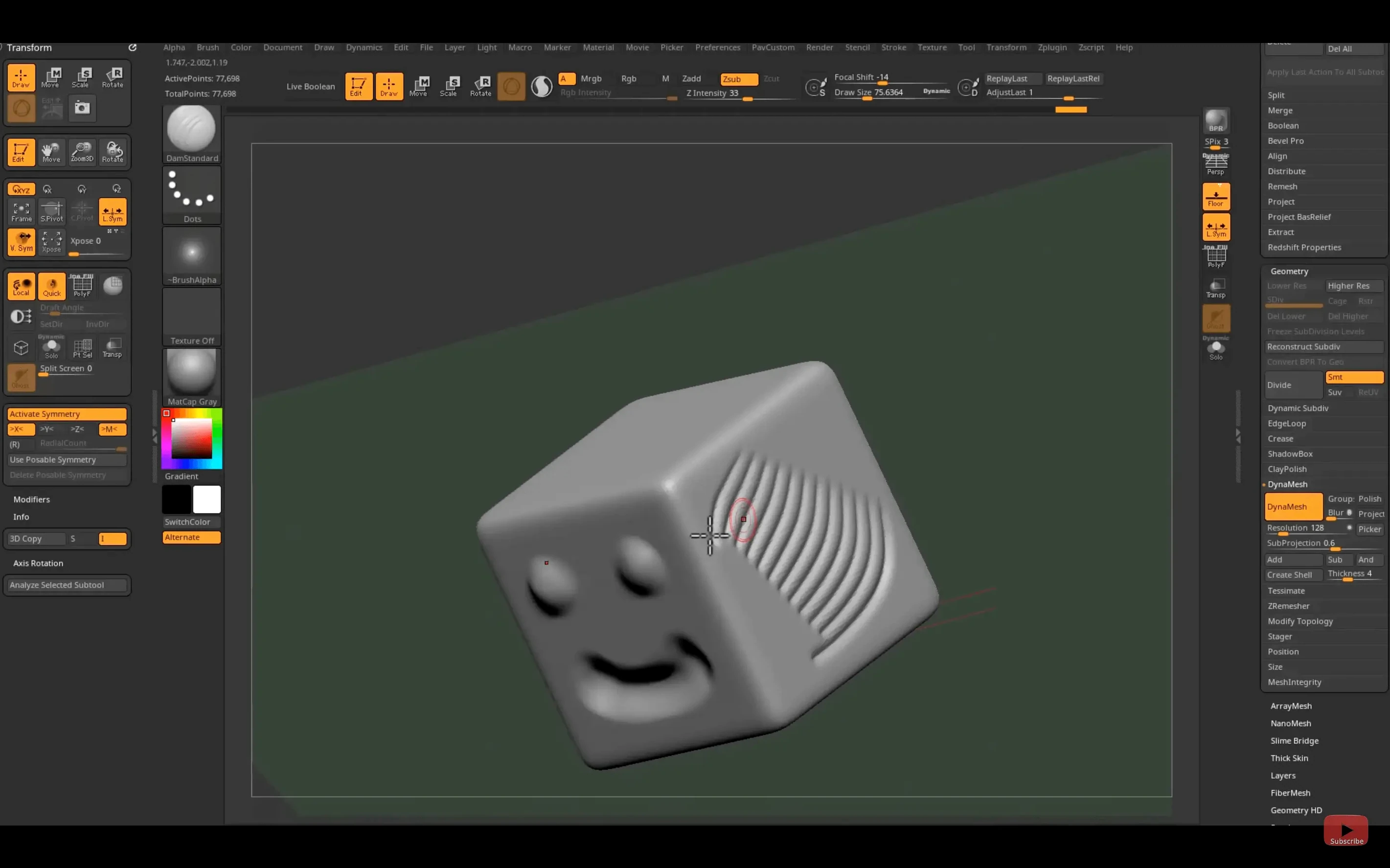
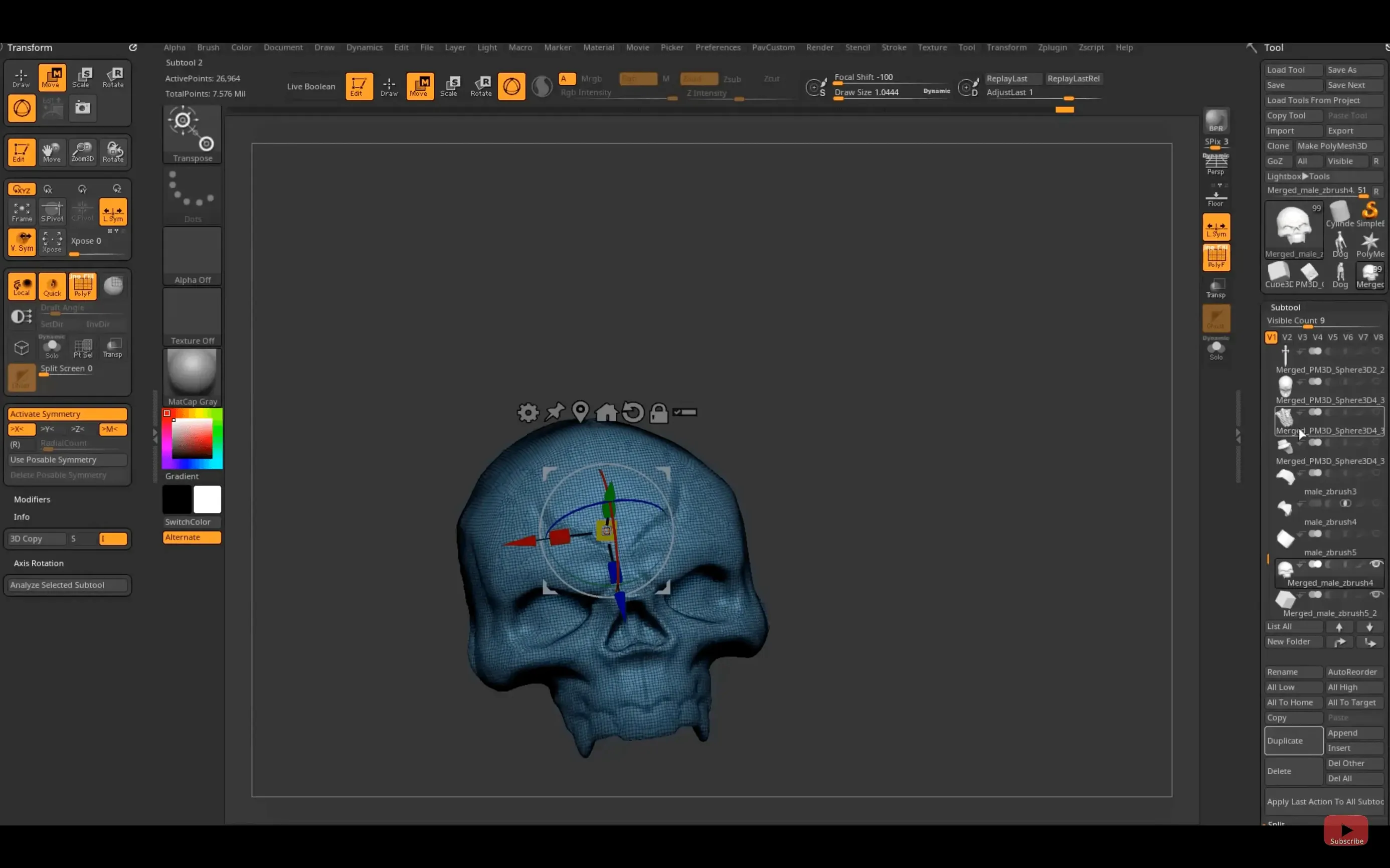
Scroll the row, it snaps to each screenshot. Click one to see it wider.
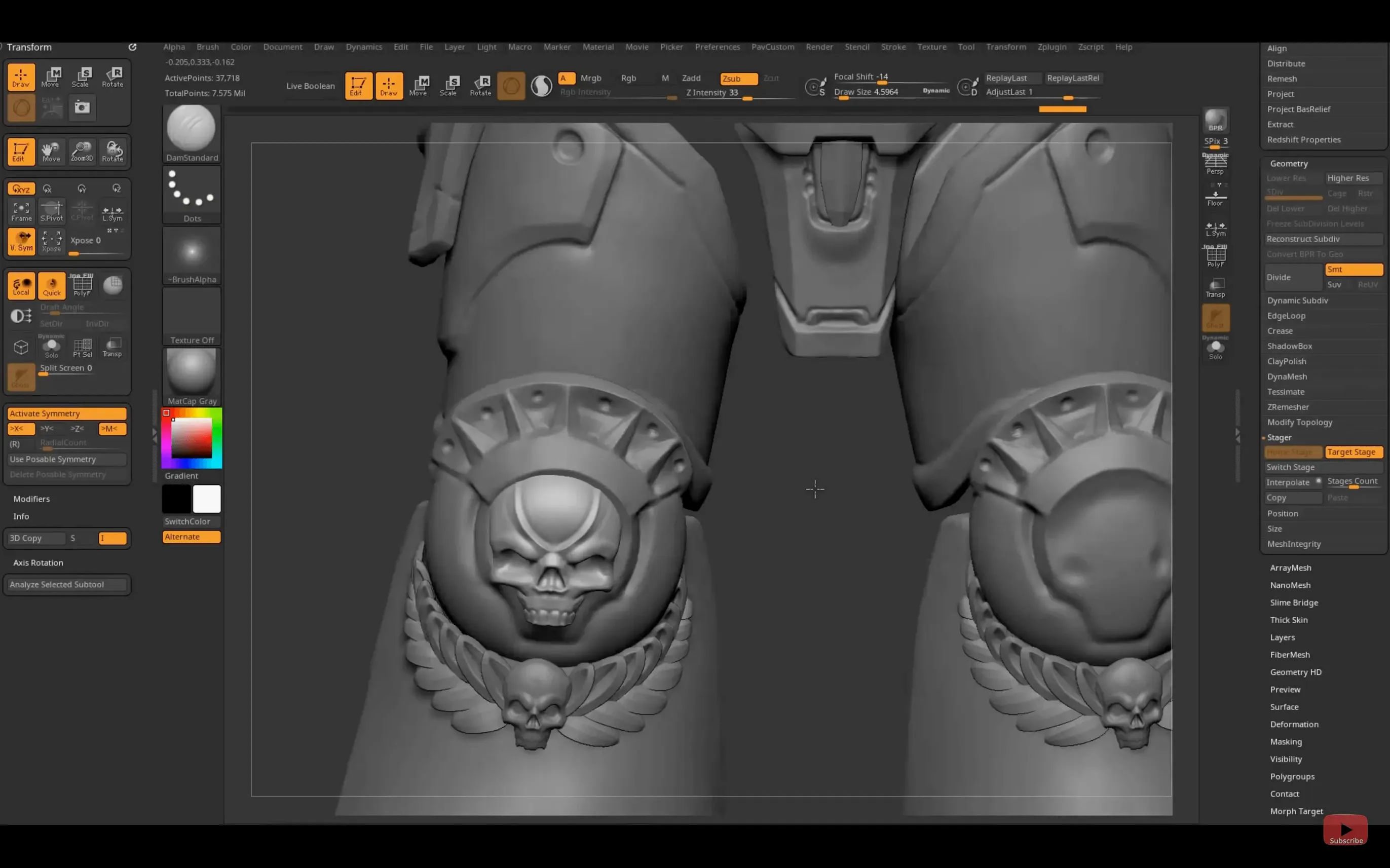
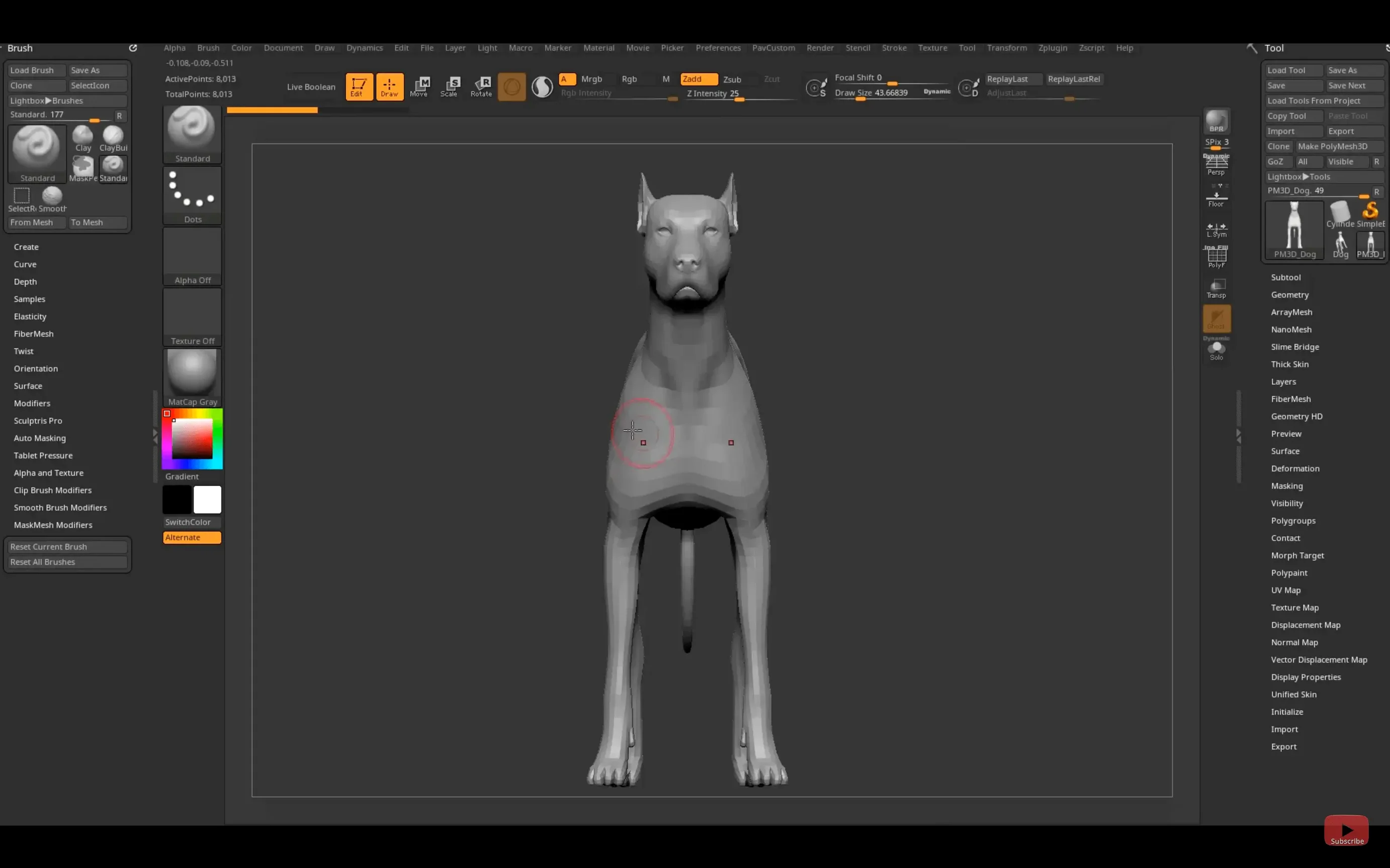
ZBrush is used by concept artists, film and game studios, toy designers, and scientific illustrators. It handles digital sculpting, modeling, and painting with very high polygon counts. Each point on a model stores depth, color, material, and orientation as a pixol.
Sculpting organic forms and fine surface detail
- Sculpting organic shapes and fine surface detail.
- Painting strokes that respond to surface depth.
- Working on characters, creatures, props, and collectibles.
- Transferring models to Substance Painter via the new Substance Bridge.
- Moving assets between ZBrush and Maya or 3ds Max with GoZ.
Requires macOS 12.6 or later
- macOS 12.6 or later is required.
- Works on both Intel and Apple Silicon Macs.
- The installer may trigger a macOS security warning; removing the quarantine attribute in Terminal fixes that.
- Desktop and iPad versions are separate — the iPad version now supports custom hotkey saving and sharing.
Avoid treating ZBrush like a polygon modeler
The biggest one is treating ZBrush like a polygon modeler. It works differently than Maya or Blender. New users often try to build form with edge loops and subdivision. ZBrush does not need that. Start with a basic sphere or ZSphere and sculpt the shape directly. Let the software handle the geometry.
Another mistake is ignoring the draw size and intensity of the brush. Beginners leave draw size too large and end up carving or moving big chunks of a model by accident. Adjust the brush size with the S key shortcut on the desktop version. Keep intensity low at first. Build detail gradually.
Avoid diving straight into fine detail before the base shape is right. Many beginners spend hours on skin pores and wrinkles on a head that is proportionally off. Block out the major forms first. Refine later.
Do not forget about masking. Masking lets you isolate parts of the model. Without it, strokes affect the whole area. Learn the mask brushes early. They save time and reduce frustration.
Ideal for character and creature artists
Character artists and creature designers are the obvious fit. ZBrush is built for organic sculpting. If you model faces, bodies, or animals for games or film, this is the tool.
Concept artists working on Mac benefit too. You can sketch forms in 3D, paint over them, and iterate fast. The painting system works with depth, so textures feel integrated with the shape.
Toy and collectible designers on macOS have a natural workflow. ZBrush handles the high-poly detail needed for 3D printing. The ability to work with millions of polygons on a MacBook Air M2 or a Mac Studio makes it practical for that kind of output.
Scientific illustrators and medical visualizers can use it for anatomical models. The brush system mimics real clay, which suits organic structures. The high polygon count means fine biological detail is possible.
Learn the default brush set on day one
- Spend an hour working through the default brush set. There are dozens. Know what each does so you reach for the right one later.
- Set up a simple workspace. Keep the tool palette, the brush palette, and the tray visible. Hide what you do not need. Less clutter helps speed.
- Practice on the basic primitives — sphere, cylinder, cube. Apply a couple of brushes and see how the pixol data changes the surface. This builds muscle memory.
- Use symmetry while you learn. Turn on symmetry in the Transform palette. It mirrors your strokes across the center axis. Makes it easier to produce balanced forms.
- Save versions of your work often. ZBrush has undo, but once you undo past a certain point, you lose steps. Saving incremental files gives you fallbacks.
- Try the Substance Bridge once you have a model you like. One click sends it to Substance Painter for texturing. It is a fast way to see how your sculpt reads with materials.
- Check the included plug-ins early. There are plug-ins for geometry, textures, and new brushes. Some are not enabled by default. Look through the Plug-in menu and turn on what you need.
- Substance Bridge adds one-click transfer to Substance Painter.
- Native Windows on Arm support added.
- GoZ support updated for Maya 2026 and 3ds Max 2026.
- Custom hotkeys can be saved and shared on iPad.
- macOS 12.6 or later
- Intel or Apple Silicon
The install order
- Mount the downloaded disk image.
- Run the standard installer.
- If a compatibility warning appears, open Terminal and remove the quarantine attribute from the app bundle.