- Version
- 3.2.3 fix
- Developer
- Rowbyte
- Languages
- English
- License type
- K'ed by Monter Group
| Chip | Apple Silicon, Intel 64-bit |
|---|---|
| Download | 8 MB |
Screenshots
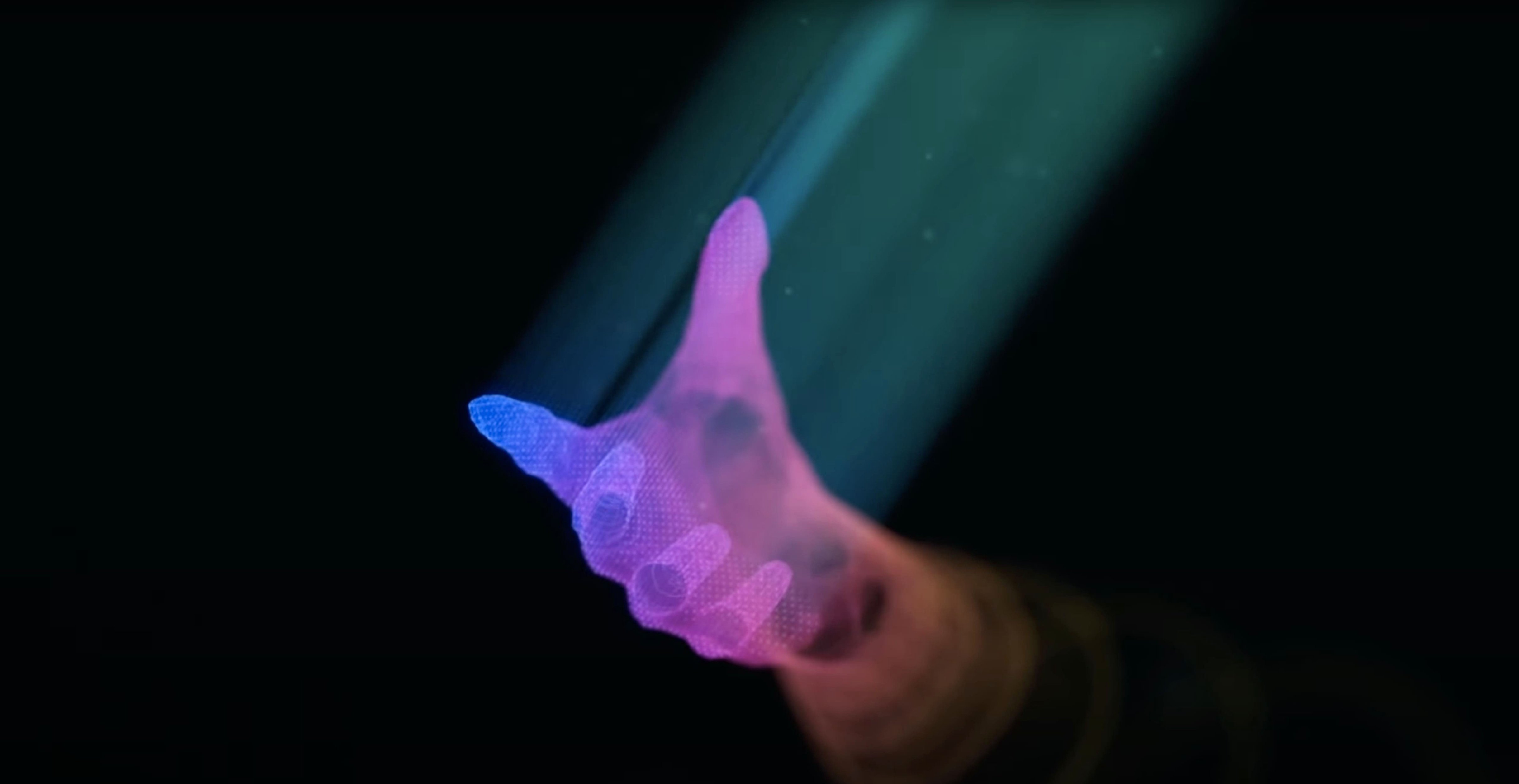
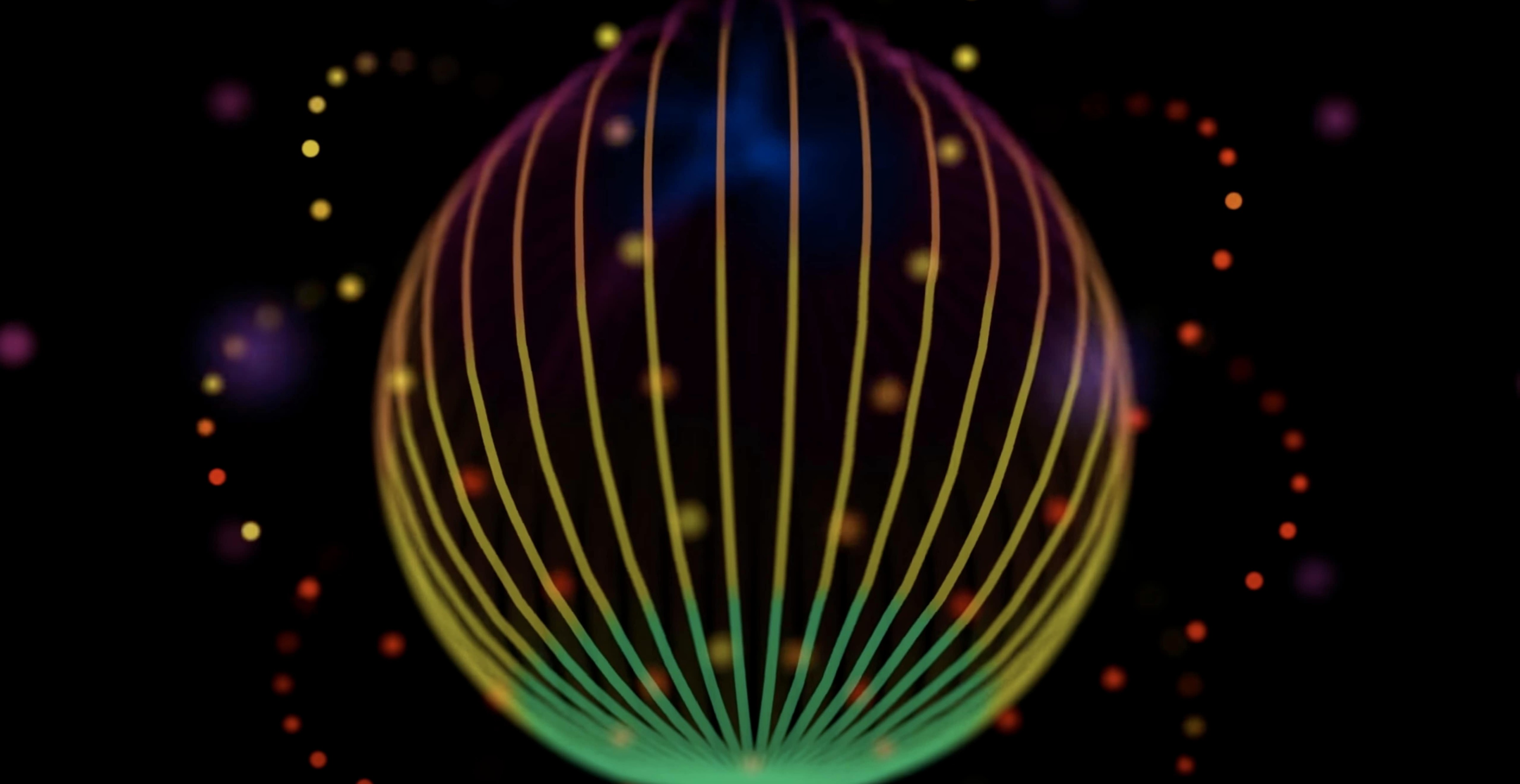
Click a screenshot to see it wider.
Plexus 3.2.3 for Mac works on both Intel and Apple Silicon Macs, as long as you're on macOS 10.11 or later. It's a plugin for Adobe After Effects, and it's built for the multi-threaded architecture that After Effects introduced in version 13.5. That means it uses your Mac's cores properly, even with heavy scenes.
Link Objects and Import OBJ in One Layer
- Create a few objects in the tree-based panel and link them with lines. The panel keeps everything organized in one layer.
- Import an OBJ file. You get vertex positions, normals, texture coordinates, and facets, so you can build on real geometry.
- Turn on automatic instance refresh. When you tweak parameters, the effect updates without manual rebuilds.
- Add a Sound Effector to an audio layer. It samples the waveform and drives animation from the music.
- Enable motion blur. Use the comp's settings or set custom shutter values for a more filmic look.
Working with Data
Plexus is a data visualizer as much as a particle engine. You can feed it numbers, positions, or audio and let it turn that into geometry. The persistent caching keeps previews from stalling, so you can experiment without waiting on every change.
Building a Particle Mesh from an OBJ File
Start with an OBJ file exported from a 3D app. Import it into After Effects using the default file importer. Plexus reads vertices, normals, and facets from the file. Create a Plexus layer and add an OBJ object. Point it at the imported file. Now add a Slicer object to the same layer. The Slicer cuts the mesh into sections. Tweak the Slicer parameters to isolate the part of the geometry you want. Add a Line object and set its source to the OBJ object. Lines draw between vertices. Adjust distance thresholds in the Line object to control density. The result is a clean generative mesh built from real 3D data, all inside one layer.
Compared with Similar Plugins
Plexus sits alongside tools like Trapcode Form and Particle Shop for After Effects. Trapcode Form focuses on 3D particle clouds and physics. It handles large particle counts well but works differently with imported geometry. Particle Shop is simpler and more lightweight. It is good for quick particle effects without a deep parameter set.
Plexus stands apart with its tree-based object panel. You stack objects (OBJ, Sound Effector, Slicer) in one layer and link them. The Sound Effector is also unique to Plexus — no other plugin samples an audio waveform and applies it to vertex position, scale, or color directly. For motion designers who need both generative control and audio reactivity, Plexus is the plugin that bridges those two worlds.
Workflow: Sync a Particle Grid to Audio
Drop an audio layer into your After Effects composition. Create a Plexus layer and add a Geometric Object. Set the shape to a grid of points. Add a Sound Effector object to the same layer. In the Sound Effector settings, point it at your audio layer. Set the waveform influence to vertex position. Play the timeline. The grid points displace in response to the audio waveform. Adjust the amplitude and offset parameters to fine-tune how much the grid moves. Add a Line object and link it to the Geometric Object. Lines connect nearby points. The result is a reactive particle grid that pulses with the music, all inside one Plexus layer.
Compared with Trapcode Form and Particular
Trapcode Form creates 3D particle grids with physics and shaders. It is good for organic clouds and fluid simulations. Trapcode Particular is designed for emitter-based particle streams. It excels at trails, fire, and spark effects.
Plexus takes a different approach. It treats particles as data points that connect through parameters, lines, and triangles. The tree-based object panel lets you stack multiple object types in one layer. The Sound Effector and Slicer objects are features you do not find in Form or Particular. For data-driven work and procedural geometry, Plexus offers a workflow those plugins cannot match.
- macOS 10.11 or later
- Intel or Apple Silicon
- Adobe After Effects
Questions I get about this line
Yes, Plexus 3.2.3 supports both Intel and Apple Silicon Macs. It requires macOS 10.11 or later.
Yes, there's a Sound Effector object that samples waveforms from an audio layer in After Effects.
The install order
- Run the included installer.
- Follow the activation instructions that come with the package.