- Version
- 2.6.4
- Developer
- MakeTheWeb
- Languages
- Russian, English, Spanish, Italian, Chinese (Simplified), French, Japanese
- License type
- Not required
| macOS range | macOS 10.13 or later |
|---|---|
| Chip | Apple Silicon, Intel 64-bit |
| Download | 10 MB |
Screenshots
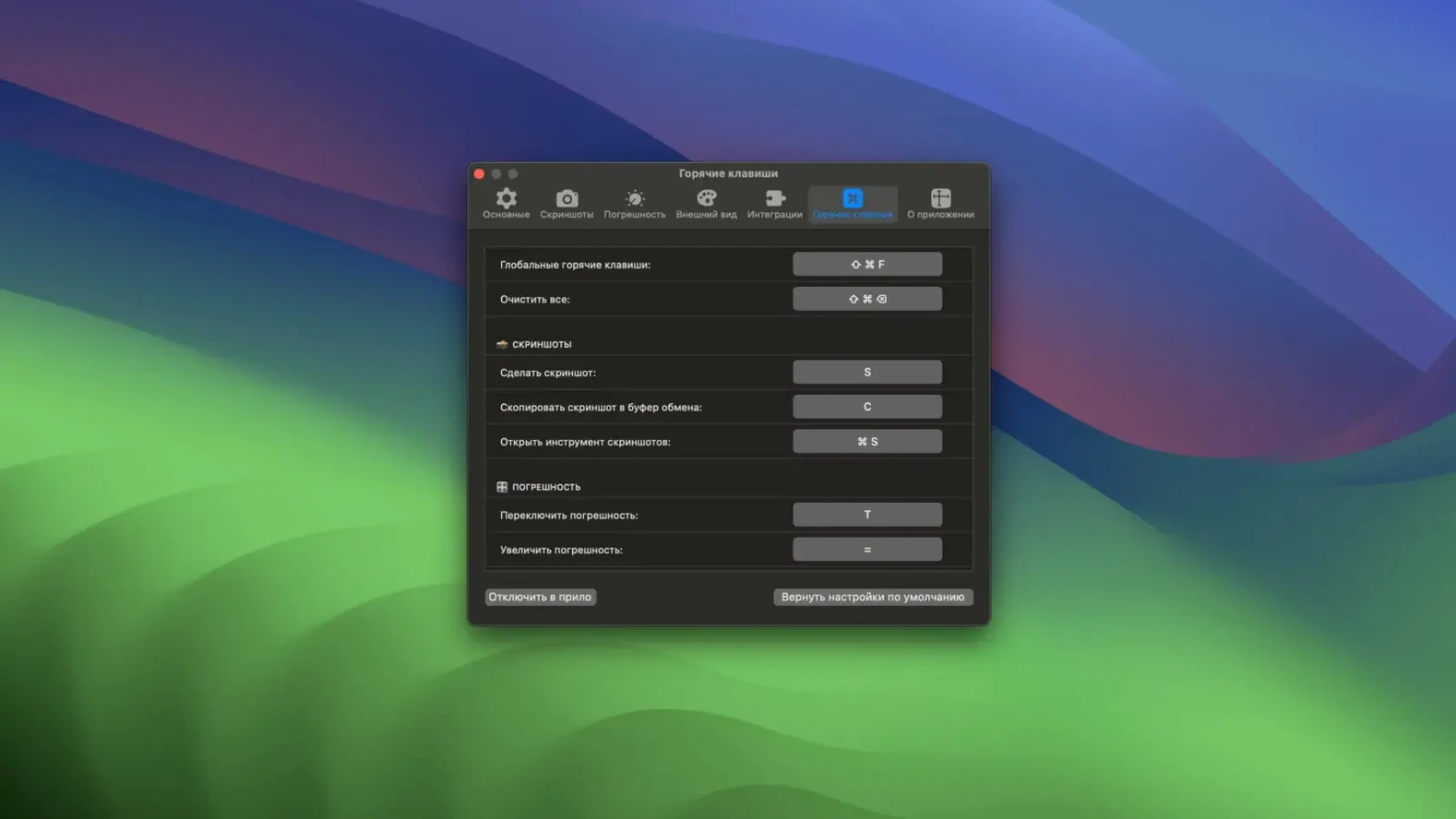
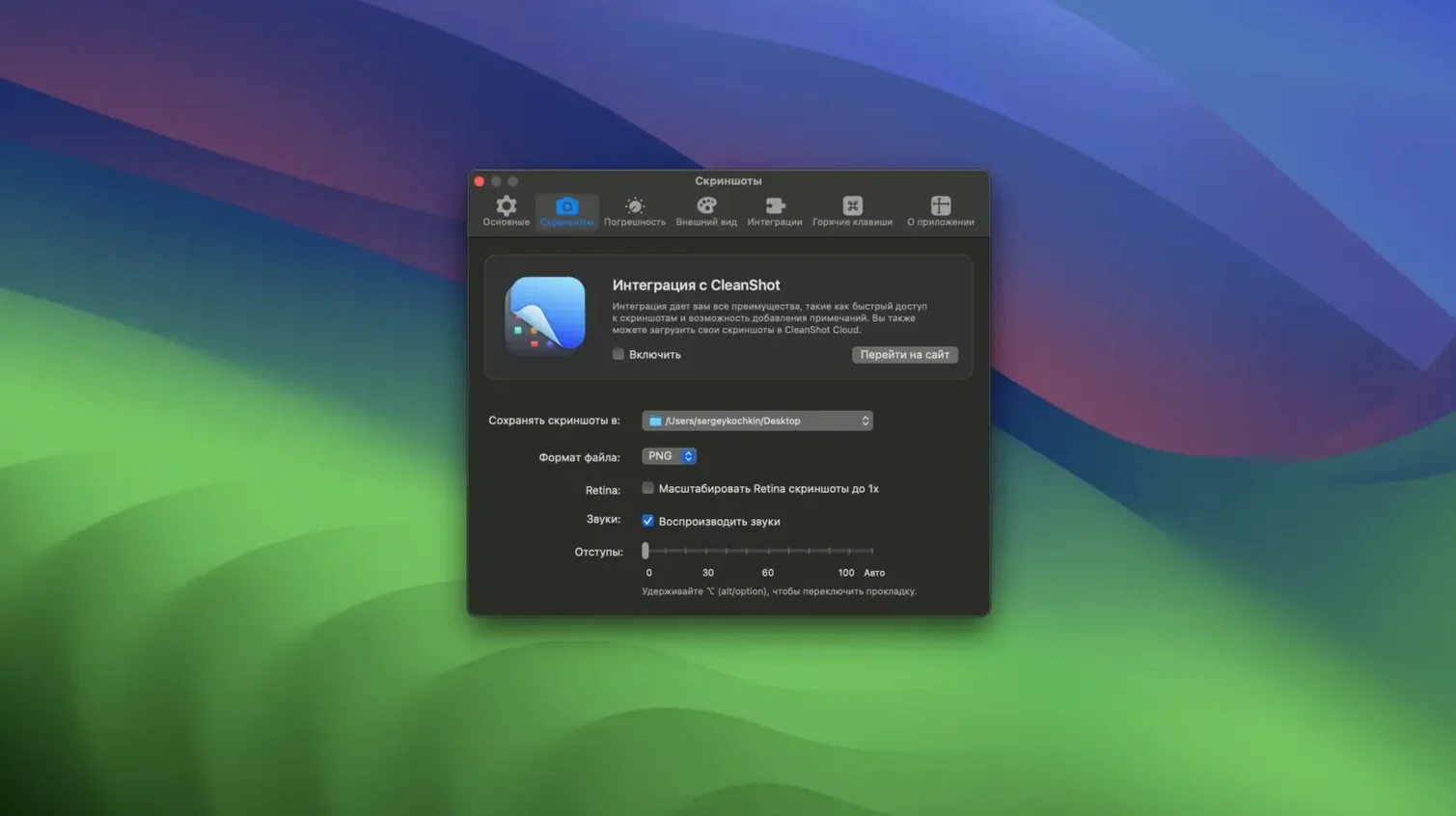
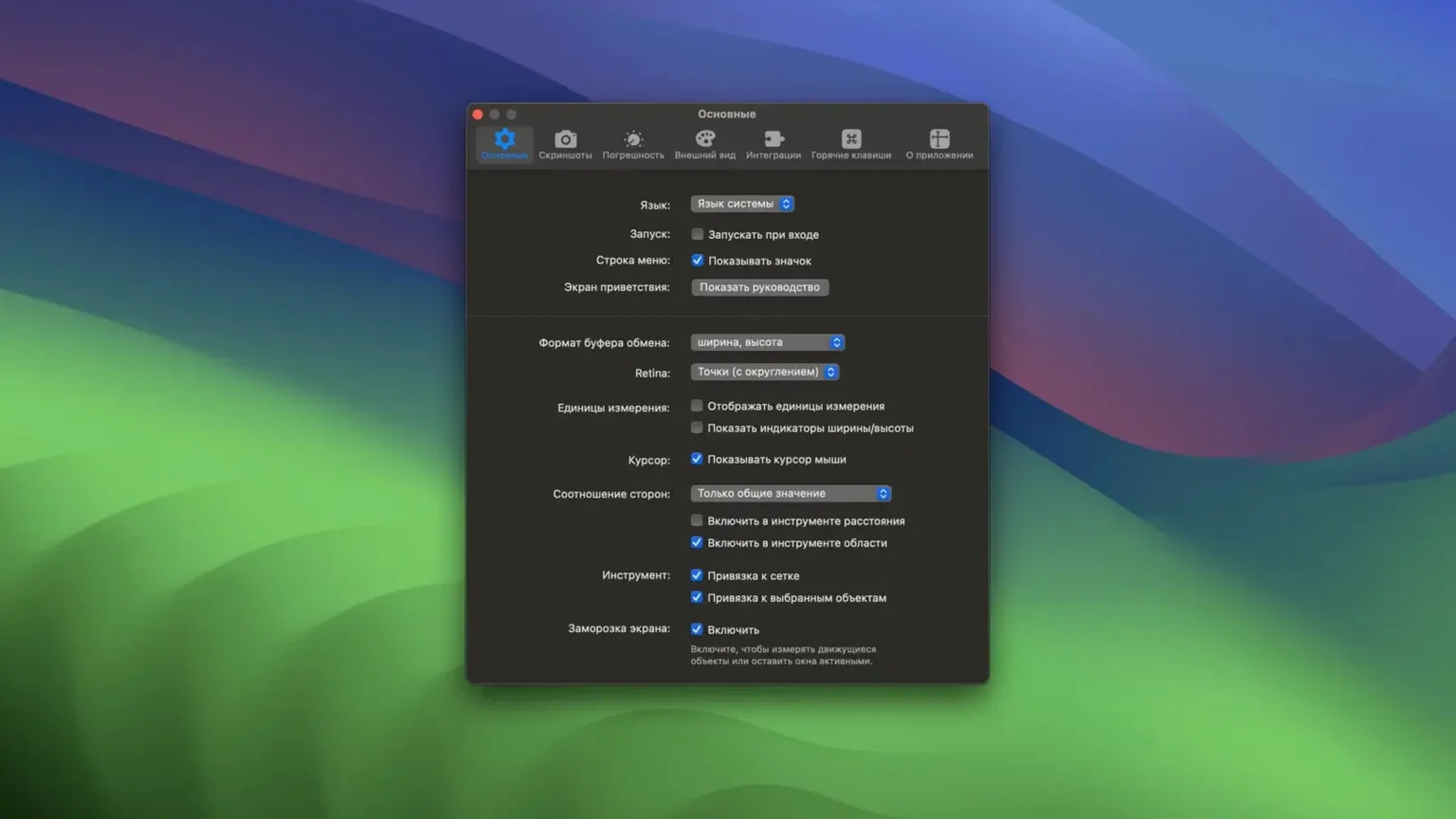
Click a screenshot to see it wider.
Pixelsnap is a Mac utility that measures pixels, distances, and object bounds directly on your screen. For an experienced user, the deeper tools matter more than the basic ruler.
- Full integration with Sketch and Adobe XD — real dimensions display regardless of zoom level, so you can check spacing inside a design file without switching apps.
- Crosshair mode for precise alignment checks — snap to horizontal and vertical guides to verify that elements line up exactly.
- Snap guides appear automatically, making it easy to compare distances between multiple objects on the canvas or screen.
- Export measurements as an image — useful for documenting spacing or sending a quick visual note to a teammate.
- Integration with CleanShot, so you can capture measurements right alongside your screenshots.
These tools aren't just for designers. Any IT person or developer who needs to verify pixel-perfect layouts will find Pixelsnap a practical addition to their workflow.
Saves switching to a design app for measurements
If you build interfaces, review mockups, or write front-end code, Pixelsnap saves you from switching to a design app just to check a measurement. Web developers who need to confirm that a margin is exactly 24 px or that two buttons are the same width will use it daily. Designers working across multiple apps — Figma in the browser, Sketch locally, a Photoshop comp — can keep one measurement tool visible no matter which window is active.
QA and review workflows also benefit. Instead of annotating a screenshot in another app, you measure on screen and export the result as an image in one step. Anyone who prepares style guides or spacing documentation will find that faster than the old screenshot‑then‑measure loop.
Runs on macOS 10.13+, Intel and Apple Silicon
- Runs on macOS 10.13 or later. Works on both Intel and Apple Silicon Macs.
- Completely portable — no activation required. You mount the disk image, drag the app into Applications, and launch it.
- Interface available in English, Russian, Spanish, Italian, Simplified Chinese, French, and Japanese.
- No background services or always‑on monitoring. The app is only active when you open it.
Measures across browser, Mac apps, video, and desktop
Pixelsnap works across the entire screen, not inside one application window. That means you can measure elements in a browser, a native Mac app, a video player, or even the desktop itself without switching tools. The measurement layer sits on top of whatever is visible.
Full integration with Sketch and Adobe XD means Pixelsnap reads the actual dimensions from those apps, not just screen pixels. The same principle applies to other apps when you enable tolerance mode for shadows or low‑contrast elements — the tool adapts to what is actually on screen rather than guessing.
The CleanShot integration is worth calling separately. If you already use CleanShot for screen captures, Pixelsnap can export measurements directly into the same workflow, so a screenshot with annotations and a distance line arrives in one file. No extra paste‑and‑crop step.
- macOS 10.13 or later
- Intel or Apple Silicon
Questions I get about this line
Yes, Pixelsnap has full integration with Sketch and Adobe XD, so it shows real dimensions regardless of the zoom level in those apps.
The install order
- Mount the downloaded disk image.
- Drag the app into the Applications folder alias.
- Launch the app from Launchpad after copying finishes.