Free download (2.4 GB) Previous versions
- Version
- 22.0.1
- Developer
- Quark Software Inc.
- Languages
- Russian, English, German, Danish, Spanish, Italian, Chinese (Traditional), Chinese (Simplified), Korean, Dutch, Norwegian, Polish, Portuguese, Finnish, French, Czech, Swedish, Japanese
- License type
- Not required
| macOS range | macOS 12 or later |
|---|---|
| Chip | Apple Silicon, Intel 64-bit |
| Download | 2.4 GB |
| Previous versions | 4 on file |
Screenshots
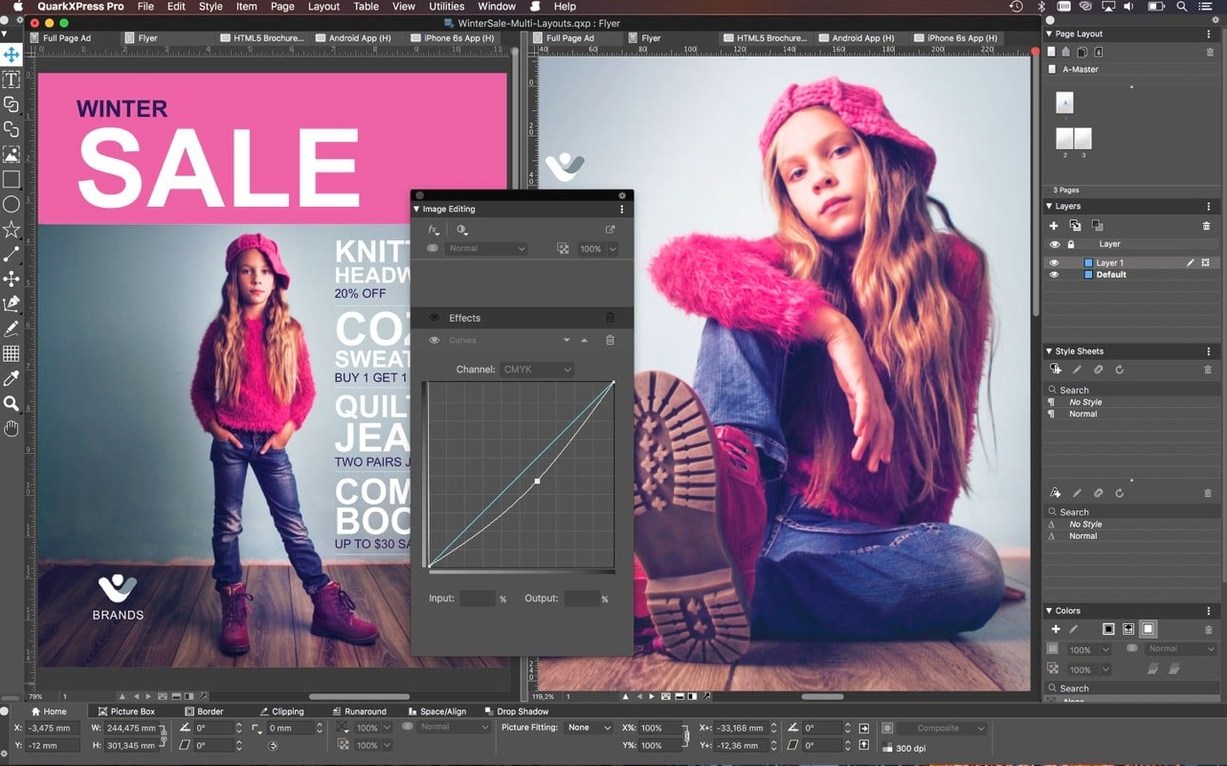
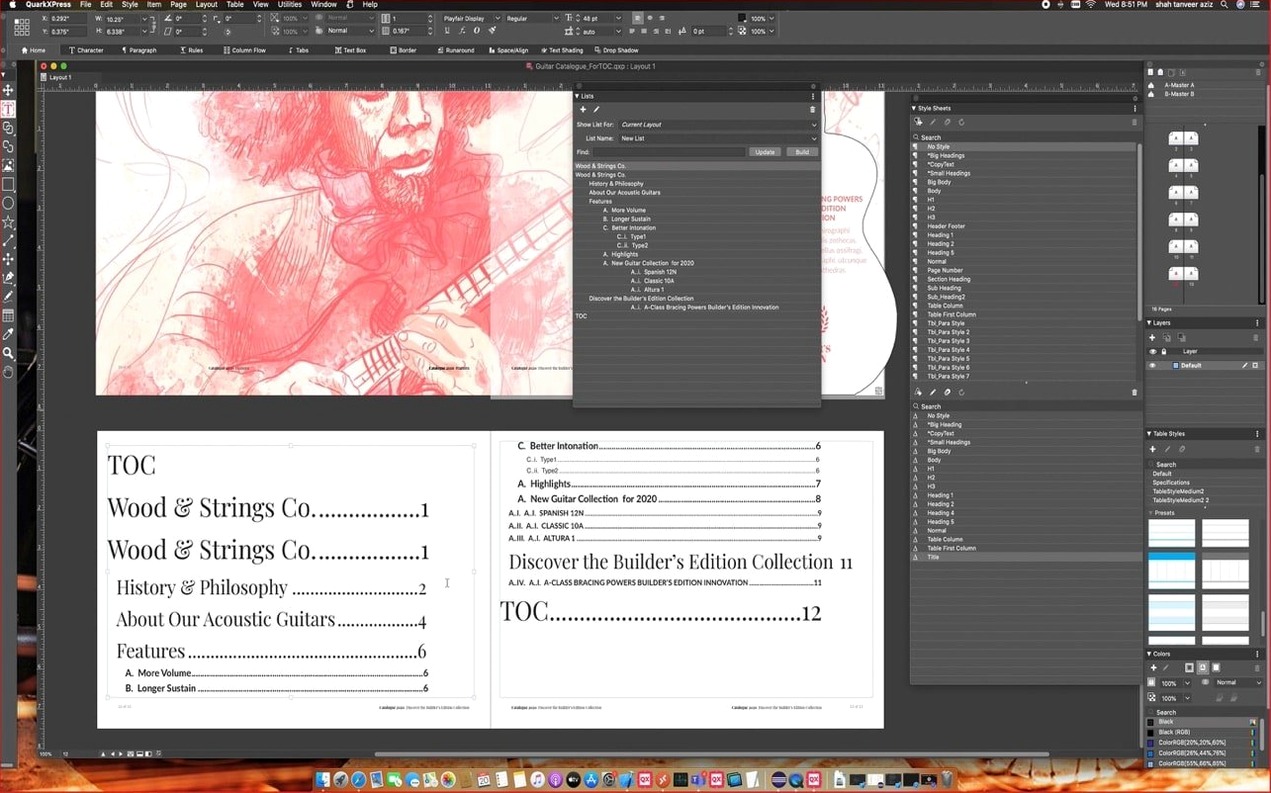
Click a screenshot to see it wider.
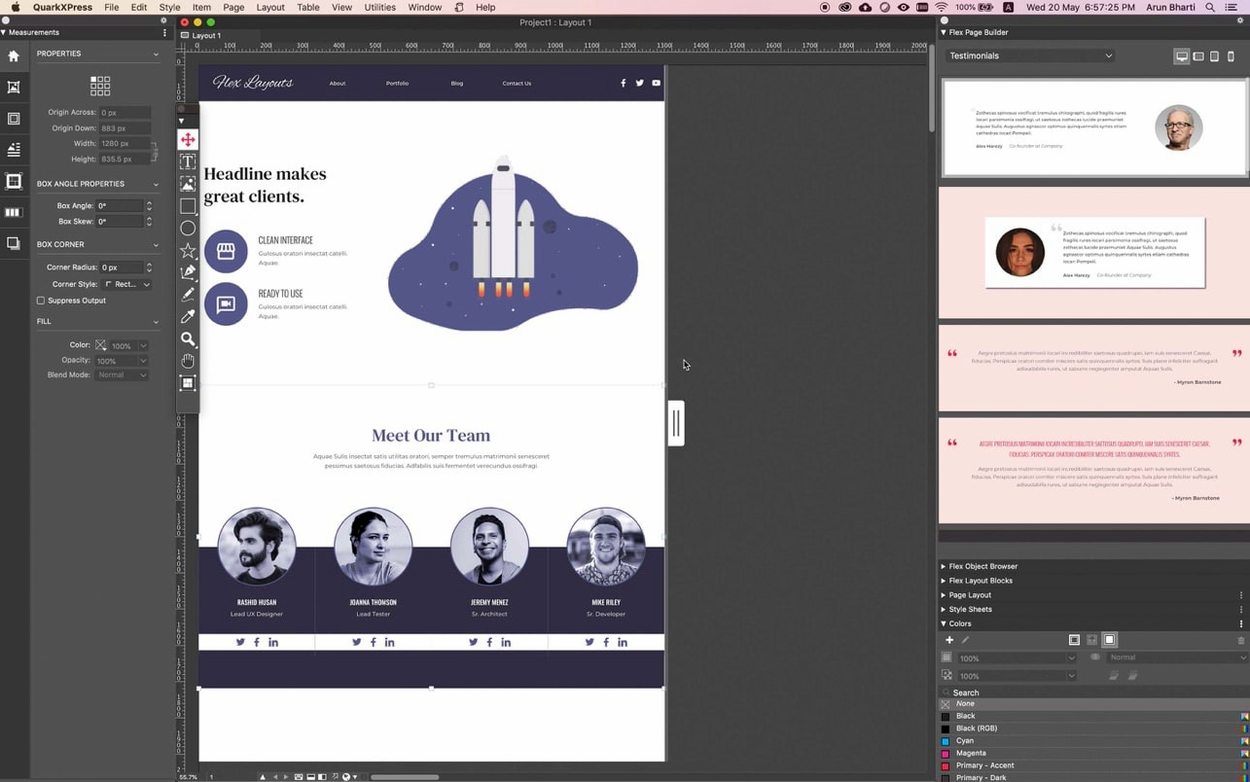
QuarkXPress 2026 v22.0.1 handles a single file format for opening and printing projects across different regions. It imports Illustrator and Photoshop files directly. The app includes ImageGrid for building graphic layout grids, Linkster for linking text boxes and notes, and an ePub export utility for ebook creation. Callouts can move frames and object groups inline with text. The welcome screen was redesigned in this version.
What does the math equation tool do?
Native support for mathematical equations was added in version 22.0. You can insert and edit equations directly in a layout without external plugins.
Story Editor Saves Layout Distractions
Some useful features don't get headlines but save time once you know they are there. One is the Story Editor. It opens article text in a full text editor so you can write and edit without the layout distractions. Handy for cleaning up copy before placing it into frames.
Conditional styles apply page layout rules automatically. You define conditions — like "if text exceeds this length, apply this style" — and the app handles the formatting, sparing you from manual overrides on every overflow. The new markers for bulleted and numbered lists are another timesaver. They give you more control over list formatting than the basic auto-bullet approach many layout apps offer.
Reflow View preserves your layout display when content is reformatted for a different device. When you are building a single layout that needs to work on iPad, Kindle or Nook, seeing how text and elements rearrange is a clear advantage. The Blio eReader is also supported if that is part of your workflow.
Cloning elements is a small feature that reduces repetitive work. Duplicate a frame or object with its attributes intact, then tweak the copy. And Linkster lets you link or unlink text boxes and notes without breaking the flow.
Core Layout Tools vs. InDesign and Affinity
On the Mac, the main desktop publishing competitors are Adobe InDesign and Affinity Publisher. QuarkXPress shares core capabilities with both — page layout, text handling, color control, print and digital export — but the differences matter depending on your workflow.
InDesign is the industry-standard for many agencies and prepress shops. The single file format across regions also simplifies file exchange when working with international offices or printers.
It handles print and digital layouts well. QuarkXPress offers deeper prepress-oriented features like the conditional styles, the callout system, and the native math equation tool — elements that appeal to technical publishers and marketing teams producing product documentation or catalogs. The iPad app creation feature also sets QuarkXPress apart if that format is part of your delivery pipeline.
Single File Format Works Across Regions
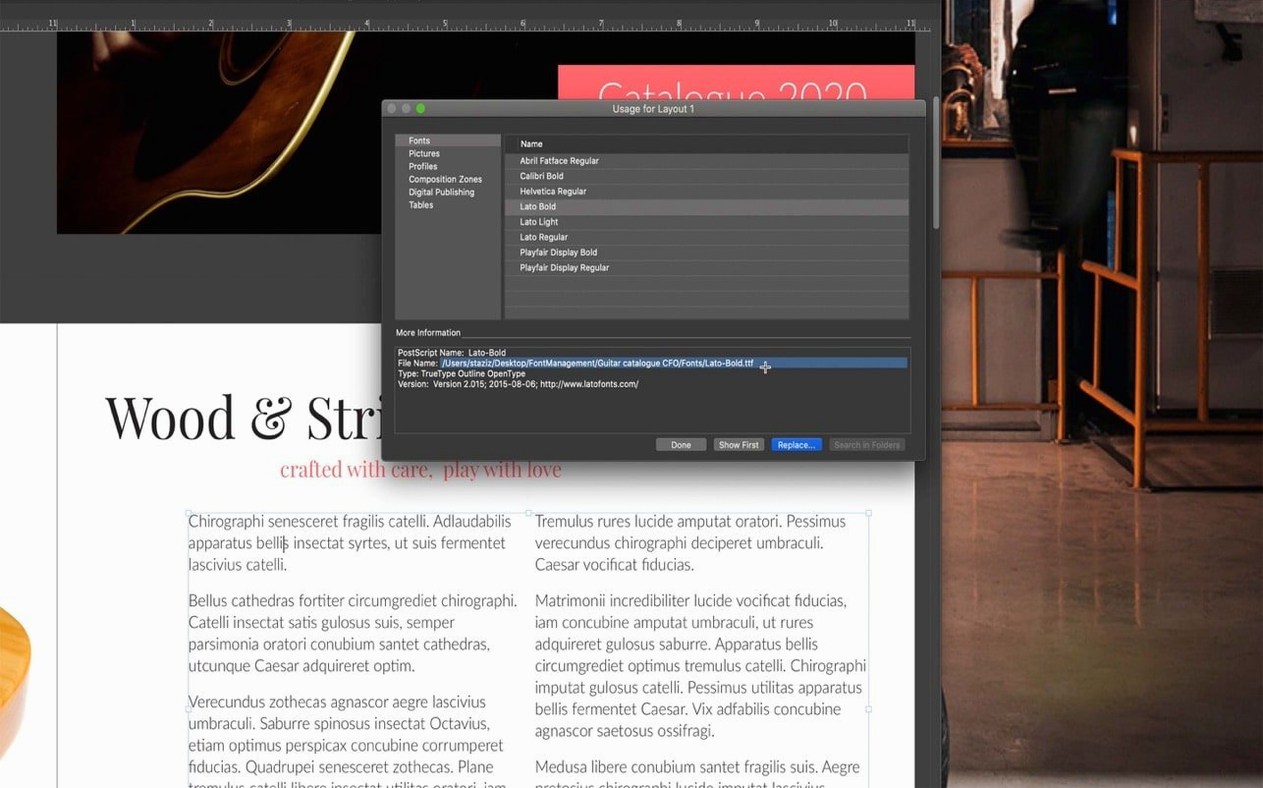
One question that comes up is about the file format. QuarkXPress uses a single file format that opens and prints projects created in different regions. That means a file built on a Danish system opens correctly on a Japanese one without font or encoding surprises. The app also supports Unicode and OpenType fonts, so you can work with a wide range of character sets.
Another frequent question is about language support. Version 22.0.1 ships with dictionaries and hyphenation modules for more than 30 languages. The interface itself is available in 18 languages, including Russian, Chinese (both simplified and traditional), Korean, Japanese and the main European languages. That covers most global publishing teams without needing extra language packs.
People also ask about system requirements. QuarkXPress 22.0.1 runs on macOS 12 or later, including macOS 14 Sonoma, macOS 15 Sequoia, and macOS 26 Tahoe. It supports both Apple Silicon and Intel 64-bit Macs, so it works on the M-series machines as well as the older Intel models. No activation is required, and install instructions are included with the package.
In v22.0.1, ImageGrid keeps master page elements consistent across auto-generated pages. That means repeating grid items stay aligned and styled as you build multi-page layouts.
- Native support for mathematical equations (added in v22.0)
- Improved ImageGrid — master page elements stay consistent across auto-generated pages
- Redesigned welcome screen in QuarkXPress 2026 v22.0.1
- macOS 12 or later
- Intel or Apple Silicon
- Interface languages: Russian, English, German, Danish, Spanish, Italian, Traditional Chinese, Simplified Chinese, Korean, Dutch, Norwegian, Polish, Portuguese, Finnish, French, Czech, Swedish, Japanese
Questions I get about this line
It directly imports Adobe Illustrator and Photoshop files. It also supports opening and printing a single file format that works across different regions.
It runs on macOS 26 Tahoe, macOS 15 Sequoia, and macOS 14 Sonoma. It supports both Intel and Apple Silicon Macs.
The install order
- Download the package from the link on this page.
- Open the .dmg file and drag QuarkXPress to your Applications folder.
- Follow the included install and activation instructions to finish setup.