Free download (760 MB) Previous versions
- Version
- 8.30.26103.11002
- Developer
- obert McNeel & Associates
- Languages
- Russian, English, German, Spanish, Italian, Chinese (Traditional), Chinese (Simplified), Korean, Polish, Portuguese, French, Czech, Japanese
- License type
- K'ed by TNT team
| macOS range | macOS 12.4 or later |
|---|---|
| Chip | Apple Silicon, Intel 64-bit |
| Download | 760 MB |
| Previous versions | 4 on file |
Screenshots
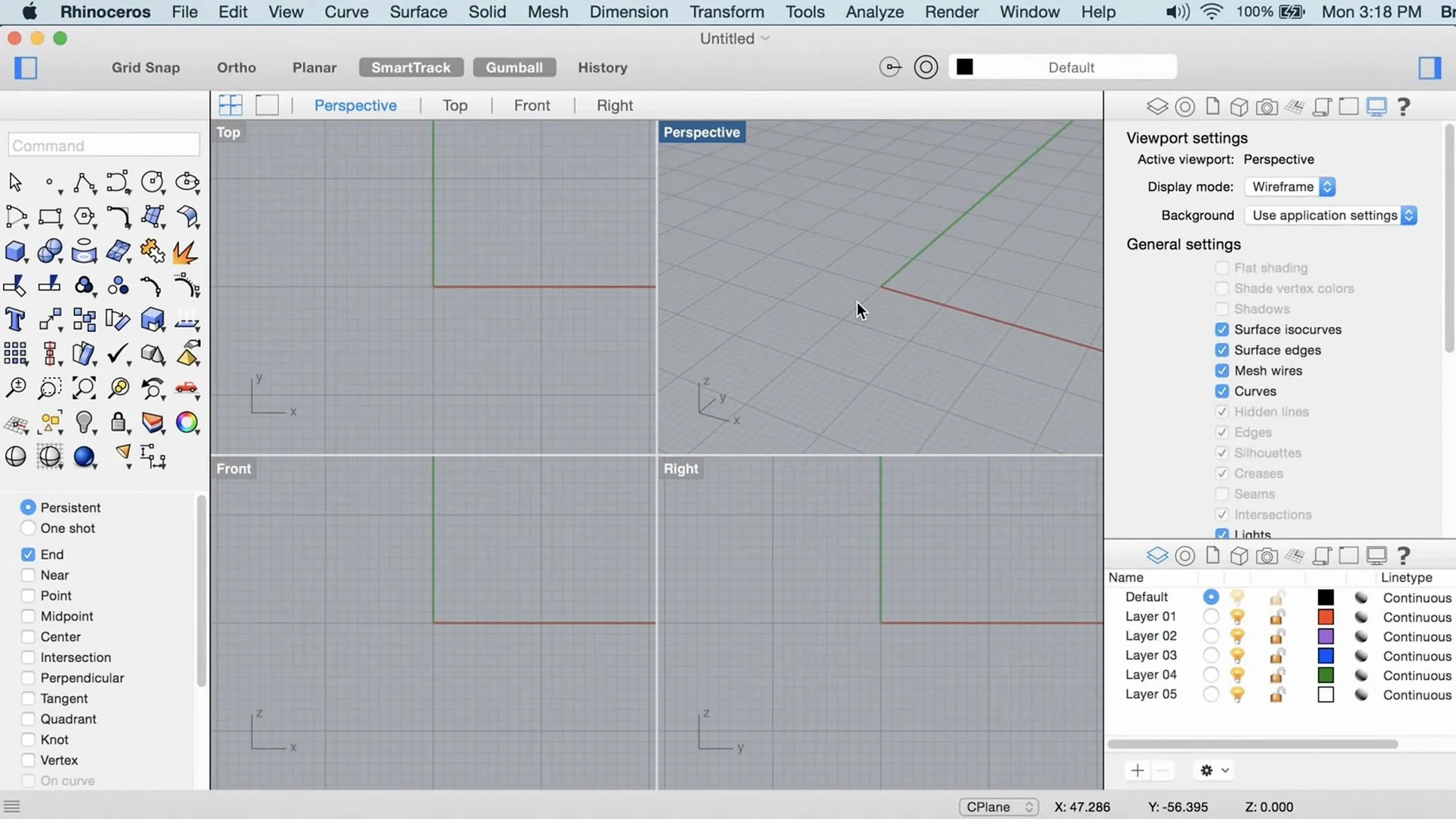
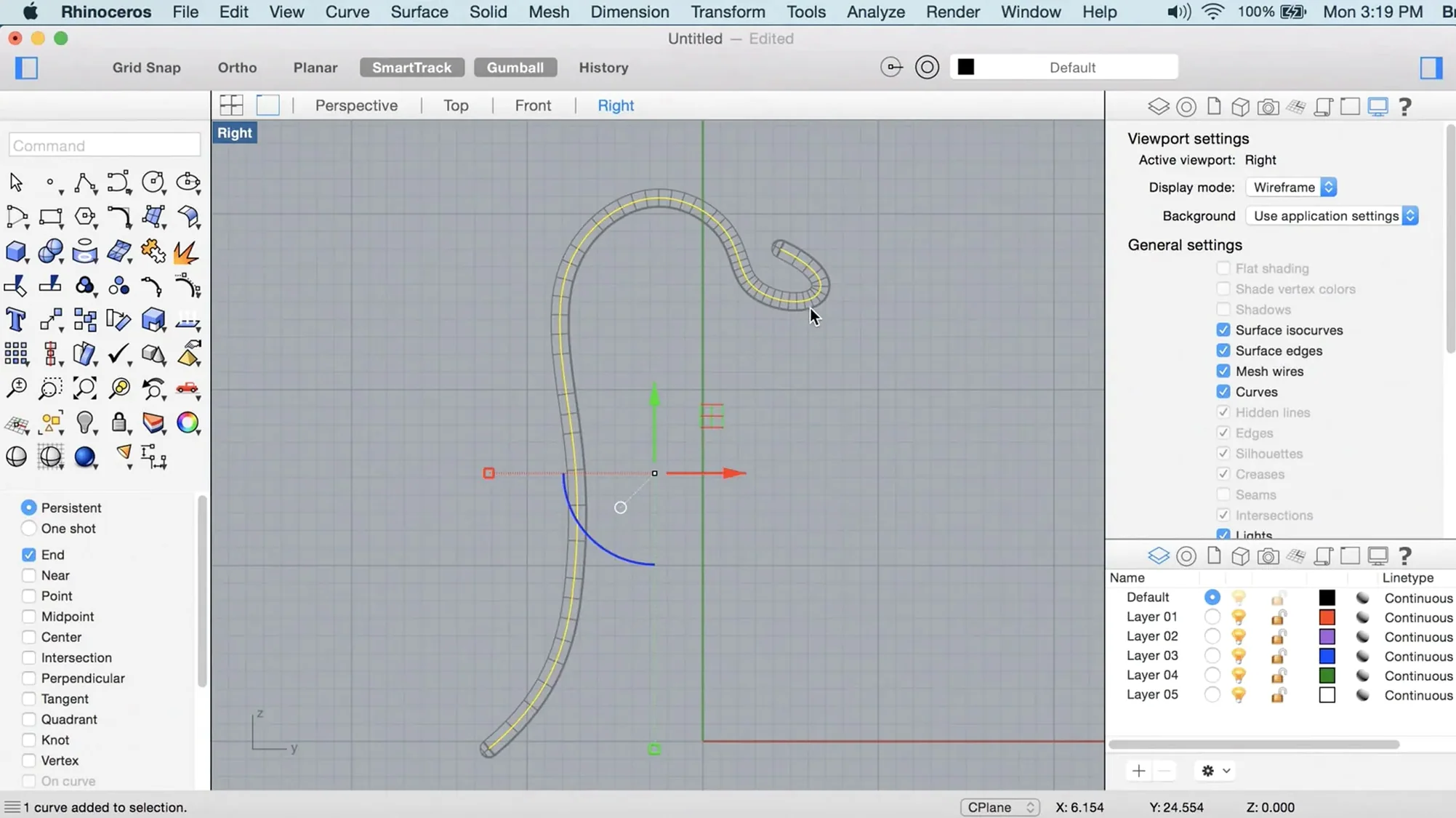
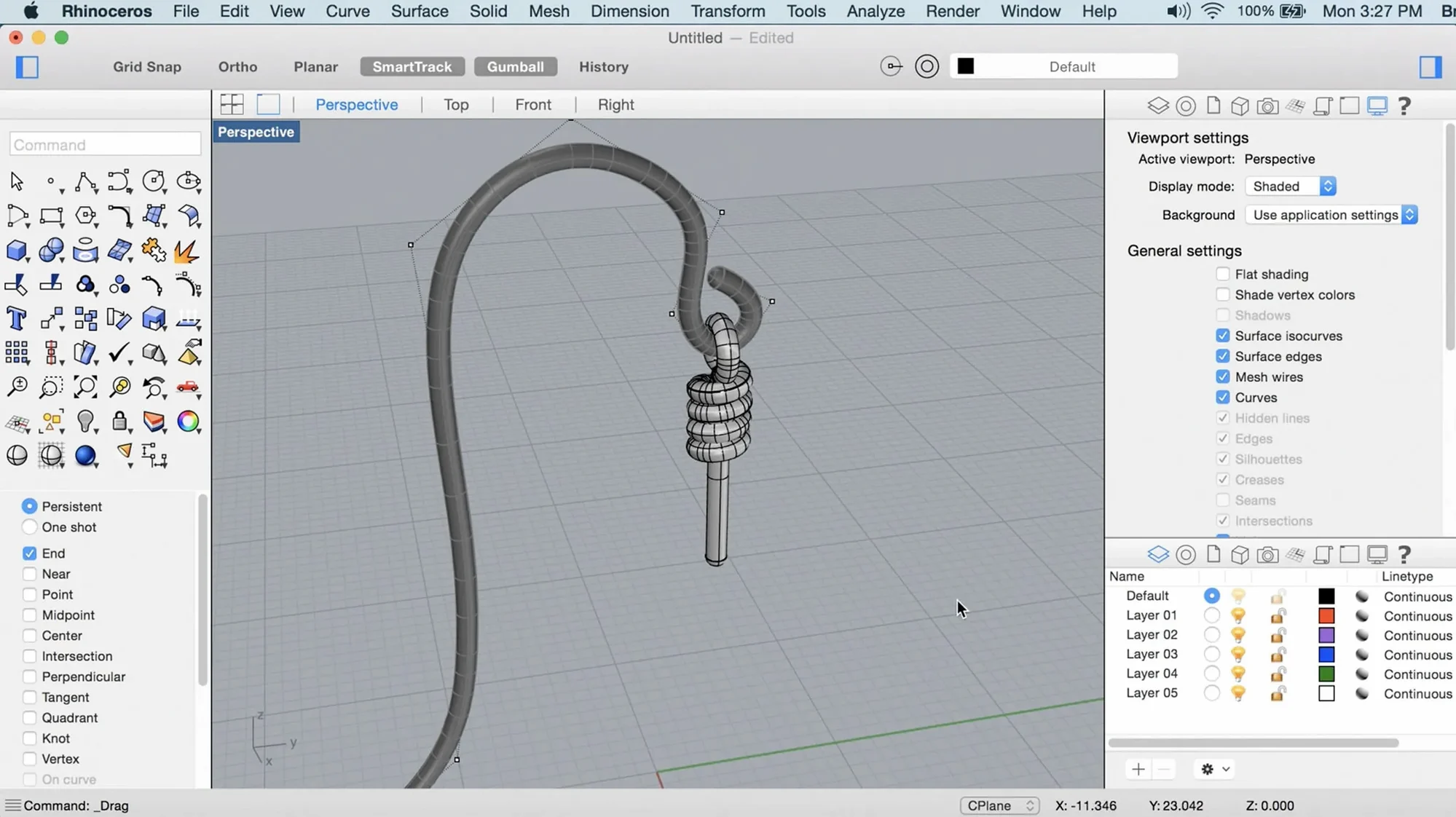
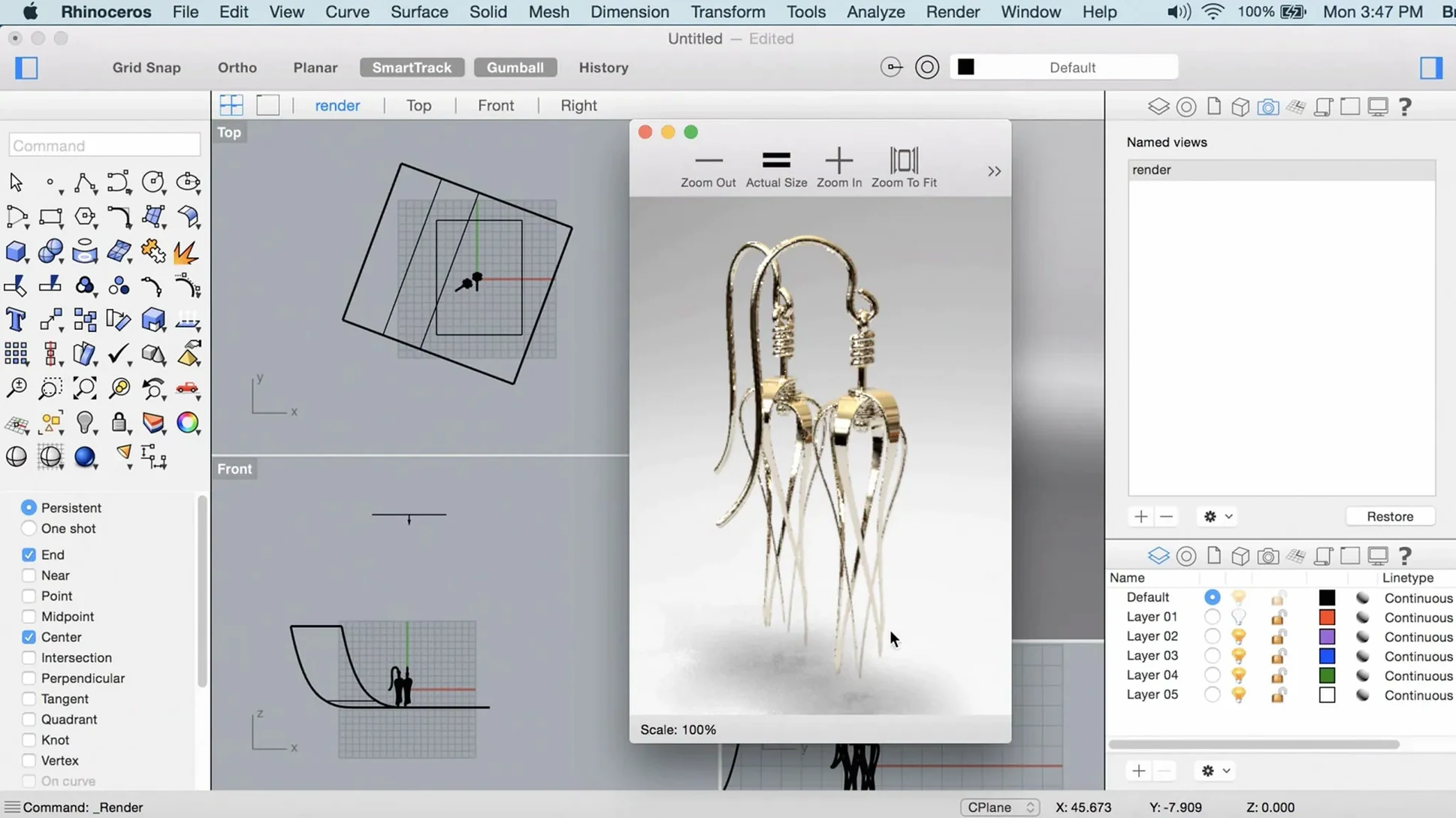
Scroll the row, it snaps to each screenshot. Click one to see it wider.
Rhino 8 runs on any Mac with macOS 12.4 Monterey or later, covering both Apple Silicon and Intel 64-bit models. With at least 8 GB of RAM and 10 GB of free disk space, you're good to go. A multi-button mouse with a scroll wheel is recommended for efficient modeling.
- Creates, edits, analyzes, and visualizes NURBS curves, surfaces, solids, point clouds, and polygon meshes.
- Supports objects of any complexity, degree, or size — only your hardware limits the model.
- Adds ShrinkWrap, SubD Creases, and a faster render engine.
- Metal-based graphics on Mac improve viewport performance.
- Customizable interface and workflow changes for large models and team projects.
- Interface available in 13 languages including English, Russian, German, and Japanese.
The current build is 8.30.26103.11002. Mount the disk image, run Open Gatekeeper friendly, press Enter in Terminal to bypass Gatekeeper, then drag the app to Applications and launch.
Architects and Modelers Who Need Curved Surfaces
Architects and interior designers working with complex curved surfaces will find the ShrinkWrap and SubD Creases tools immediately useful. Product modelers who move between concept sketches and production-ready solids get a straight path without format gymnastics. CAD users who work with point clouds — survey data, 3D scans, site captures — can bring those directly into the modeling environment and treat them like any other object.
Grasshopper users get new data types in Rhino 8. That matters if you build parametric workflows or automate repetitive geometry tasks. Team leads managing large models with multiple contributors will notice the workflow changes aimed at reducing bottlenecks. The file stays the same; the friction drops.
Anyone who has struggled with viewport lag on Mac will benefit from the Metal-based graphics. Viewport redraws feel quicker on both Apple Silicon and Intel Macs. That alone makes the upgrade worth it for daily drivers.
Customizable Toolbar Layouts and Faster Rendering
The customizable interface is not just about moving buttons. You can reorder toolbars, hide panels you rarely touch, and save the layout per project. That means less clutter when you are deep in a modeling session.
The faster render engine works without extra configuration. If you already use Rhino's built-in renderer, your existing scenes render faster. No new material libraries or lighting setups required.
PushPull workflows are new in Rhino 8. They let you grab a face or a surface and move it directly, which is useful when you are iterating on form. It reduces the number of steps between what you imagine and what the model shows.
Because the Mac version uses Apple Metal display technology, you see the model as the GPU draws it. That is true for both Apple Silicon and Intel 64-bit Macs. No additional driver setup needed.
Hide Unused Toolbars and Lower Render Defaults
- Open the interface customization panel and hide any toolbars you do not use daily. This cleans up screen space immediately.
- Check the render engine defaults. If you do not need photo-realistic output, lower the quality presets for faster test renders during modeling.
- If you work on large files, set Grasshopper to use the new data types if your scripts support them. This can reduce calculation time on complex geometry.
- Adjust the viewport settings to match your typical zoom level and rotation sensitivity. The Metal display handles fast motion well, but tuning it to your preference prevents overshoot.
- Enable automatic saves to a project-specific folder. Rhino 8 handles large models better than previous versions, but a save strategy still protects your work.
macOS 12.4 and 8 GB RAM Requirements
Will Rhino 8 run on my older Mac?
If your Mac runs macOS 12.4 Monterey or newer and has at least 8 GB of RAM, it should work. The Intel 64-bit architecture is supported alongside Apple Silicon. Older Macs with less RAM or older macOS versions are not supported.
Do I need to uninstall Rhino 7 first?
No. Rhino 8 installs to its own location. You can keep both versions on the same machine while you transition projects and plug-ins.
Will my Rhino 7 files work in Rhino 8?
Yes. The file format is backward-compatible. Your .3dm files open without conversion steps. The new features like ShrinkWrap and SubD Creases remain editable when saved in Rhino 8 format, but opening them in Rhino 7 will not show those new object types.
What keyboard layout does the multilingual interface use?
The interface itself is translated into 13 languages. The modeling commands and shortcuts remain consistent across languages. You do not need to switch keyboard layouts to use the Russian, Japanese, or Polish versions.
Is the Grasshopper integration different in Rhino 8 for Mac?
Grasshopper is built into the Mac version. Rhino 8 adds new data types, but the integration point is the same. You open Grasshopper from the Tools menu and build visual scripts as before.
Does the Metal graphics improvement affect rendering speed or only the viewport?
Metal handles viewport display. The render engine improvements in Rhino 8 are separate. Both contribute to a faster experience, but for final rendering output, the render engine changes matter more than the display technology.
How much disk space does the install actually use?
The download page lists 10 GB as the recommended free space. The installed application takes less than that, but you will need room for project files, temporary render caches, and Grasshopper definitions.
- ShrinkWrap added
- Metal-based graphics on Mac
- More customizable user interface on Mac
- macOS 12.4 Monterey or later
- Apple Silicon or Intel 64-bit
- 8 GB RAM (recommended)
- 10 GB free disk space
- Multi-button mouse with scroll wheel (recommended)
The install order
- Mount the disk image.
- Run Open Gatekeeper friendly.
- Press Enter in Terminal to bypass Gatekeeper.
- Drag the app to the Applications folder.
- Launch the app.