Free download (25 MB) Previous versions
- Version
- 6.0.6
- Developer
- Macitbetter
- Languages
- English, German, Spanish, Italian, Chinese (Simplified), Polish, Portuguese, French, Swedish, Japanese
- License type
- K'ed by TNT team
| macOS range | macOS 13.5 or later |
|---|---|
| Chip | Apple Silicon, Intel 64-bit |
| Download | 25 MB |
| Previous versions | 3 on file |
Screenshots
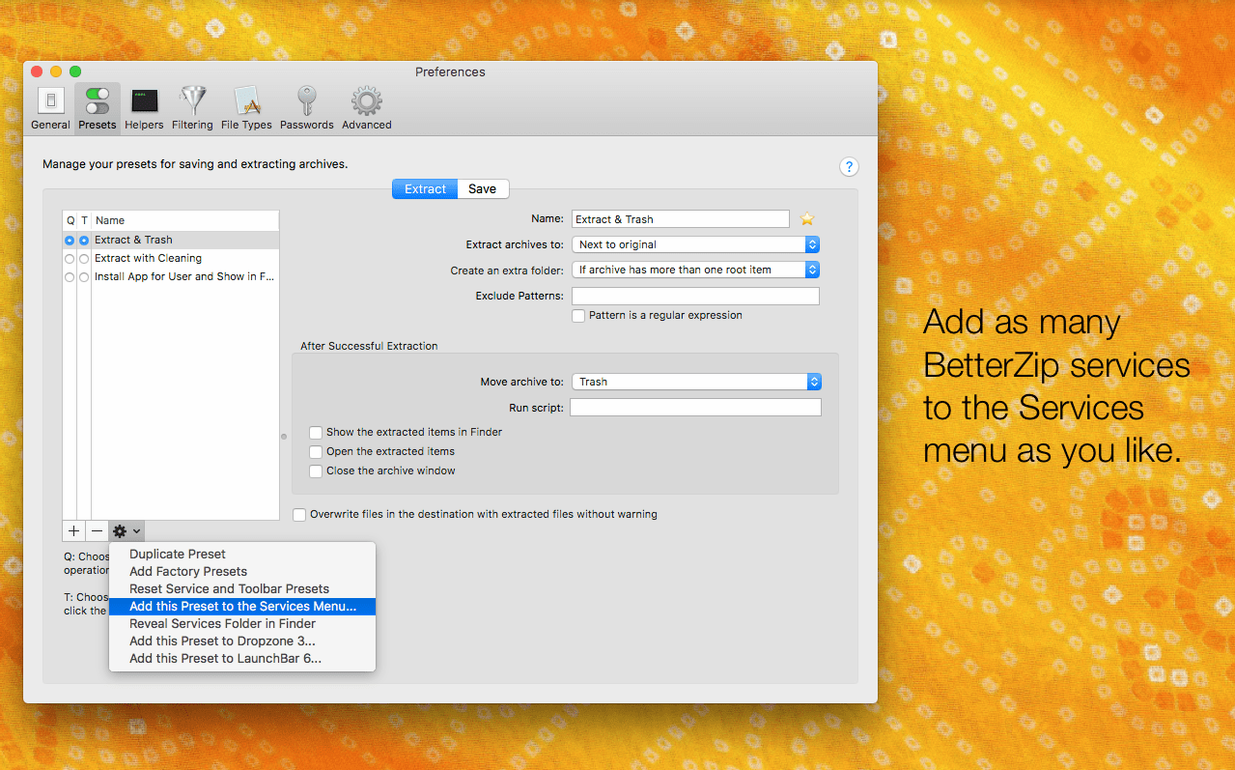
Scroll the row, it snaps to each screenshot. Click one to see it wider.
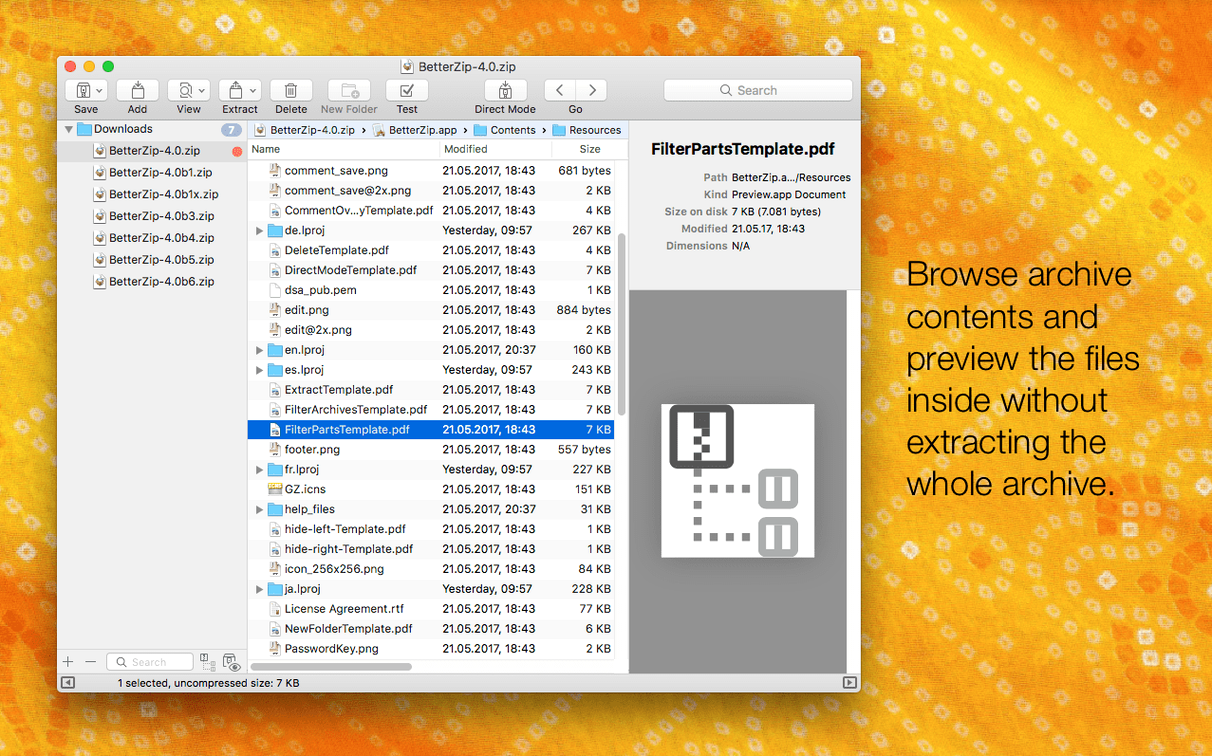
BetterZip 6.0.6 runs on any Mac with macOS 13.5 or later, on both Intel and Apple Silicon. It handles more than 30 archive formats, including 7z, and lets you work inside archives without the usual extract-and-repack dance.
Here is one realistic task from start to finish: you get a 7z archive with a few files that need new names and a different folder structure. With BetterZip you can:
- Open the 7z directly and browse its contents.
- Rename or move files and folders inside the archive without extracting first.
- Add a comment to the ZIP if that is your final format.
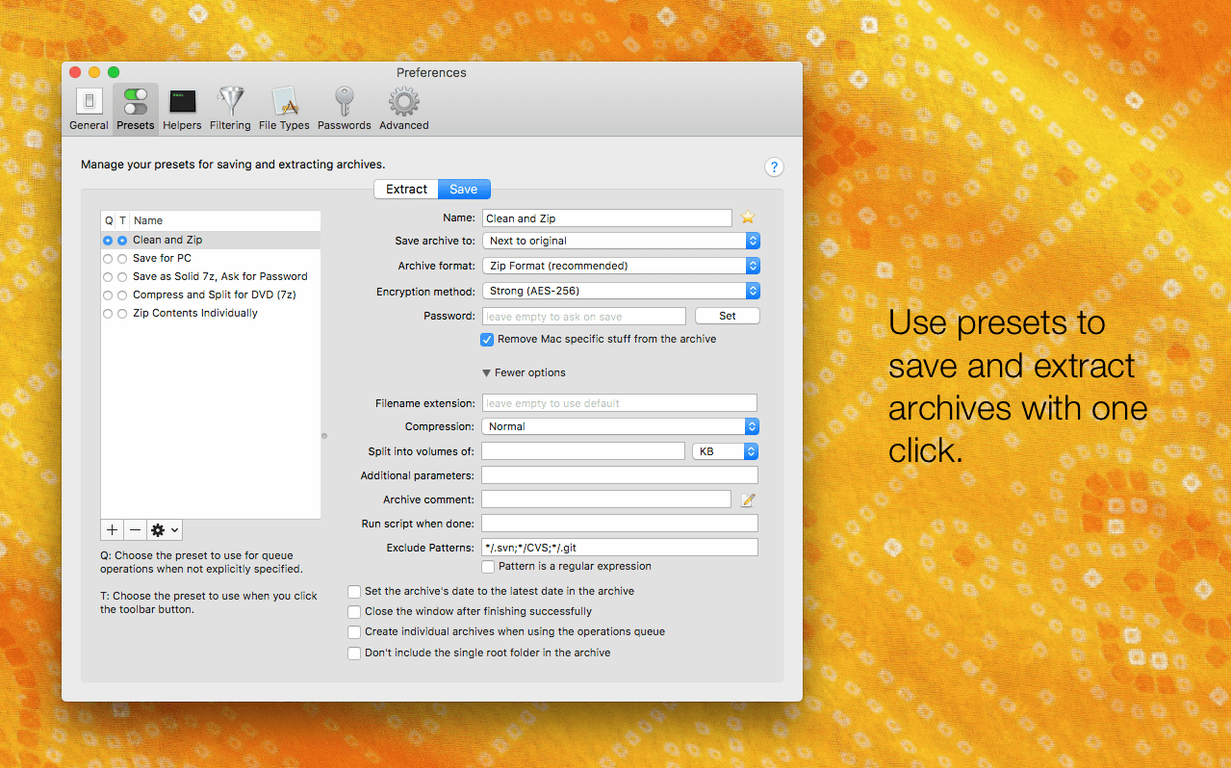
- Extract with the option to avoid restoring macOS metadata — handy when the archive came from a non-Mac system.
- Queue multiple operations and let BetterZip process them in the background.
- Automate the whole thing with AppleScript if you do this often.
Version 6.0.6 also updates the 7z helper to v26.03 with Apple Silicon optimizations, so extraction on newer Macs is faster. A rare crash with external helpers is fixed too.
Set BetterZip's Language Independently
The most visible change in 6.0.6 for a regular user is the language setting. If you share a Mac with someone who prefers the system language in German, but you want BetterZip in English, you can now set it independently. No more switching system preferences.
The new option to skip macOS metadata during extraction matters more than it sounds. Archives that come from Windows or Linux often carry .DS_Store or other macOS-specific files. Previously you had to clean those manually after extraction. Now you tell BetterZip to leave them out, and the extracted folder is clean from the start.
The unrar library update means fewer "unexpected end of archive" errors on damaged or incomplete RAR files. The zstd and brotli tool updates are behind-the-scenes, but they mean BetterZip handles newer compression profiles that some download sites use.
The crash fix for external helper tools was a rare one — it only hit when BetterZip tried to open a file with an app that was itself crashing. But if you ever saw BetterZip disappear for no reason during a preview, that is what was happening.
Edit Files Inside a 7z Archive Without Extracting
You get a project folder from a contractor. It arrives as a 7z archive. Double-click opens it in the Finder preview, but you need to move two PDFs into a subfolder inside the archive and rename a third file.
- Open the 7z in BetterZip. The archive contents appear in the main window, just like a folder in Finder.
- Click the file you want to rename, press Return, type the new name. BetterZip does not extract anything; the rename is stored inside the archive.
- Drag the two PDFs into the subfolder listed in the archive tree. Works like file management inside a ZIP.
- Close the archive. If you are working with a ZIP, you can add a comment explaining what changed. Right-click on the archive name in the window and choose "Edit Comment." Type something like "Renamed specs v3; moved PDFs to /final."
- Extract the whole thing to your Downloads folder. The option to skip macOS metadata is checked by default if you turned it on in Preferences.
- BetterZip processes the extraction in the operations queue. You can switch to another app while it finishes.
That was five minutes, no temp files, no repacking.
Accidentally Corrupt Archives by Editing Without Extraction
Extracting only to recompress
New users often extract an archive, change one file, and recompress it back to the same format. That doubles the time and wastes disk space on the intermediate folder. BetterZip allows editing inside the archive directly. Open, rename, move, delete, done.
Ignoring the language setting
If you installed BetterZip and the interface is in a language you do not read, the fix is not to stumble through menus. Check Preferences for the language dropdown. Version 6.0.6 added it for a reason.
Not using the Quick Look preview
BetterZip can preview archive contents without extracting. Beginners still extract whole archives to see what is inside. Press Space on a file inside BetterZip, and Quick Look shows the preview. Saves time and temp files.
Forgetting that 7z is not ZIP
7z archives support different compression methods than ZIP. If you try to add a comment to a 7z, it will not work — BetterZip shows the option for RAR and ZIP only. Beginners get confused. The rule is simple: comments for ZIP and RAR, not for 7z.
Overlooking the operations queue
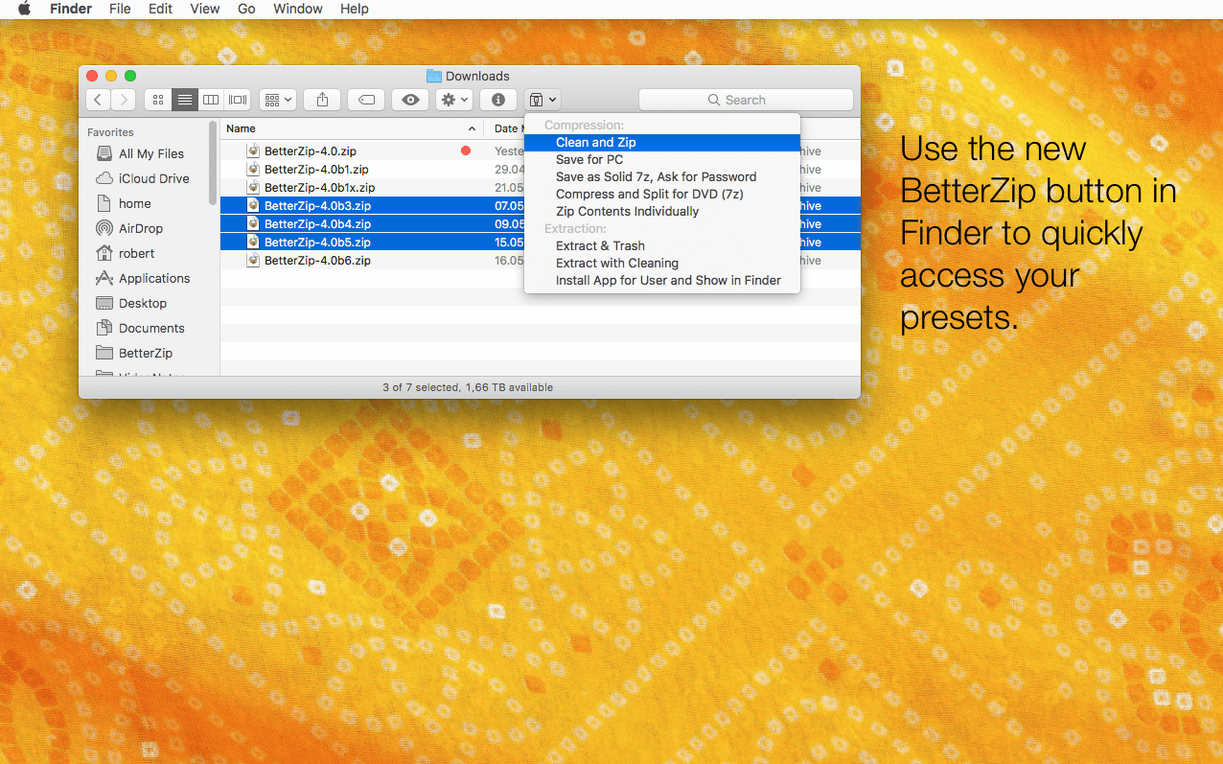
When you run multiple extractions or compressions, they show up in a queue. Beginners close BetterZip after the first task finishes, thinking the job is done. The queue is still running in the Finder extension. Let it finish before closing.
- Adds an option to use BetterZip with a different language than the system language.
- Adds an option to avoid restoring macOS metadata during extraction.
- Updates the 7z helper to v26.03 with Apple Silicon assembler optimizations.
- Fixes a rare crash involving communication with external helper tools.
- macOS 13.5 or later
- Intel or Apple Silicon
Questions I get about this line
Yes, BetterZip supports 7z archives and can open, extract, and manage them. The 7z helper is updated to v26.03 with Apple Silicon assembler optimizations.
The install order
- Mount the disk image and run Open Gatekeeper friendly.
- Press Enter in Terminal to bypass Gatekeeper.
- Drag the app into the Applications folder.
- The app is then ready to use.