Free download (35 MB) Previous versions
- Version
- 2.0.4
- Developer
- Micromat Inc.
- Languages
- English
- License type
- k'ed by CORE
| macOS range | macOS 11 or later |
|---|---|
| Chip | Apple Silicon, Intel 64-bit |
| Download | 35 MB |
| Previous versions | 1 on file |
Screenshots
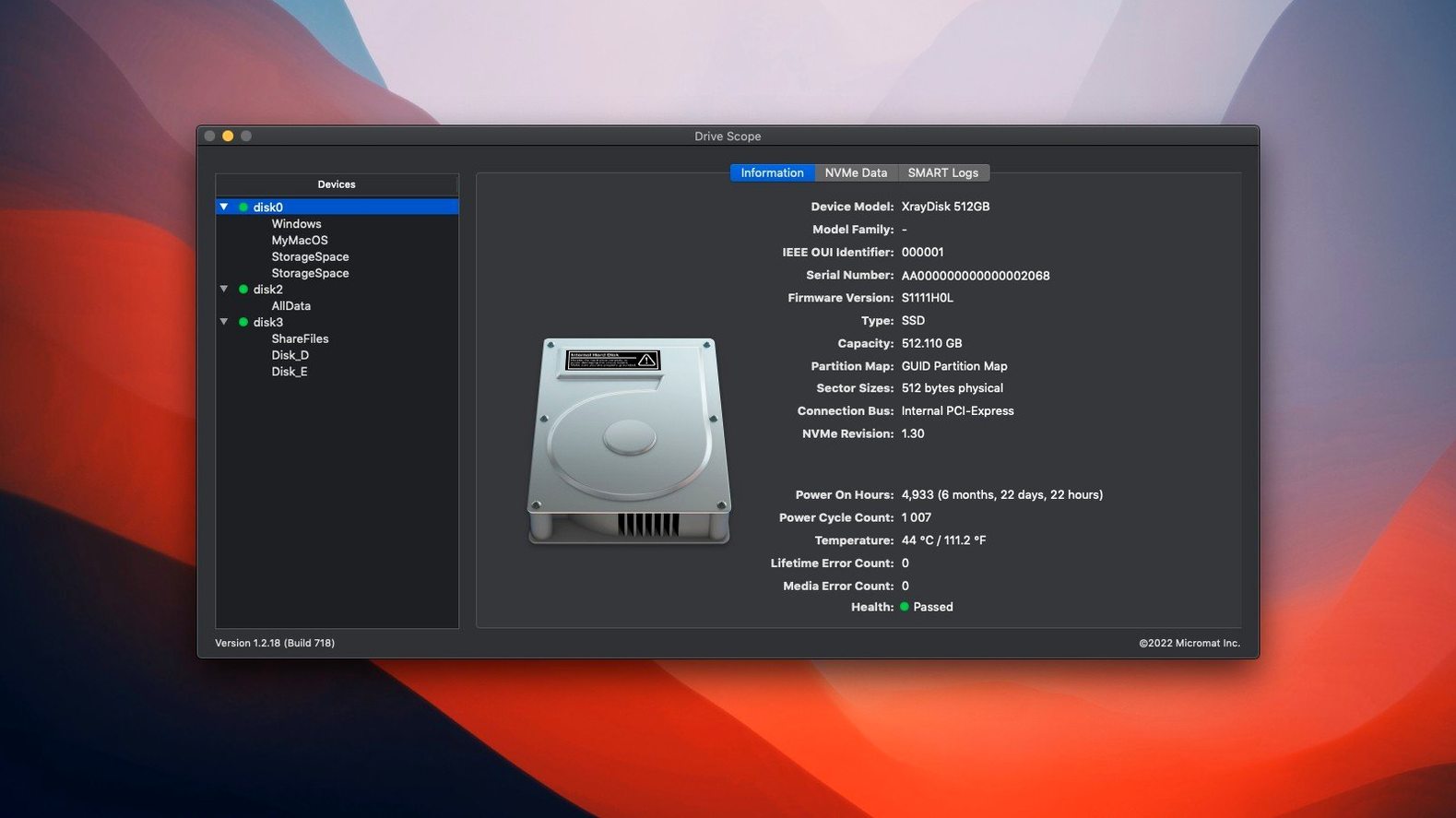
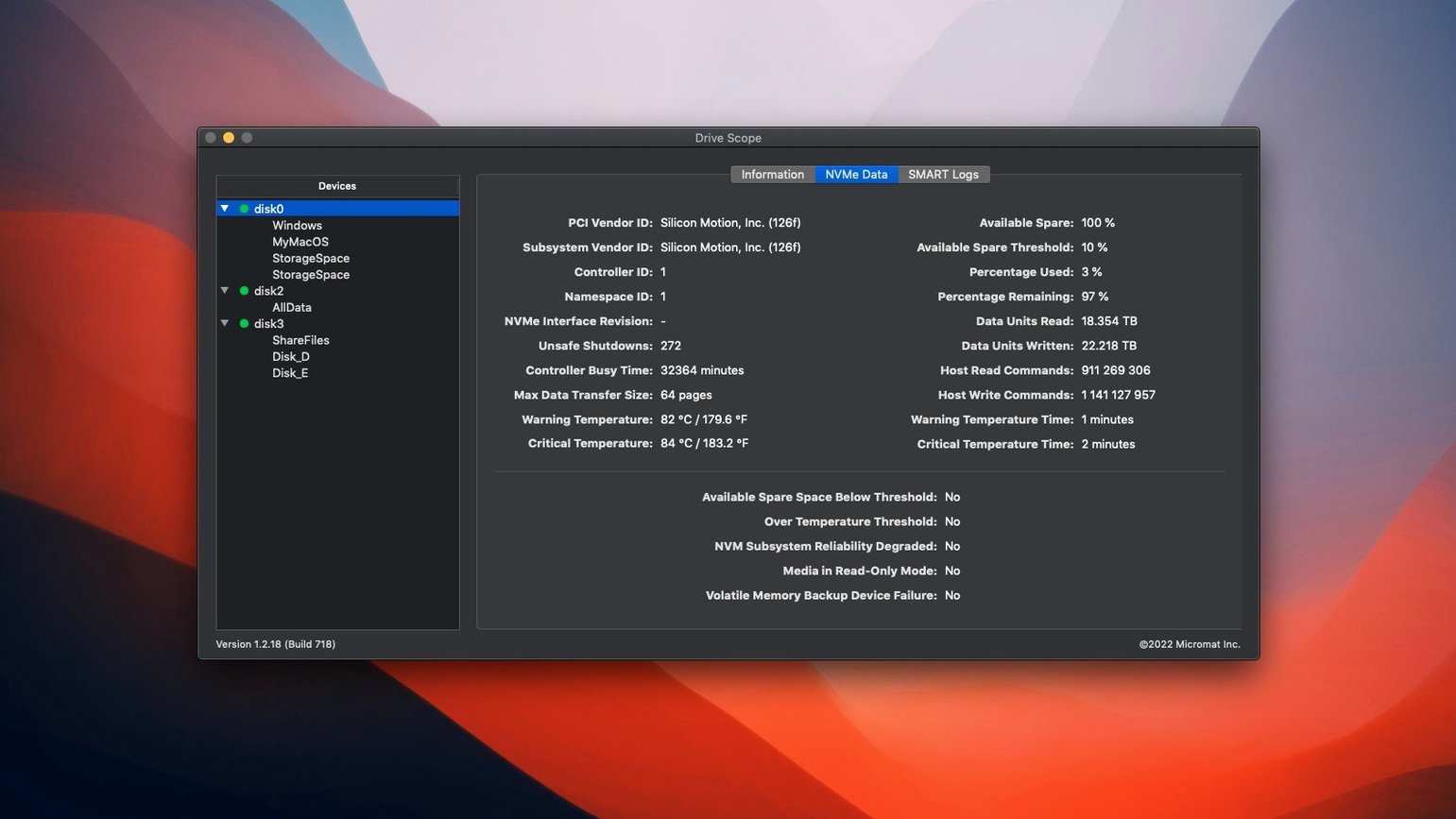
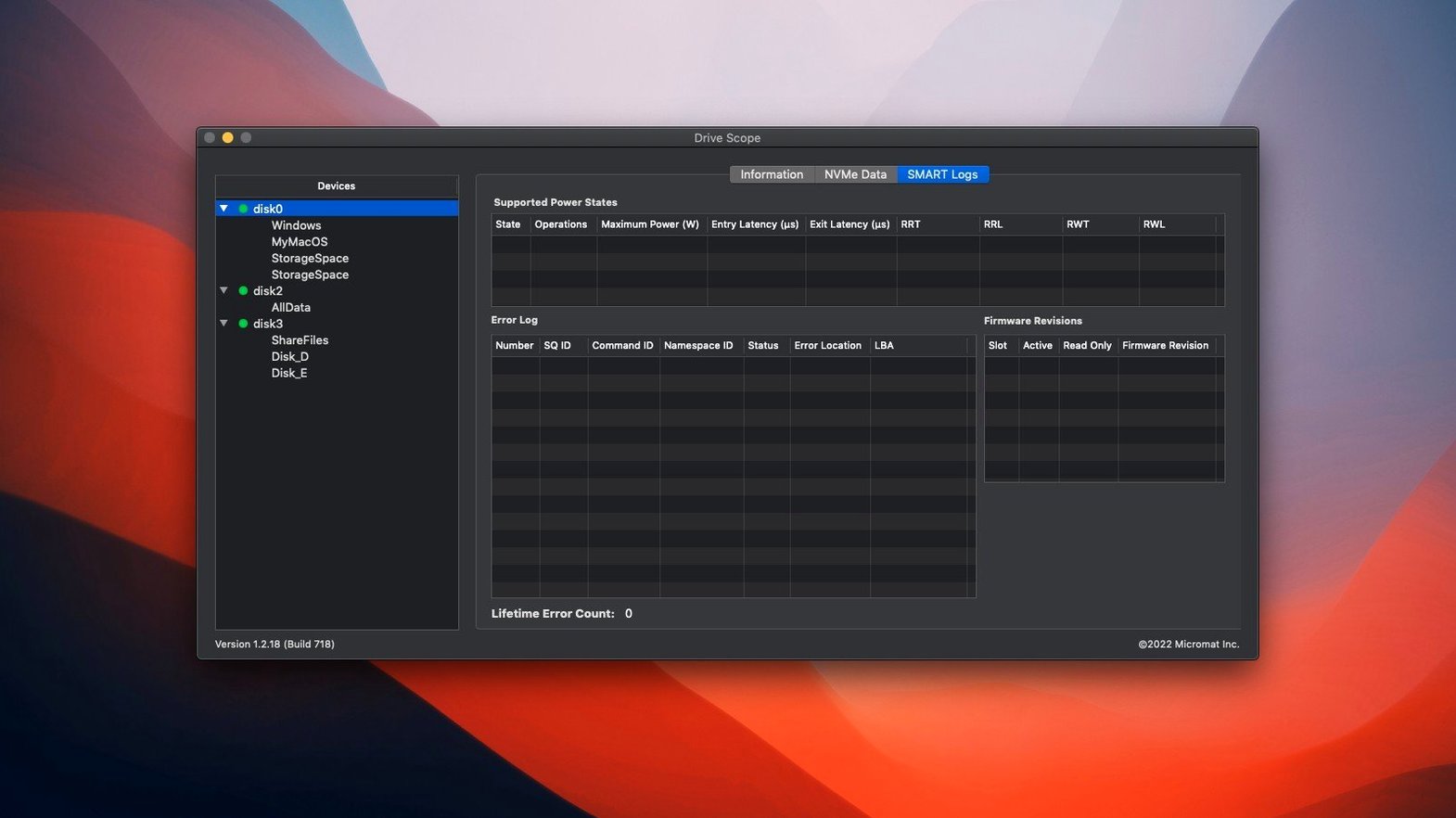
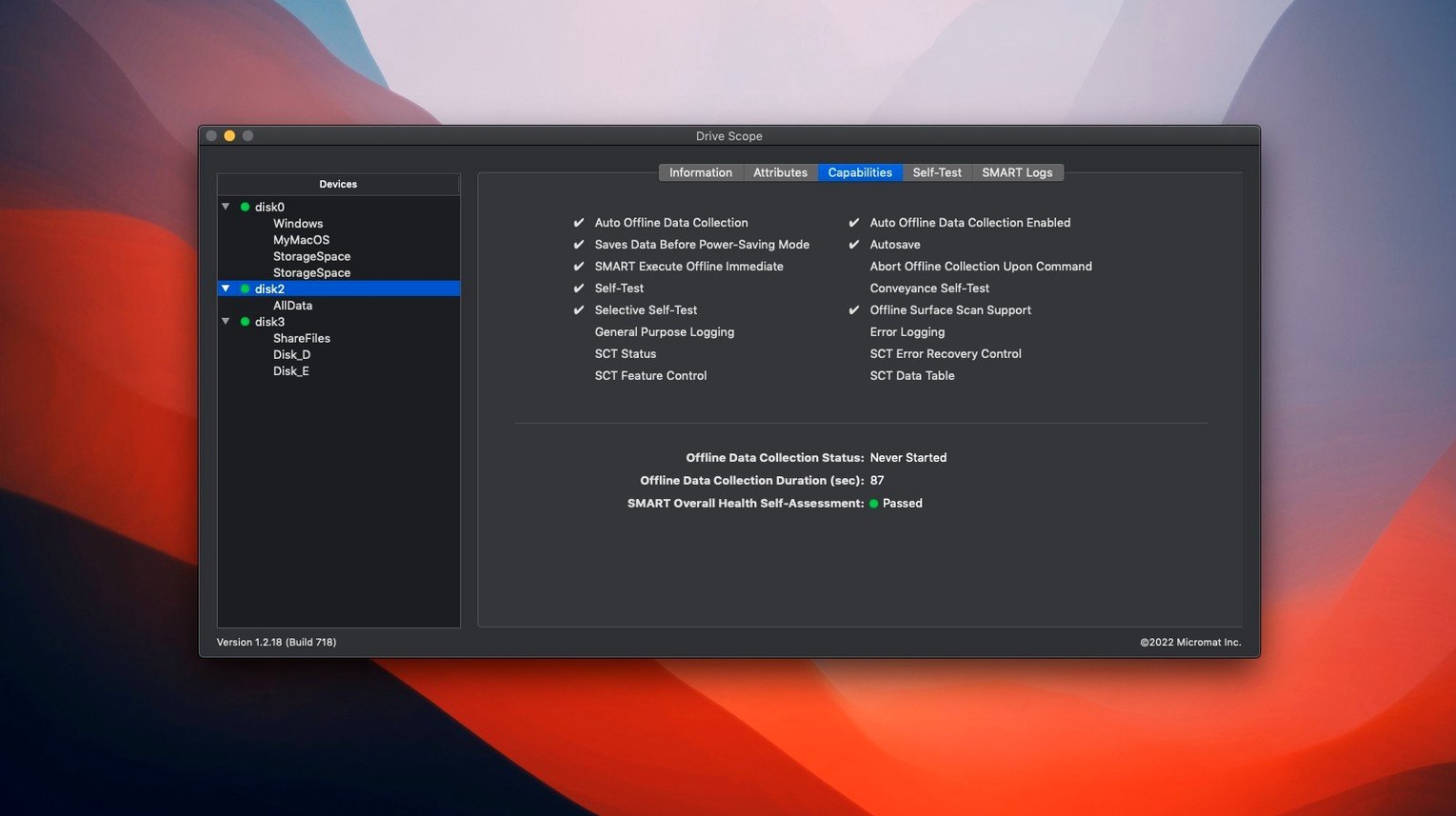
Click a screenshot to see it wider.
Drive Scope 2 is for the IT person who manages a handful of Macs and needs to know which drive is about to fail before the user calls. Continuous SMART health monitoring runs in the background. A menu bar icon gives you drive status at a glance. You can pull up error logs that show what went wrong and when.
Continuous SMART Monitoring and Menu Bar Health
- Continuous SMART monitoring for supported internal and external disks
- Menu bar health indicator — no need to open the app
- Error history with timestamps
- Widgets for the Notification Center
- Same SMART engine used in Micromat's Techtool Pro
Runs where you do
Drive Scope 2 supports macOS 11 and later. It runs natively on both Apple Silicon and Intel Macs. The interface is English only. It is a focused tool, not a suite. If you just need to check drive health and get alerted before data goes bad, this is it.
Easy to miss details
Drive Scope 2 has a few small conveniences that add up over a work week. The error history shows not just what failed but when it happened. That helps distinguish a one-time glitch from a pattern. It also flags whether an error looks temporary or points to a broader failure, so you don't waste time chasing a false alarm.
NVMe SSD SMART data is fully readable. Many disk tools skip the newer NVMe tables or show only partial info. Drive Scope reads them the same way it reads a spinning drive. The manual test option lets you trigger a full disk test on demand, not just wait for the next scheduled check.
IT Generalists Managing Multiple Macs
- IT generalists managing a small fleet of Macs — you want one place to check every disk, not a different tool per system.
- Lab or studio admins who run the same drive scope for Mac torrent download on machines with heavy read/write loads. Early warning matters when a render or backup drive is pushing files all day.
- Anyone running a Mac as a file server or Plex box. Those drives are on 24/7. A background monitor that pings the menu bar when a parameter goes yellow saves the headache of a dead volume.
Drive Scope won't run disk repairs or clone drives. It watches and reports. That is the whole job. For the IT person who needs reliable health data without a full utility suite, it fits a specific slot.
Small conveniences worth knowing
Drive Scope 2 puts drive health in the Notification Center via widgets. No need to launch the app to see a summary. The menu bar icon changes color when something shifts, so you catch issues between checks.
Background monitoring runs as a separate process. It does not slow down the main app or clutter your dock. If a drive starts showing warning signs, Drive Scope sends a notification. You decide whether to run a manual test or swap the drive on the next visit.
Error logs are timestamped. That alone saves time when a user says "it acted up last week." You can confirm the error happened and whether it repeated. The app also flags errors as temporary or part of a trend, which cuts down on false alarms.
Who gets the most out of it
IT generalists managing a handful of Macs benefit most. You get one interface for every disk in the fleet, internal or external. No need to train users to check their own drives.
Lab or studio admins with drives under constant read/write load also find it useful. Early warning on a render drive or backup volume is worth the setup time. Anyone running a Mac as a file server or Plex box keeps drives on 24/7 — a background monitor that flags a yellow parameter beats a dead volume.
Drive Scope does not repair or clone. It watches and reports. That is the job.
- macOS 11 or later
- Intel or Apple Silicon Mac
- English interface
Questions I get about this line
Drive Scope 2 supports macOS 11 and later, including macOS 15 Sequoia. It runs on both Apple Silicon and Intel Macs.
The install order
- Open the downloaded disk image.
- Drag the Drive Scope app to the Applications folder alias.
- Launch the app from Launchpad after the copy finishes.