Free download (413 MB) Previous versions
- Version
- 12.0.8.2
- Developer
- DVDFab.cn
- Languages
- Russian, English, German, Arabic, Bulgarian, Hungarian, Greek, Danish, Spanish, Italian, Chinese (Traditional), Chinese (Simplified), Korean, Dutch, Norwegian, Polish, Portuguese, Romanian, Slovak, Turkish, Finnish, French, Croatian, Czech, Swedish, Japanese
- License type
- K'ed by TEAM HCiSO
| macOS range | OS X 10.10 or later |
|---|---|
| Chip | Apple Silicon, Intel 64-bit |
| Download | 413 MB |
| Previous versions | 1 on file |
Screenshots
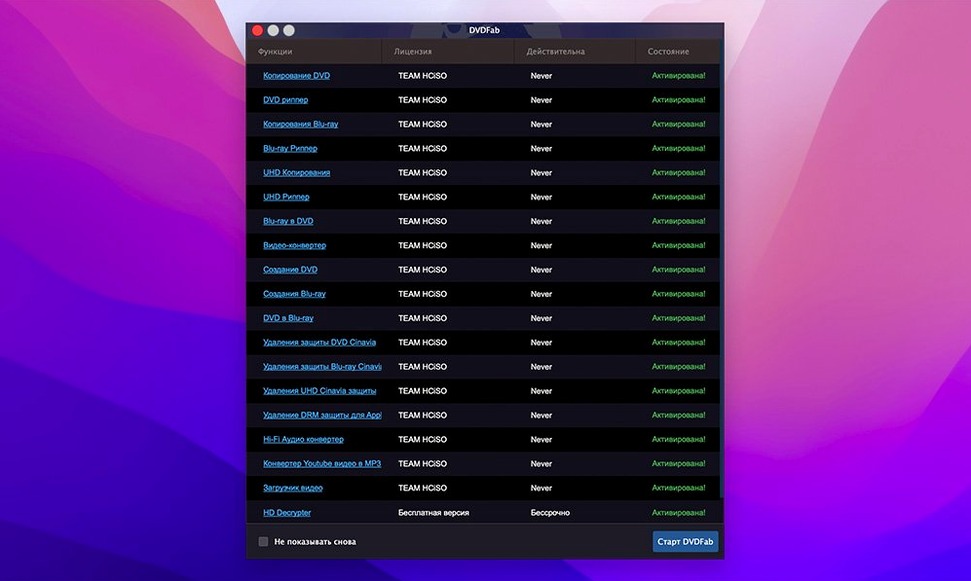
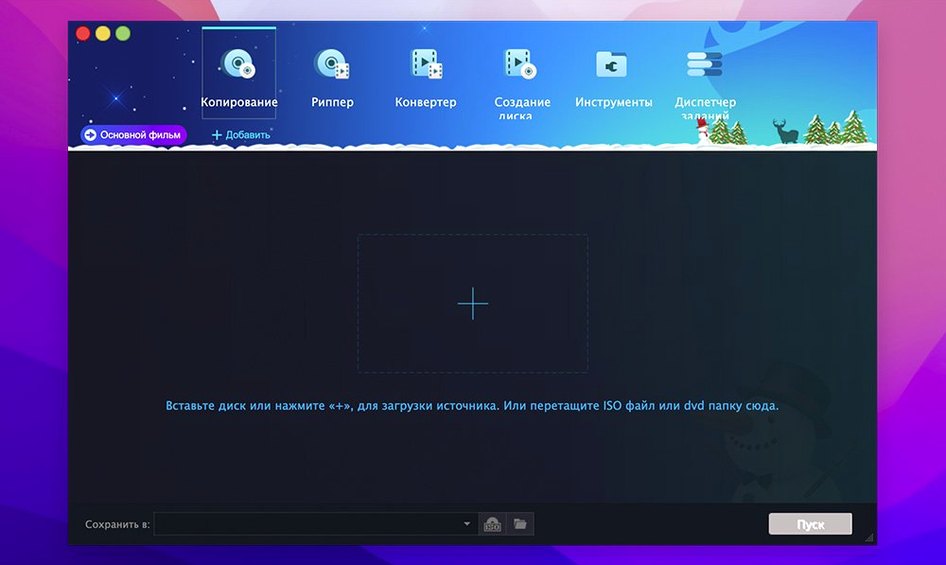
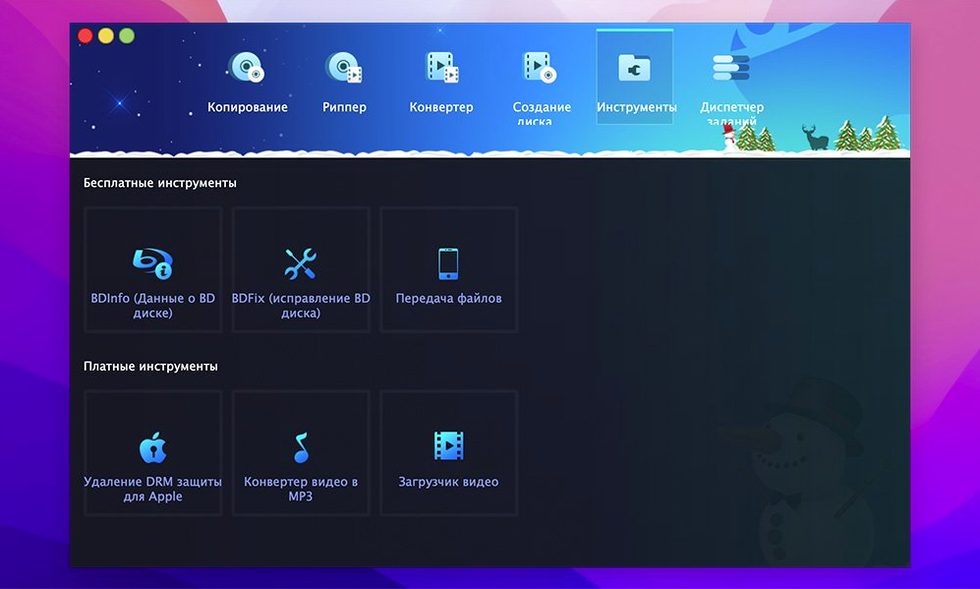
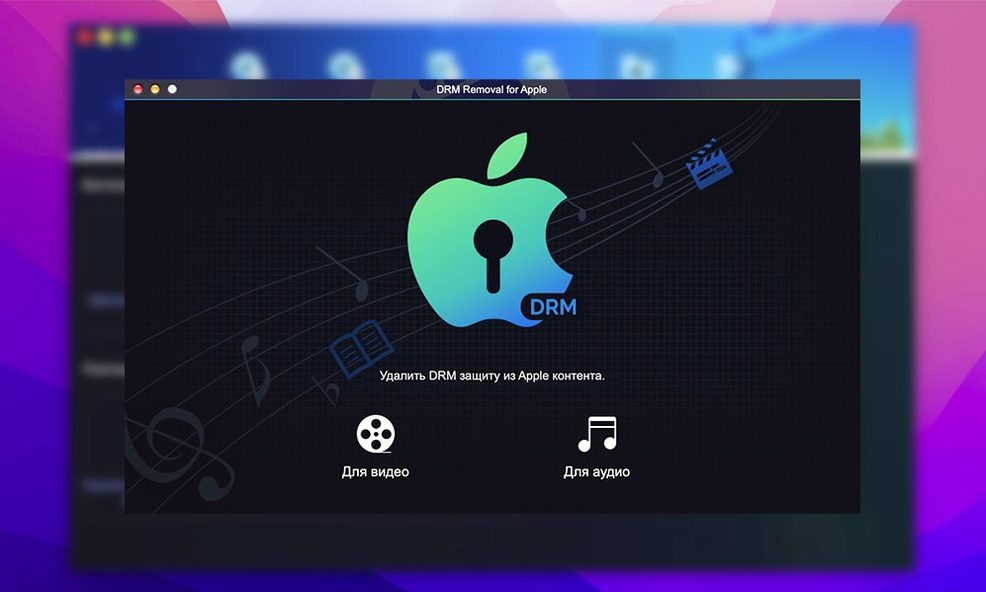
Scroll the row, it snaps to each screenshot. Click one to see it wider.
You have a stack of DVDs, a Mac, and a need to get them onto a hard drive or a smaller disc. DVDFab for Mac handles that — copying, ripping, burning, and authoring in one app.
Disc backup — Copies DVD-5 and DVD-9 to another disc, including dual-layer media (DVD+R DL, DVD-R DL). Supports NTSC and PAL.
DVD splitting — Splits a DVD-9 across two DVD-5 discs automatically.
IFO repair — Restores playback information even when the IFO file is unreadable.
Format conversion — Converts DVD video for devices: iPod, PSP, Xbox 360, Zune, Archos, mobile phones, PDAs.
Custom authoring — Build a DVD from selected titles, merge multiple sources, and keep the original menu if you want.
Protection removal — Strips CSS, region codes, RCE, Macrovision, and UOPs.
Media support — Works with DVD-5, DVD-9, DVD+R/RW, DVD-R/RW, DVD+R DL, DVD-R DL.
Real-world scenario: the traveling film instructor
A part-time film history lecturer at a community college near Columbus carries a library of teaching discs — classic foreign films, obscure documentaries, and a few box sets that are out of print. The classroom projector accepts USB drives and HDMI, but not discs. She needs selected scenes from three different DVDs on one portable drive, ready to play on any laptop she gets handed.
DVDFab's Merge and Customize methods solve that. She rips the main title from each disc, merges them into a single DVD structure, then converts the result to a standard MP4. No swapping discs during a lecture. The IFO repair feature has been useful twice — one disc had a scratch that made the menu unreadable, but DVDFab rebuilt the navigation table and the rest of the disc copied fine.
Cannot produce DVD folders or ISOs like DVDFab
HandBrake — Free and well-known for video conversion, but it is a transcoder, not a disc copier. HandBrake cannot produce a DVD folder or ISO that plays in a set-top player, cannot split a dual-layer disc, and cannot burn to a blank DVD. DVDFab covers those tasks. If your goal is a direct disc clone or a playable DVD copy, HandBrake is not the right tool.
MakeMKV — Excellent at ripping DVDs and Blu-rays into MKV containers with no re-encoding. It preserves chapter markers and multiple audio tracks, but it outputs only MKV files, not ISO images or DVD-Video folders. It has no burning engine and no format conversion for older portable devices. DVDFab offers those output options and the ability to burn directly to disc.
MacX DVD Ripper — Another ripper that handles DVD decryption and converts to common video formats. It includes a straightforward interface and some device presets. It does not, however, clone a DVD 1:1, split a DVD-9, merge titles from multiple discs, or burn the result to a blank DVD. DVDFab's eight copy methods give more control over what you keep and how you store it.
- macOS OS X 10.10 or later
- Intel or Apple Silicon
Questions I get about this line
Yes, DVDFab runs on both architectures. The product page lists separate branches for macOS 12.x and 13.x, so check compatibility with your system.
The install order
- Open the downloaded disk image.
- Drag the app into the Applications folder shortcut.
- After copying finishes, launch the app from Launchpad.