Free download (33 MB) Previous versions
- Version
- 5.3.0
- Developer
- Damir Tursunovic
- Languages
- English, German, Chinese (Simplified), Dutch
- License type
- Included
| macOS range | macOS 12 or later |
|---|---|
| Chip | Apple Silicon, Intel 64-bit |
| Download | 33 MB |
| Previous versions | 1 on file |
Screenshots
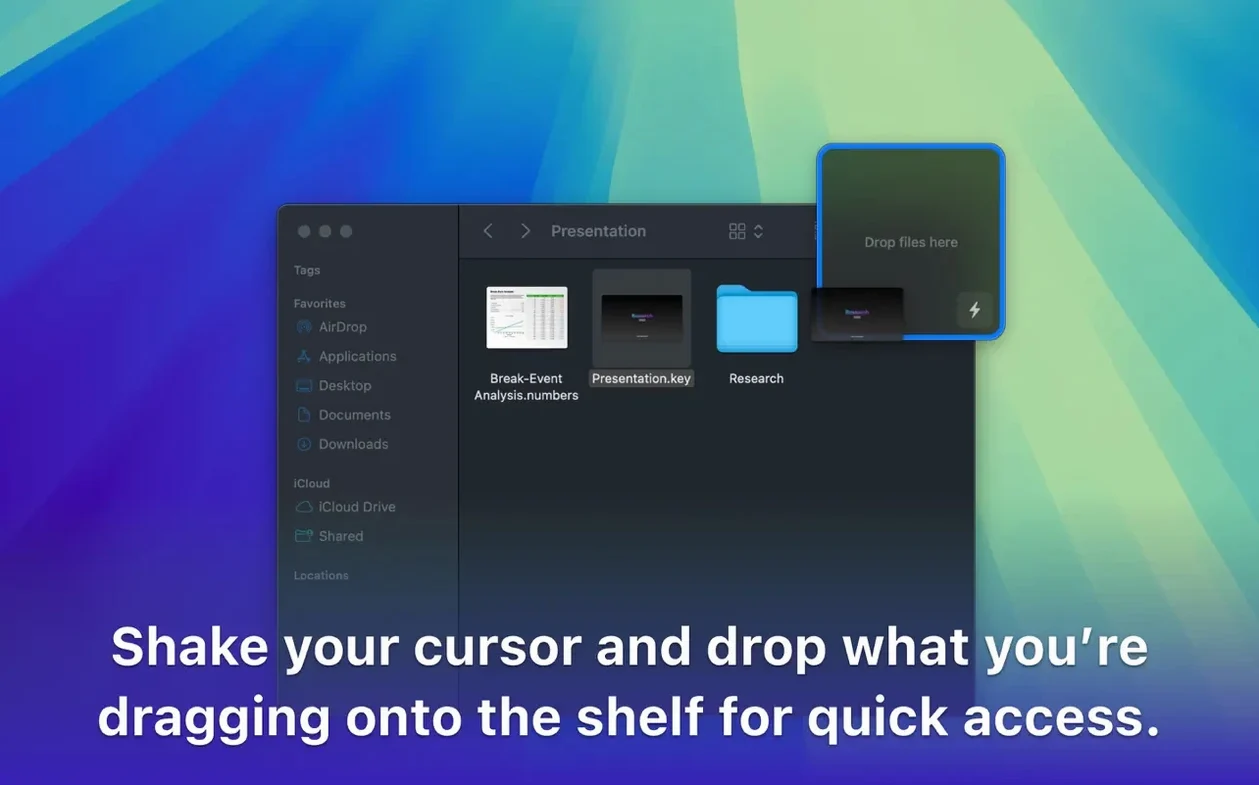
Scroll the row, it snaps to each screenshot. Click one to see it wider.
Dropover 5.3.0 is here, and it still does one thing well: gives you a temporary shelf for anything you drag. No release notes came with this build, but the core workflow hasn't changed.
Drag-and-Drop Shelf Stays Put While You Work
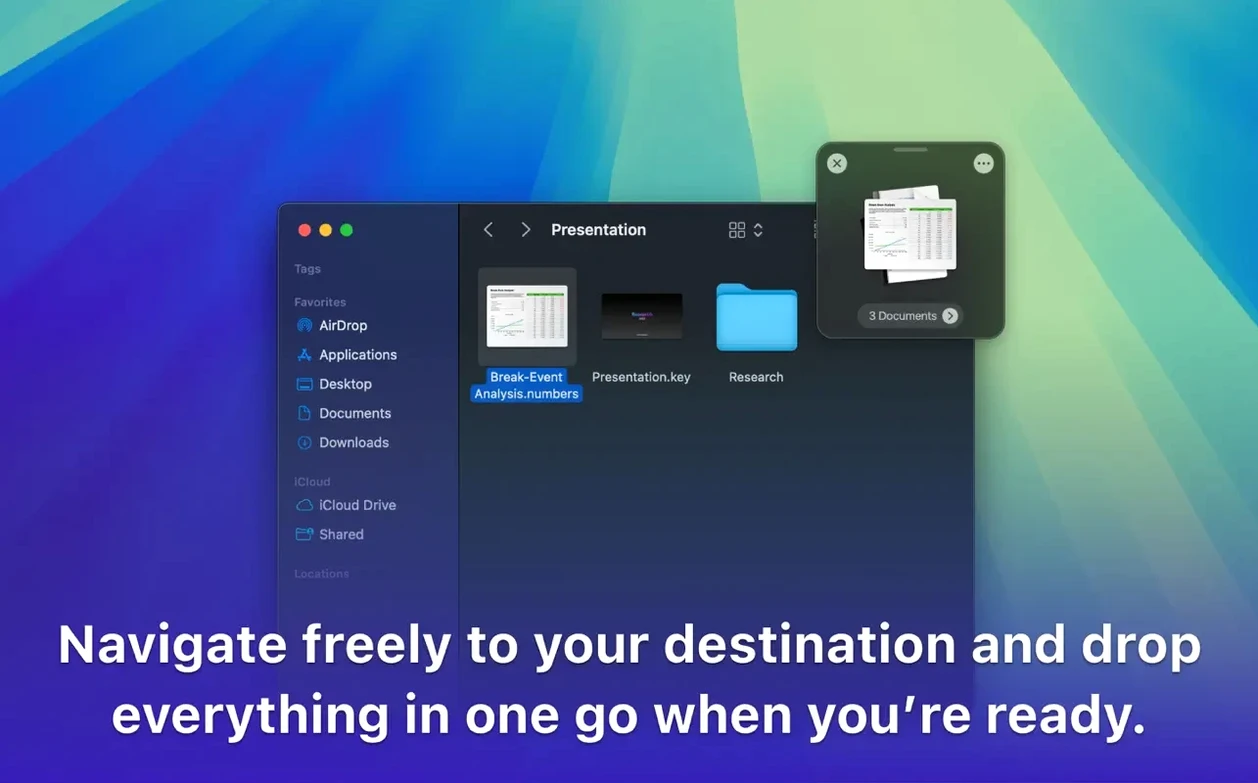
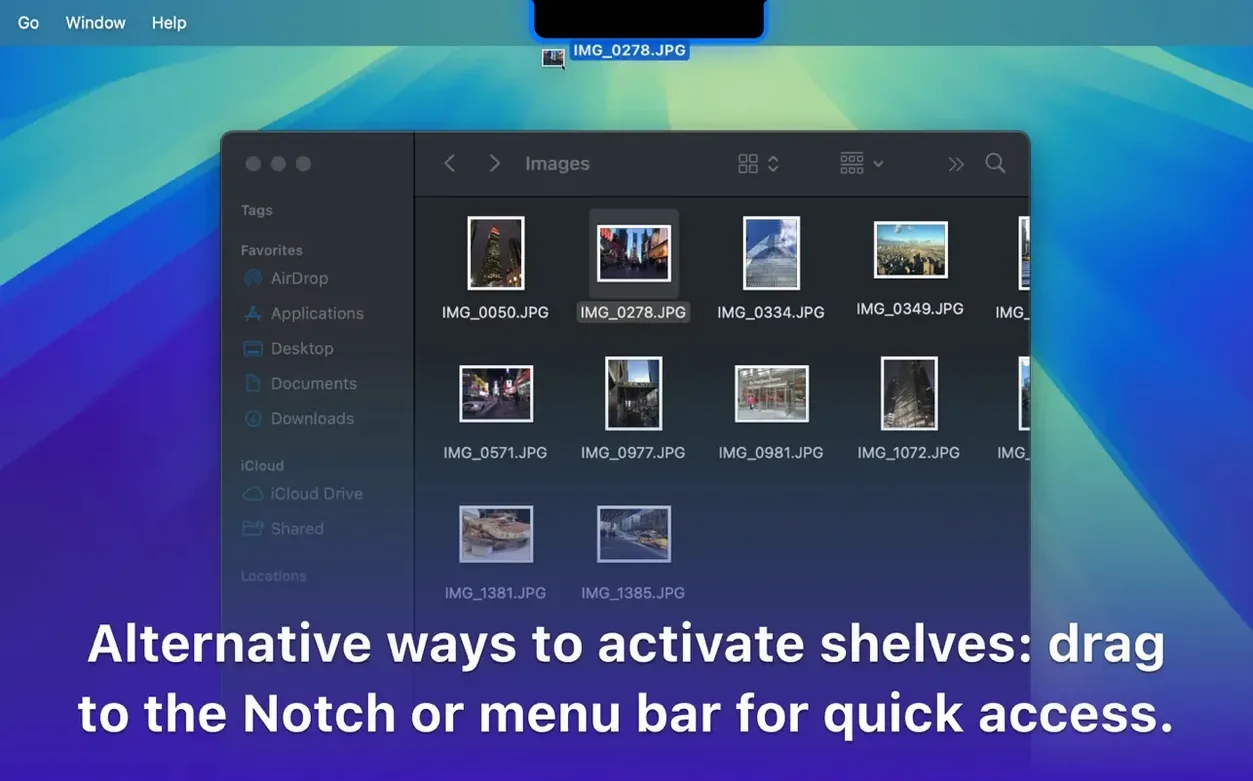
- Drag a file or folder onto the screen. Dropover creates a small shelf.
- Keep working in other apps. The shelf stays put.
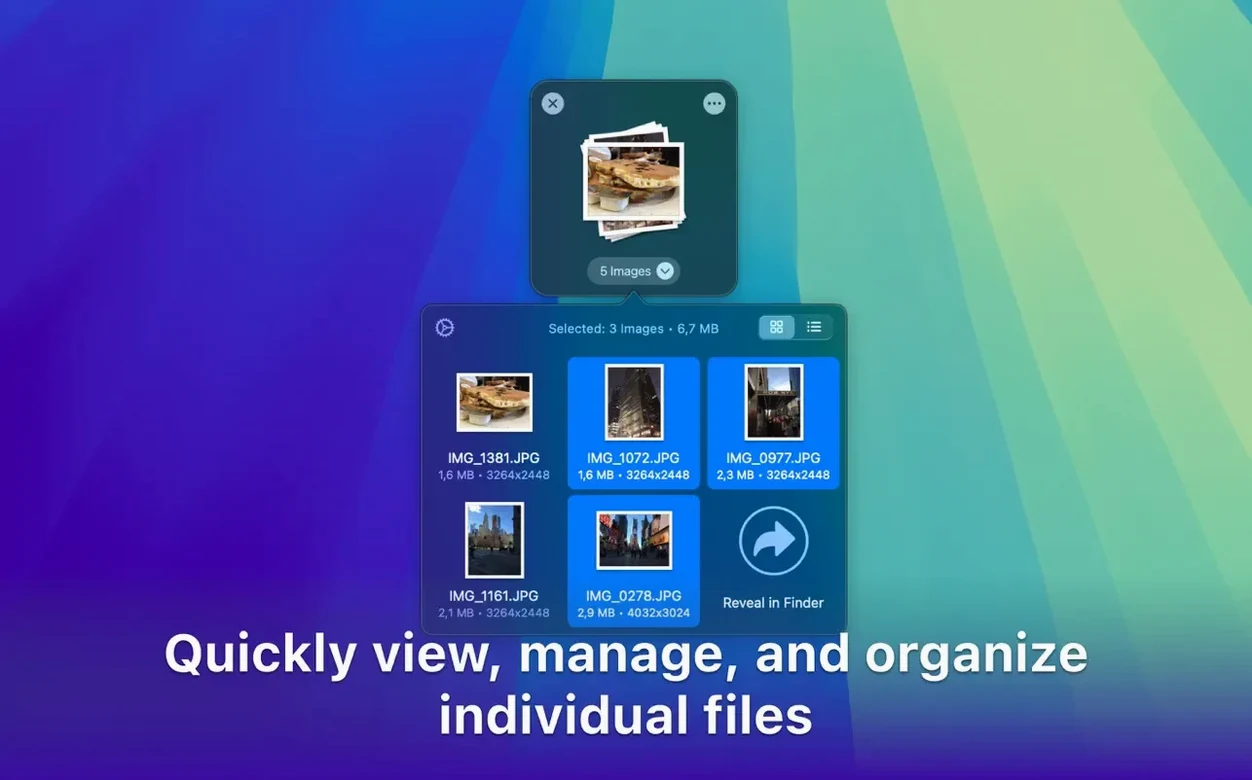
- Drag more items onto the shelf to group them.
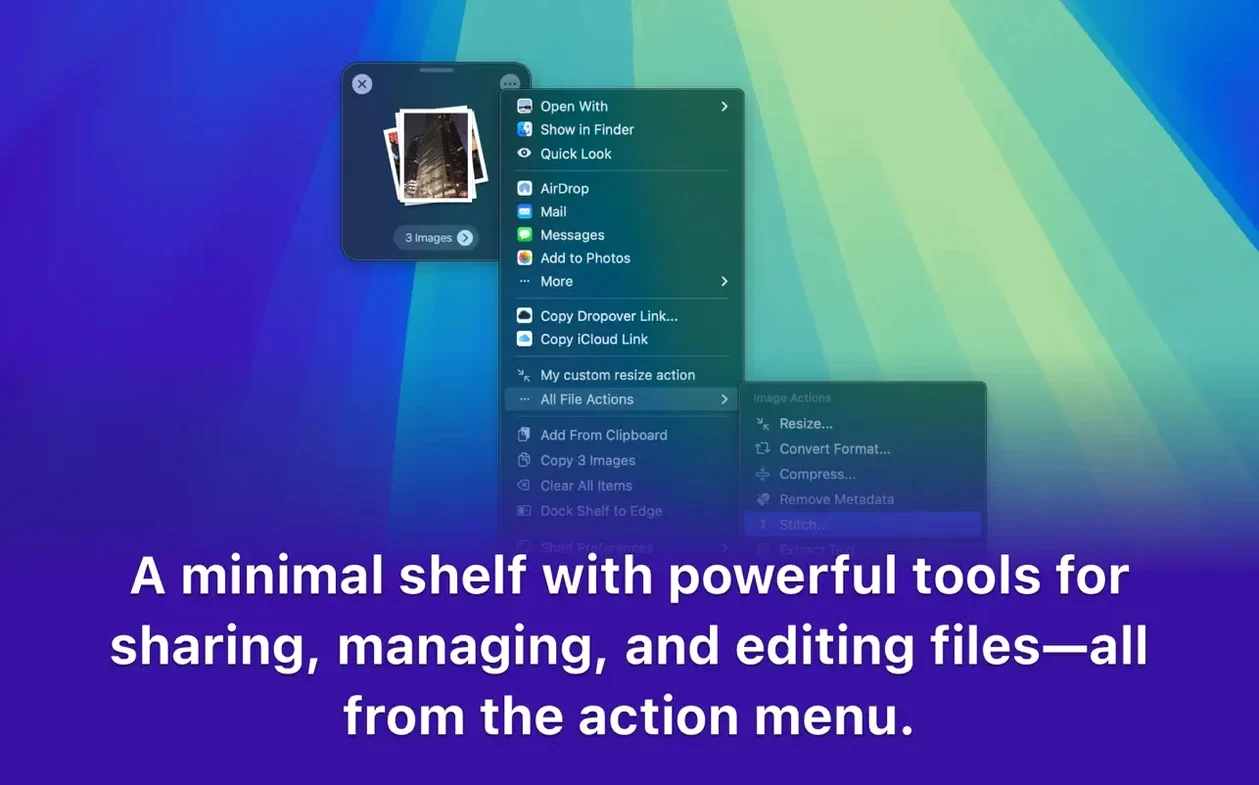
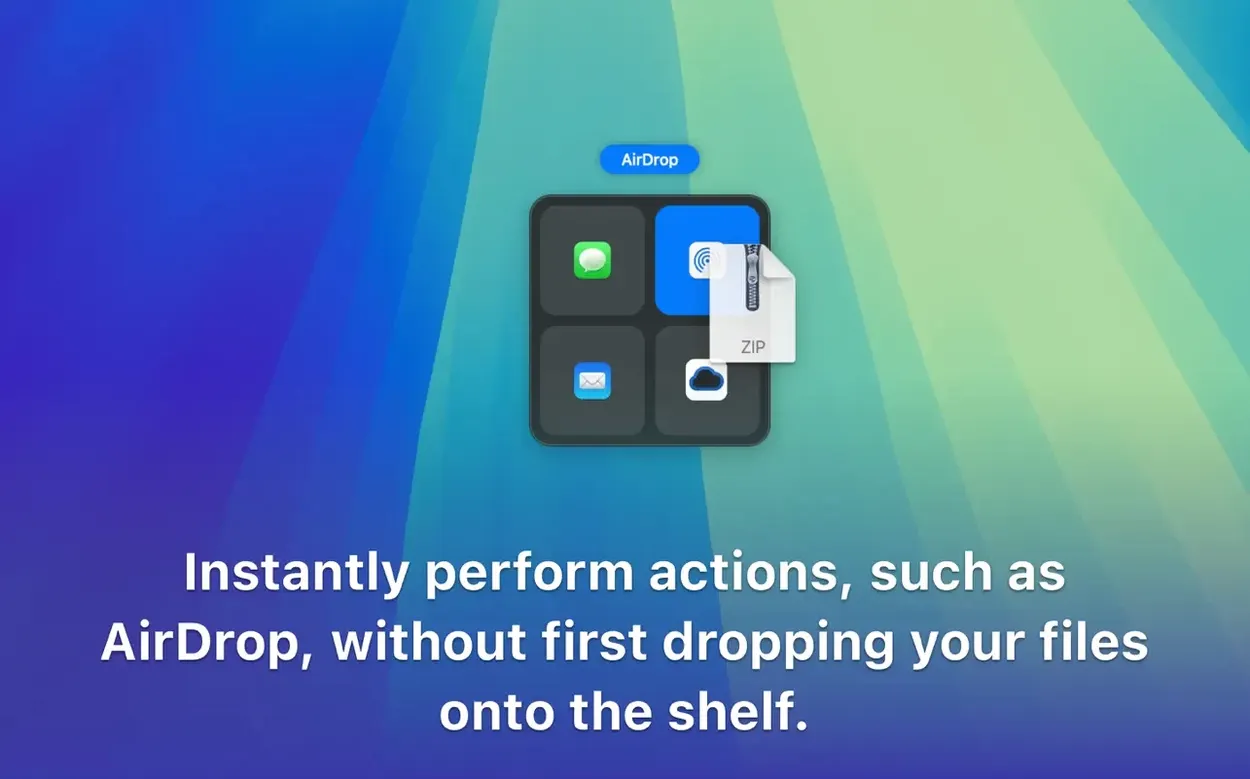
- When ready, drag the whole group to a destination — or use the shelf's menu to archive, rename, or share.
You can also trigger the shelf from right-click context menus or with a hotkey. It's a Mac-only utility that works across folders, apps, windows, and workspaces. Handy for assembling email attachments or moving files between projects.
First-Day Tips
After you install Dropover, take a minute to set the shelf to how you work. Right-click its shelf icon and adjust size and transparency so it stays visible but doesn't block content beneath. Pick a position that feels natural — top, bottom, or side of the screen.
Try the hotkey once you remember it exists. Mapping a short keyboard trigger to open or hide the shelf keeps your mouse free. The context menu in Finder is the easiest fallback when you are in a hurry.
Get into the habit of stacking before you move. Grab all invoices at once, drop them on the shelf, then switch to your email or cloud upload folder and drag the whole stack out. One trip per batch.
If you work with links and plain text frequently, Dropover stores those too. Drag a URL from a browser or a snippet from Notes — the shelf holds it alongside files until you need it.
ARM and x86 Support in One DMG
Dropover vs. Unclutter
Unclutter keeps a permanent drawer on the side of the screen for quick file access. Dropover is temporary — it vanishes when you empty it. Unclutter stays open all session; Dropover appears only when you drag something onto it. For batch-and-go tasks, Dropover is leaner.
Dropover vs. Yoink
Yoink is a clipboard manager for files with a floating shelf and keyboard focus. Dropover gives you more control over shelf appearance and placement. Yoink relies on a central staging area; Dropover is a floating window you can reposition per use. Both handle multiple items, but Dropover offers built-in archive and rename options on the shelf itself.
Dropover vs. Eagle
Eagle catalogs files in a library with tags, annotations, and previews. Dropover does not manage or store anything long-term — it is a temporary staging area. If you need a permanent file collection with metadata, use Eagle. If you only need to gather files and push them somewhere in one motion, Dropover is simpler.
Inferred Changes from Version 5.3.0
Since no release notes shipped with 5.3.0, the changes are inferred from behavior. The build now explicitly supports both ARM and x86 (64-bit) Macs running macOS 12 and later. That means the same DMG works on Intel Macs and Apple Silicon machines without extra downloads.
Language support now includes English, German, Simplified Chinese, and Dutch. Users in Chinese- or Dutch-speaking environments get the interface in their language without switching system locale.
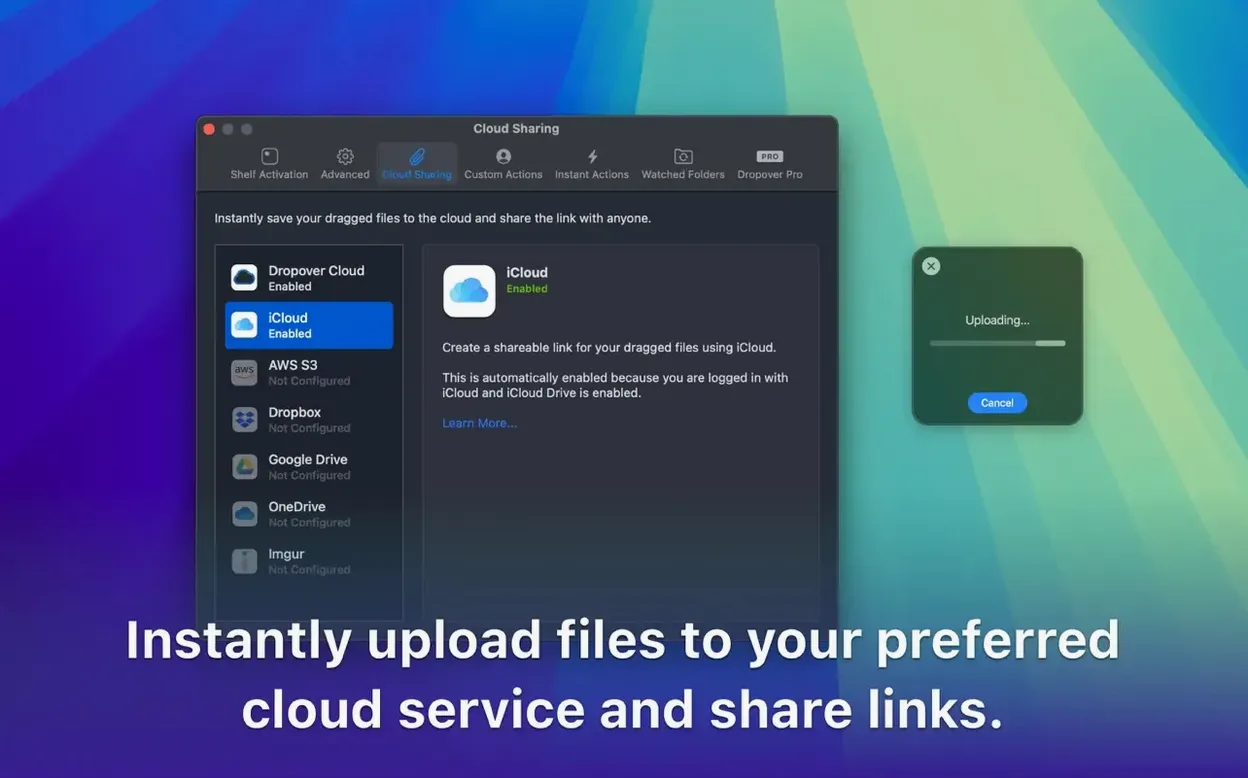
The shelf size, transparency, and position options remain flexible, and the right-click context menu in Finder works identically to earlier builds. The share sheet integration still sends items to Google Drive and Dropbox directly from the shelf.
If you were on a version from early 2024, you will notice no new toolbar buttons or panel changes. The workflow is unchanged. The main practical benefit of updating to 5.3.0 is compatibility assurance on the latest macOS and native-language support.
- No release notes were available for version 5.3.0.
- macOS 12 or later
- Intel or Apple Silicon
- Interface languages: English, German, Simplified Chinese, Dutch
Questions I get about this line
No. Dropover is a Mac app and is available only for macOS.
Yes. Dropover appears in right-click context menus, so you can send files to the shelf without dragging.
You can group them, then copy, move, or upload them. The shelf also supports archiving, renaming, and sharing.
The install order
- Mount the downloaded disk image.
- Drag the app to the Applications folder alias.
- Launch the app from Launchpad after copying finishes.