Free download (9 MB) Previous versions
- Version
- 3.1
- Developer
- Anybox LTD
- Languages
- Russian, English, German, Arabic, Bulgarian, Hungarian, Vietnamese, Greek, Danish, Hebrew, Indonesian, Spanish, Italian, Chinese (Traditional), Chinese (Simplified), Korean, Malay, Norwegian, Polish, Portuguese, Romanian, Slovak, Thai, Turkish, Ukrainian, Finnish, French, Hindi, Croatian, Czech, Swedish, Japanese
- License type
- Included
| macOS range | macOS 13 or later |
|---|---|
| Chip | Apple Silicon, Intel 64-bit |
| Download | 9 MB |
| Previous versions | 2 on file |
Screenshots
Scroll the row, it snaps to each screenshot. Click one to see it wider.
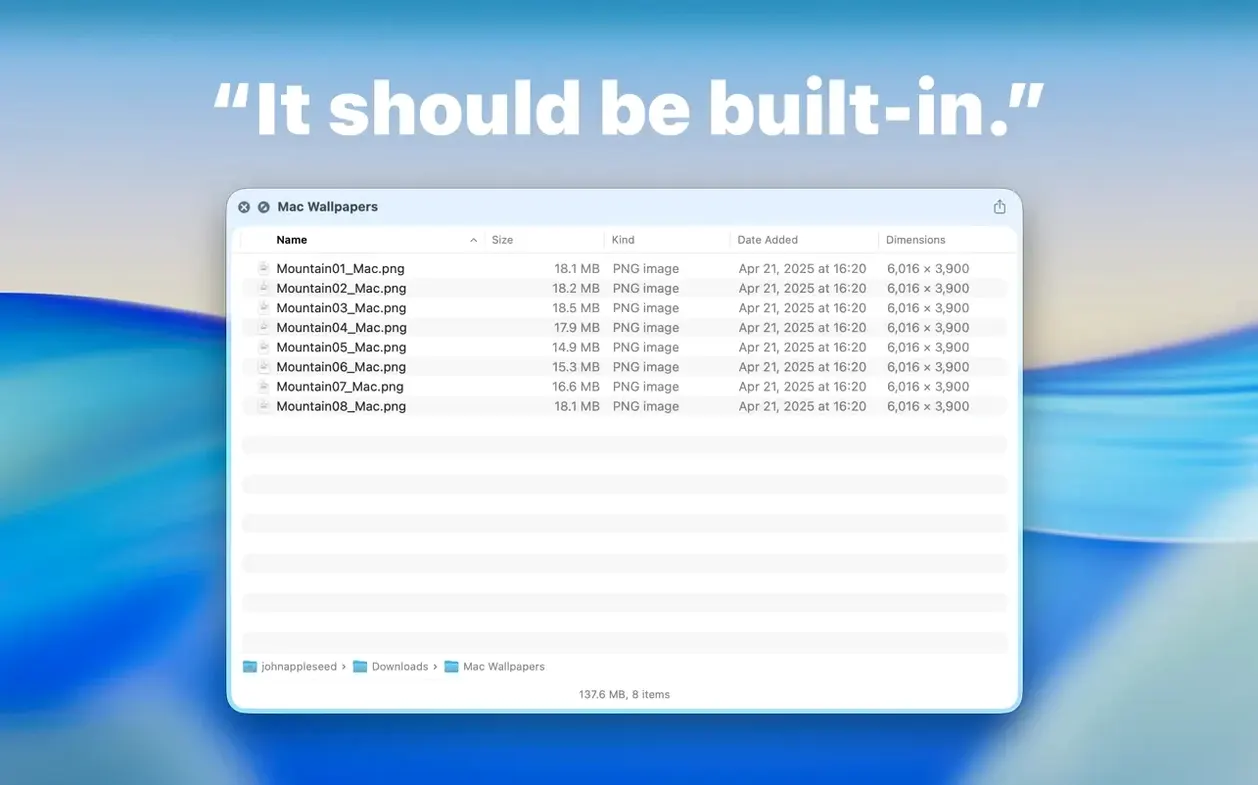
Folder Preview Pro is compatible with any Mac running macOS 13 or newer, whether on Intel or Apple Silicon. It plugs into Finder's Quick Look, so pressing Space or Command-Y on a folder shows its contents without opening a new window.
See folder contents in Quick Look
It adds a Quick Look preview for folders, showing a list of files inside. You can browse into subfolders right in the preview, and in version 3.1 there's a Contents item in the context menu for stepping through level by level.
For Finder users who need faster folder peeks
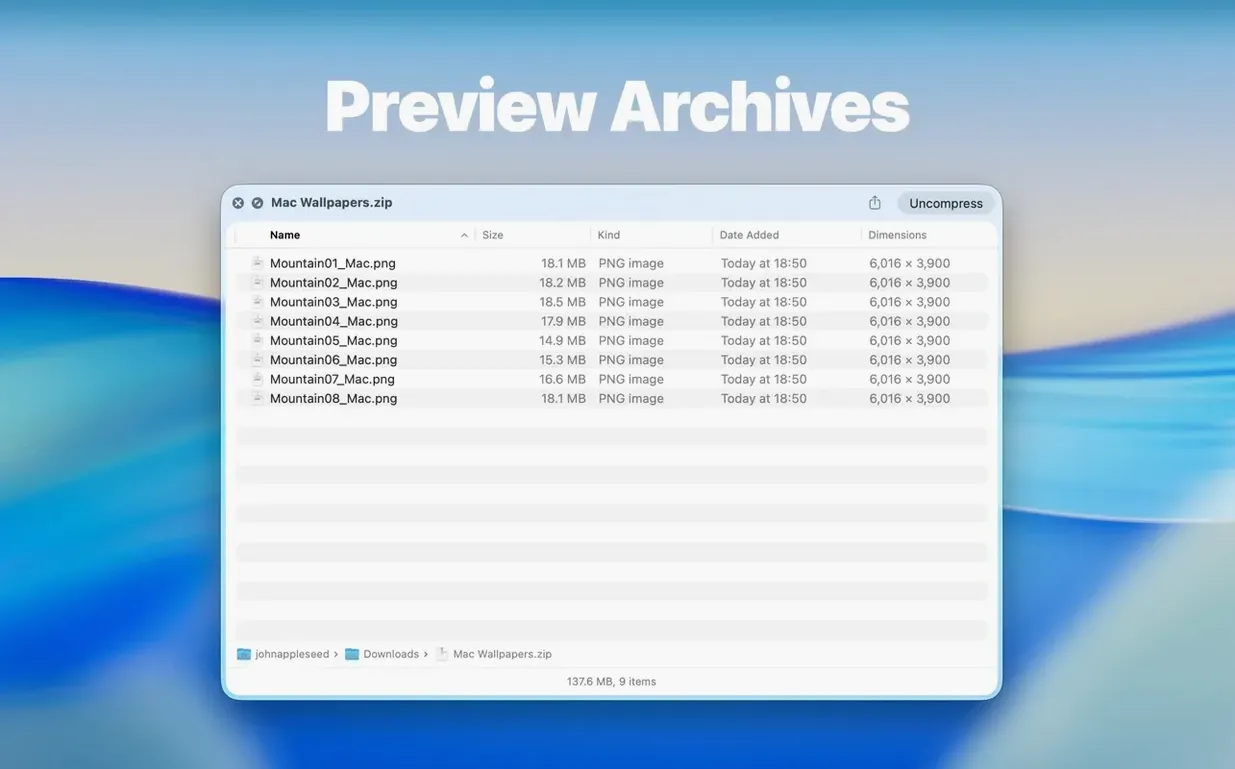
Anyone who spends time in Finder and wants a faster way to peek inside folders. IT people, designers, and writers who juggle many project folders will find it useful. It also handles archives like ZIP, TAR, GZ, 7Z, and RAR, so you can check an archive's contents without extracting it first.
What else does it offer?
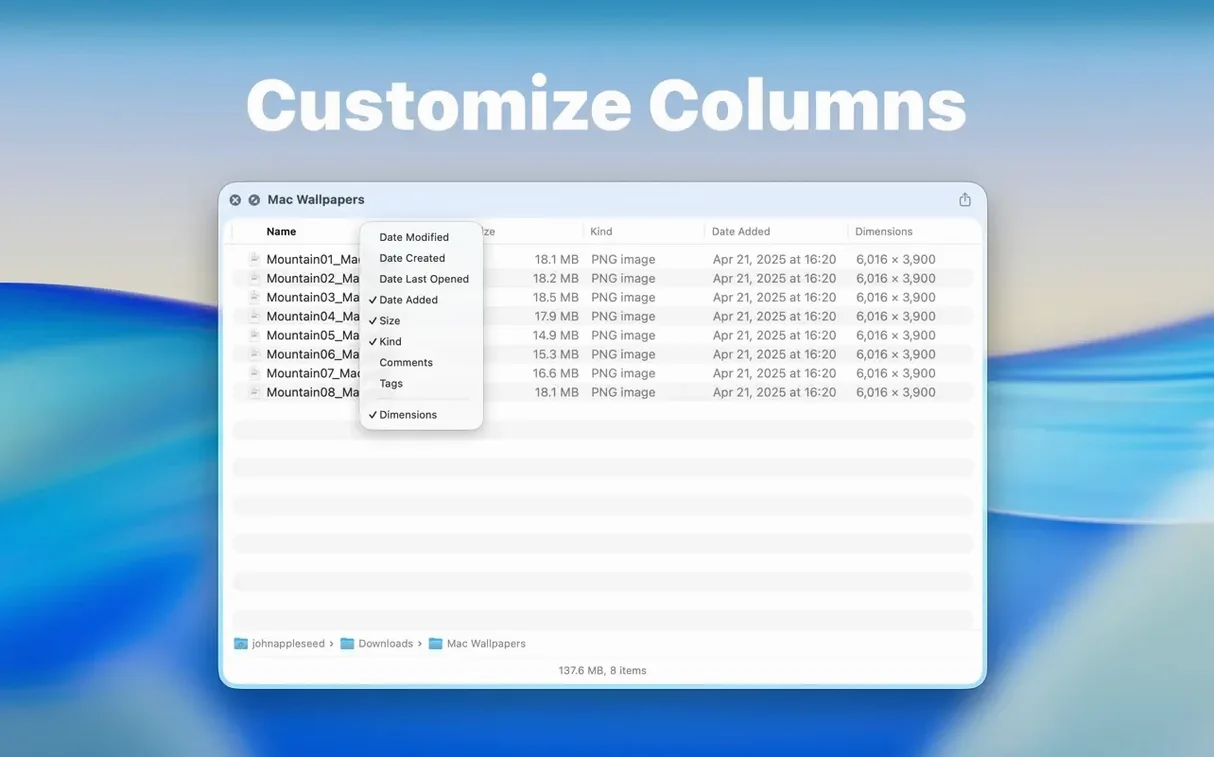
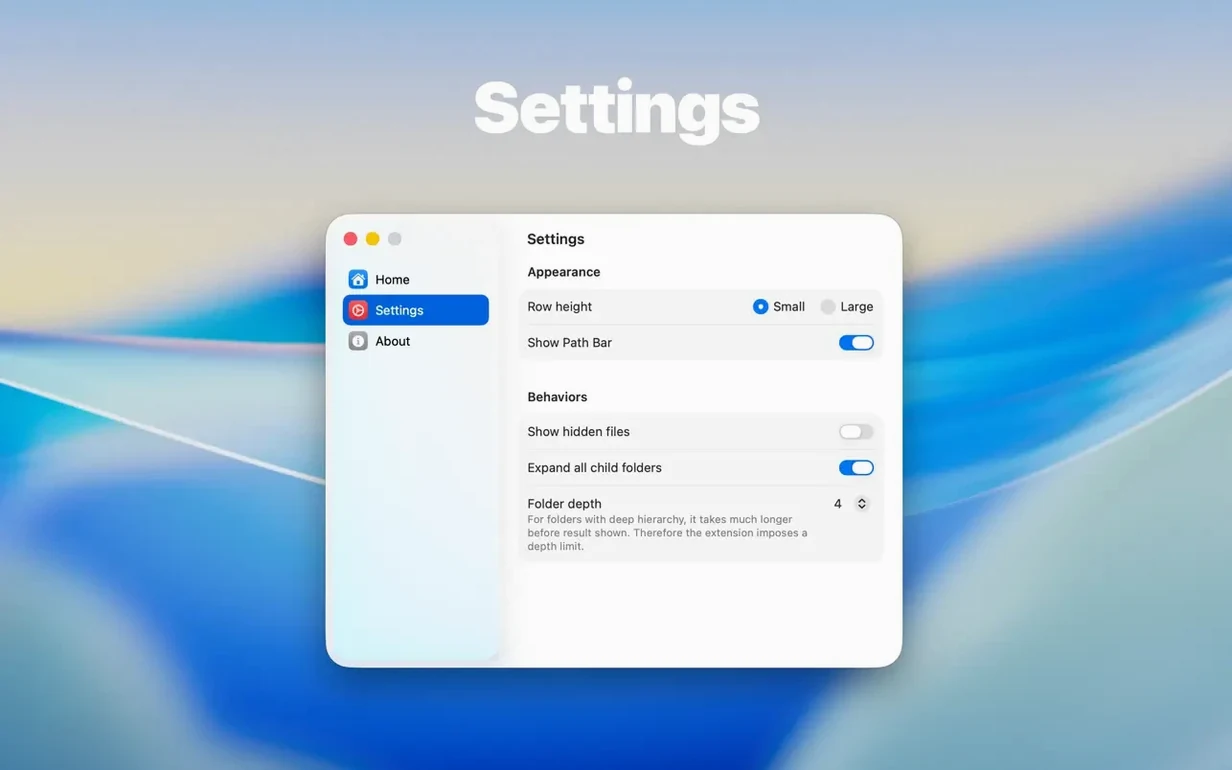
The new Dual Columns view shows two folder levels side by side. Right-click column headers to show or hide columns. You can also drag files out of the preview into other apps or folders. The app supports 30 languages, including English, German, Spanish, Japanese, and Chinese.
No Finder slowdown when previewing
Does it slow down Finder? No. Pressing Space or Command-Y on a folder is the only way Folder Preview Pro activates. It doesn't run in the background or hook into every window. The Quick Look system handles the preview call, and the app responds when asked.
Will it preview every folder type? It shows the file list inside standard folders, network folders, and mounted drives. It also previews archives: ZIP, TAR, GZ, 7Z, and RAR. If you work with compressed files regularly, this alone saves time.
Can I choose which columns appear? Yes. Right-click any column header in the preview to toggle columns on or off. Version 3.1 also moved folder size info to the toolbar under the folder name, so you see it without extra clicks.
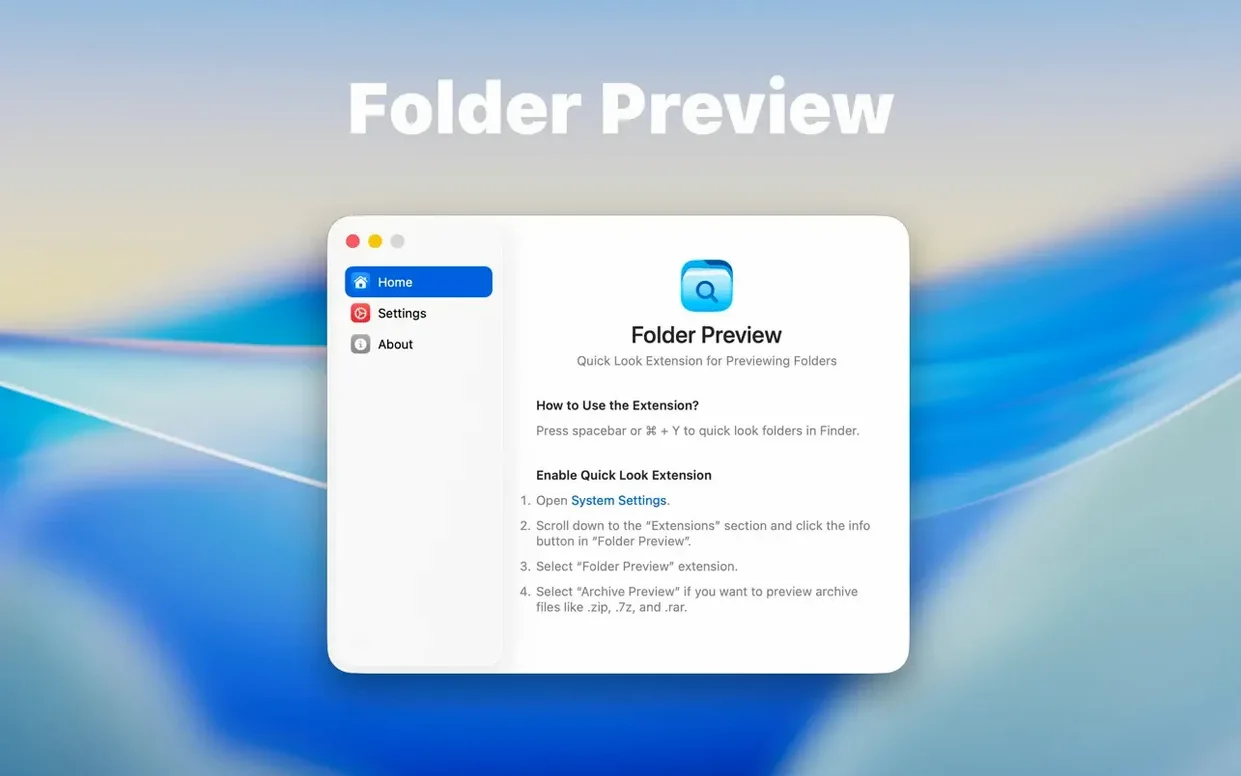
Do I need to enable something first? Quick Look must be turned on in System Settings. After that, the app works as soon as you launch it from Launchpad once.
Beats Q-See's Finder-replacing approach
Several Mac utilities try to speed up folder browsing. Here is how Folder Preview Pro stacks up against three of them.
Q-See is a Finder alternative with a preview panel, but it replaces the standard Finder window. Folder Preview Pro stays inside Quick Look, so you keep the default Finder layout and only call the preview when needed.
Xray focuses on batch renaming and file tagging, with folder preview as a secondary feature. Its Quick Look support is limited. Folder Preview Pro is built entirely for folder and archive preview, so the feature set is tighter and more direct.
FolderPeek offers a sidebar preview in Finder, but it requires a persistent panel that takes screen space. Folder Preview Pro uses the Quick Look shortcut, so you see the preview on demand and it disappears when you press Space again.
Each app has its own workflow. If you want a lightweight add-on that works with the existing Finder and Quick Look system, not a full Finder replacement, Folder Preview Pro fits that role.
- Adds Dual Columns view.
- Adds a Contents item for level-by-level folder browsing.
- Lets files be dragged out of the preview from list and icon views.
- macOS 13 or later
- Intel or Apple Silicon
The install order
- Open the downloaded disk image.
- Drag the app to the Applications folder.
- Launch the app from Launchpad after copying finishes.