
Free download (30 MB) Previous versions
- Version
- 5.34
- Developer
- Eltima Software
- Languages
- Russian, English, German, Vietnamese, Spanish, Italian, Chinese (Simplified), Korean, French, Japanese
- License type
- Included
| macOS range | macOS 10.13 or later |
|---|---|
| Chip | Apple Silicon, Intel 64-bit |
| Download | 30 MB |
| Previous versions | 3 on file |
Screenshots
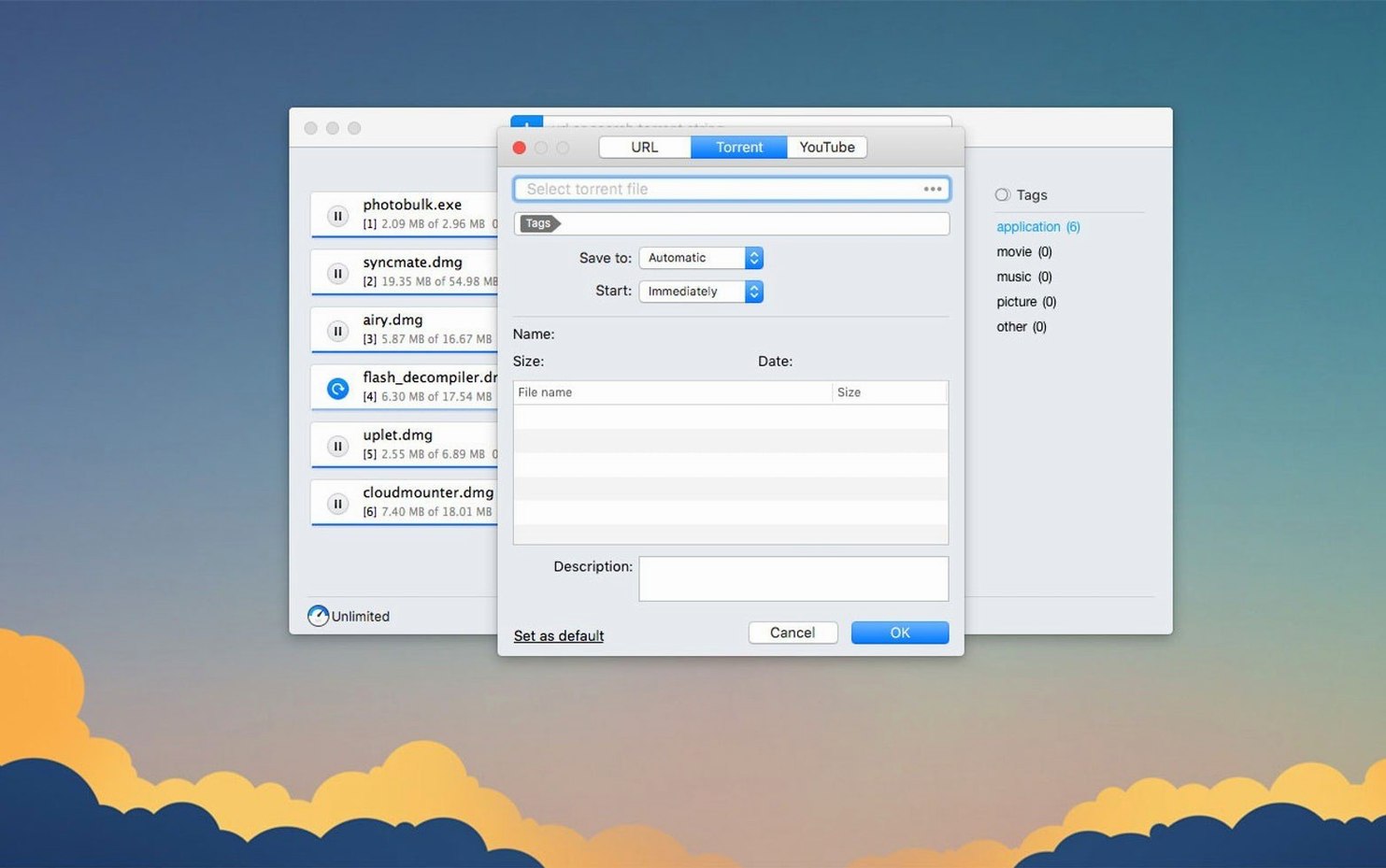
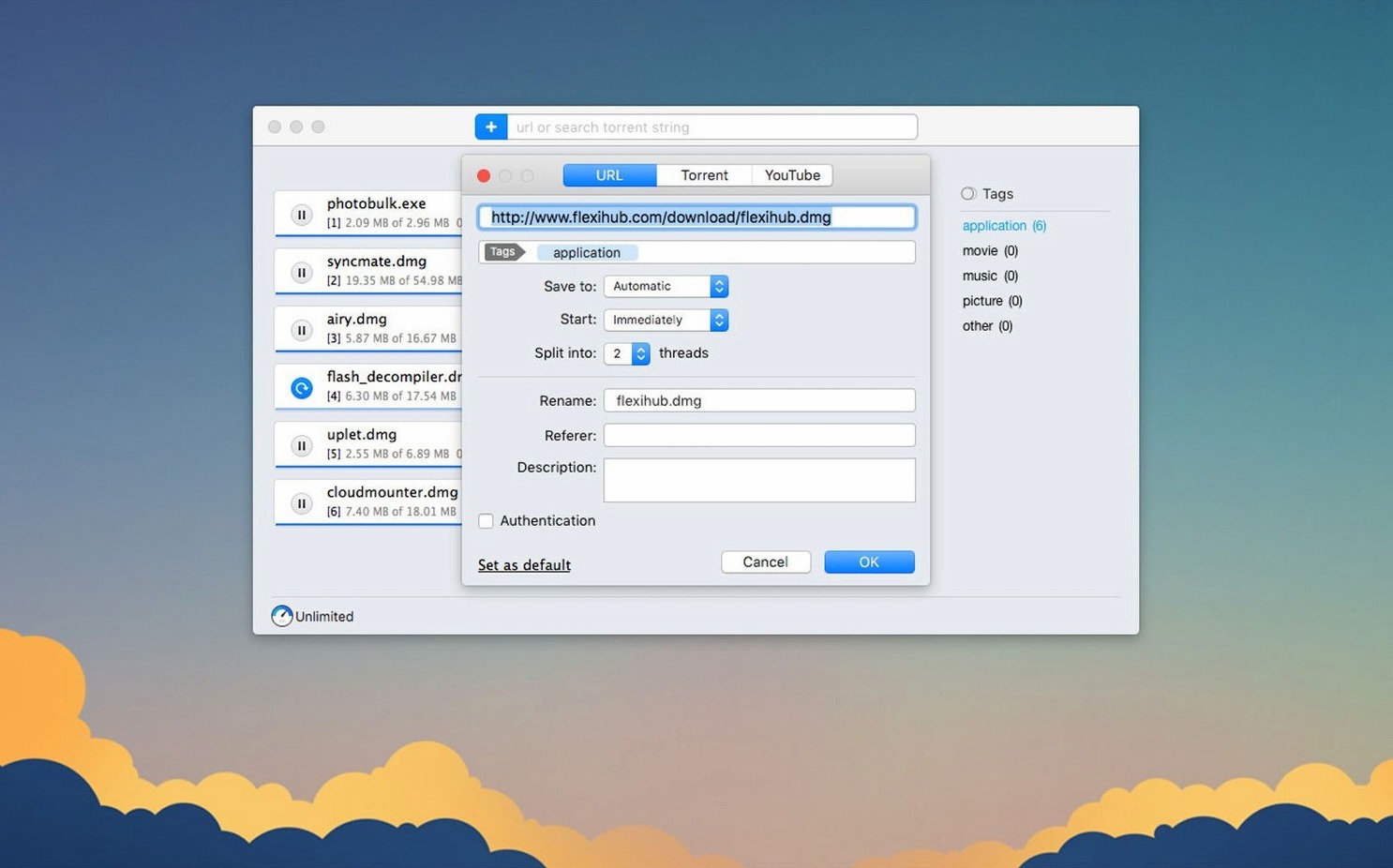
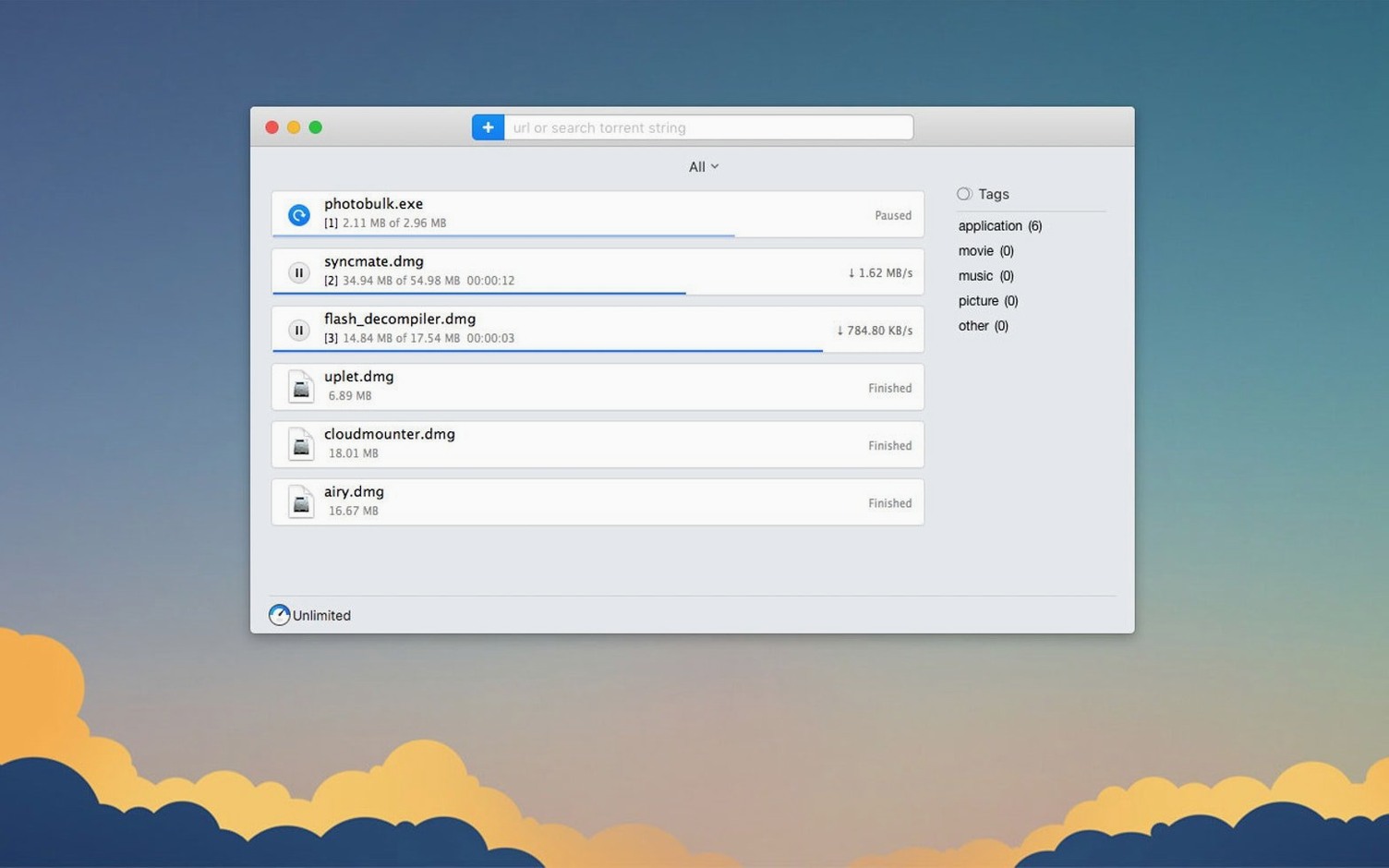
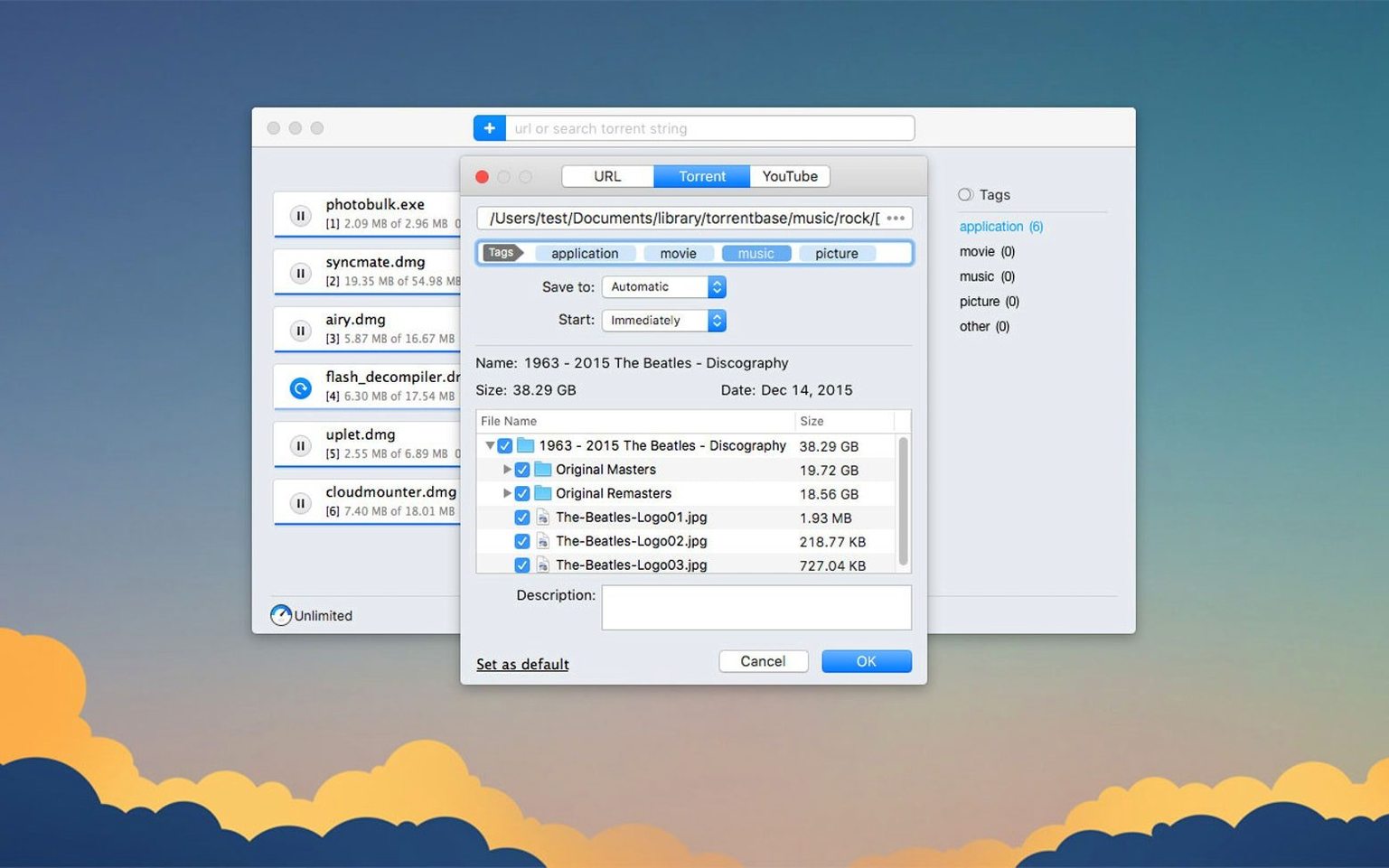
Scroll the row, it snaps to each screenshot. Click one to see it wider.
Folx 5 works on any Mac running macOS 10.13 or later, including both Intel and Apple Silicon models. It covers two jobs at once: a download manager for regular files and a torrent client, so you don’t need a separate app for each.
Scheduled downloads and YouTube grabber
- Scheduled downloads — set a start time and let Folx grab files when you’re away from the keyboard.
- YouTube video downloader — paste a link, pick the quality when available, and rename the output file before saving.
- Torrent support — with selective file downloading, you choose which files inside a torrent to pull, plus improved handling and storage of downloaded tasks in version 5.34.
- Proxy-friendly — works smoothly when you have a proxy enabled.
Who it suits
If you juggle large downloads and torrents on the same Mac, Folx 5 keeps both organized in one window. The scheduling and YouTube tools make it handy for pulling content overnight or grabbing clips for offline reference. Interface languages cover English, Russian, German, Spanish, and more, so it fits mixed teams.
Installation questions answered
Can I use Folx 5 on an Apple Silicon Mac?
Yes. The app supports ARM and 64-bit x86 architectures, so it runs natively on M-series Macs and older Intel models alike. You don't need emulation layers or Rosetta workarounds.
Does it replace Transmission or qBittorrent?
It can, if you prefer one app for both torrents and direct downloads. Folx 5 includes a torrent client with a built-in search function that sorts results by seed count, plus magnet link support. The version 5.34 update specifically improved torrent downloading, task storage and selective file handling inside torrents.
What about sites that require a login?
Folx can store usernames and passwords for sites with HTTP authentication. You set the credentials once, and the manager reuses them for future downloads from the same domain.
Is the YouTube downloader tied to a specific video quality?
When the source offers multiple resolutions, Folx lets you pick the quality you want before saving. You also rename the output file right there, which saves an extra rename step afterward.
Proxy improvements in version 5.34
Yes. Version 5.34 included improvements specifically for proxy-enabled setups, so it handles routed connections more reliably than earlier builds.
macOS 10.13+ and drag‑install
Folx 5 requires macOS 10.13 or later. The installer comes as a disk image you mount, then drag the app into your Applications folder. After that, launch it from Launchpad — no extra configuration steps needed on a standard setup.
The app runs as a single window with tabs for direct downloads, torrents and the YouTube tool. You schedule a download by setting a future start time; the manager waits until then before beginning. Torrent search results display seed counts, so you sort by the healthiest sources before committing.
Interface languages available include Russian, English, German, Vietnamese, Spanish, Italian, Simplified Chinese, Korean, French and Japanese. Switch between them from the preferences panel.
File downloads can split across up to 20 threads, which helps on connections with decent bandwidth. The torrent client handles magnet links and selective file picking — you check which pieces of a torrent you want and skip the rest.
Scenario: an IT generalist prepping training media
You maintain training videos for a chain of clinics. New workflow tutorials get posted to YouTube every few weeks. You pull them via Folx 5's YouTube downloader, picking 720p for screen viewing and renaming each clip with a date prefix before saving. A few large software installers live on an internal server behind HTTP basic auth — Folx stores the credentials, so each monthly update downloads without you typing a password. Torrents of documentation packs arrive via magnet link; you select only the PDFs and skip the bundled video files, keeping the clinic archive lean. The whole routine stays inside one app, not spread across a browser, a torrent client and a separate password manager.
- Improved torrent downloading.
- Improved handling and storage of downloaded torrent tasks.
- Improved functionality with enabled proxy.
- Improved selective file downloading within torrents.
- Fixed a crash when adding some magnet links.
- Fixed a crash during torrent search.
- Changed minimum macOS requirement to 10.13 or later.
- macOS 10.13 or later
- Architecture: both Intel and Apple Silicon
The install order
- Mount the downloaded disk image.
- Drag the app to the Applications folder alias.
- Once copying finishes, open the app from Launchpad.