
Free download (47 MB) Previous versions
- Version
- 2.10.2
- Developer
- MacPaw
- Languages
- Russian, English, German, Spanish, Italian, Chinese (Simplified), Dutch, Polish, Portuguese, Ukrainian, French, Japanese
- License type
- K'ed by TNT team
| macOS range | macOS 10.13 or later |
|---|---|
| Chip | Intel 64-bit |
| Download | 47 MB |
| Previous versions | 3 on file |
Screenshots
Scroll the row, it snaps to each screenshot. Click one to see it wider.
Gemini 2.10.2 runs on Intel-based Macs with macOS 10.13 High Sierra or later. That covers most Macs from 2010 onward, but not Apple Silicon natively — it's an x86 64-bit app.
Finds Duplicates Across Entire Mac and iTunes
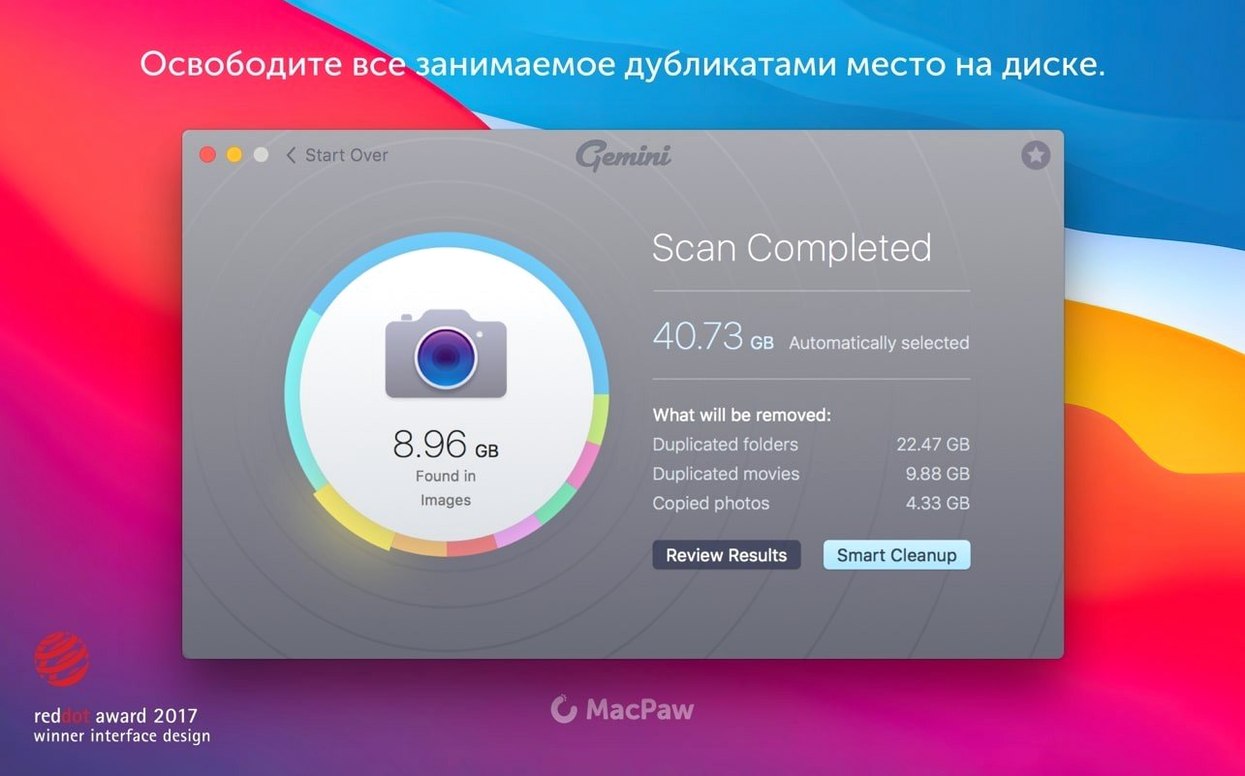
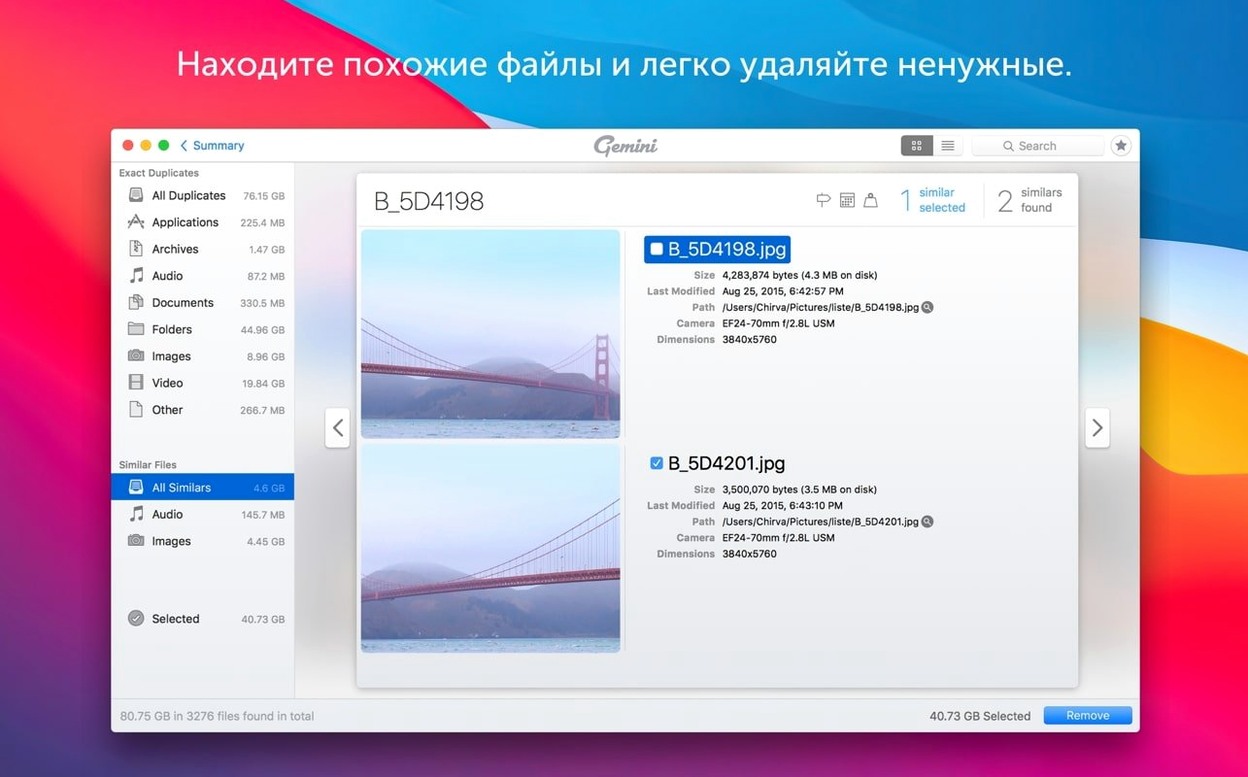
- Finding duplicate files and near-identical groups across your entire Mac.
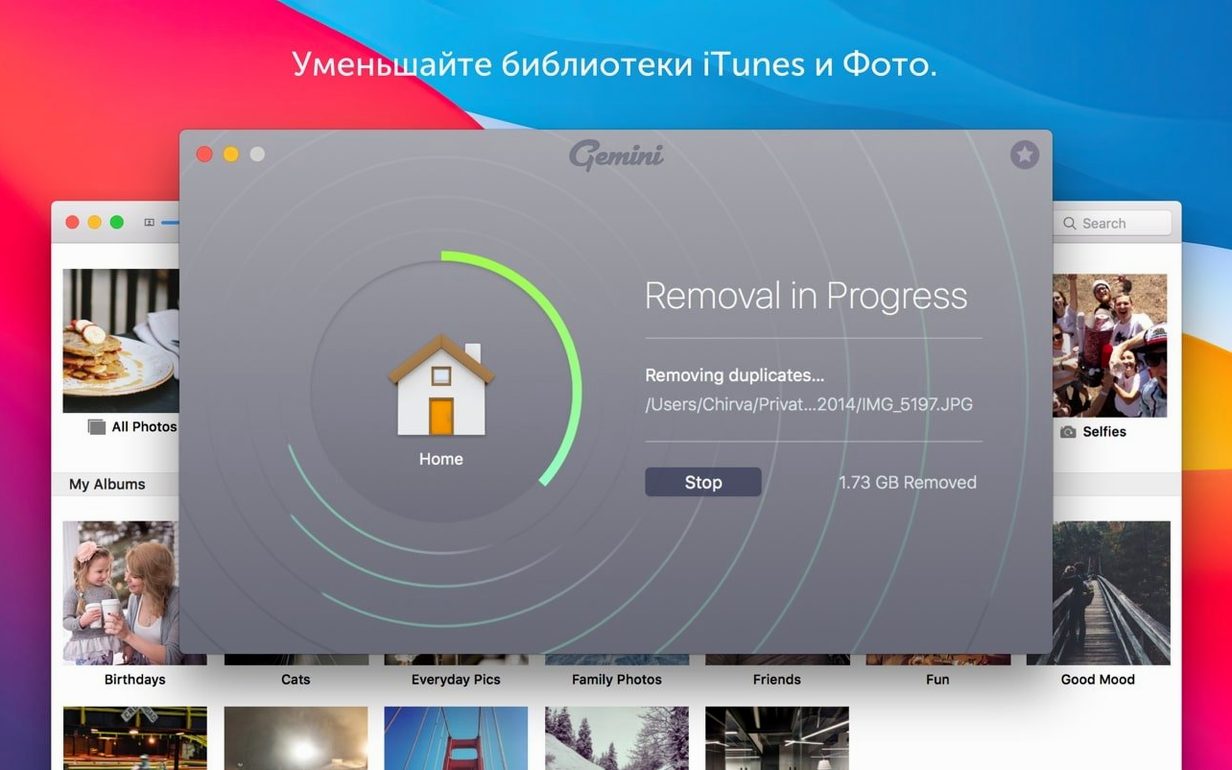
- Cleaning up iTunes, Photos, old folders, and the hard drive in one pass.
- Handing you a preselected list of safe-to-remove files, so you don't have to guess.
- Learning from your past deletions and applying those choices automatically in later scans.
Newer Version of Gemini Classic with Same Focus
- It's a newer version of Gemini Classic, with the same duplicate-hunting focus.
- Interface is available in 12 languages, including English, Russian, German, and Simplified Chinese.
- Scanning a full drive takes time, but the results are grouped by similarity.
A typical scenario
A graphic designer keeps years of client work across internal drives, external disks, and cloud folders. Over time, project assets get duplicated — same logo file saved in three different campaign folders, same stock photo in multiple libraries. Manually hunting through Finder folders takes hours. Gemini 2 scans the whole system, groups near-identical images, and flags the copies that can go. One review pass in the interface clears out the extras without touching originals.
Auto-Scans iTunes and Photos Without Extra Setup
- The scan includes iTunes and Photos libraries without extra setup steps. It picks up duplicate tracks and duplicate image imports in those catalogs automatically.
- Smart Select preselects files it considers safe to remove. You can override the selection before cleanup.
- The Recently Deleted area stores removed files in case you change your mind. Restoring from there is a few clicks.
- Once you mark certain files for deletion in a scan, Gemini 2 remembers those choices for future scans. You do not re-select the same duplicates.
Pre-Install Questions Answered
Does it scan external drives and network volumes
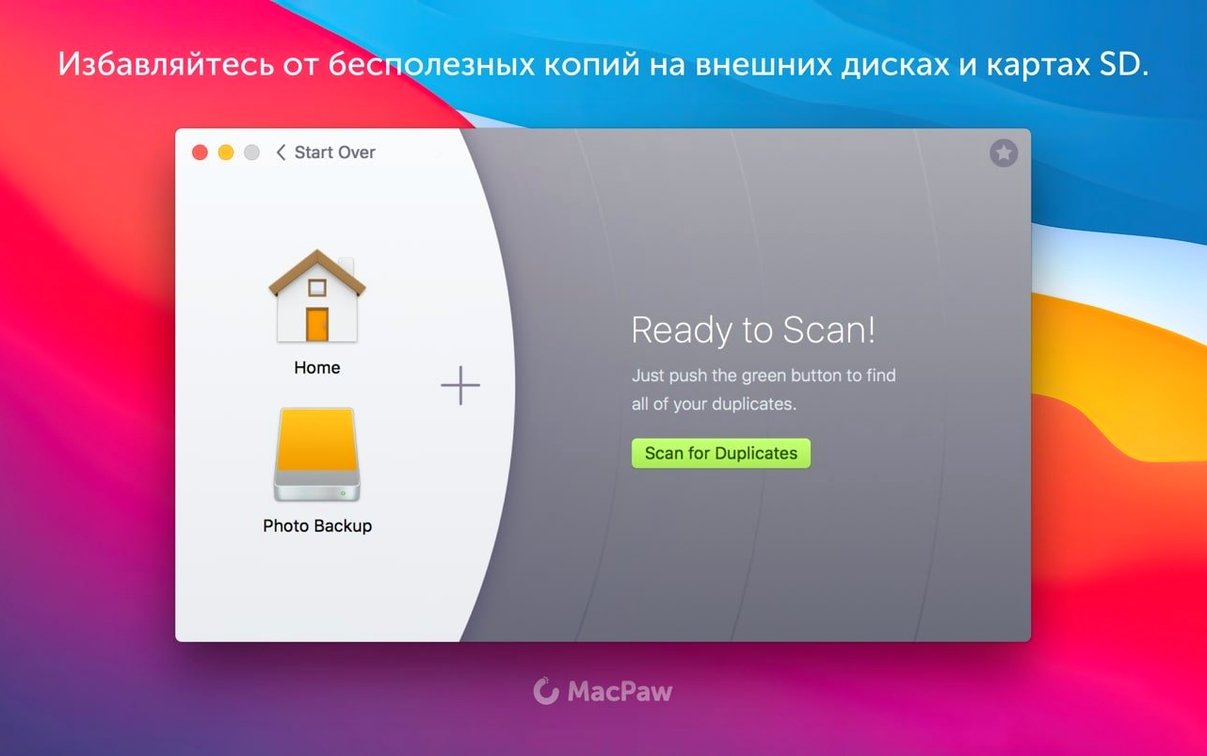
Gemini 2 scans the whole Mac, which includes external drives connected at scan time. Network volumes and cloud-sync folders are not explicitly excluded, but the app's primary target is local and attached storage.
How does it decide what is safe to delete
Smart Select uses file location and duplication patterns to flag files that are likely safe — for example, copies in trash, downloads, or duplicate system caches. You review and confirm before anything is removed.
Can I restore files after deletion
Yes. The Recently Deleted area keeps removed files available for recovery until you empty it. The interface lets you browse and restore any entry.
Runs on Apple Silicon via Rosetta 2 Emulation
Gemini 2.10.2 is an x86 64-bit app. It runs on Intel Macs with macOS 10.13 or later. On Apple Silicon Macs, you need Rosetta 2 emulation — performance is not guaranteed by the developer, but the app functions under emulation.
- macOS 10.13 High Sierra or later
- Intel (x86 64-bit) Mac
Questions I get about this line
No. Gemini 2 is a 64-bit Intel app, so it runs on Intel Macs only. It requires macOS 10.13 or later.
It preselects files that are safe to remove and learns from the choices you make in earlier scans, so future cleanups match your preferences.
The install order
- Mount the disk image and open it. Gatekeeper may ask for permission — that's normal.
- Open Terminal and press Enter when prompted to bypass Gatekeeper.
- Drag Gemini into the Applications folder.
- Launch the app from Applications.