Free download (18 MB) Previous versions
- Version
- 2.0.4
- Developer
- Haptyk
- Languages
- English
- License type
- Not required
| macOS range | macOS 13 or later |
|---|---|
| Chip | Apple Silicon, Intel 64-bit |
| Download | 18 MB |
| Previous versions | 3 on file |
Screenshots
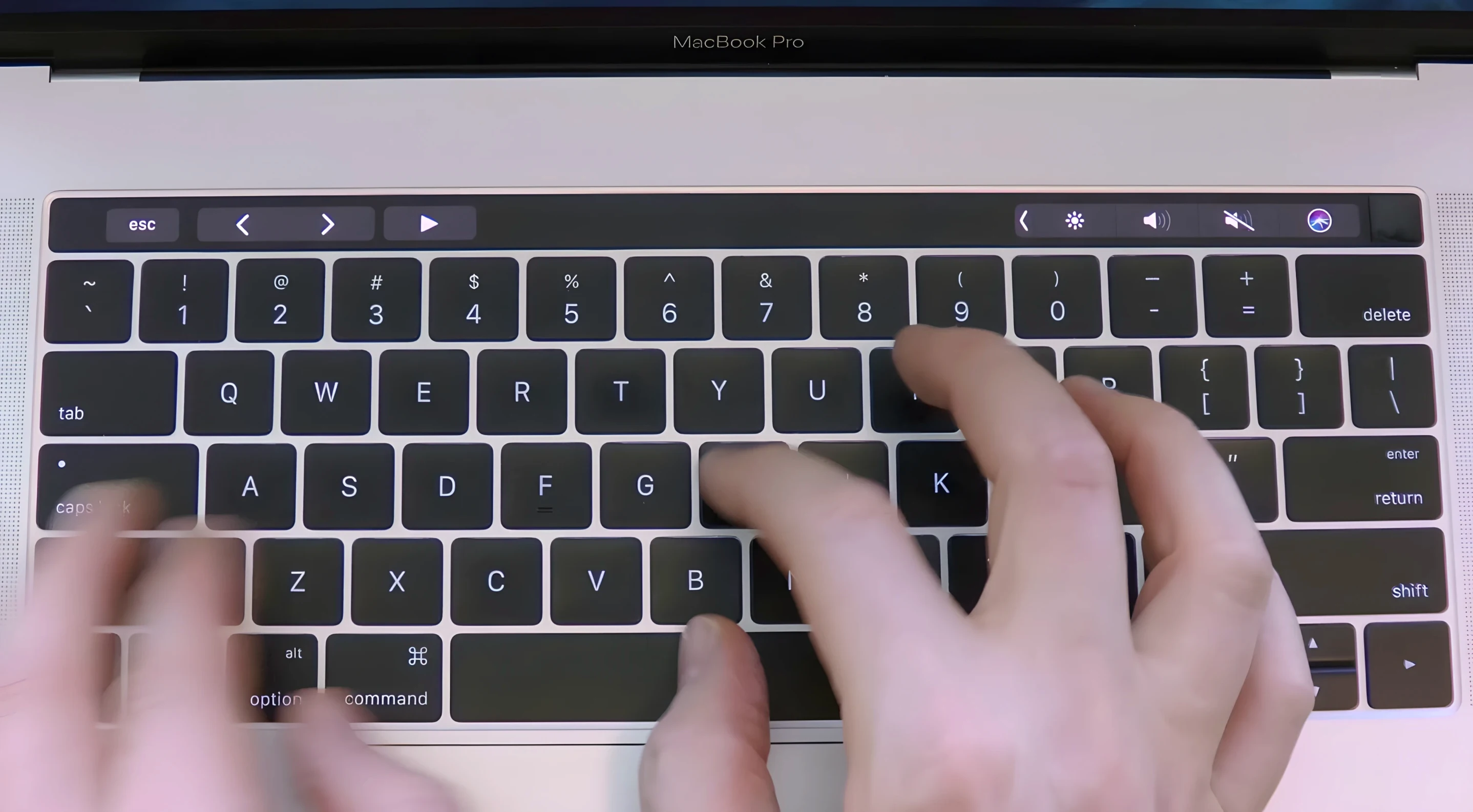
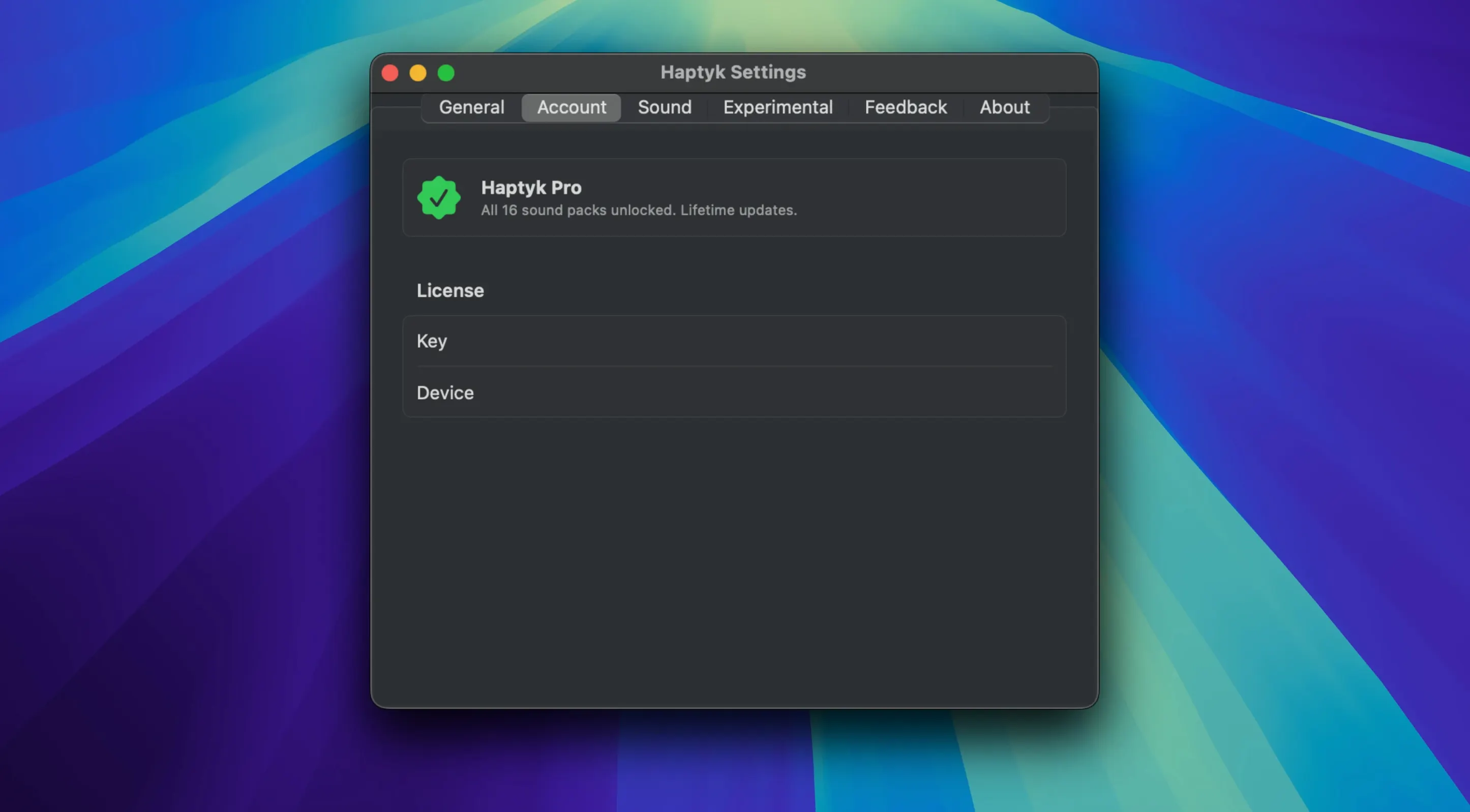
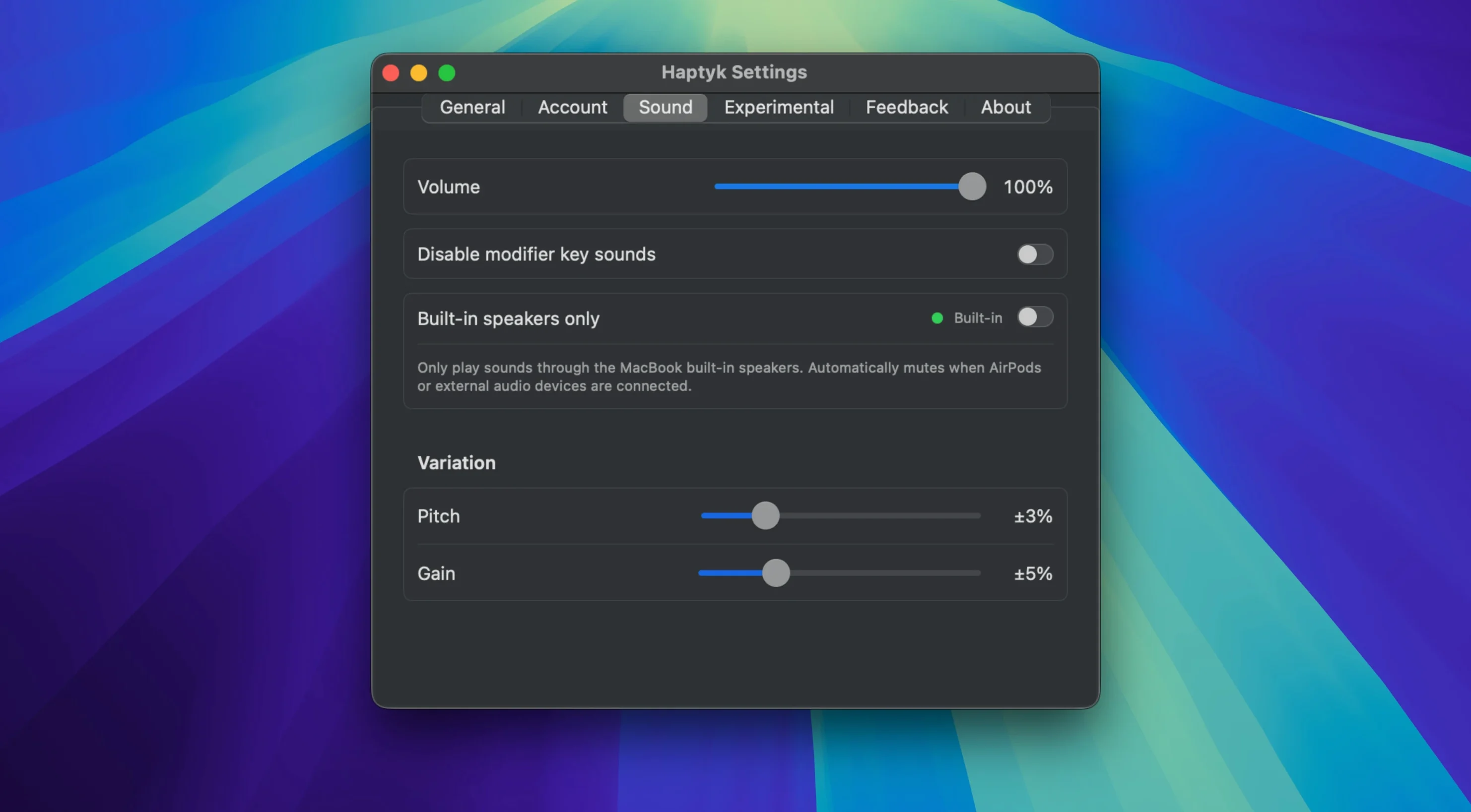
Scroll the row, it snaps to each screenshot. Click one to see it wider.
Typing on a quiet MacBook can feel flat. Haptyk solves that by using the built-in accelerometer in Apple Silicon MacBooks to detect how hard each key is pressed, then plays a sound that matches the force. Softer taps produce quieter sounds, harder presses get louder. It is a small utility that adds a tactile dimension to writing without needing any extra hardware.
Stability and Compatibility Focus
This update focuses on stability and compatibility. The identical concealed accelerometer remains in use, and it is compatible with the same lineup of supported MacBooks, which includes MacBook Air M2 and newer, as well as MacBook Pro 14-inch and 16-inch models featuring M1 Pro or M1 Max chips. The install process is unchanged: drag the app into Applications and launch it from Launchpad. If you already used Haptyk, this version should feel familiar. If you are new, the setup takes under a minute.
Common Issues and Fixes
Most Haptyk snags come from the sensor requirement. The accelerometer needs to detect your MacBook's lid angle and movement. If you are on an external monitor with the laptop closed, the sensor may not activate. Open the lid partway.
Another common issue: no sound at all. Check that your MacBook is one of the supported models. Haptyk's sensor is not present on the M1 MacBook Air or the 13-inch M1 MacBook Pro. If your model is supported but still silent, make sure macOS is 13 or later. The app will not start on older systems.
If sounds cut out mid-session, the accelerometer may have been reset by a lid close or a sleep cycle. Close and reopen Haptyk from Launchpad. That usually reconnects the sensor.
Some users report delayed response. This is often from high system load or running many background processes. Close unused apps if you notice lag. The sensor data is real-time, so CPU pressure can affect it.
Typing Benefit for Writers and Developers
MacBook users who do a lot of typing. Writers, developers, and anyone who spends hours on the keyboard get the clearest benefit. The sound feedback adds a physical layer to writing that makes each keystroke feel more deliberate.
People transitioning from mechanical keyboards. If you used a loud mechanical board and miss the audio feedback, Haptyk recreates some of that feel without buying new gear. It works with the built-in keyboard only, so no external keyboard needed.
Apple Silicon MacBook owners with M2 Pro or later. The accelerometer is only present in those models. If you have a MacBook Pro 14-inch or 16-inch with M1 Pro or M1 Max, or a MacBook Air M2 or later, Haptyk works. Earlier M1 models with the 13-inch screen and no sensor are excluded.
Anyone who wants haptyk free or haptyk for mac should check the model list first. It is a one-time drag-and-drop install with no activation needed.
- macOS 13 or later
- Apple Silicon MacBook with M2 Pro or later
Questions I get about this line
No. It requires an Apple Silicon MacBook with M2 Pro or later, or a MacBook Pro 14-inch or 16-inch with M1 Pro or M1 Max or later.
Haptyk requires macOS 13 or later.
It uses the built-in accelerometer in Apple Silicon MacBooks to measure the impact of each keystroke and adjusts the sound intensity accordingly.
The install order
- Open the downloaded disk image.
- Drag the app to the Applications folder alias.
- After copying finishes, launch Haptyk from Launchpad.