- Version
- 1.9.7
- Developer
- St. Clair Software
- Languages
- English, French
- License type
- K'ed by TNT team
| macOS range | macOS 10.13 or later |
|---|---|
| Chip | Intel 64-bit |
| Download | 6 MB |
Screenshots
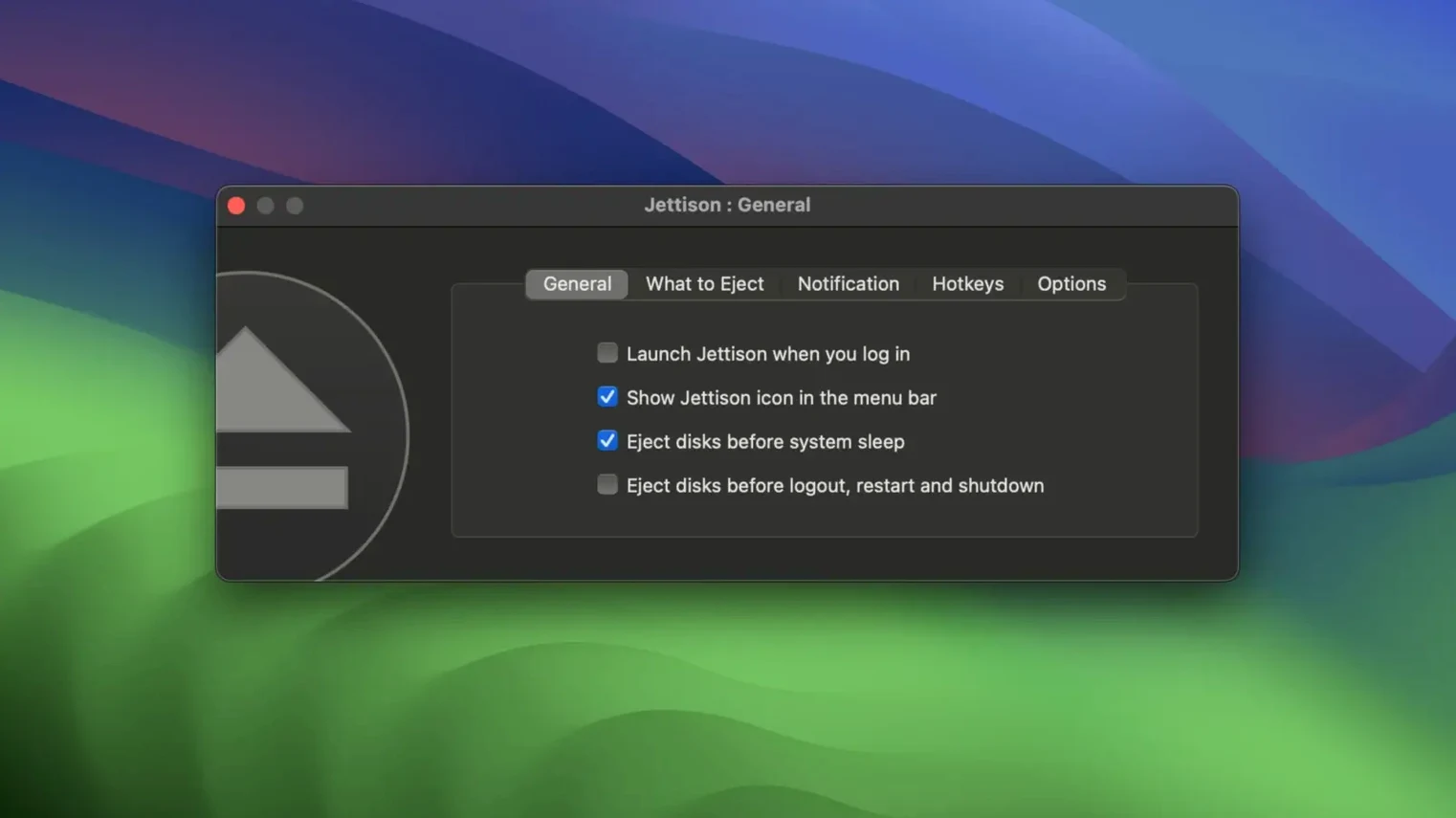
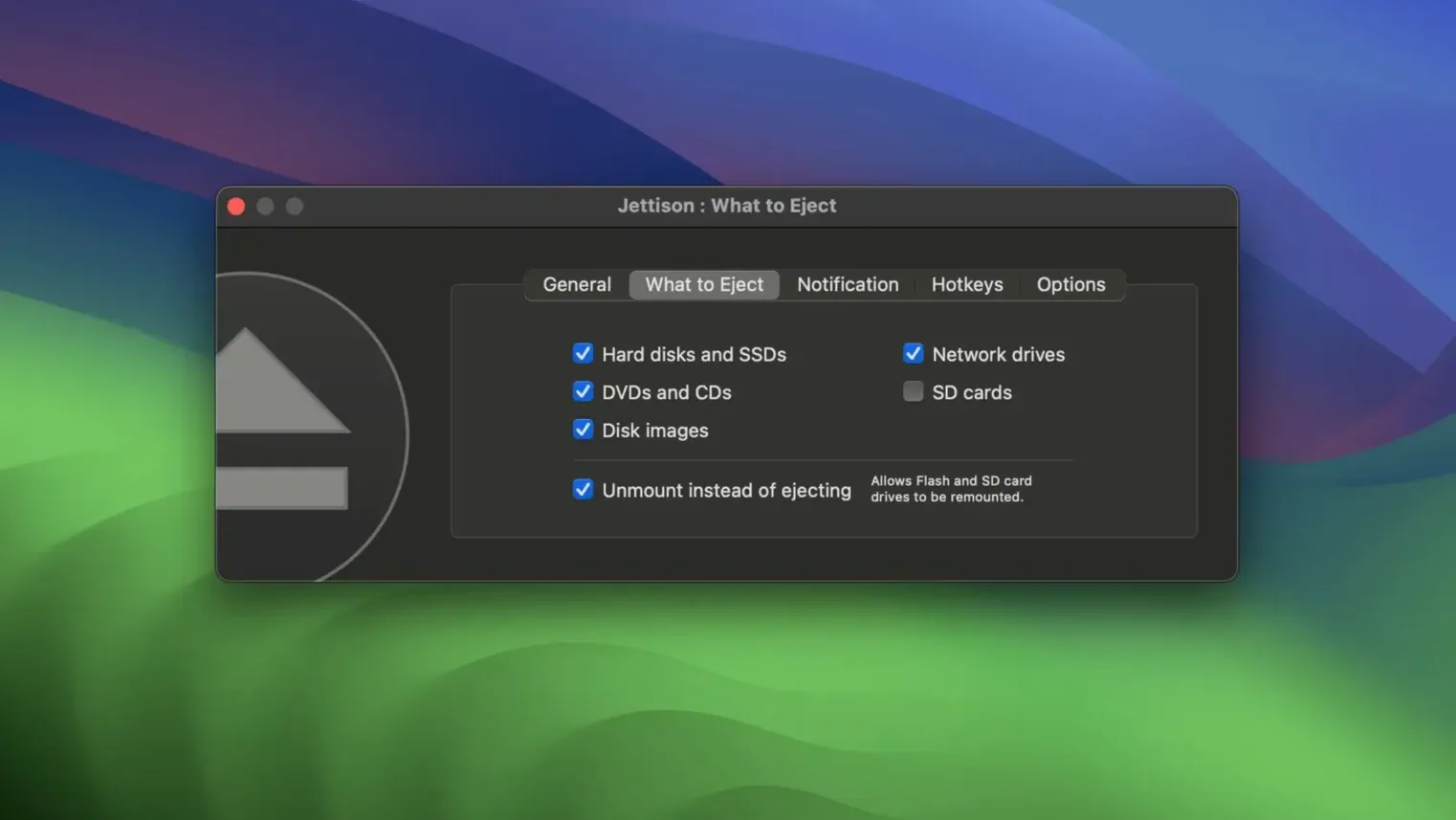
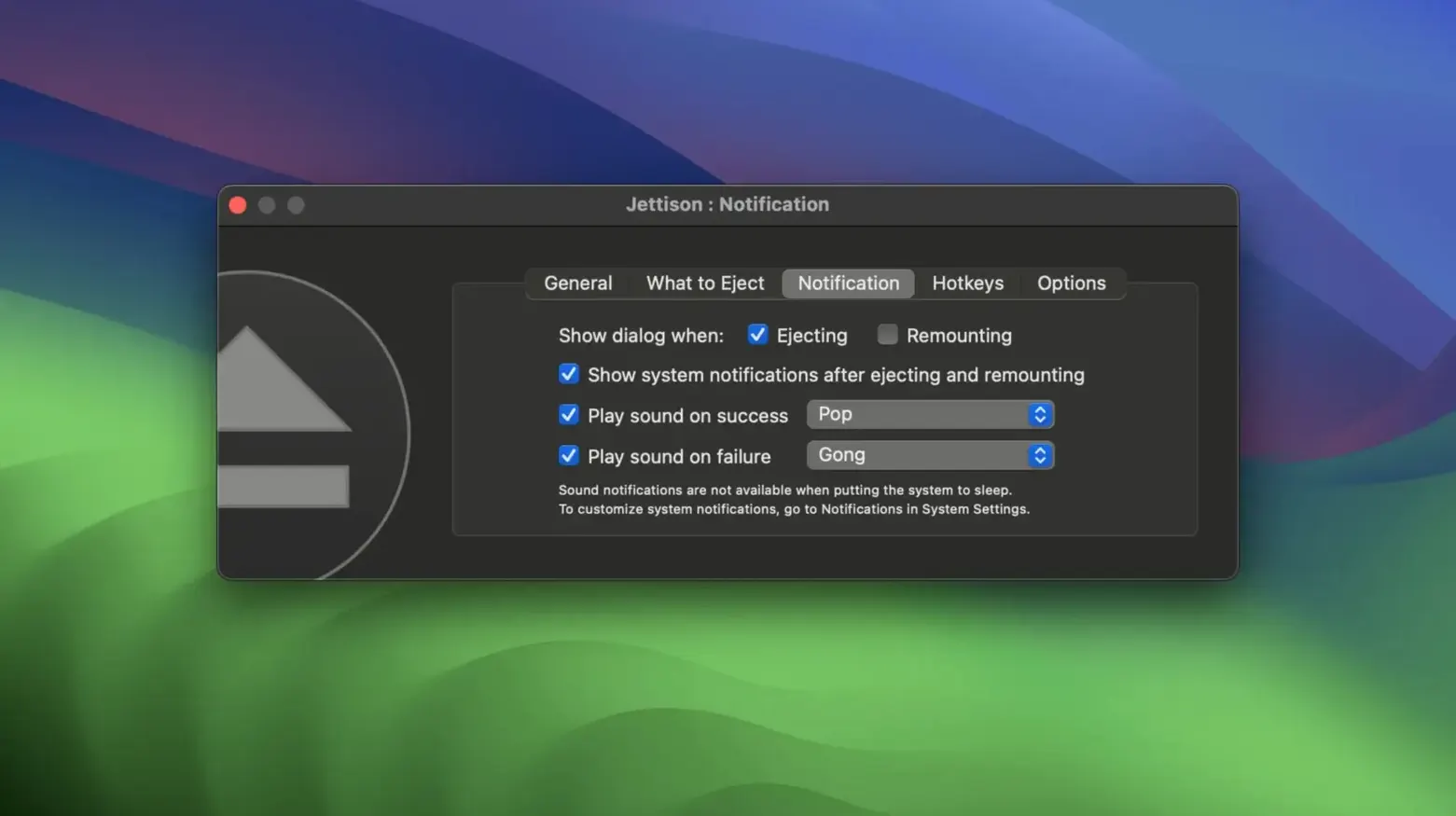
Click a screenshot to see it wider.
Jettison handles one job that manual ejecting gets wrong: it waits until your Mac is almost asleep, then ejects every external disk cleanly, so you never wake to a "disk not ejected properly" error. When you open the lid again, it checks which drives are still connected and remounts them automatically.
Control which drives Jettison ejects before sleep
The core feature is the sleep-eject-and-remount cycle, but Jettison lets you control which drives it touches. You can exempt specific disks, or choose which disk types (USB, Thunderbolt, SD, etc.) the app should work with. That matters if you have a permanent backup drive you never want ejected, or if you only want automatic handling for removable SD cards. The menu bar shows connected drive counts, and version 1.9.7 makes that count more responsive — no lag when you plug or unplug a disk.
Bug Fixes That Matter
Version 1.9.7 addresses two real annoyances. First, if a process (like a file copy) blocks ejection, the app now shows a Quit button for that process instead of just identifying it and leaving you stuck. Second, a bug that sometimes kept the eject or mount progress window onscreen — or prevented it from appearing at all — is corrected. The update also stops a rapid eject-remount loop that could lock up the drive state entirely.
Settings Worth Adjusting First
After installing, open Jettison's preferences from the menu bar icon. Two settings are worth changing before you rely on the app daily. First, the "MacBooks only" option — enabled by default — restricts automatic eject to laptops. If you use external drives with a desktop Mac, uncheck this so the cycle runs on sleep for any machine. Second, the Exempt Drives list: add any disk you do not want ejected, like a Time Machine volume that should stay mounted overnight. The app remembers the list across reboots.
Changes in Version 1.9.7 That Affect Daily Use
The update drops one background behavior worth noting: Jettison no longer quits mds_stores before sleep. That process is macOS's Spotlight indexer, and killing it before each sleep cycle could slow down the first search after wake. Without that step, Spotlight continues operating normally. The fix to the menu bar drive count is the change you notice most — the number updates immediately as disks appear or disappear, no delay. If you plug in a drive while the Mac is awake, the count changes in real time rather than waiting for the next sleep cycle. For anyone using jettison macos download to automate external disk handling, 1.9.7 makes the menu bar a reliable indicator of what is actually mounted.
How the Eject Cycle Works in Practice
The app waits until the display goes dark and the system is about to enter sleep, then issues the eject command. That timing means you never see a dialog about an app using the disk — Jettison handles the handoff while macOS still has time to flush writes. On wake, it scans for drives that were present before sleep and were still physically connected. If a drive was unplugged while the Mac was asleep, Jettison skips it. The remount is silent: drives reappear in Finder and on the desktop without a confirmation window.
Menu Bar Workflow
Click the menu bar icon to see a list of every external disk, marked by type. You can eject all of them with one command, or click individual disks to mount or unmount them on demand. The list updates as drives are connected or disconnected, and version 1.9.7's fix means the count in the icon itself reflects the current state instantly. For users who toggle drives frequently during the day, that responsiveness saves a glance at Finder to confirm whether a disk is really mounted. If you search for jettison for mac because you want that kind of drive management, the menu bar is where you spend most of your time.
Installing Jettison
Mount the disk image and run Open Gatekeeper friendly. Press Enter to bypass Gatekeeper in the Terminal window. Drag the app to the Applications folder, then open it. That is the whole process — no additional configuration is needed to start ejecting on sleep. The app uses Intel 64-bit architecture and runs on macOS 10.13 or later. English and French are the available languages.
- Addresses several bugs and makes the menu bar drive count more responsive.
- Fixes a rapid eject-remount stuck state.
- Adds a Quit button when a blocking app is found.
- macOS 10.13 or later
- Intel 64-bit architecture
- Interface languages: English, French
Questions I get about this line
Yes. It checks whether drives are still connected and remounts them if present.
The install order
- Mount the disk image and run Open Gatekeeper friendly.
- Press Enter to bypass Gatekeeper in the Terminal window.
- Drag the app to the Applications folder.
- Open the app when installation is complete.