- Version
- 1.7.5
- Developer
- PARCSE
- Languages
- English
- License type
- Included
| macOS range | macOS 14 or later |
|---|---|
| Chip | Apple Silicon, Intel 64-bit |
| Download | 18 MB |
Screenshots
Click a screenshot to see it wider.
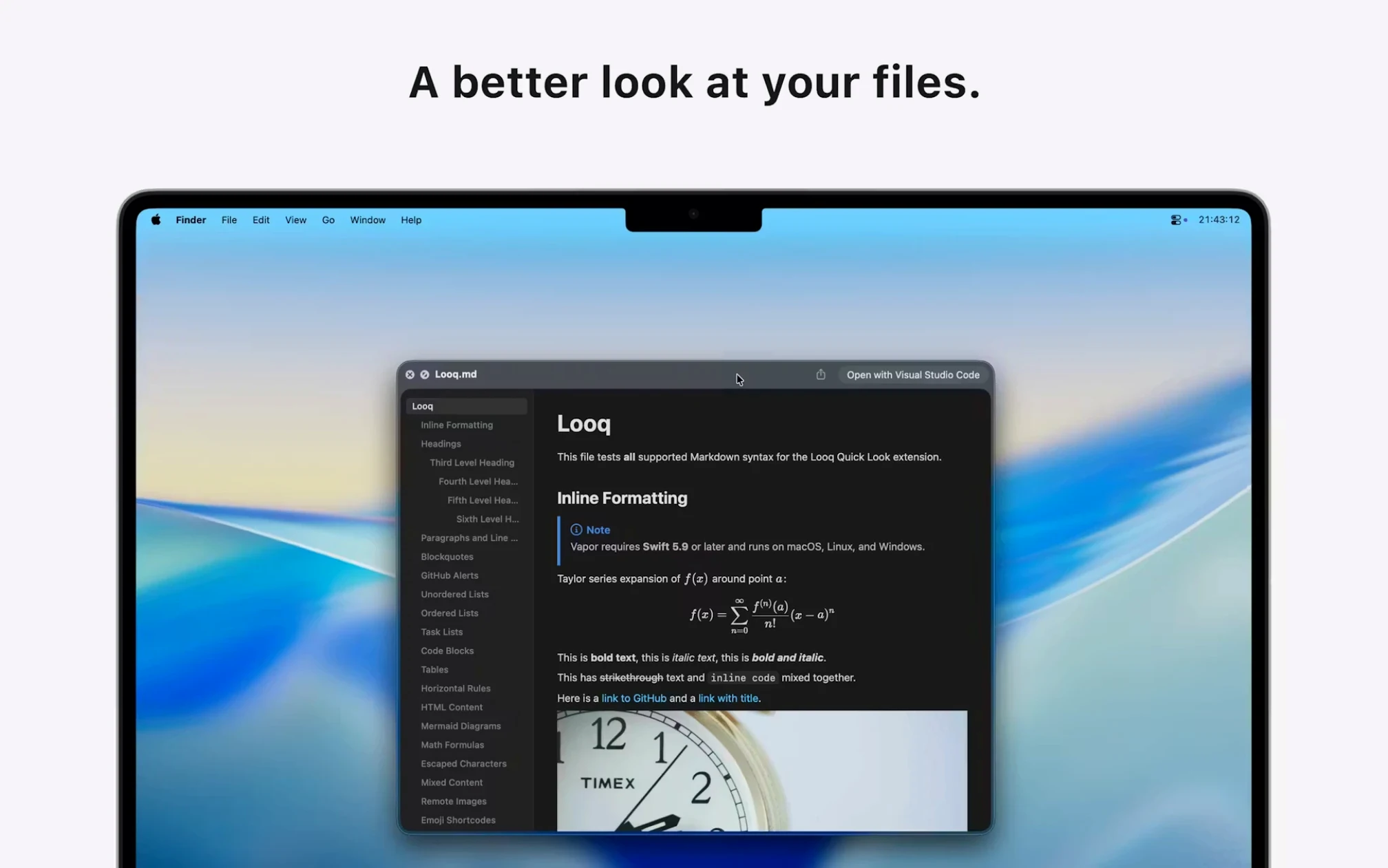
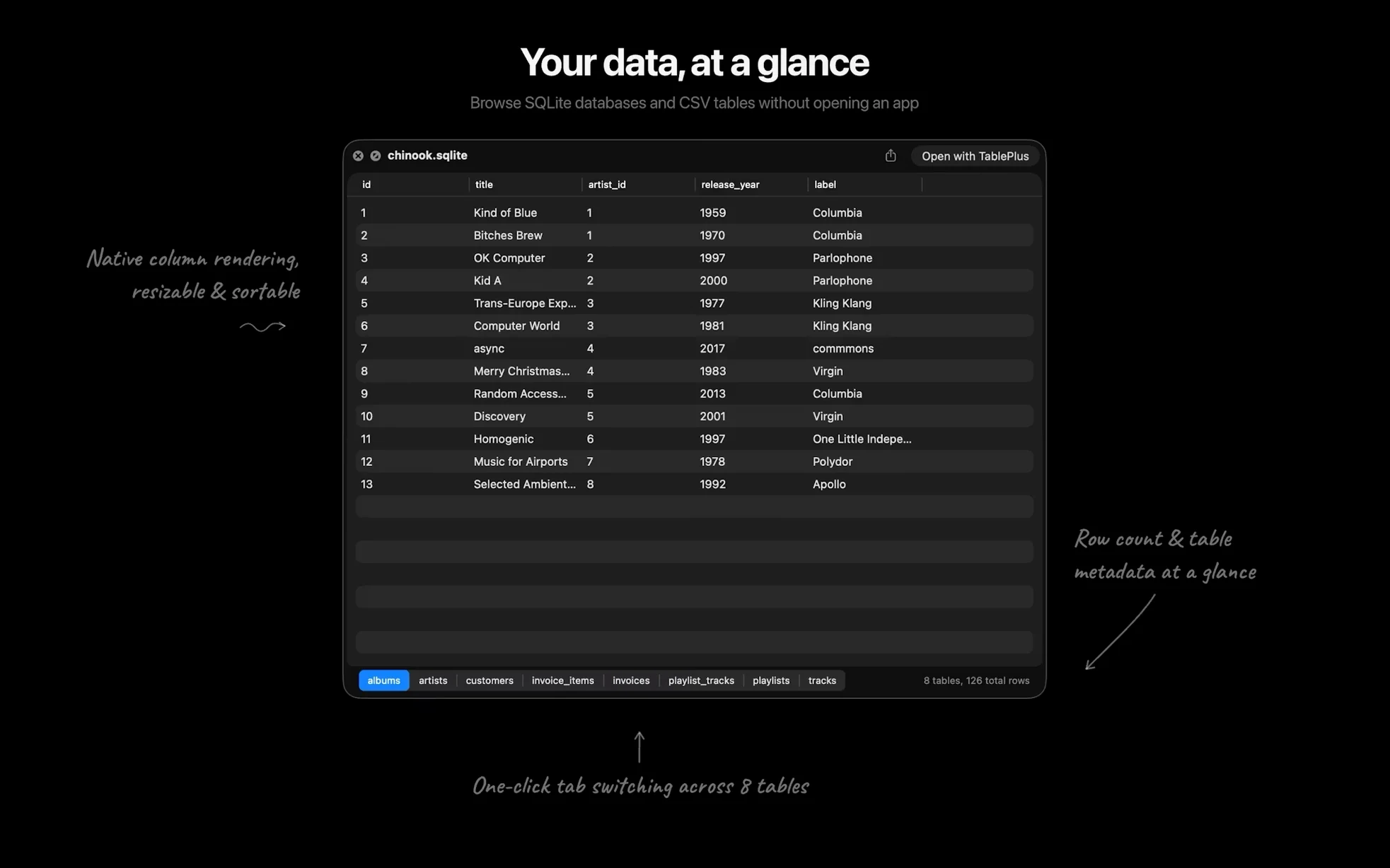
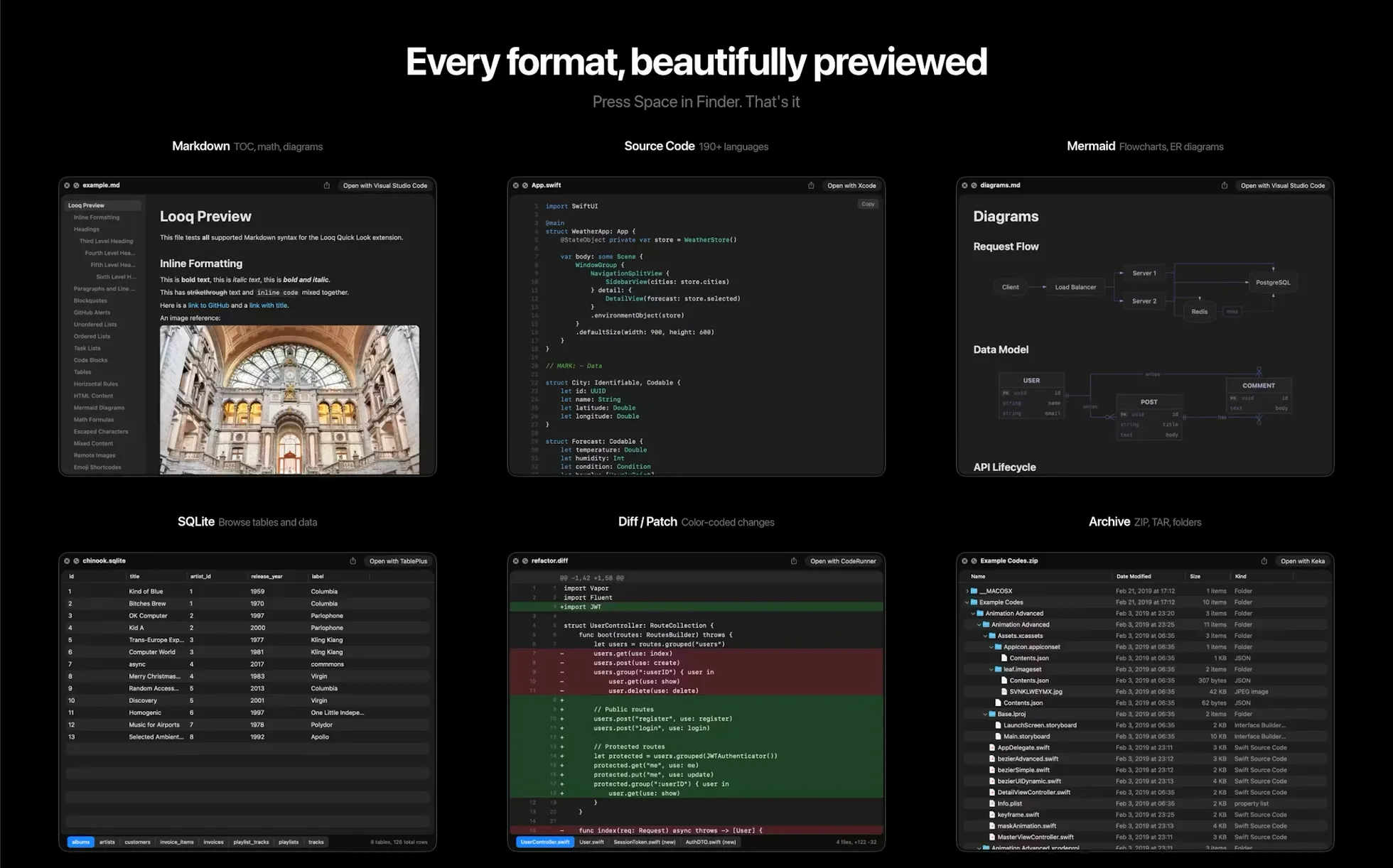
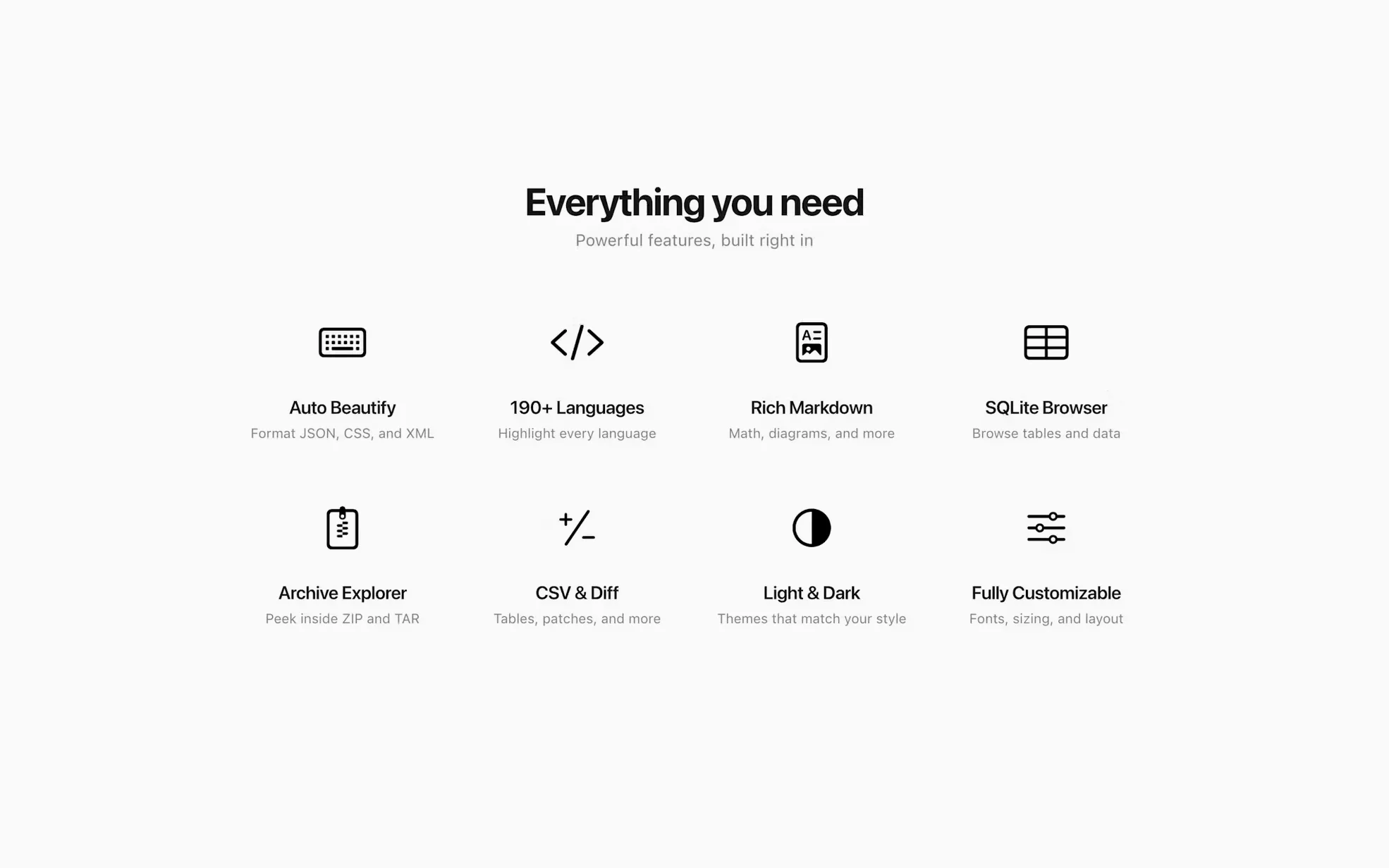
The menu bar preview for recent files and changes by agents is the new headline in Looq 1.7.5. It gives you a quick glance at what landed on your machine without opening Finder. Everything else that made Looq useful stays put: syntax highlighting for code files, GitHub Flavored Markdown rendering, archive inspection, and SQLite database browsing with sortable columns and tooltips for column types and constraints.
Quick Look, Extended
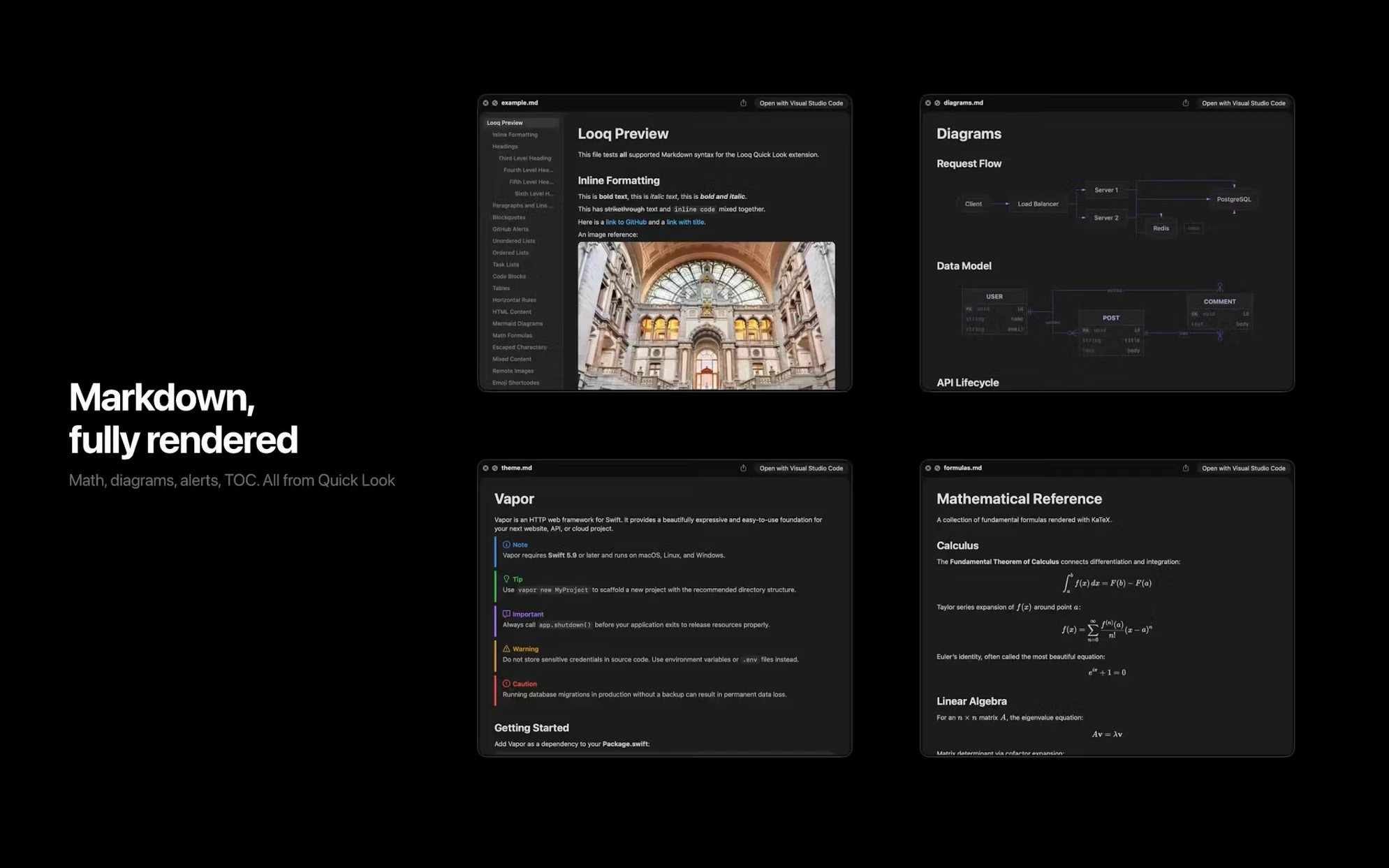
Looq plugs into macOS Quick Look so you press Space on a file and get a real preview, not a generic icon. It handles Markdown files, code files, application metadata, and KaTeX math — both inline and display blocks. For SQLite databases, you can switch between tables and see constraints at a glance. The extension respects macOS 14 and runs on both Intel and Apple Silicon.
What 1.7.5 Adds
Beyond the menu bar preview, this release improves notarization reporting for apps and disk images. That means fewer surprises when you open a downloaded app. Everything else — the rendering, the file coverage, the performance — is the same reliable tool it was before.
First Days with Looq
After you install the extension, press Space on a Markdown file to confirm it renders. Then open a .db file to verify the SQLite browser works. If you work with code, preview a .py or .js file and check that line numbers and syntax highlighting appear. The menu bar preview shows your most recent files — glance at it after downloading an archive to see if it landed without opening Finder. No configuration is needed; the extension activates automatically for supported file types.
Developers Reviewing Logs and Diffs
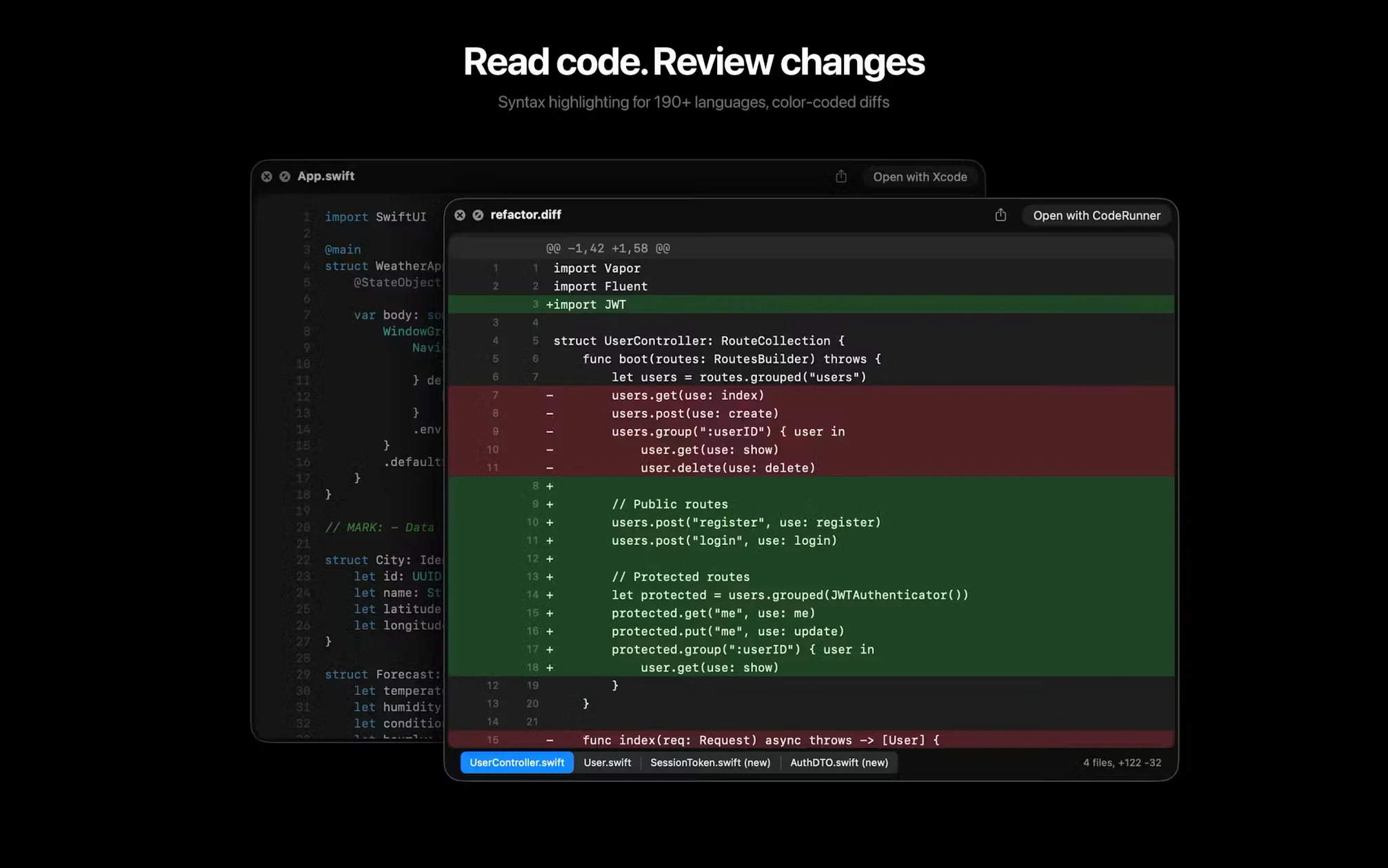
Developers who review logs, configuration files, or diffs daily will find the most use. Opening a .diff or .patch file and seeing red and green changes immediately saves time. People who handle SQLite databases on Mac but avoid command-line tools benefit from the table switching and pagination. Anyone who downloads disk images, app bundles, or archives regularly will appreciate the notarization report and built-in browsing for ZIP, TAR, GZ, and BZ2 files. Writers and note-takers using Markdown with Mermaid diagrams or KaTeX math get rendered previews without leaving Finder. If you preview folders in list or icon grid view, Looq replaces Finder's default space-preview for those too.
Practical Tips for the First Few Days
After the initial install, run through these checks once to build confidence in the extension.
- Test a Markdown file with Mermaid. Find a .md file that contains a Mermaid diagram block. Press Space. The diagram should render inline. Scroll down to confirm the table of contents tracks your position.
- Open a multi-file diff. If you have a .patch or .diff with changes across several files, press Space on it. Look for the tab switcher at the top of the preview window. Click through the tabs to verify each file's diff loads separately.
- Browse an archive without extracting. Locate a .zip or .tar.gz file. Press Space. The preview should show a file list. You can click through folders inside the archive to check contents without decompressing.
- Preview a folder. Select a folder in Finder and press Space. The extension shows its contents as a list or icon grid. You can sort by name, date, or size from the column headers.
- Check a downloaded app. Find a .app, .dmg, or .pkg you downloaded recently. Press Space and look for the notarization and code signing details. This is useful for verifying software before running it.
- Use the menu bar preview. After you've opened a few files, click the menu bar icon. It shows your recent previews. This works for files changed by agents or scripts too.
Who Gets the Most Out of Looq
This extension fits best with people who spend their day in Finder and need to inspect files without launching dedicated tools.
Developers and system administrators handle code, diffs, logs, and SQLite databases constantly. Being able to preview a .db file, switch between tables, and see column types in tooltips means fewer trips to the terminal or a database client. The same applies to browsing archives and checking app metadata — it cuts friction when you're triaging files quickly.
Technical writers and documentation maintainers working with Markdown, Mermaid diagrams, or KaTeX math benefit from the live rendering. You can verify that a diagram renders correctly before committing a change. The side table of contents helps navigate long documents during reviews.
Anyone who manages downloads regularly — IT staff, support engineers, or QA testers — will use the archive browsing and notarization reports daily. Previewing a .dmg or .pkg before opening it gives you a quick sanity check without running unknown software. The menu bar preview is a small time-saver for keeping track of recent files from automated builds or file transfers.
- Menu bar preview for recent files and changes by agents.
- Improved notarization reporting for apps and disk images.
- macOS 14
- Intel or Apple Silicon
Questions I get about this line
Looq previews Markdown files, code files with syntax highlighting, archive files, SQLite databases, and application metadata.
Yes, it renders KaTeX math in both inline and display blocks.
Yes, you can switch between tables in a SQLite database and see tooltips for column types and constraints.
The install order
- Open the downloaded disk image.
- Drag the app into the Applications folder.
- After copying finishes, open it from Launchpad.