- Version
- 1.5.1
- Developer
- Tangent Labs LLP
- Languages
- English
- License type
- Not required
| macOS range | macOS 15 or later |
|---|---|
| Chip | Apple Silicon |
| Download | 4 MB |
Screenshots
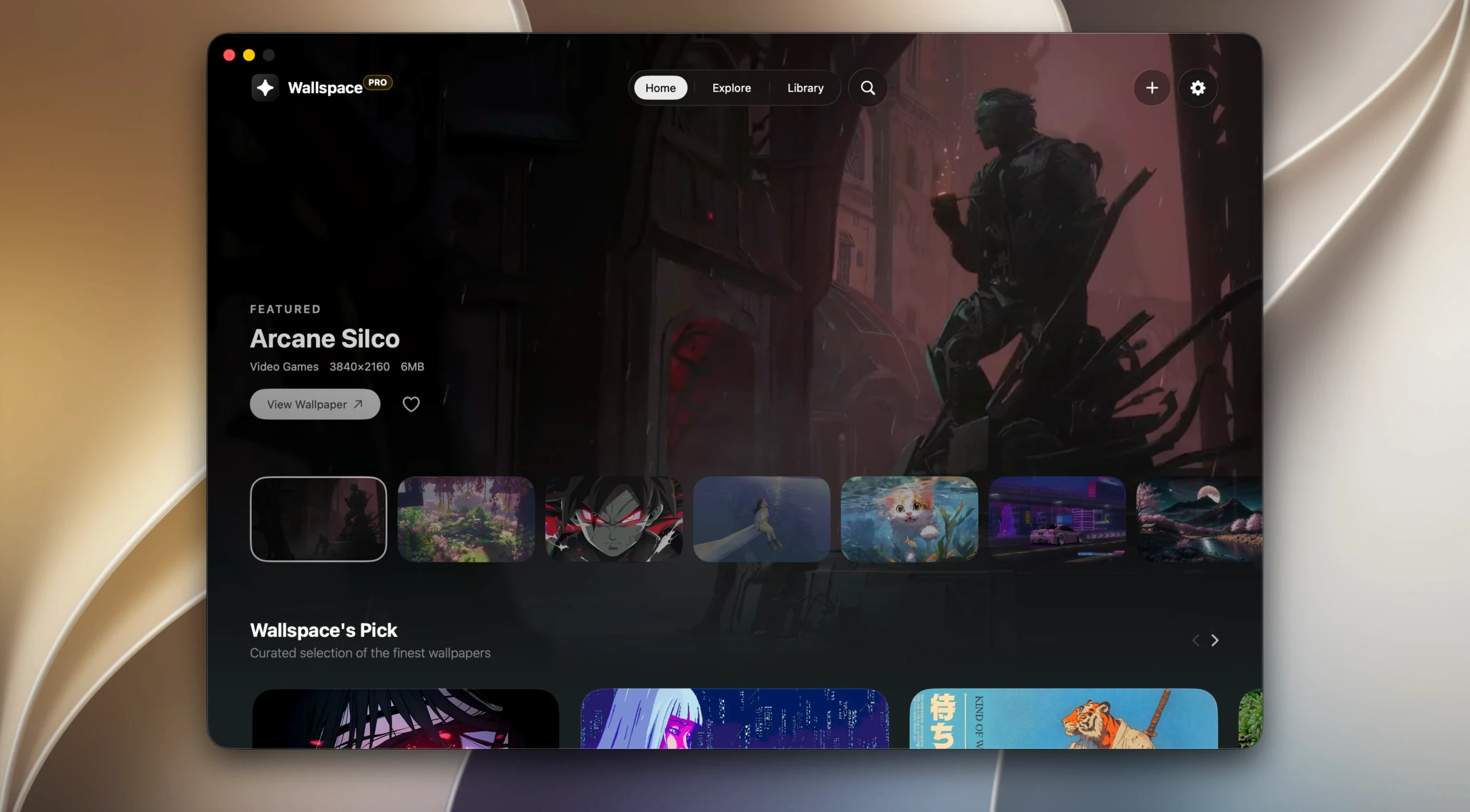
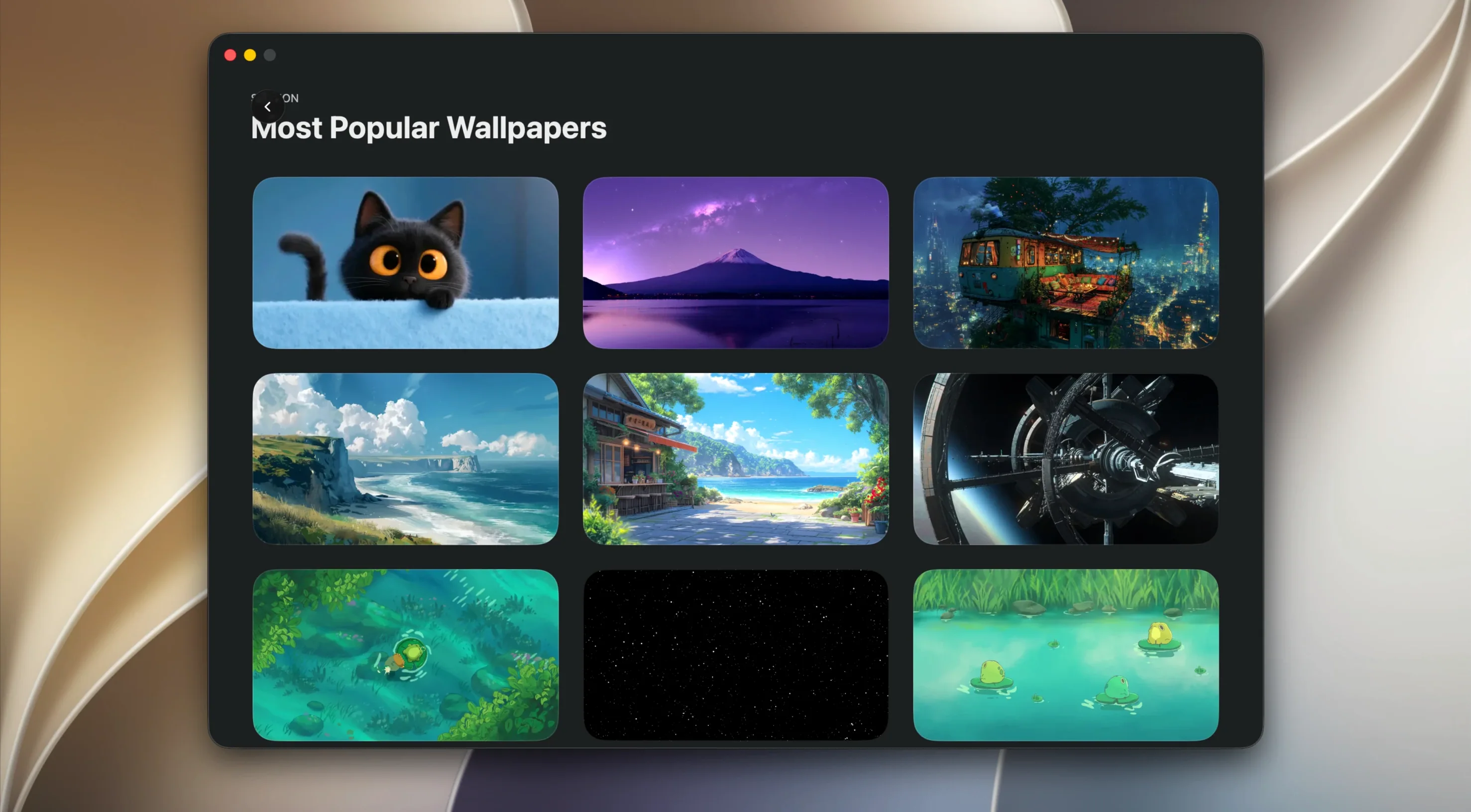
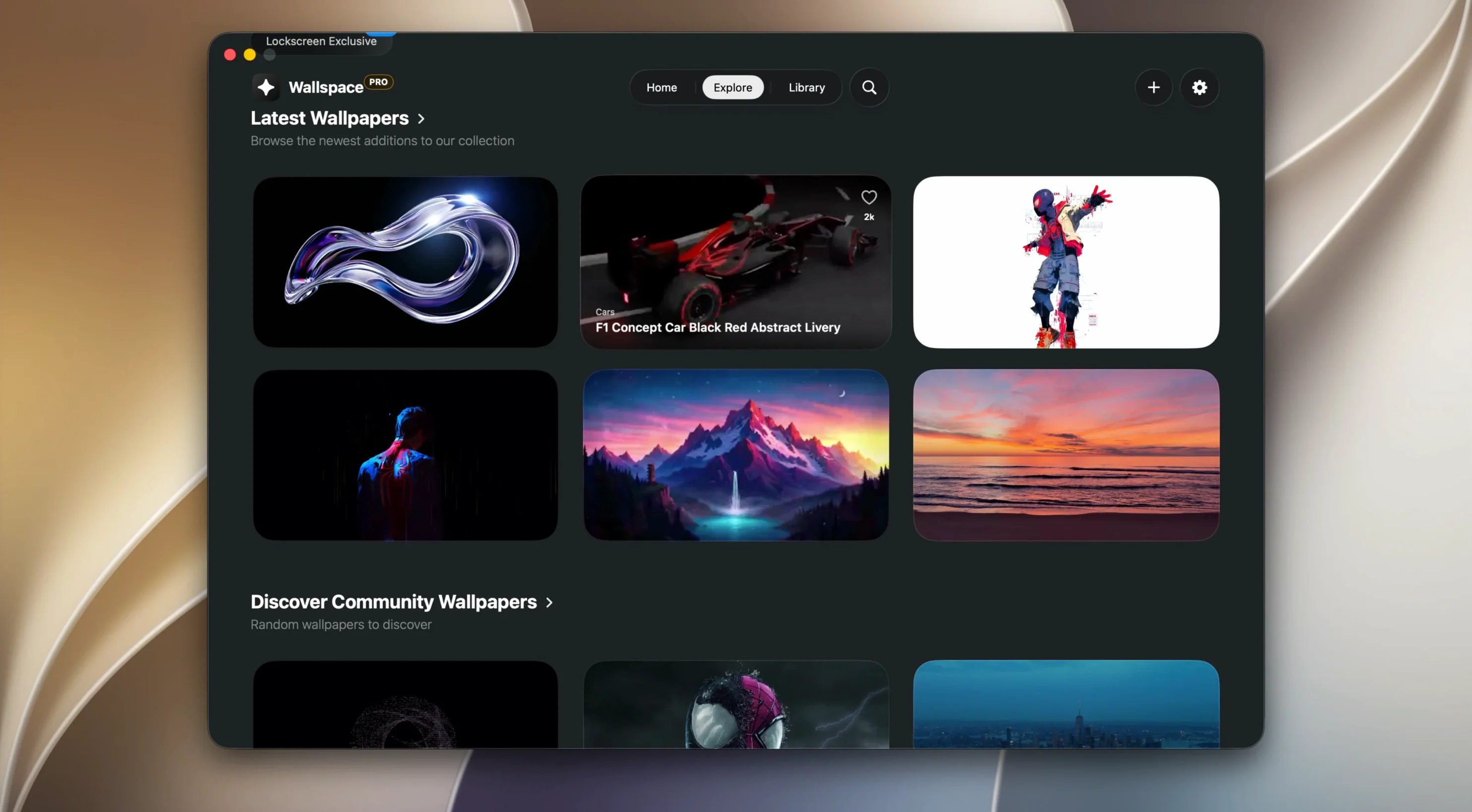
Click a screenshot to see it wider.
You sit down at your Mac, unlock it, and the desktop is already moving — a slow pan over a mountain ridge, a city timelapse, something subtle enough not to distract. Wallspace does this with native macOS video playback, not a web wrapper, so it feels like part of the system.
The library holds more than 1,000 curated live wallpapers in 4K, and they work on both the desktop and the lock screen. If the built-in selection isn't enough, drop in your own MP4 file — no conversion needed. Wallspace plays it as-is.
Setup is minimal. No login, no account creation. The app copies to your Applications folder and launches from Launchpad. It supports separate wallpapers for each connected display, which matters if you run a multi-monitor setup with different content per screen.
Background use stays under 2% CPU, so the animation doesn't compete with your actual work. For a utility that sits on the desktop all day, that's the number that counts.
First Things After You Install
Once Wallspace is running, take a minute to browse the curated library. The AI search helps if you have a specific scene in mind — type something like "misty forest" or "neon street" and it pulls matching wallpapers from the 1,000-plus collection.
Set a separate wallpaper for each display if you have more than one. Right-click the app icon in the menu bar and assign a different video to each monitor. If you prefer the same scene across all screens, enable the sync option instead.
Let the app run for a day before you change much.
macOS 15–26 Coverage Added
Version 1.5.1 expanded macOS support from 15 up through 26. If you are running a recent macOS release, the app now covers that system without extra steps. The Homebrew Cask record was added in this release, so users who manage apps via brew install can pull Wallspace directly from the terminal — no manual drag-and-drop needed.
The core experience stayed the same: native video playback, low background CPU, no login. The changes in 1.5.1 are about compatibility and installation convenience, not new features.
Drag to Applications First
- Forgetting to drag the app to Applications. Running Wallspace from the disk image works temporarily, but updates and system permissions behave correctly only when the app sits in the Applications folder.
- Using a very high-bitrate MP4 as a custom wallpaper. Wallspace accepts any MP4 without conversion, but a 4K file with a high bitrate may cause noticeable lag on the lock screen. Stick to files that would play smoothly in QuickTime.
- Assuming wallpapers need to be downloaded. The library is included in the app — no separate download or account required. Beginners sometimes look for an online store instead of clicking the built-in search.
- If you want animation running all the time, check that setting before you disconnect from power.
For anyone just getting started, the library alone covers most needs. Drop in your own MP4 only if the curated collection lacks exactly what you want. wallspace macos download and download wallspace for mac lead to the same disk image — just drag and go.
- macOS support expanded to macOS 15 through 26.
- Version 1.5.1 released as a Homebrew Cask record.
- macOS 15.0 or later
- Apple Silicon
- Background CPU use under 2%
The install order
- Open the downloaded disk image.
- Drag the app to the Applications folder.
- After copying finishes, launch the app from Launchpad.