Free download (115 MB) Previous versions
- Version
- 10.15.0
- Developer
- YT Saver
- Languages
- Russian, English, German, Indonesian, Spanish, Italian, Chinese (Traditional), Chinese (Simplified), Korean, Portuguese, French, Japanese
- License type
- K'ed by TNT team
| macOS range | OS X 10.10 or later |
|---|---|
| Chip | Intel 64-bit |
| Download | 115 MB |
| Previous versions | 2 on file |
Screenshots
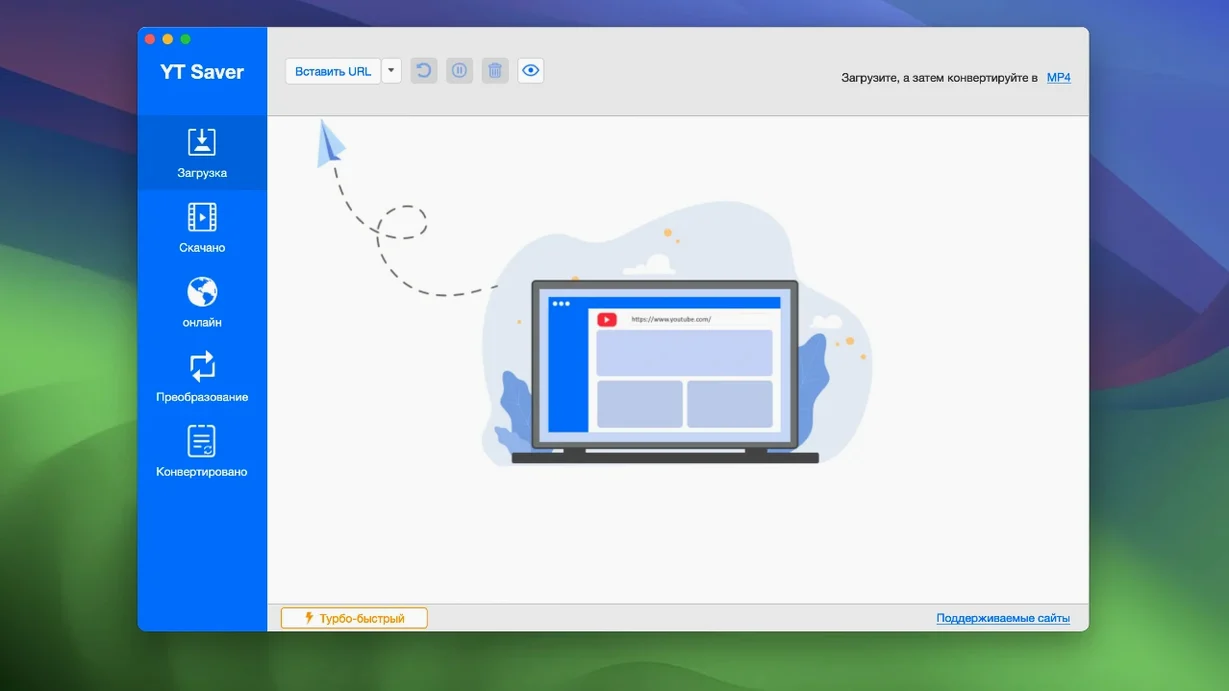
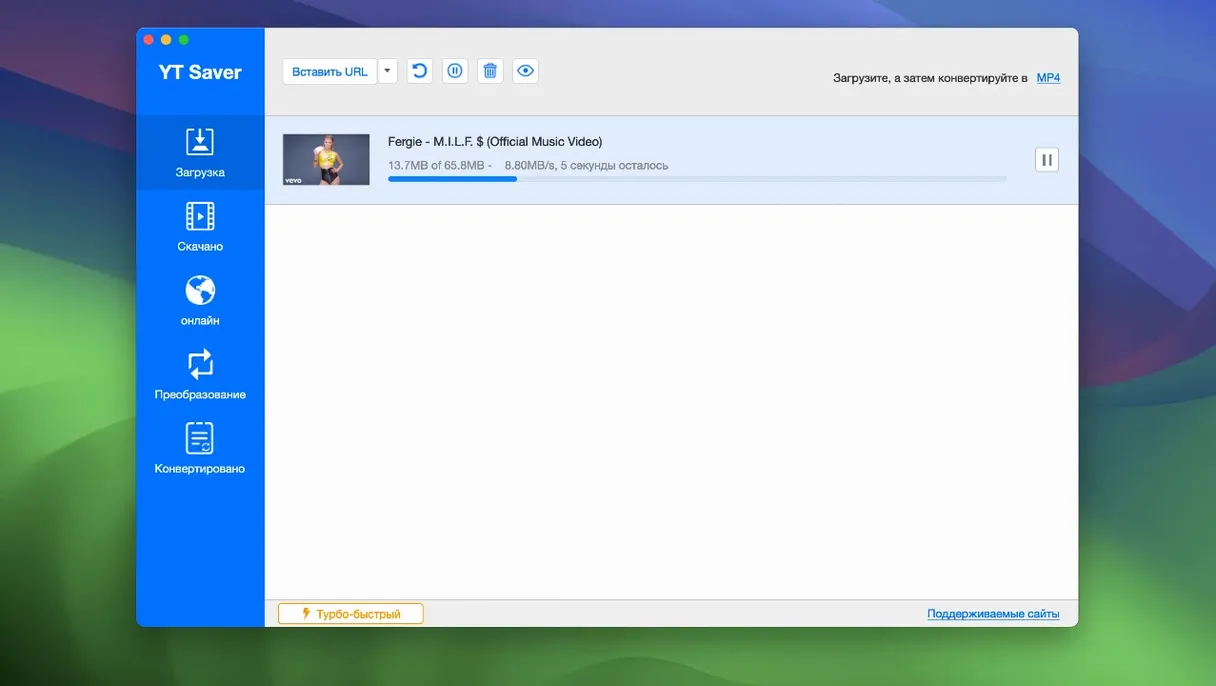
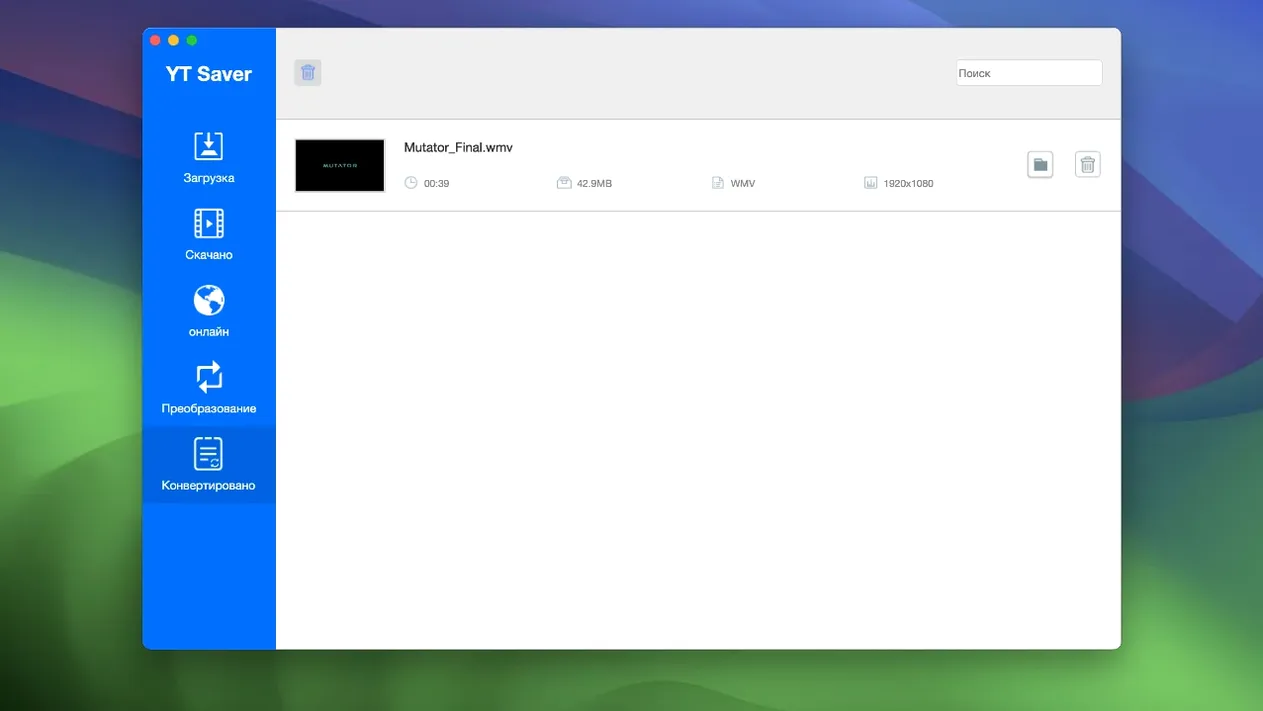
Scroll the row, it snaps to each screenshot. Click one to see it wider.
If you already use a tool like HandBrake or VLC for media conversion, YT Saver adds the download piece: it pulls video and audio from streaming sites and converts them locally. No extra apps needed for the conversion step.
How does it download content?
YT Saver includes a built-in browser so you can navigate video and audio sharing sites inside the app. It supports input video formats like MP4, M4V, 3GP, and WEBM, and audio formats including AAC, FLAC, WAV, and OPUS. Output options include MP4, MOV, AAC, and WAV.
Can I keep downloads private?
Yes. The app has a private mode that stores downloaded content in a password-protected folder. That is useful if you share the machine or want to separate personal files.
Wrong Output Format for iPhone Saves
New users tend to make the same few errors. Avoid these:
- Choosing the wrong output format for the device. If you are saving for an iPhone, pick the iPhone/iPod preset. Do not guess.
- Forgetting to set a download folder before starting a batch. The app saves to the last-used location. Set it once in preferences and check it.
- Downloading a playlist without checking the total file size first. A 50-video playlist can fill a drive fast.
- Leaving private mode enabled after use. The password-protected folder is convenient, but if you close the app and reopen, you might think files are lost. They are just locked.
- Ignoring the built-in browser. Some users paste URLs into an external browser and wonder why the app does not catch them. Paste directly into YT Saver's browser.
- Converting lossy to lossy. If you download an MP3 and export it as FLAC, you gain no quality. Choose the export format based on the source.
Workflow: download a playlist and convert to MP3
This is a standard task for anyone building a music library from a video playlist.
- Open YT Saver and switch to the built-in browser.
- Navigate to the playlist page on the site.
- Copy the playlist URL from the address bar inside the app.
- Paste the URL into the download dialog. The app detects it as a playlist.
- Select MP3 as the output format from the audio export list.
- Choose a destination folder. Create a new one for the playlist to keep files organized.
- Start the download. The app processes each video individually, converting on the fly.
- Check the completed files. Playlist items appear as separate MP3 files named after the original video titles.
- If a file fails, retry it alone. Network interruptions sometimes skip one item in a large batch.
First-days tips
Spend the first few hours exploring the app's layout rather than loading it with downloads. Open the built-in browser and browse two or three different sites to confirm it handles each one. Test private mode with one file before you use it for a batch. Set the language to your preference early — the app remembers it. Convert one short video to each of your likely output formats (MP4, MOV, AAC) to see which settings produce the result you expect. If you download from streaming sites, try the high-speed option on a short clip first. That way you know the behavior before you commit to a long queue.
YT Saver runs on OS X 10.10 or later (Intel only). The interface is available in 12 languages including English, Russian, Spanish, and Chinese.
- macOS: OS X 10.10 or later
- Architecture: Intel
Questions I get about this line
No. It has a built-in browser for visiting video and audio sharing sites directly inside the app.
It converts video to MP4, MOV, AAC, WAV, and other formats.
The install order
- Mount the disk image and launch Open Gatekeeper friendly.
- Press Enter to bypass Gatekeeper in Terminal.
- Drag the app into the Applications folder.
- Start using the app.