
Free download (15 MB) Previous versions
- Version
- 1.6.3
- Developer
- Maksym Katrych
- Languages
- English, Chinese (Simplified)
- License type
- K'ed by TNT team
| macOS range | OS X 10.11 or later |
|---|---|
| Chip | Apple Silicon, Intel 64-bit |
| Download | 15 MB |
| Previous versions | 1 on file |
Screenshots
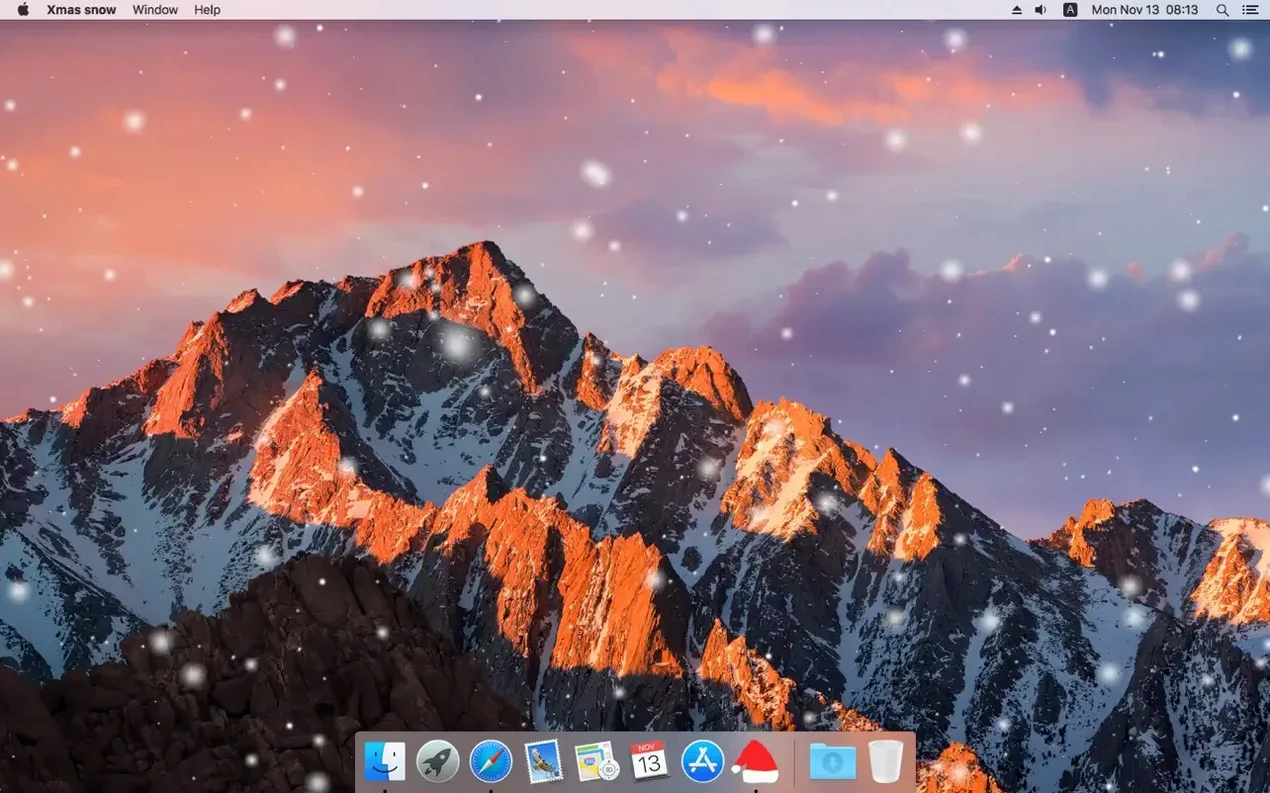
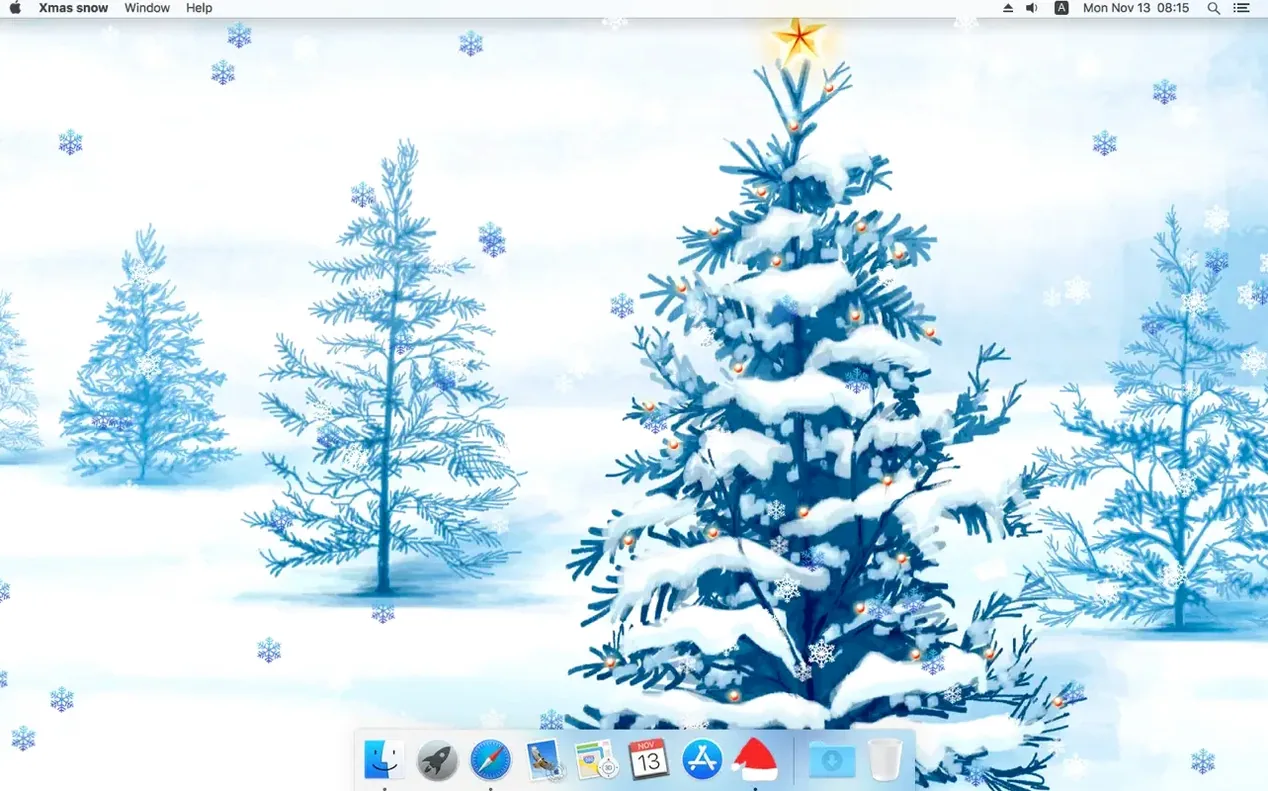
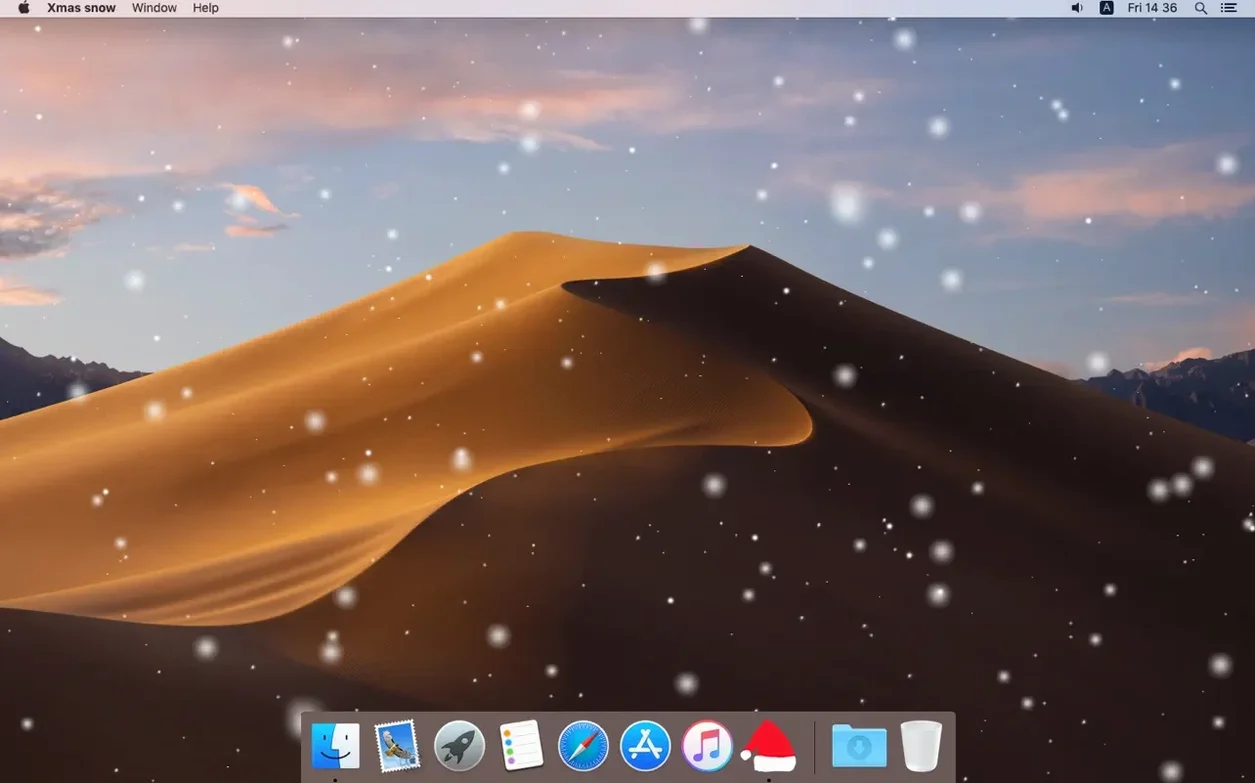
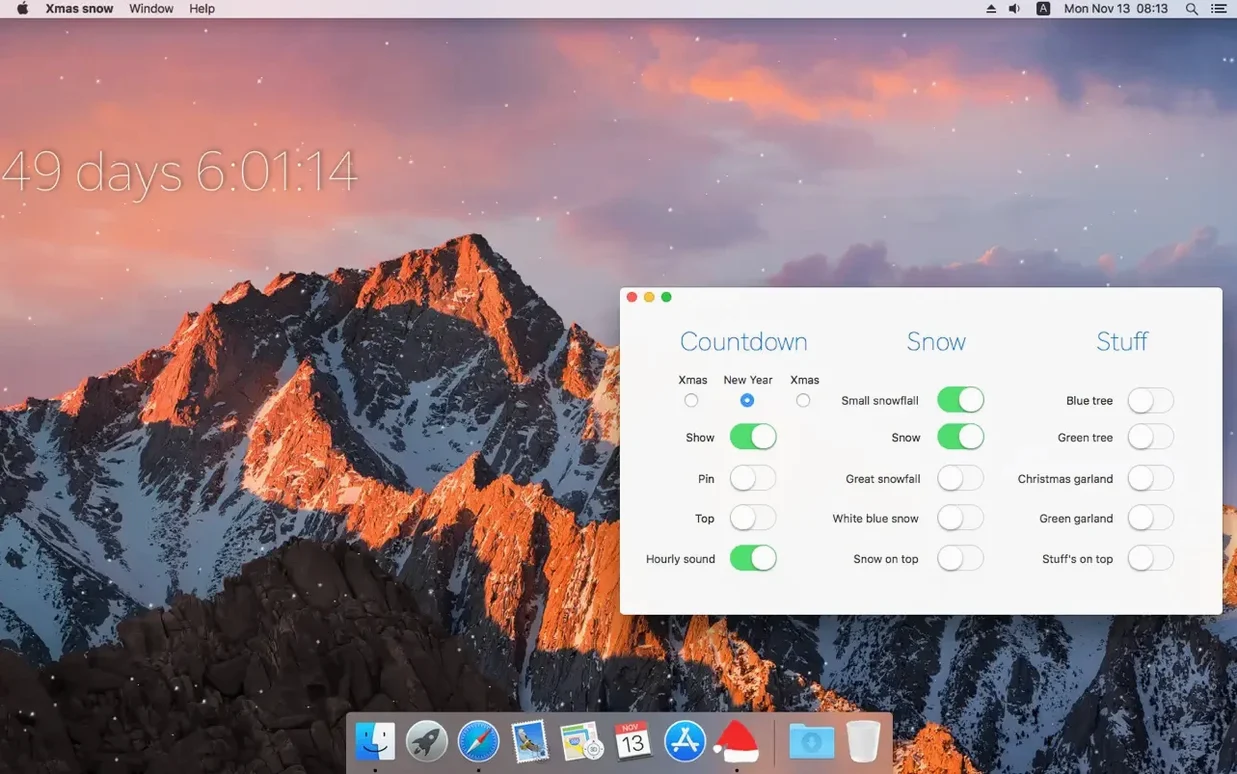
Click a screenshot to see it wider.
Xmas Snow runs on any Mac with macOS 10.11 or later, covering both Intel and Apple Silicon models. That means a 2012 iMac and a current M2 MacBook Air are both fine.
macOS El Capitan or Newer Required
Check your macOS version under the Apple menu. If it’s El Capitan or newer, you’re set. No extra hardware or plugins required.
Set Up the Effects
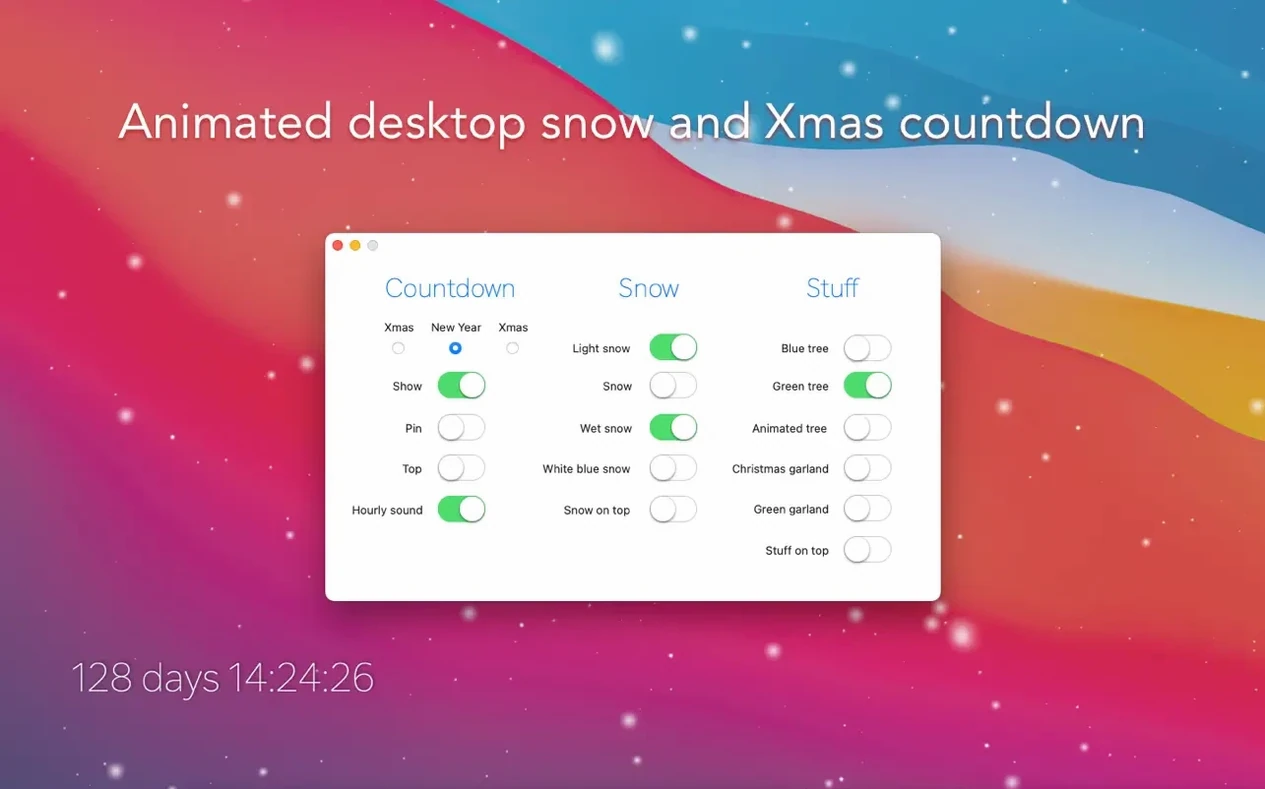
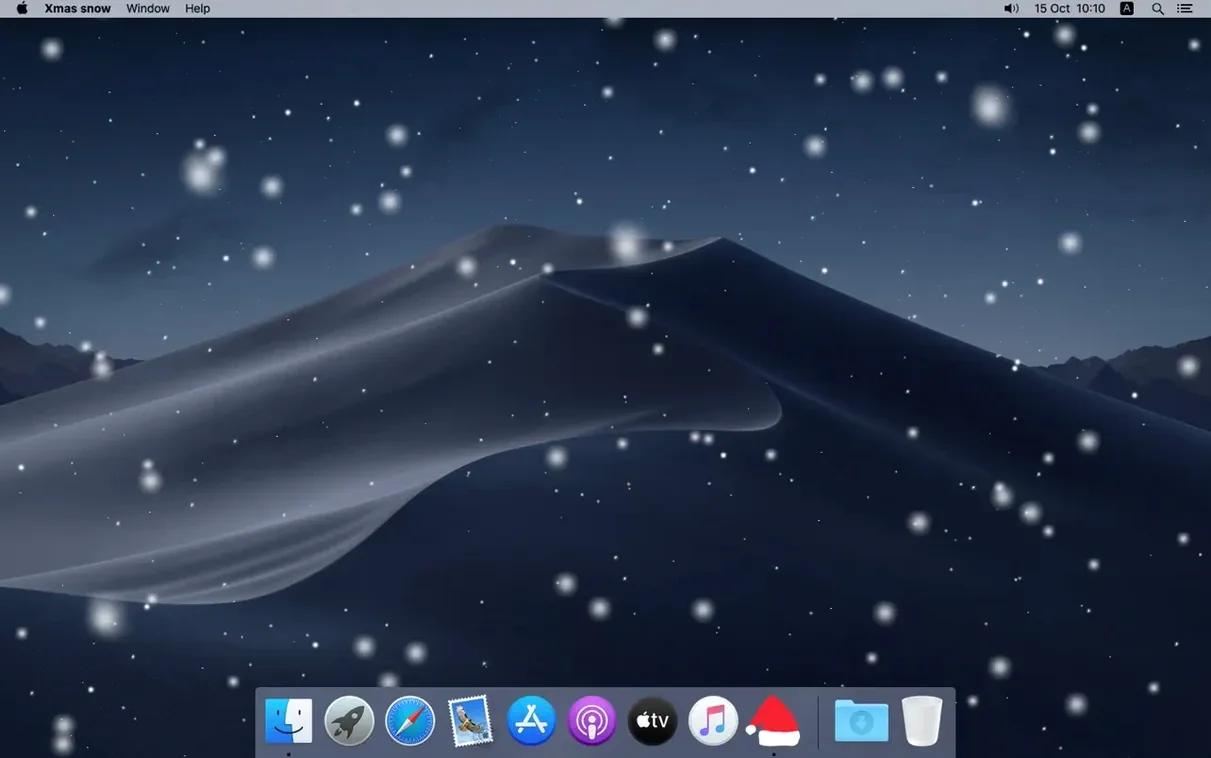
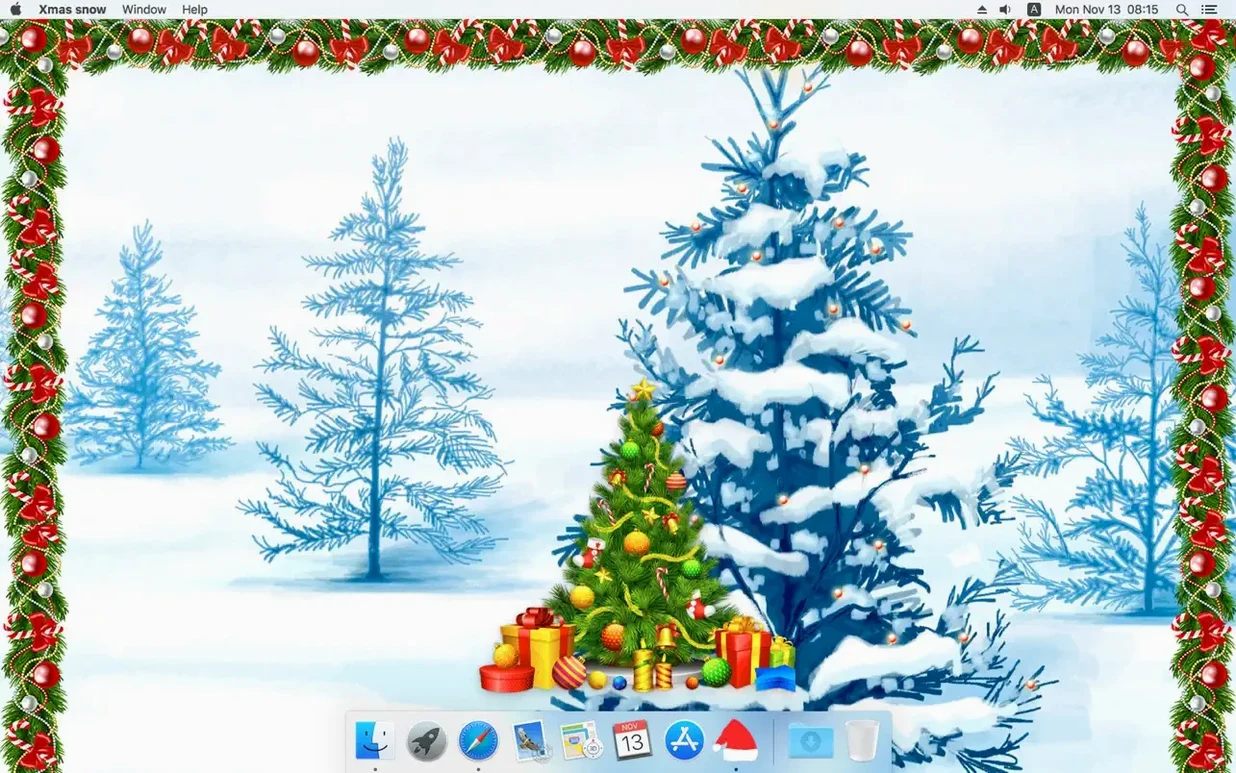
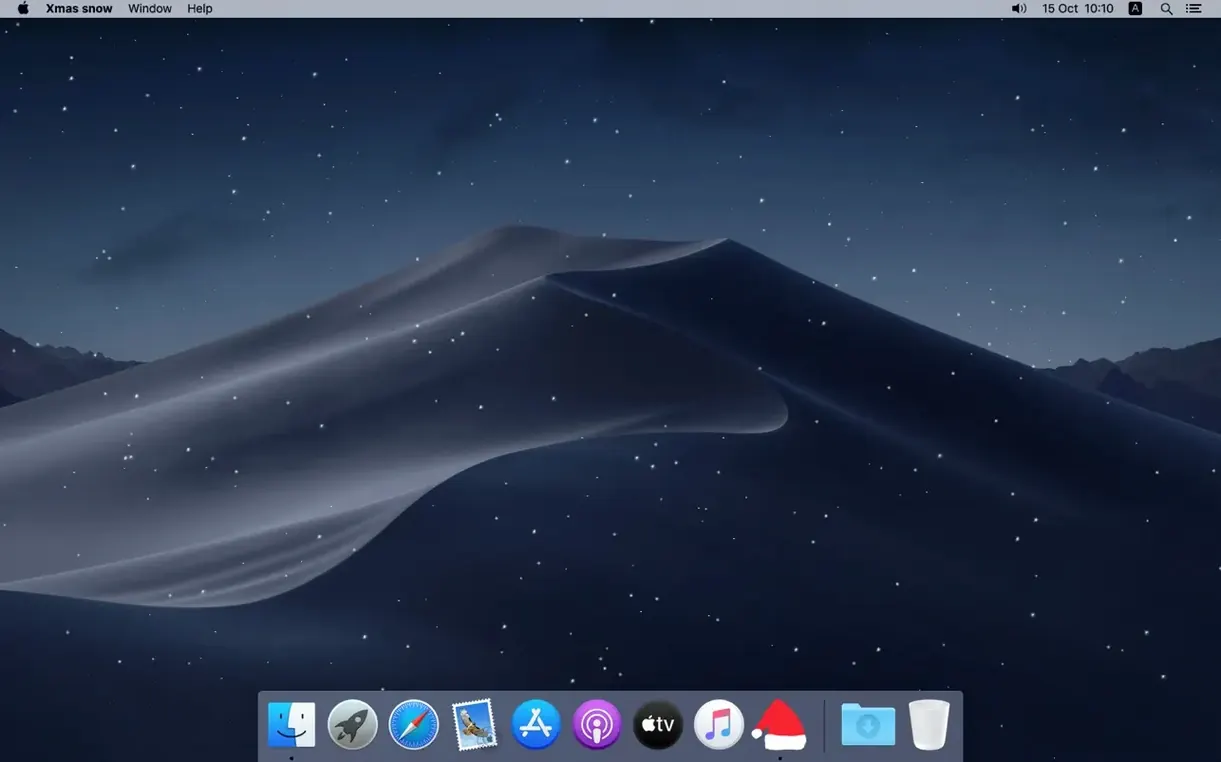
Launch the app, then pick which effects you want: falling snow over the desktop, animated garlands, or a Christmas tree. You can fix the window position so the decorations stay put while you work.
Track the Countdown
It also shows days until Christmas or New Year, so you know how much shopping time is left. The interface is in English or Simplified Chinese.
Resolve Common Snags
Snow or trees not showing. Open the app and check the window-level setting. If “stay above all windows” is off, the effects may hide behind open apps. Toggle it on.
Decorations vanish after the Mac wakes from sleep. Restart Xmas Snow. The app does not always reload effects after sleep on older macOS builds.
Garlands flicker. Lower the animation speed in the app settings.
Countdown shows the wrong date. The app reads your system date. If it is set incorrectly or crossed midnight, the day count may lag. Close and reopen the app to force a refresh.
Lower Density for Work Hours, Crank It Up After
Adjust the snow volume. Start with a lower density so it does not distract during work hours. Crank it up after hours.
Fix the window position early. Once you place a tree or garland where you want it, lock the position. That keeps the decoration in place when you switch desktops or rearrange windows.
Try the hourly tune. It plays a holiday note once per hour. Mute it in the settings if it gets repetitive during meetings.
What to Check If Effects Stop Mid-Session
Sometimes Xmas Snow runs but the snow stops falling after a few hours. Open the app and toggle the snow effect off, then back on. That restarts the animation without quitting the app.
If the Christmas tree or garland disappears but the snow keeps going, the app may have lost its desktop window placement. Uncheck and re-check the “fix window position” option. The decoration should reappear where you last placed it.
When the hourly tune does not play, check that your system sound is not muted and the app has permission to play audio. Open System Preferences > Sound > Output and confirm the correct device is selected.
First-Day Setup Routine
Right after you download Xmas Snow for Mac, run through this quick setup to avoid fiddling later.
- Launch the app and turn on snow first. Set density to a medium level — light enough to see, heavy enough to feel festive.
- Add one decoration. A single Christmas tree in the corner is a good test. Move it where you want, then lock the position.
- Check the countdown. Make sure it shows the right number of days until your preferred holiday. Switch to New Year if that is what you track.
- Enable the hourly tune once. Let it play through one cycle so you know how loud it is. Adjust your system volume or turn it off if you share an office.
- Quit and relaunch the app. Confirm the effects come back exactly as you set them. If they do not, the window-level setting needs to be on.
That is five minutes of setup. After that, you only touch the settings if you want to change the mood.
Use the New Year countdown instead of Christmas if you observe the holiday later. Both options are in the same menu.
Version 1.6.3 ships with no listed feature changes — it's a maintenance drop aimed at stability and compatibility.
- OS X 10.11 or later
- Apple Silicon or Intel 64-bit
Questions I get about this line
Yes. The app supports both Intel and Apple Silicon architectures, so it runs natively on M1 and M2 Macs.
You can turn individual effects on or off in the app, so the countdown can stay visible without the falling snow.