- Version
- 7.8.0
- Developer
- GreenTree Applications SRL
- Languages
- English
- License type
- K'ed by TNT team
| macOS range | OS X 10.10 or later |
|---|---|
| Chip | Intel 64-bit |
| Download | 93 MB |
Screenshots
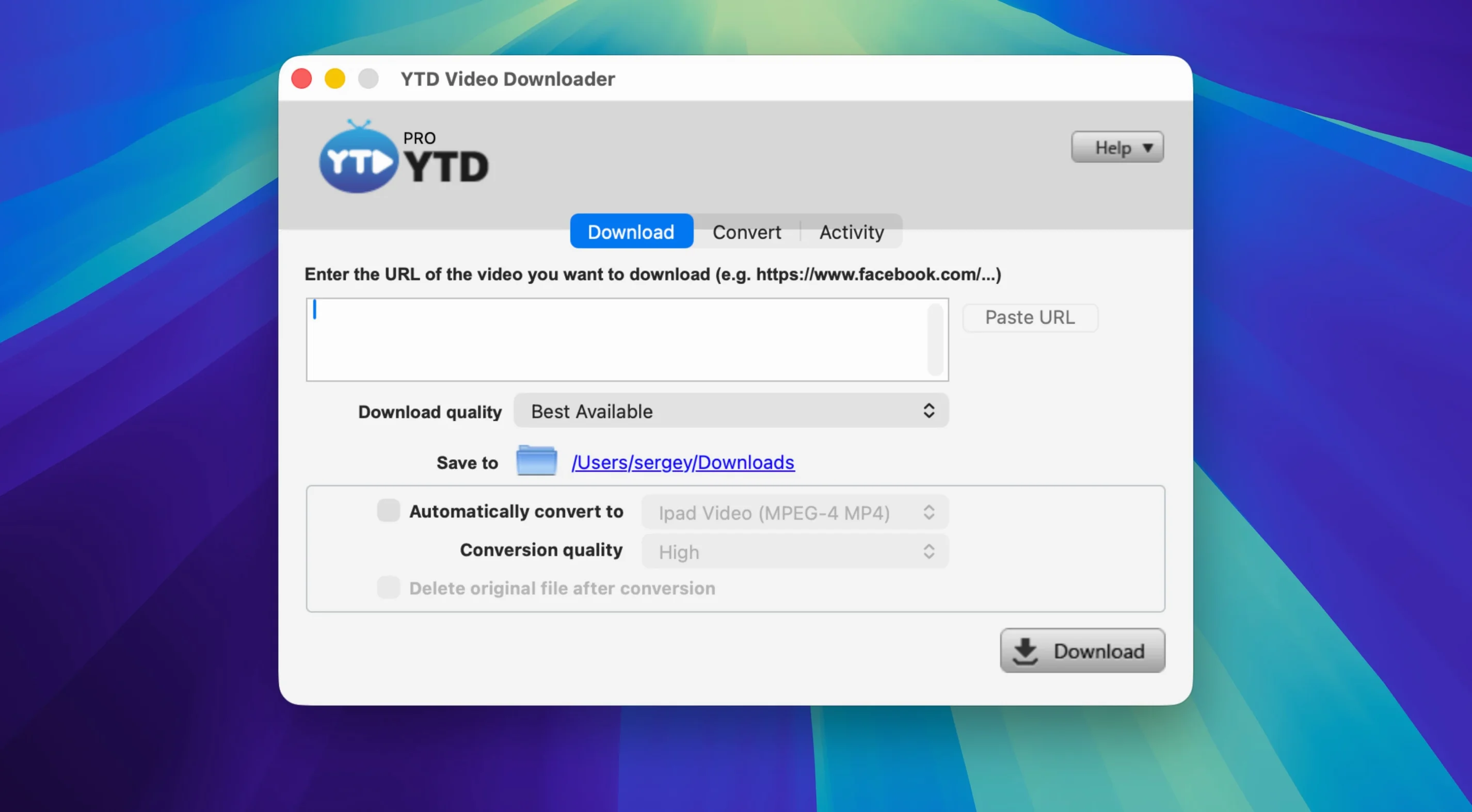
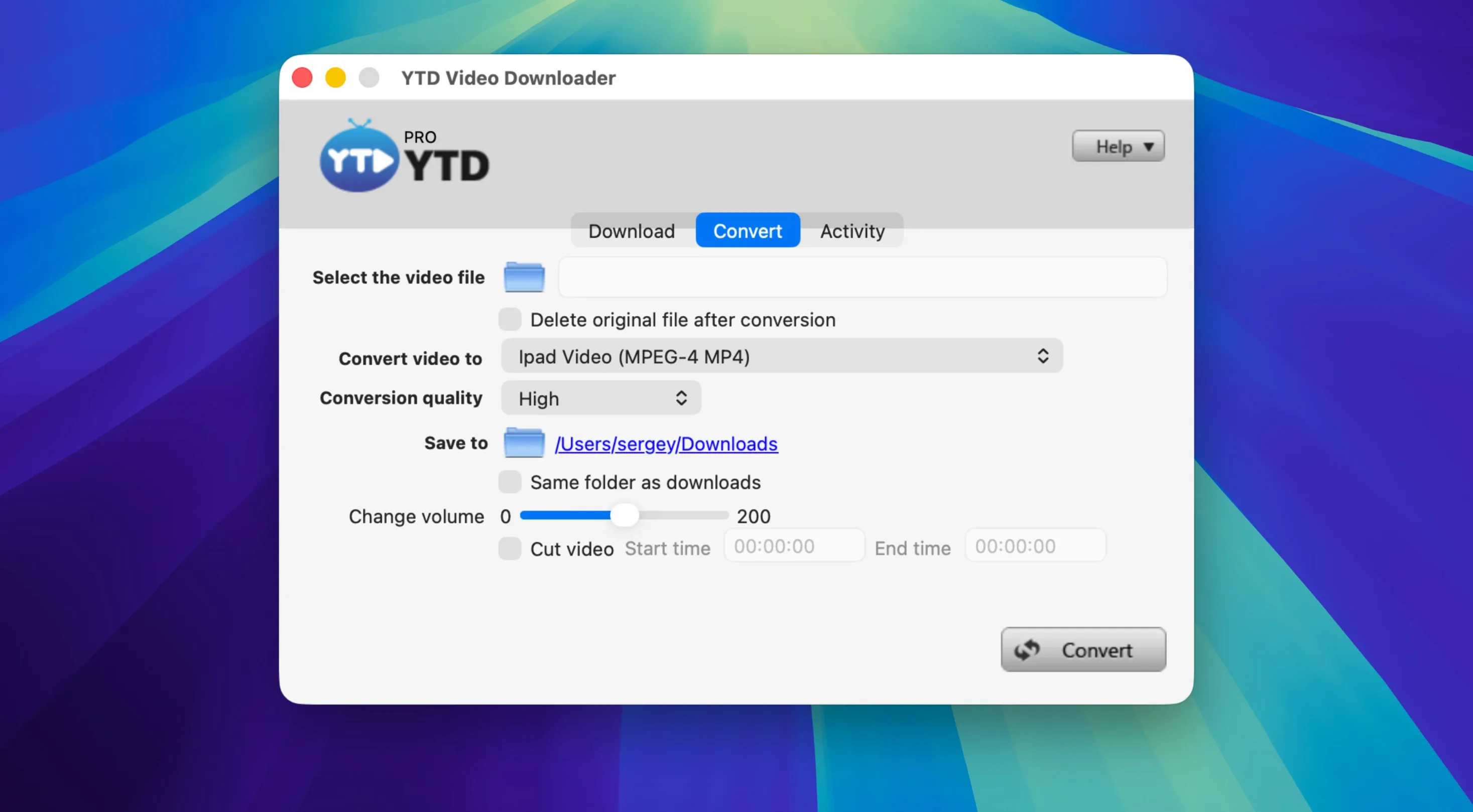
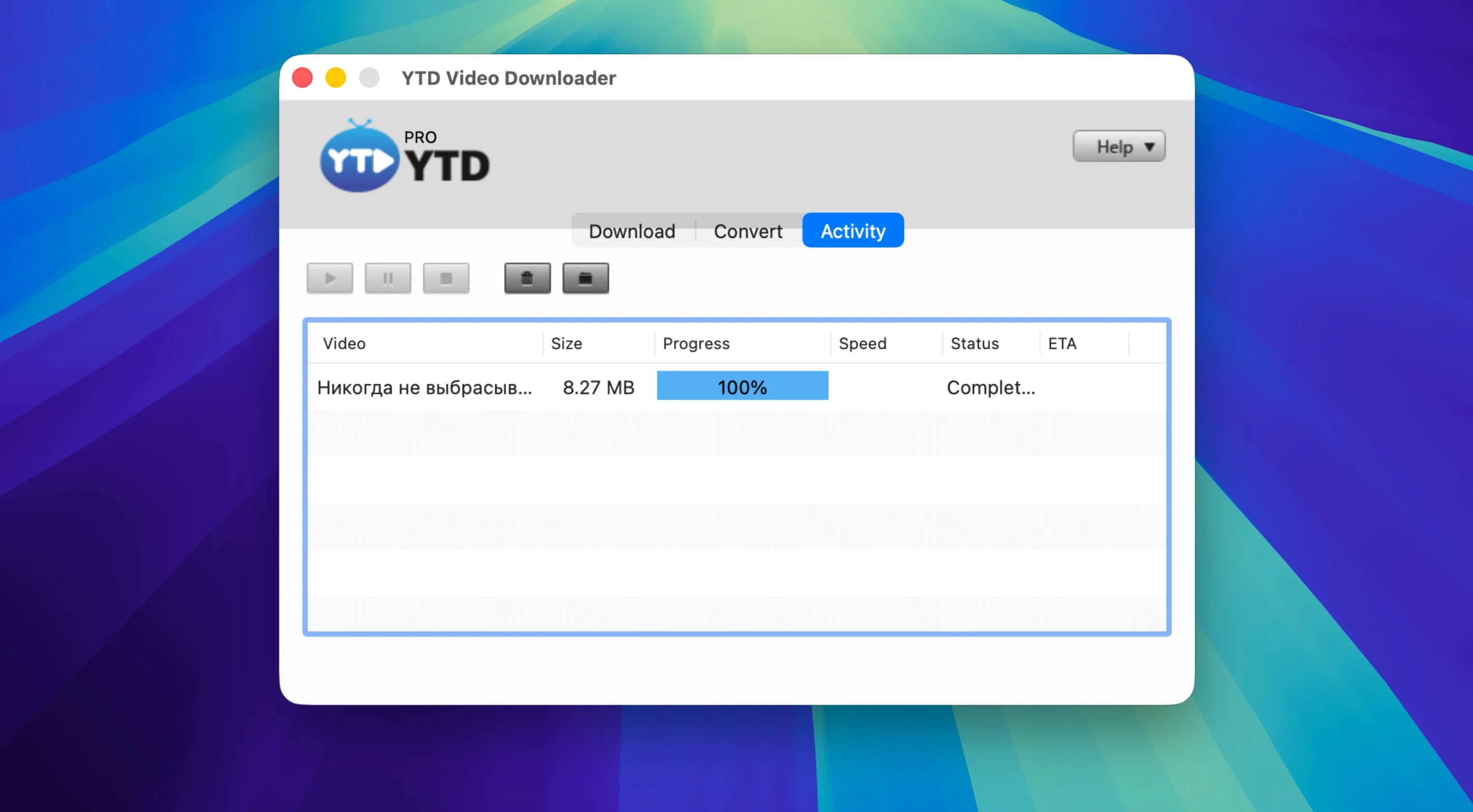
Click a screenshot to see it wider.
Fifty-plus platforms, one app. YTD Downloader Pro takes a pasted link and turns it into a file you can keep or convert. For a quick grab, copy the video URL from YouTube, Vimeo, Dailymotion, Youku, or Yahoo Video; the app detects it from the clipboard. Then pick MP3 or AAC if you want audio, or convert to another format. Playlists convert in one pass.
| Detail | Value |
|---|---|
| Version | 7.8.0 |
| Developer | GreenTree Applications SRL |
| Architecture | Intel (x86 64-bit) |
| Languages | English |
| macOS | OS X 10.10 or later |
Downloads pause and resume, and after a dropped connection the app retries on its own. So the realistic workflow is: paste, choose your output, walk away. For an IT setup, that fits a quick utility slot on a Mac that handles occasional media pulls. YTD downloader pro keeps the job to one window.
Scenario: Social-media archiving for a content manager
A content manager at a small Ohio marketing agency grabs weekly video assets from TikTok, Instagram, and LinkedIn. She needs local copies for editing, repurposing, and client proofing. YTD Video Downloader Pro handles that: paste a TikTok link, pick MP4, download. Same for Instagram clips or LinkedIn company-page videos. The clipboard detection shaves a step every time. The no-log policy matters, too — her machine stays clean of download history when she's pulling sensitive client material. For a one-person operation that doesn't need a full media suite, the app does the job in one window.
Built-in converter for WMV and 3GP
Downie is a common alternative. It supports many sites and has a clean interface. But YTD Pro includes a built-in converter that outputs formats Downie does not cover by itself — like WMV or 3GP. You download and convert in the same session without a separate tool. The playlist-to-MP3 feature also isn't native in Downie.
4K Video Downloader handles high-resolution pulls from YouTube and a handful of other sites. Its playlist support is solid. Its conversion options, however, are fewer. YTD Pro covers more social platforms — LinkedIn and Yahoo Video, for instance — and the clipboard detection speeds up the start of each grab.
ClipGrab keeps the interface simple and adds a search function YTD Pro lacks. But ClipGrab lists fewer platforms, and it does not offer automatic retry after a connection drop. YTD Pro's retry behavior matters when you queue up a long playlist and walk away.
Reliable full playlist to MP3 conversion
Version 7.8.0 keeps the same core download-and-convert loop. The main change is improved playlist handling: the app now processes full playlists to MP3 or AAC more reliably in a single action. For a user who regularly saves music mixes from YouTube, that means fewer partial downloads and less manual re-queuing. The automatic retry after a broken connection also works better with longer playlists, so the app is less likely to stall on a flaky network. Nothing flashy — just the workflow staying out of the way.
- macOS OS X 10.10 or later
- Intel processor
Questions I get about this line
Yes. The app converts video or full playlists to MP3 or AAC, so you can grab a whole playlist in one run.
The install order
- Mount the disk image and launch Open Gatekeeper friendly.
- Press Enter in the Terminal window to bypass Gatekeeper.
- Drag the app to the Applications folder.
- Open the app when installation is complete.