
Free download (22 MB) Previous versions
- Version
- 3.7.6
- Developer
- Matthias Gansrigler
- Languages
- English, German, Italian, Chinese (Simplified), Korean, Portuguese, French, Japanese
- License type
- Not required
| macOS range | macOS 10.13 or later |
|---|---|
| Chip | Apple Silicon, Intel 64-bit |
| Download | 22 MB |
| Previous versions | 2 on file |
Screenshots
Click a screenshot to see it wider.
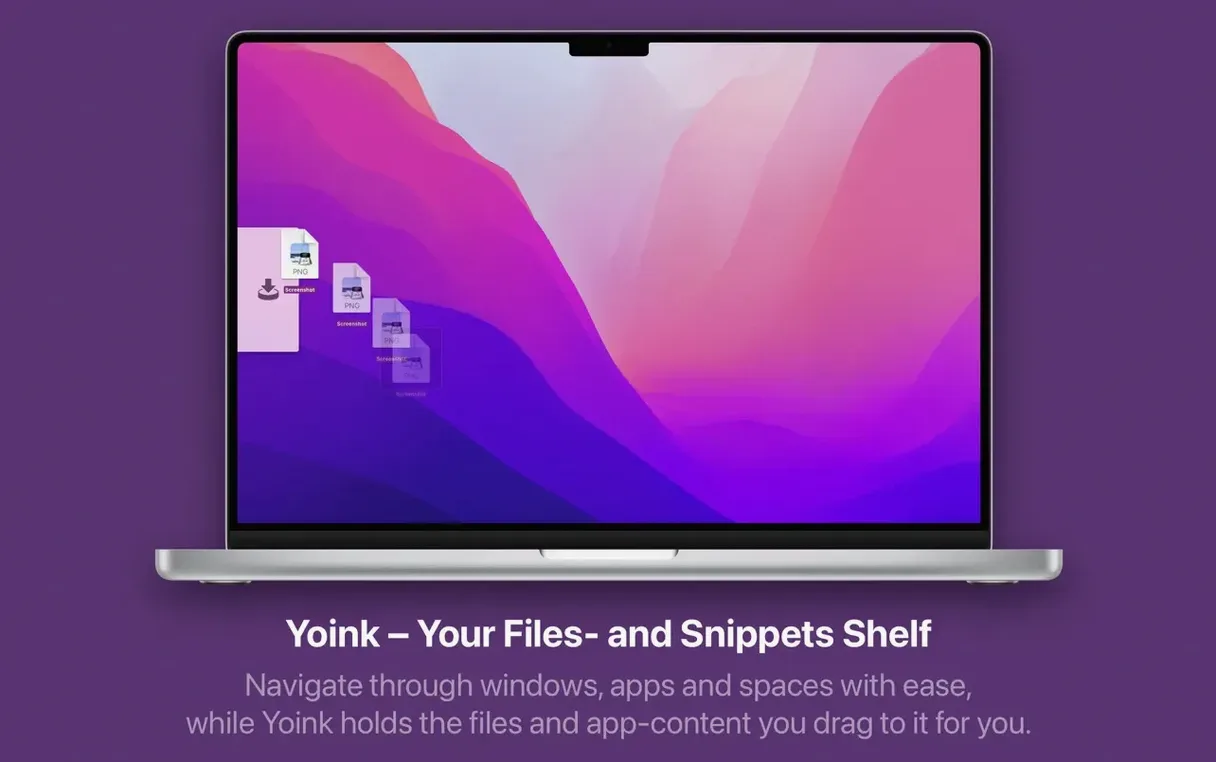
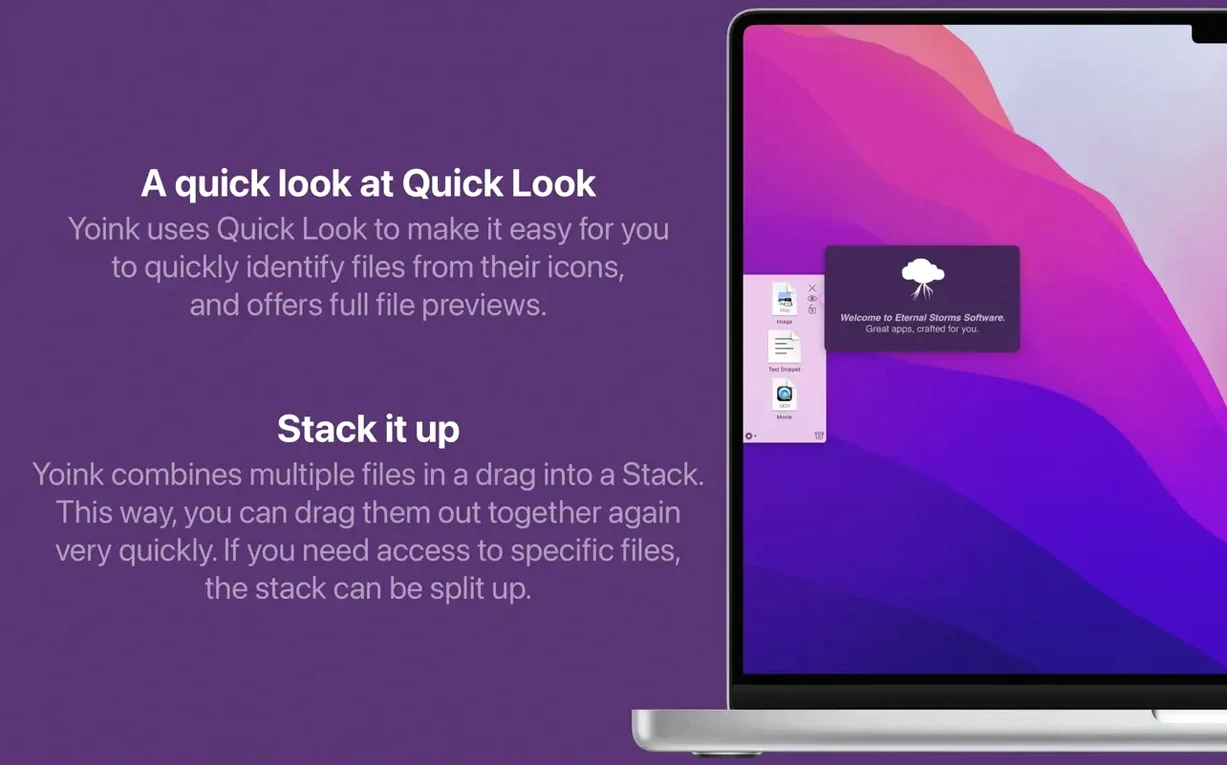
Yoink runs on any Mac from macOS 10.13 onward, Intel or Apple Silicon. That covers most machines still getting security updates, so compatibility is rarely the reason to skip it. The app lives in the menu bar and waits for a drag to start before it appears.
Six Screen Positions and Zero Intrusion
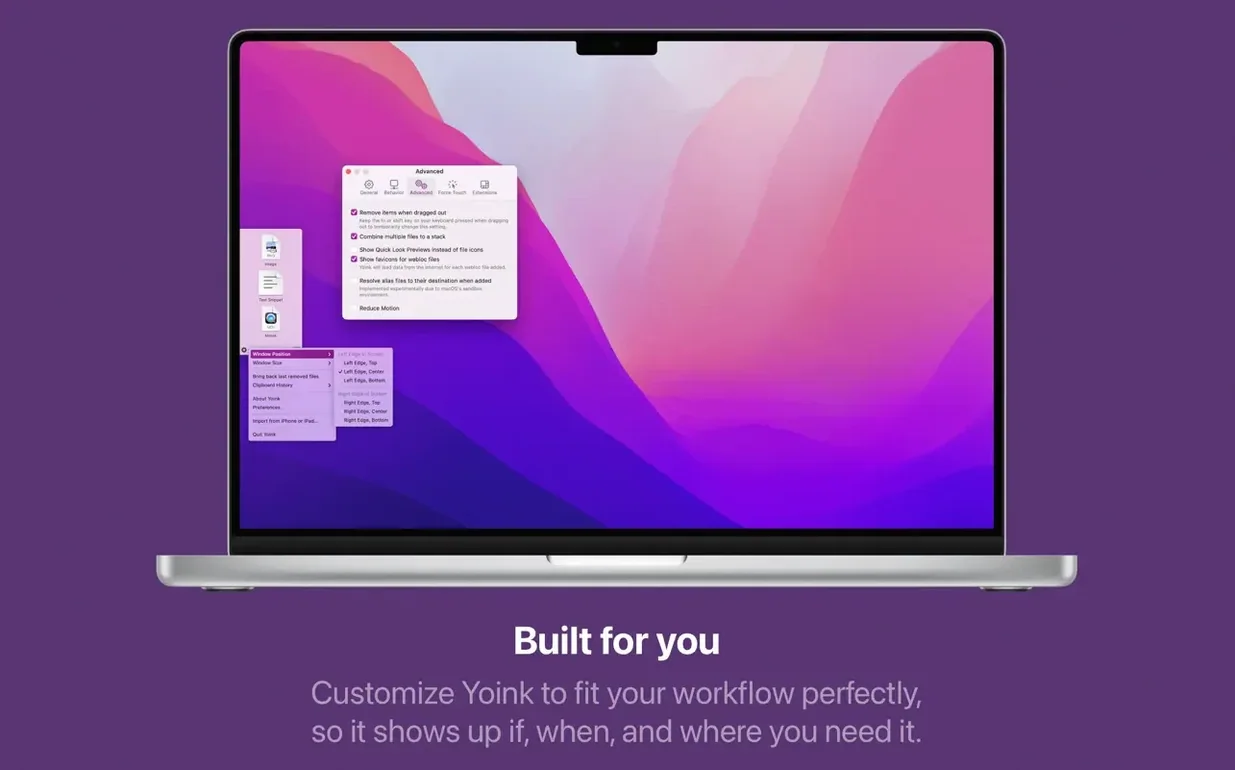
The main question is whether it gets in the way. It does not. You set one of six screen positions, and Yoink only shows when you drag an item or move it to the edge of the display. Finder-style copy behavior applies, so dragging out of Yoink copies by default; hold a modifier key to force a move instead.
Beyond Files
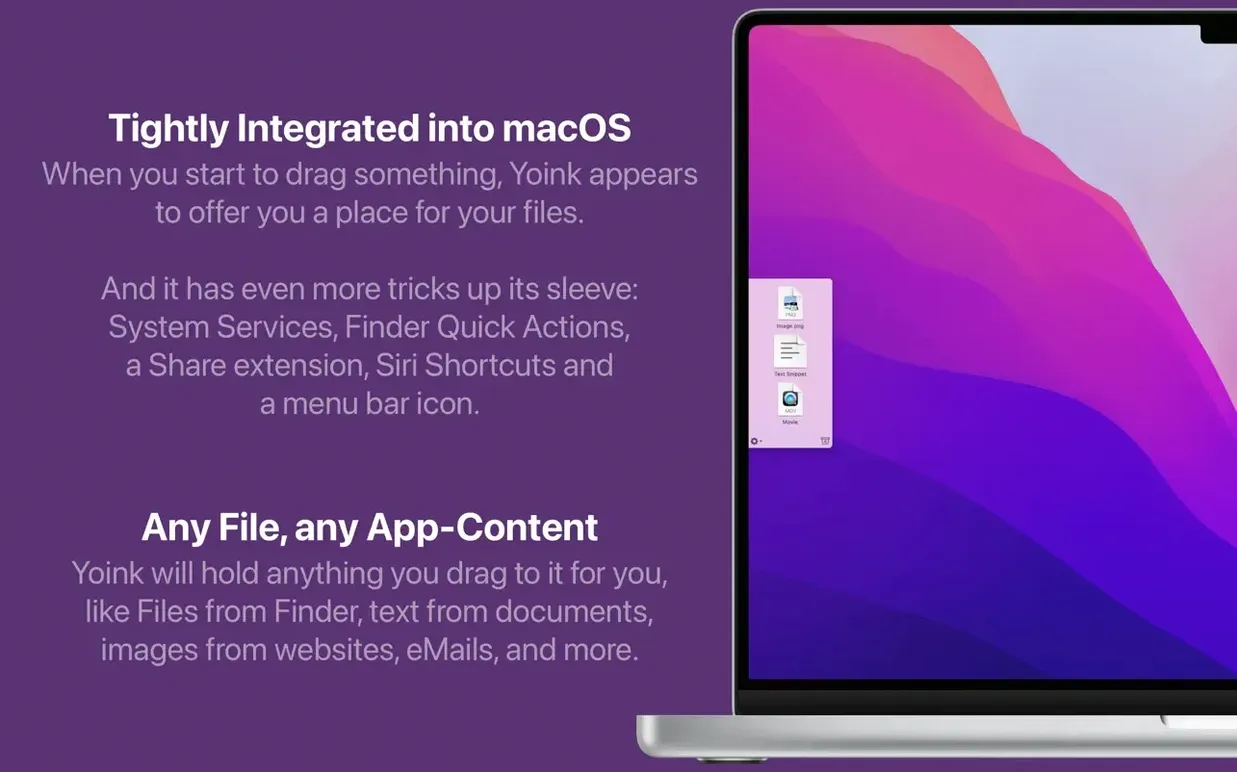
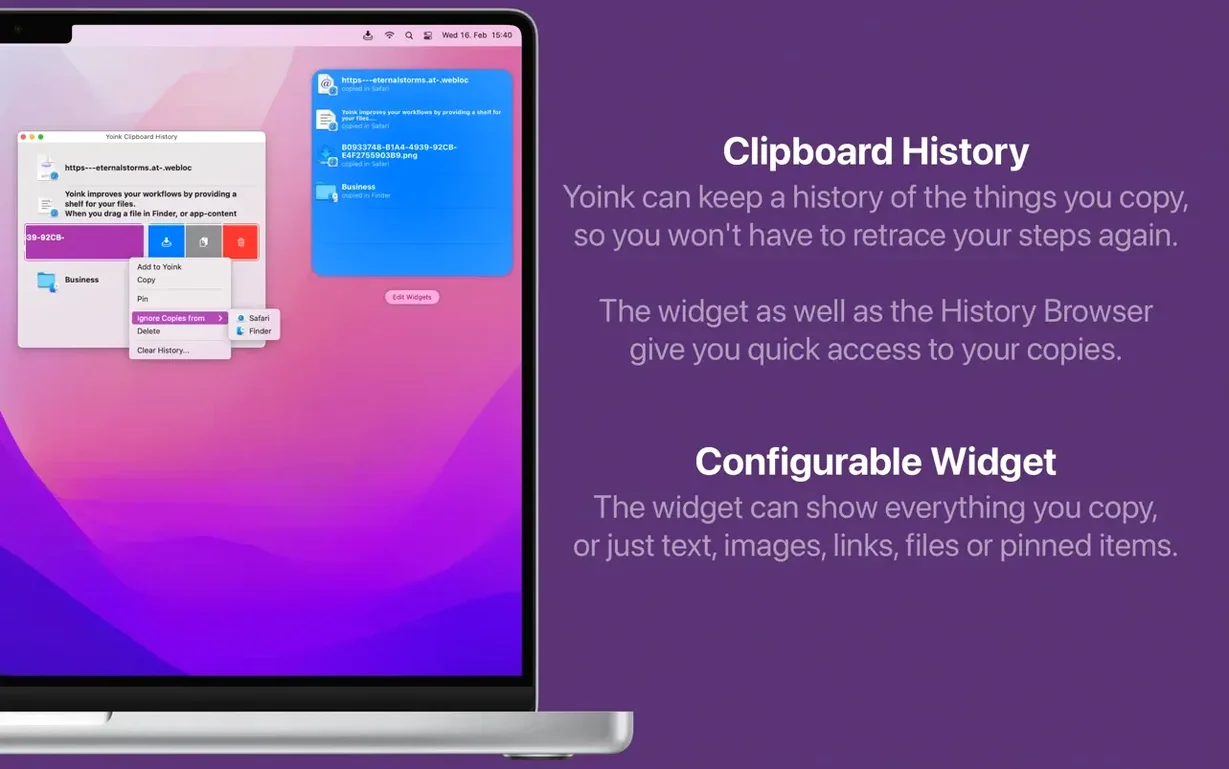
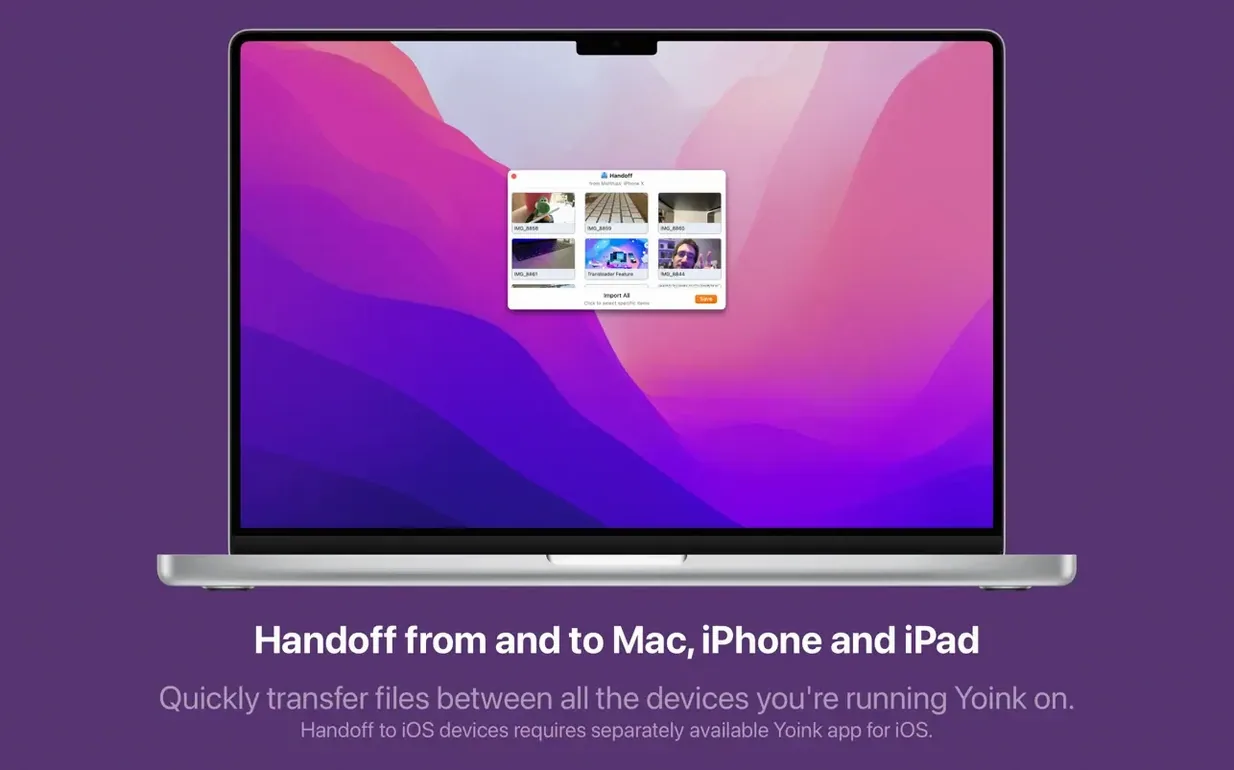
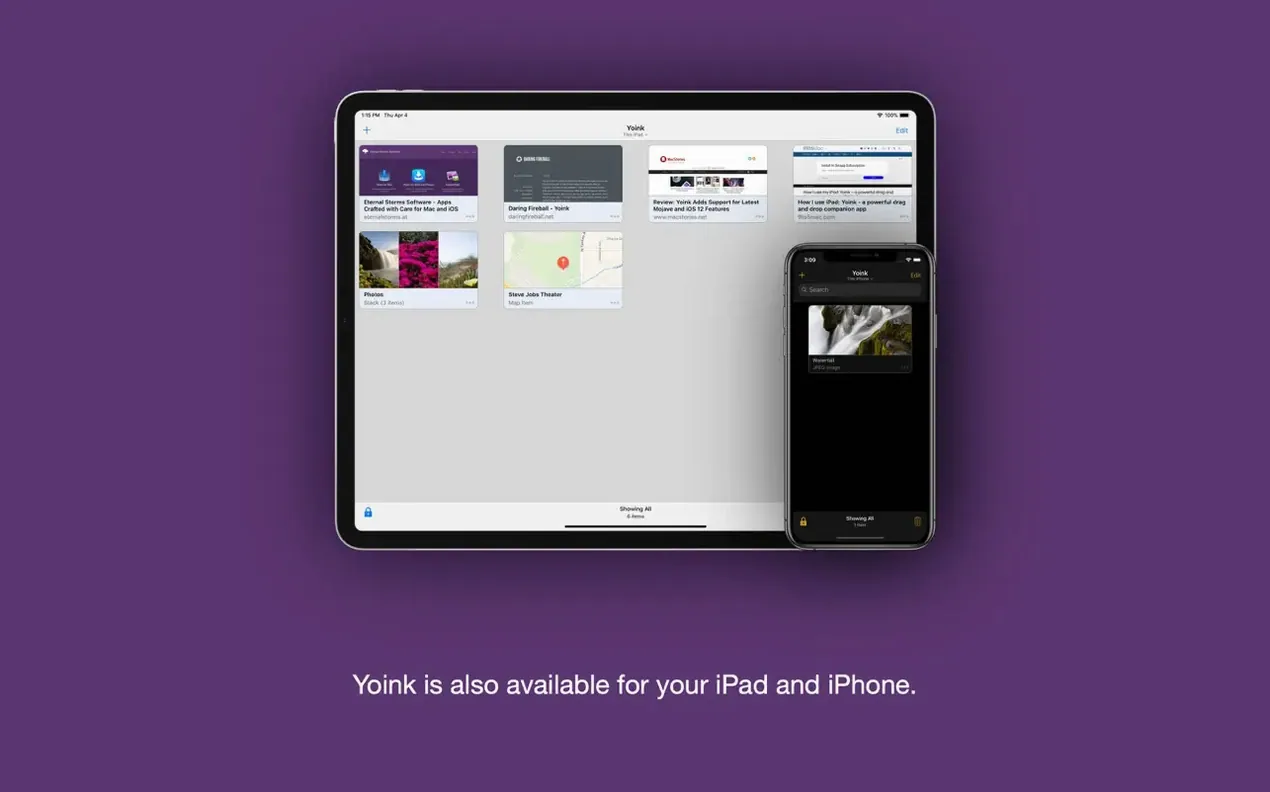
Yoink handles more than files. Apps, text selections, and other draggable items work. Clipboard contents land in the same shelf, retrievable from the context menu or the Notification Center widget. Stacks inside Yoink can be split, reorganized, or moved as a group. Handoff carries items over to the iPhone or iPad versions when you need them elsewhere.
Fixing Workflow Habits That Trip Users Up
Most issues come down to a setting or a workflow habit. Here are the ones that trip people up.
Yoink Does Not Appear
Check the display conditions in Preferences. The default is "show when a drag starts," but if you changed it to "show when moved to screen edge," Yoink stays hidden until you hit the bezel. Switch back to the drag-start trigger if you want it on every move.
Items Copy When You Wanted To Move
This is Finder behavior by design. To force a move instead of a copy, hold the Command key while you drag out of Yoink. To force a copy when the default would be a move, hold Option. The modifiers work the same way they do in Finder, so the muscle memory carries over.
Stacks Feel Stuck
A stack of items can be split by dragging one item out of it. If you want to move the whole stack together, grab the stack itself, not an individual item. Stacks reorganize inside Yoink just like folders in Finder.
Restoring a Removed Item
Once you take something out of Yoink, a long press brings it back. The delay takes a second to learn. If you accidentally close Yoink, the current contents are gone, so make a habit of checking the shelf before you close it.
Three Preferences to Set Before Your First Drag
Open Preferences before you start dragging. These three adjustments save the most time.
- Screen position – Pick one of the six options that does not overlap your main workspace. Bottom-right works well for right-handed users; top-left keeps it out of the way on large displays.
- Clipboard history widget – Enable it in Notification Center. Yoink remembers up to 20 clipboard items in the background, and the widget lets you grab any of them without opening Yoink itself. That alone makes the app worth the yoink free download for anyone who copies and pastes between apps all day.
- Display condition – "Show when a drag starts" is the most responsive setting. If you find it intrusive, switch to "show when moved to screen edge" and learn the edge swipe. The choice depends on how often you drag versus how much screen space you need.
Once the position and trigger condition feel natural, Yoink becomes a shelf you forget is there until you need it. Yoink for Mac torrent temporarily holds files, making drag-and-drop between folders smoother for users.
- Improves compatibility with the Dia browser.
- Improves compatibility with the Vivaldi browser.
- Improves file names for drags from browsers.
- Improves the size of the Quick Look panel for log files.
- macOS 10.13 or later
- Intel or Apple Silicon
The install order
- Open the downloaded disk image.
- Drag the app to the Applications folder alias.
- Launch it from Launchpad after the copy finishes.