- Home
- VST Plugins
- Sonarworks SoundID Reference

- Version
- 5.12.0
- Developer
- Sonarworks
- Languages
- English
- License type
- K'ed by appleater
| macOS range | macOS 11 or later |
|---|---|
| Chip | Apple Silicon, Intel 64-bit |
| Download | 718 MB |
Screenshots
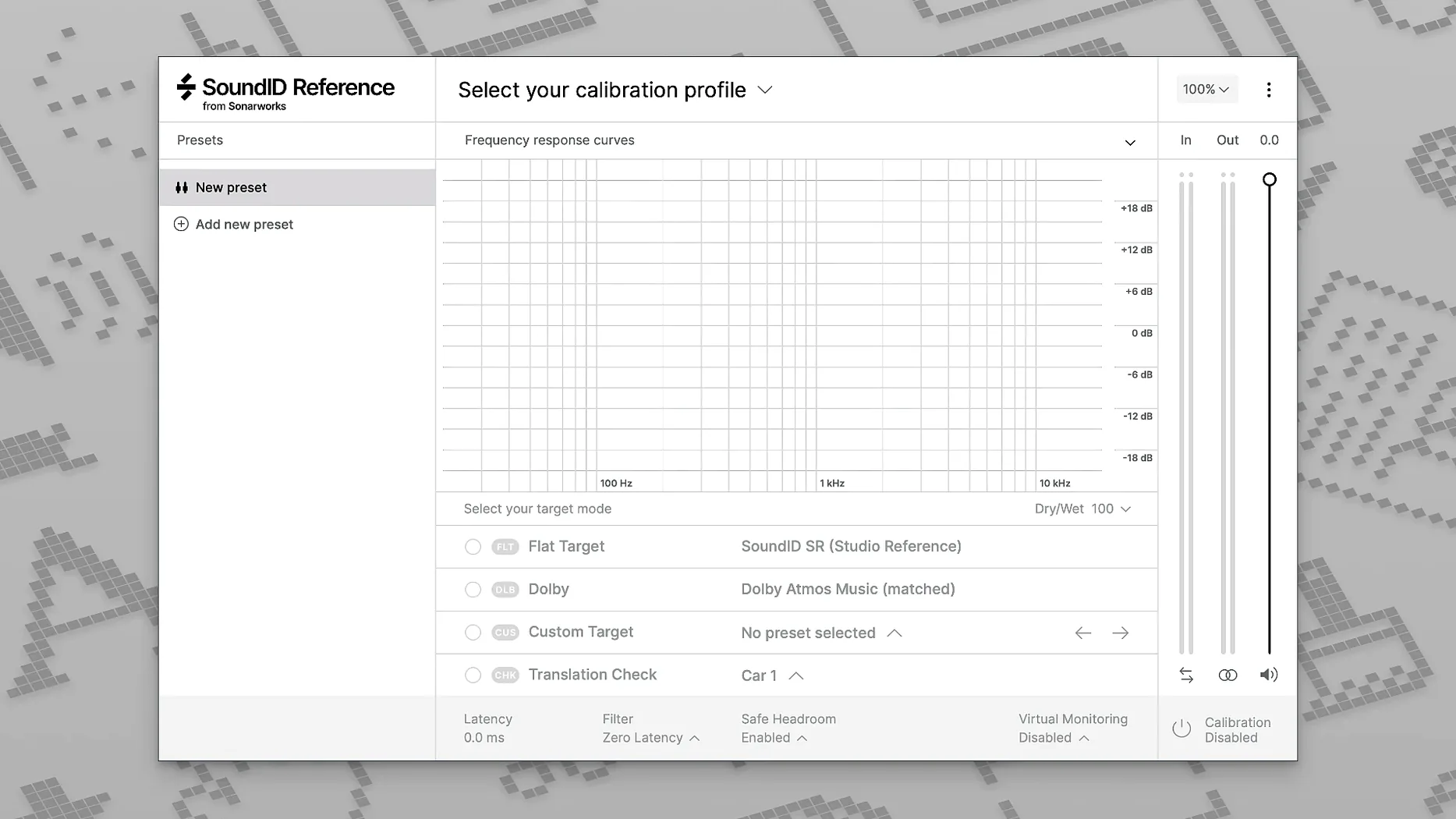
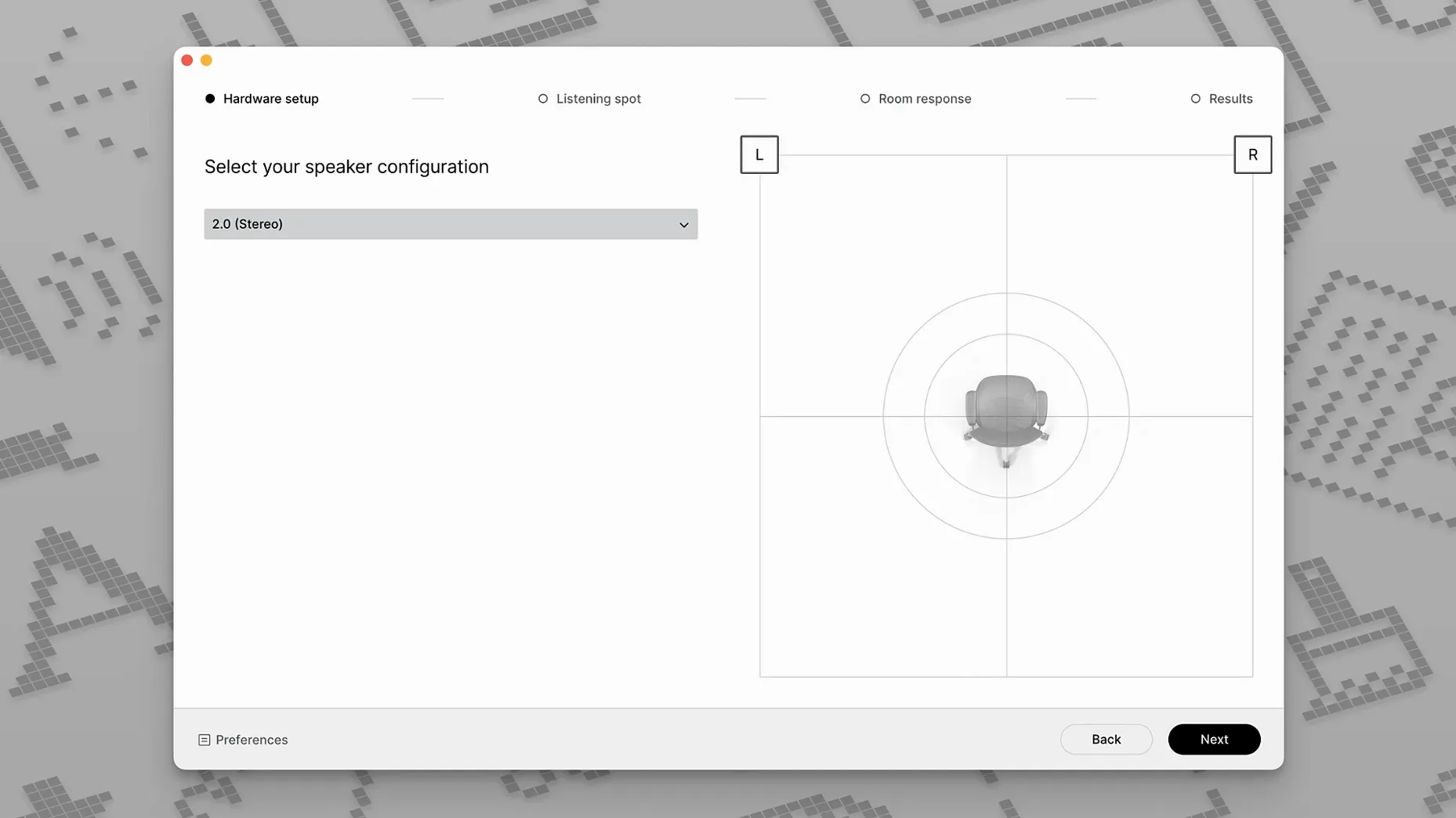
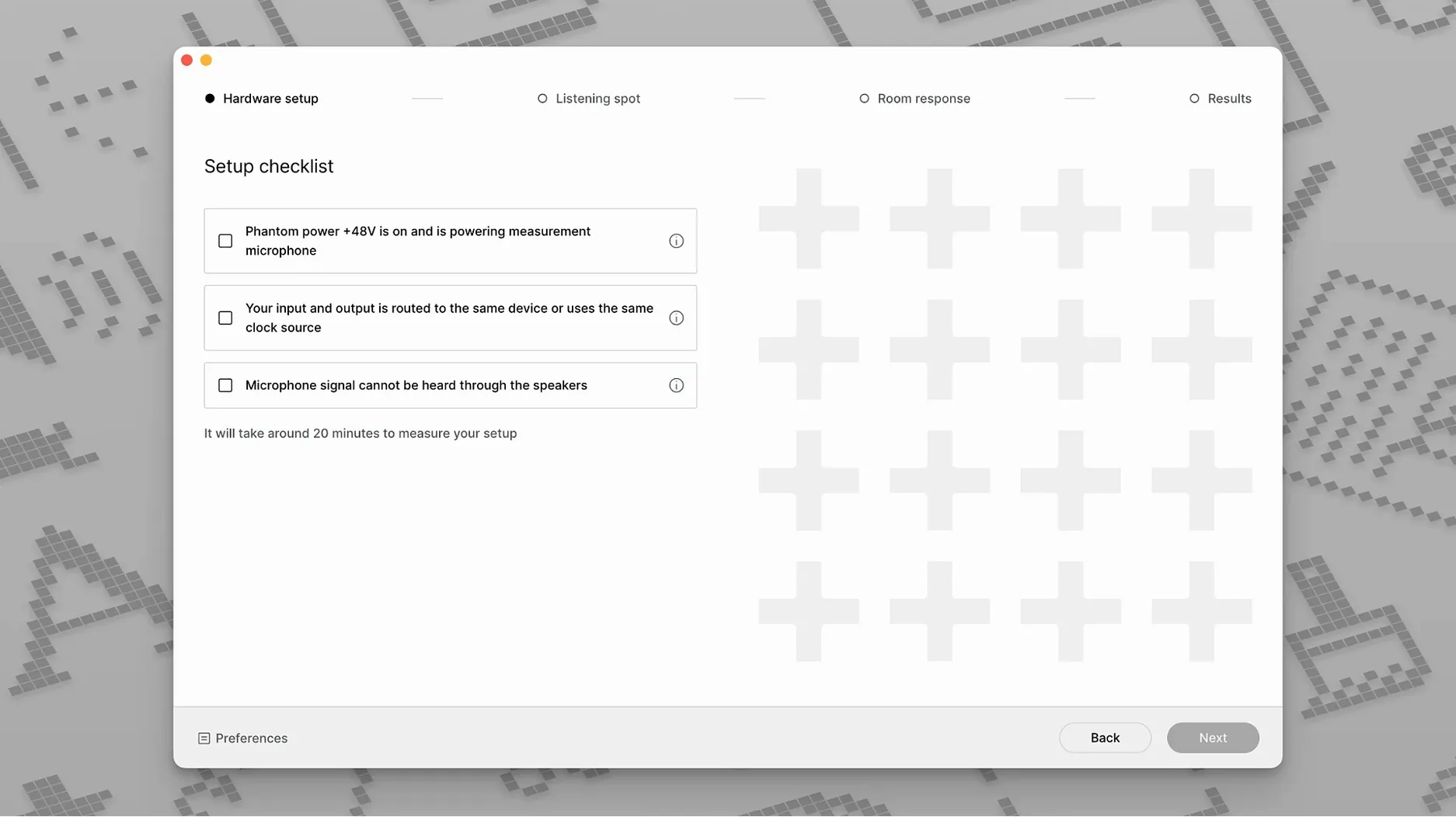
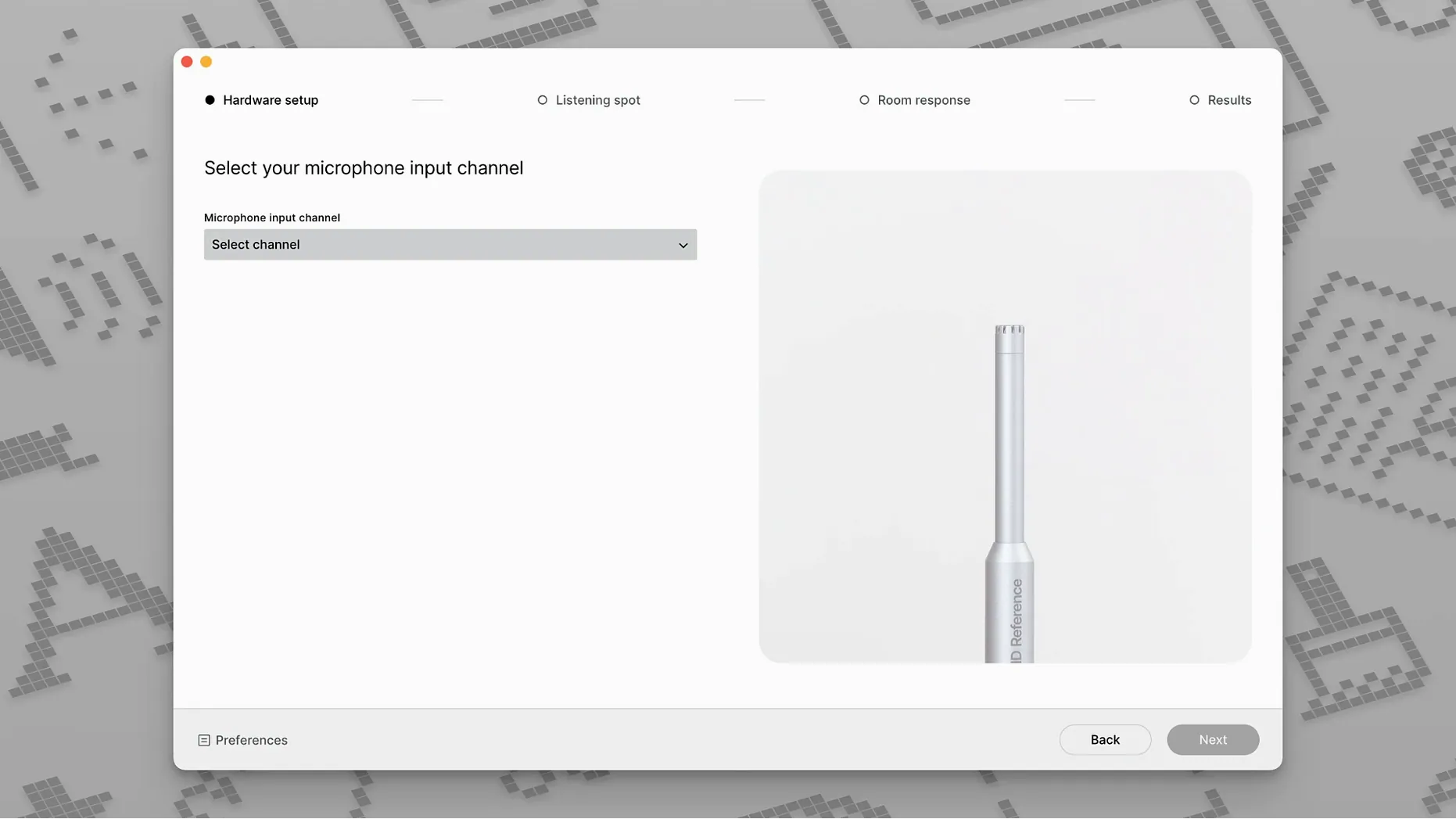
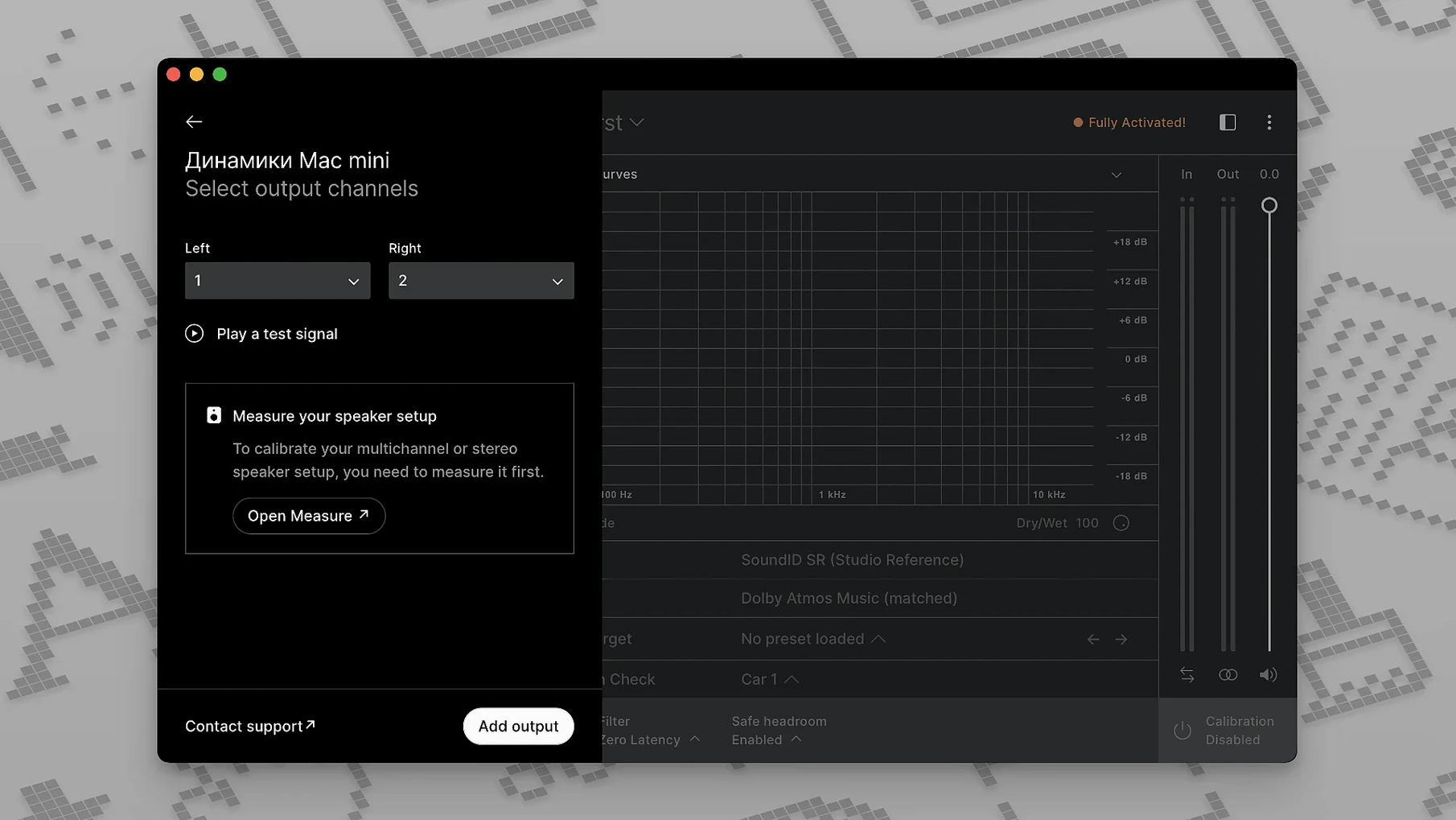
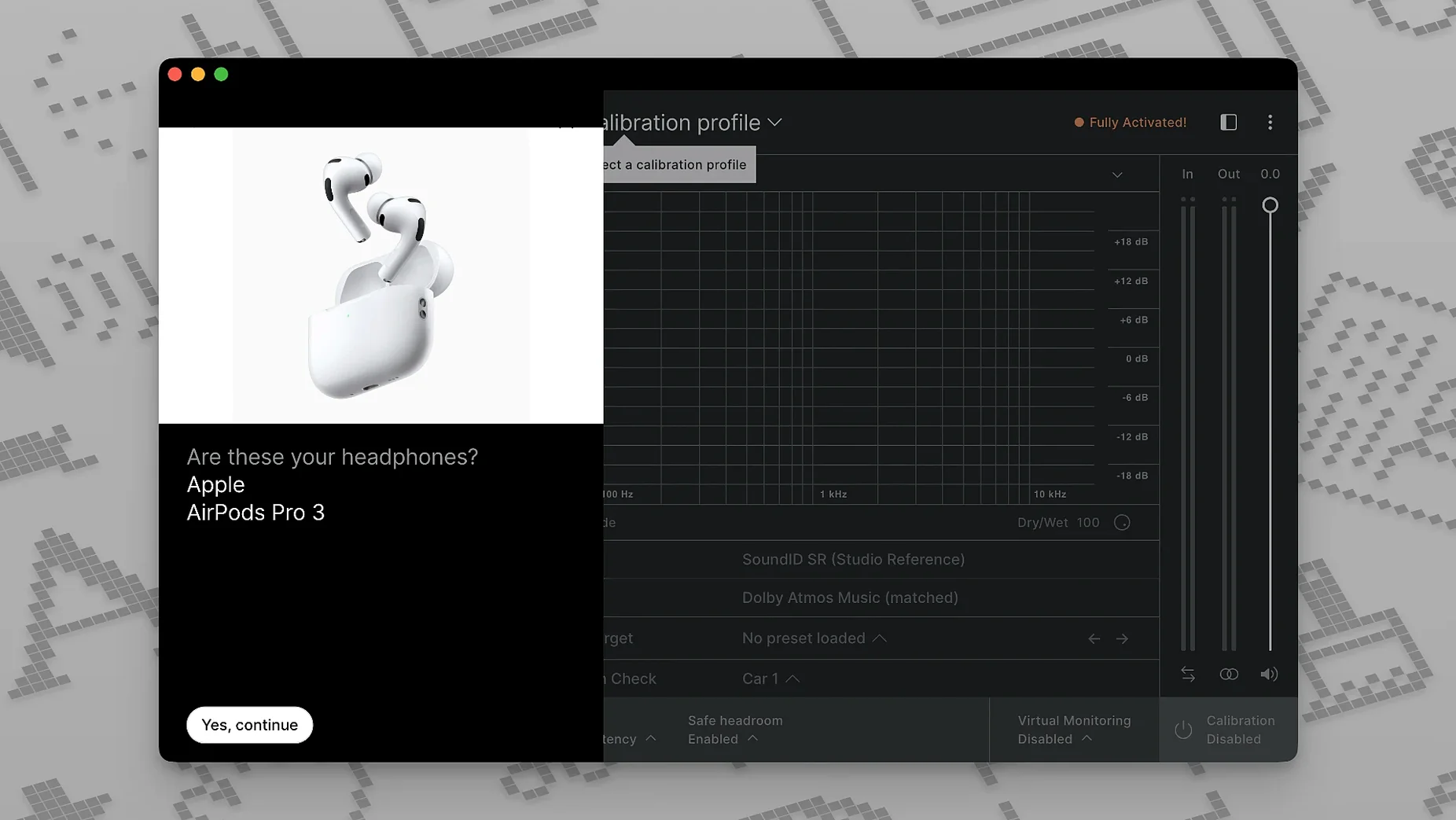
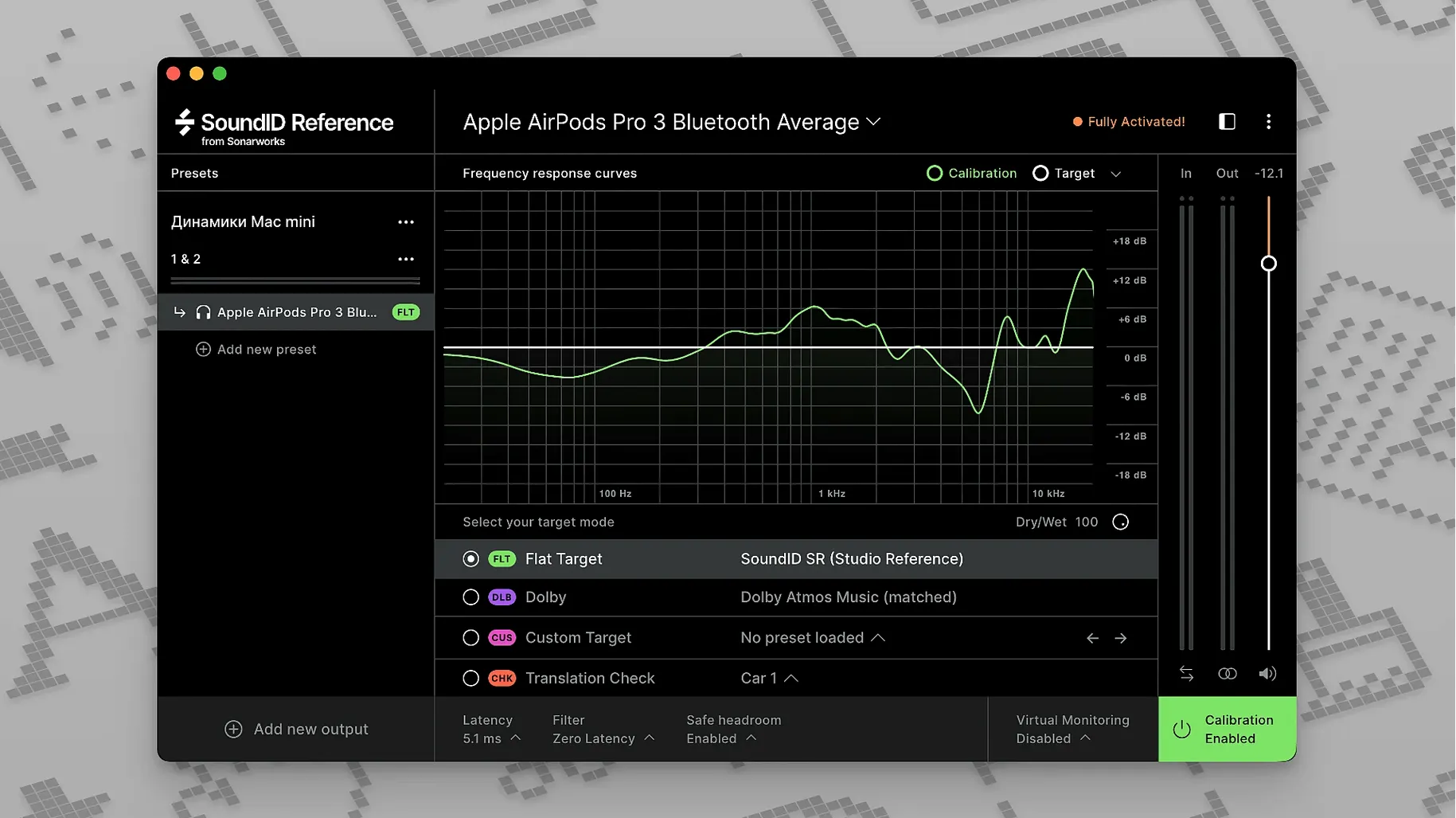
Click a screenshot to see it wider.
You know that moment when you think your mix is solid, then it sounds completely different on another system? SoundID Reference is the tool that fixes that disconnect. It calibrates studio speakers and headphones to deliver a flat, neutral response, compensating for your room's acoustics and your headphones' built-in coloration.
Mixing, mastering, and spatial audio up to 9.1.6
- Mixing and mastering engineers who need a reliable monitoring baseline across different headphones and speakers.
- Anyone working with surround or spatial audio — it supports multichannel calibration up to 9.1.6.
- Adjusting your target curve in real time with the custom target feature to match your preference or room.
VST3 plugin for macOS 11 or later
- Available as a VST3 plugin on Mac.
- Interface is in English only.
- Requires macOS 11 or later.
Real-time target curve adjustment in main app
The custom target curve adjustment is not buried in a menu. You pull it up directly inside the main app and tweak the curve while listening. That means you can compensate for a bright-sounding room without leaving the calibration window.
Sonarworks includes a translation check feature. It lets you quickly switch your calibrated profile on and off to hear what your mix sounds like on a standard, uncalibrated system. It is a straightforward A/B toggle that helps catch mix decisions that only work on your corrected setup.
If you work with hardware that can store calibration profiles, SoundID Reference can export them. That saves you from running the calibration process again when you swap gear.
Plugin not appearing? Check VST3 folder path
- Plugin does not appear in your DAW after installing. SoundID Reference uses VST3 format on Mac. Make sure your DAW is scanning the correct VST3 folder. If it uses a custom plugin path, point it to the Sonarworks installation directory.
- Calibration measurement does not start. Check that your microphone is selected as the input device in the app. If the mic is not detected, close the app, reconnect the mic, and reopen the app.
- Headphone profile does not sound flat. Verify that you have selected the correct headphone model from the list inside the app. Some models have multiple variations, so pick the exact one.
- Multichannel calibration does not apply to all channels. Ensure your audio interface is configured to send each channel to the correct output. The app relies on the system routing, not its own routing.
Disable system EQ and background noise before calibrating
- Forgetting to disable system-wide sound effects or EQ before calibrating. Any system processing will be baked into the measurement and give you a false baseline.
- Running the calibration with background noise. Fans, air conditioning, or talking will throw off the measurement. Wait for silence before hitting start.
- Not re-measuring after moving speakers or headphones. Even a small shift in speaker position or changing to a different pair of headphones invalidates the previous profile.
- Expecting SoundID Reference to fix a terrible room. It corrects frequency response, not reverb or flutter echo. Treat your room first, then calibrate.
- Skipping the custom target curve. Beginners often take the flat curve as gospel. That is a good starting point, but many mix engineers prefer a gentle slope or a slight bass boost. Try the custom target to see if it makes your mixes translate better on your specific gear.
Sonarworks SoundID Reference for Mac torrent corrects speaker and headphone frequency response for accurate monitoring. It is already prepped and tested for macOS 11 and later, works on both ARM and x86 Macs, and the k'ed version from appleater removes the activation hassle.
- macOS 11 or later
- Intel or Apple Silicon
- English interface
Questions I get about this line
Yes. Sonarworks states it supports multichannel calibration up to 9.1.6, covering surround and spatial audio formats.
The install order
- Open the downloaded disk image.
- Run the standard installation process.