- Home
- VST Plugins
- Sonible learn:bundle

Free download (638 MB) Previous versions
- Version
- 2.0.2
- Developer
- Sonible
- Languages
- English
- License type
- K'ed by MORiA
| macOS range | macOS 10.14 or later |
|---|---|
| Chip | Apple Silicon, Intel 64-bit |
| Download | 638 MB |
| Previous versions | 2 on file |
Screenshots
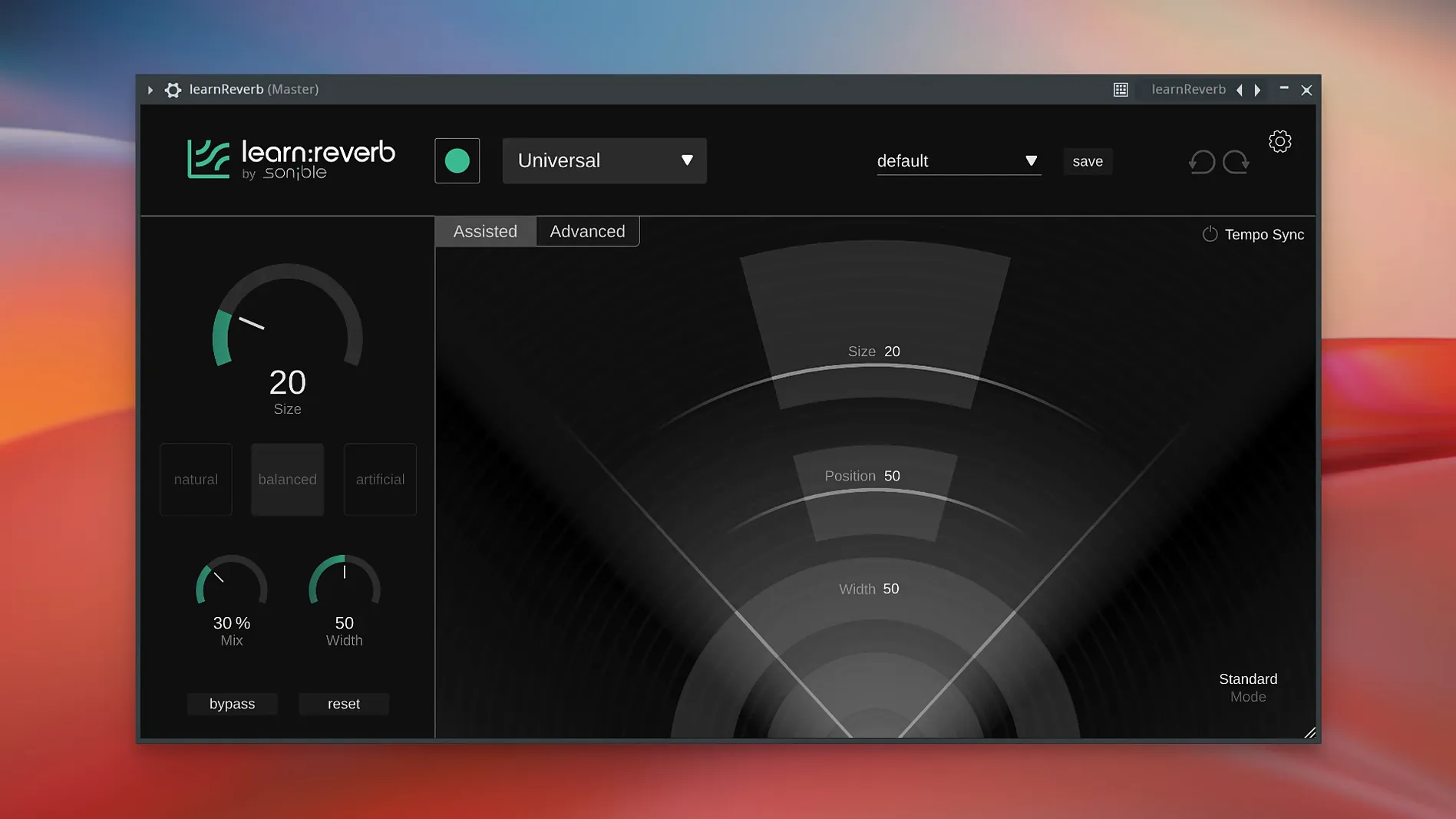
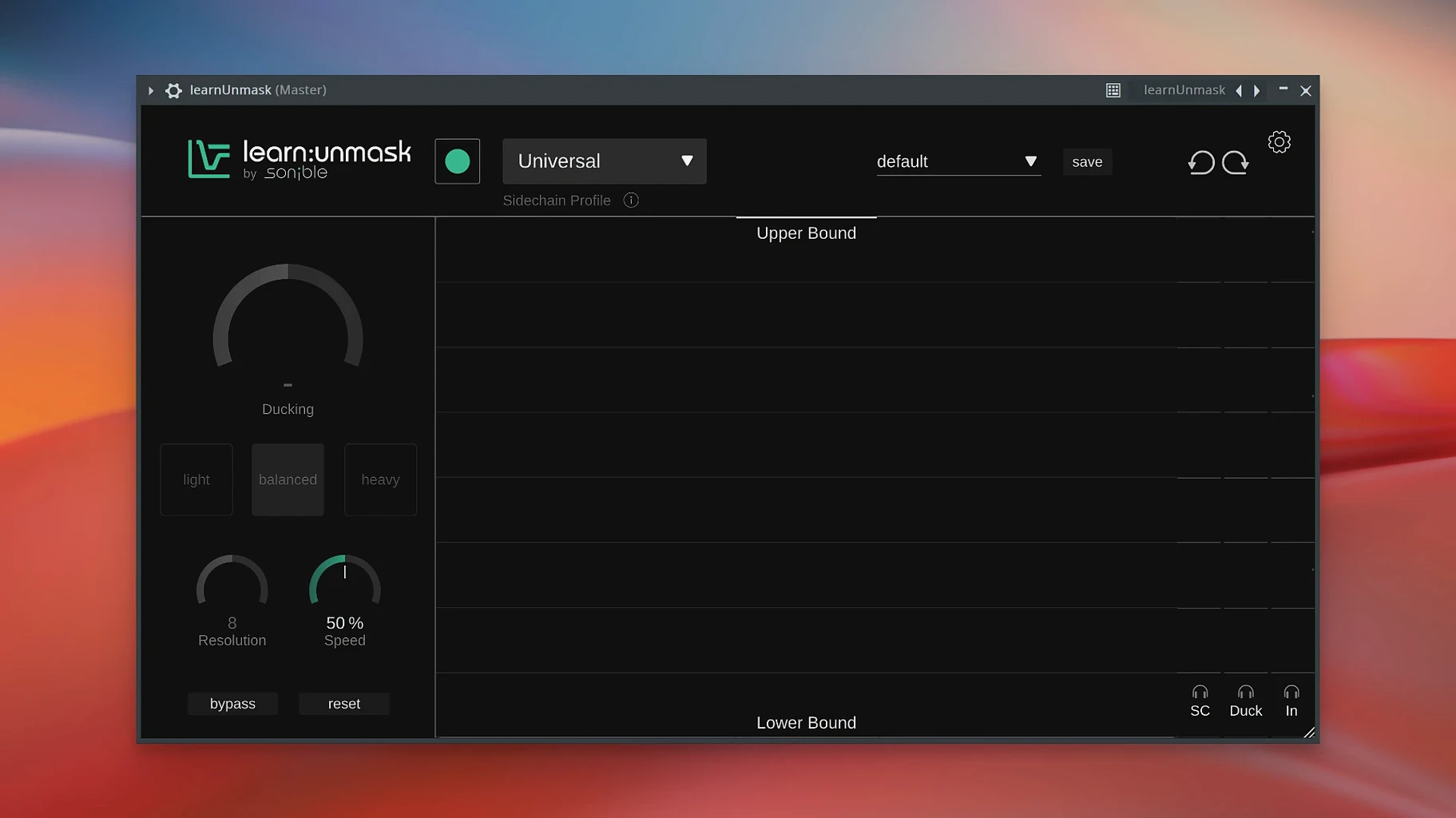
Click a screenshot to see it wider.
Sonible learn:bundle is a plugin collection that uses AI to help you mix faster, with five tools covering EQ, compression, limiting, reverb, and frequency unmasking.
Learn mixing by example from AI suggestions
- Learning mixing by example — each plugin suggests a starting point based on your audio.
- Cleaning up frequency conflicts with learn:unmask.
- Adding depth and space with learn:reverb.
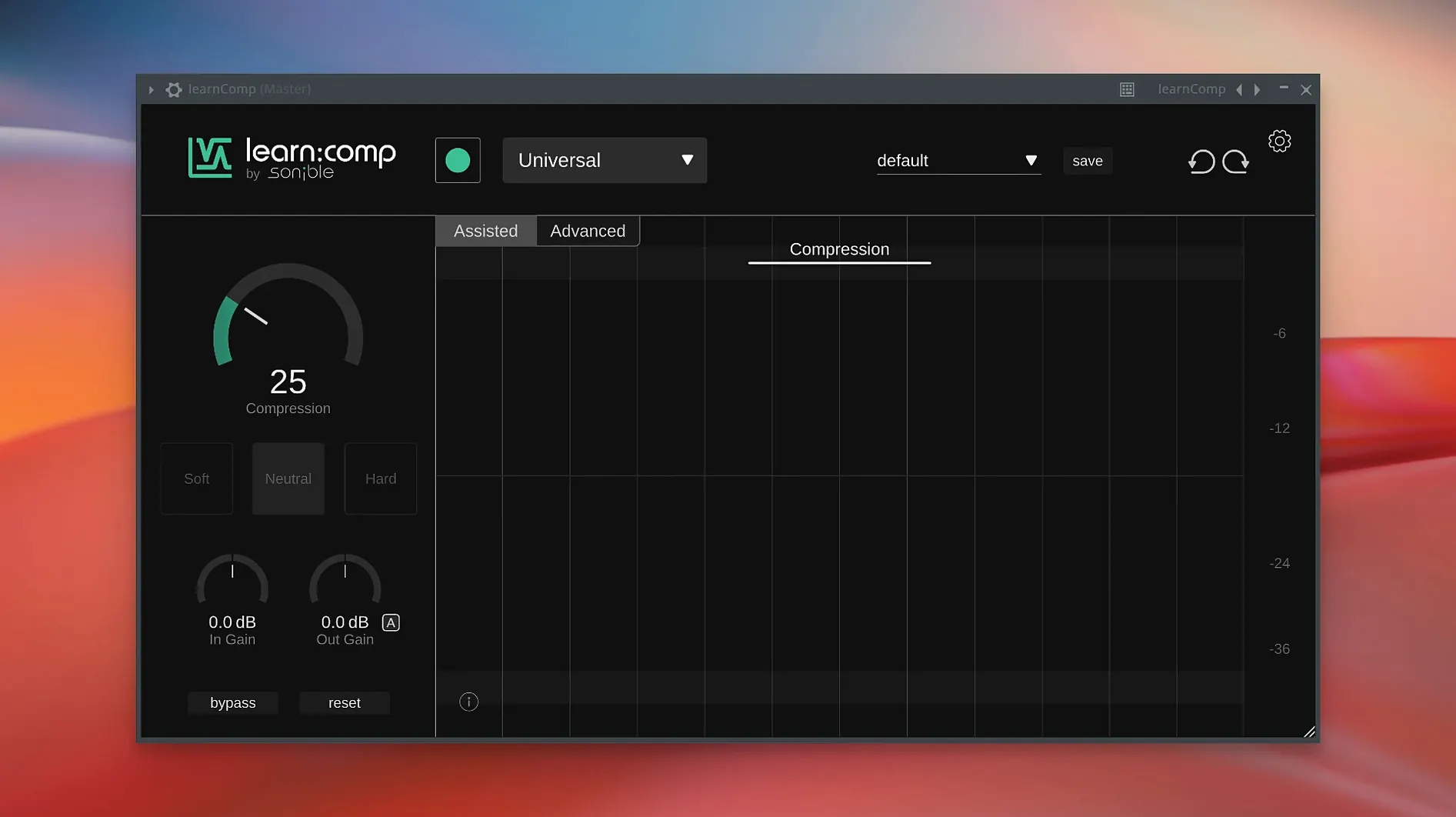
- Controlling dynamics with learn:comp.
- Digging deeper when needed — every plugin includes an Advanced View.
Runs on ARM and x86 from macOS 10.14
- Runs on both ARM and x86 64-bit Macs, from macOS 10.14 onward.
- Version 2.0.2 doesn't come with specific release notes, so the core feature set remains unchanged.
- Interface is in English.
Start with learn:EQ on a familiar track
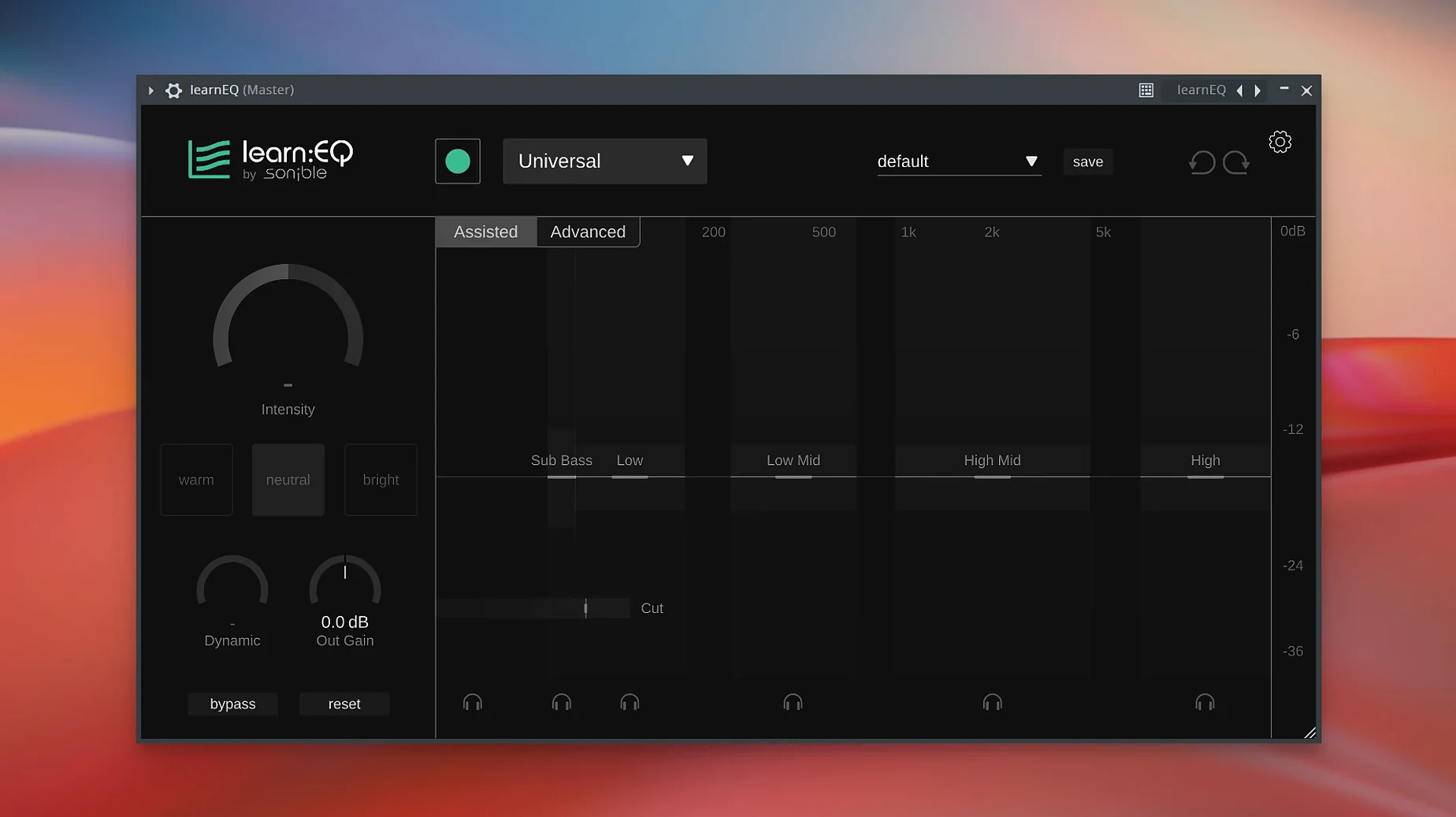
Start with one plugin, not all five. Load learn:EQ on a track you know well — a vocal or a snare. Let the AI suggest an EQ curve, then toggle between Assisted View and Advanced View to see what changed. You learn the plugin's logic without guessing.
Try learn:unmask next. Route two competing tracks (guitar and piano, for example) through separate instances. Adjust the sidechain detection until the conflict reduces. This is the fastest way to hear what the unmasking tool actually does.
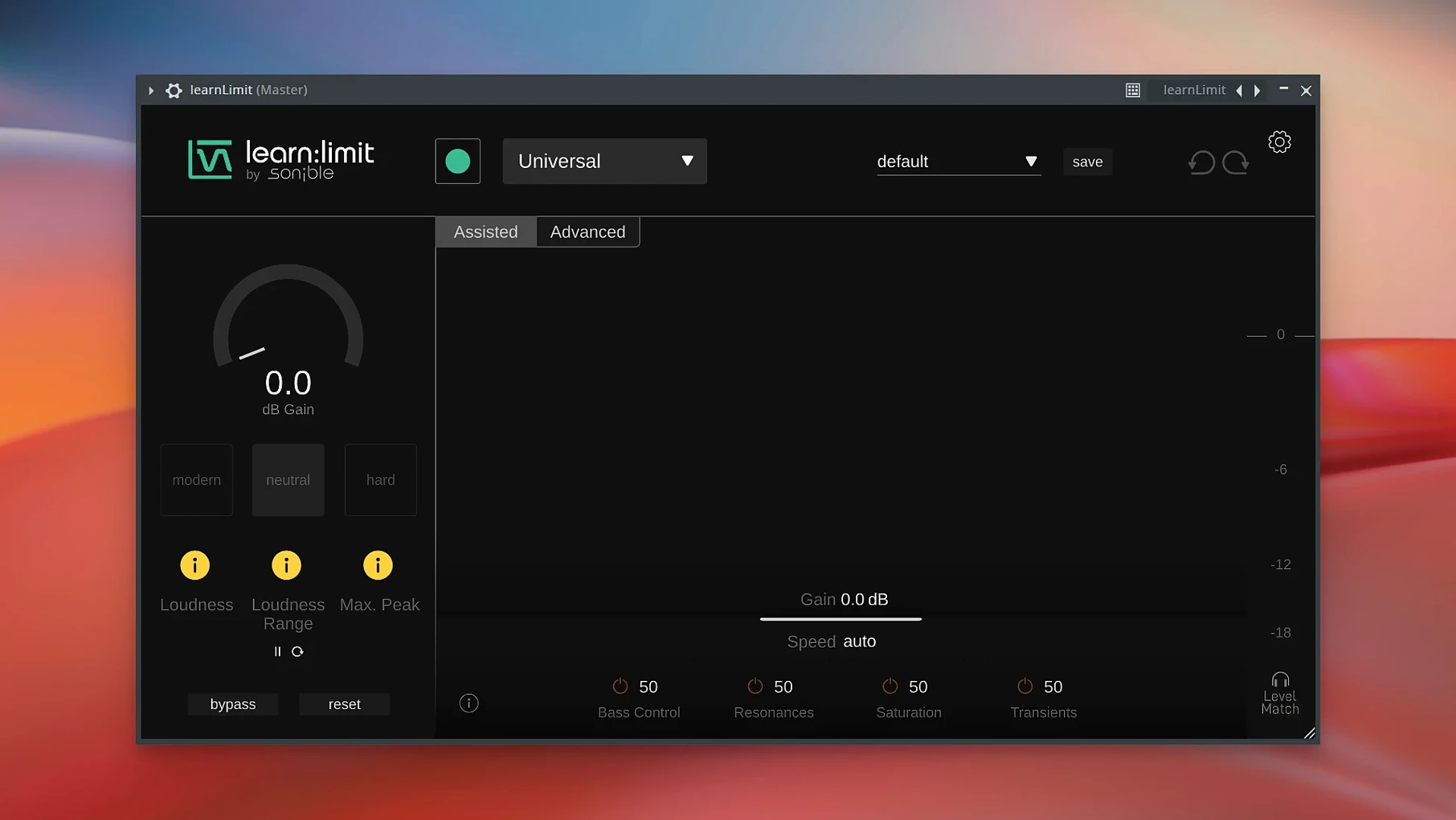
Save a session with the learn:limit on the master bus. The plugin sets a loudness target. Leave it in Assisted View for a quick mix reference, then switch to Advanced only if you want finer control over the ceiling or release.
Do not change every plugin to Advanced View at once. Stay in Assisted View for the first few sessions. The point is to hear the AI decisions first, then override them one at a time.
Scenario: a podcast editor
You edit a three-person interview recorded in one room. Each voice has a different distance to the mic. The guest on the left has too much low end; the host on the right sounds thin.
Insert learn:EQ on each track. The AI sets a clean frequency balance per voice in seconds. Add learn:comp on each to even out the level differences — no manual threshold hunting. Throw learn:unmask on the bus with the two guest mics. It pushes their overlapping low-mid content apart without you touching a single band.
The result: a balanced mix in under ten minutes, no plugin hopping. The sonible learnbundle for mac torrent provides five AI tools for balancing dialogue in audio projects.
First days with the bundle
Open a project you already mixed manually. Load learn:comp on a drum bus and let the AI set the attack and release. Compare the result to your original. You will hear where the plugin prioritizes punch versus sustain. This tells you more than reading a manual.
Use learn:reverb on a solo vocal. The AI analyzes the source and picks a reverb length and color. If the result is too wet, pull the mix knob in Advanced View. Do not tweak every parameter the first time.
Run learn:limit on a quiet mix. The AI adds gain and limiting to reach a competitive level. Bypass the plugin and check your original loudness against the processed version. The difference shows you how much headroom you had.
What a podcast editor does after installing
You finish the interview mix and send a rough draft to the host. They ask for the guest voices to sit further back in the stereo field. Load learn:reverb on the guest tracks. The AI sets a room size that matches their voice tone. Adjust the early reflections in Advanced View until the guest feels distant but not muddy. The mix stays clean because learn:comp is already handling the level jumps. You do not open a single EQ band.
The host approves the draft on the first listen. Sonible learn:bundle uses AI to analyze audio, helping music producers create balanced mixes faster.
- No version-specific release notes found for 2.0.2.
- macOS 10.14 or later
- Intel or Apple Silicon (ARM) Mac
- VST-compatible host
The install order
- Download the installer package.
- Run it and follow the prompts.
- Restart your DAW if needed, then scan for plugins.