Free download (16 MB) Previous versions
- Version
- 3.10 [MAS]
- Developer
- Apple
- Languages
- English, German, Spanish, Italian, Chinese (Traditional), Chinese (Simplified), Korean, Dutch, French, Japanese
- License type
- K'ed by TNT team
| macOS range | macOS 15.5 or later |
|---|---|
| Chip | Apple Silicon, Intel 64-bit |
| Download | 16 MB |
| Previous versions | 5 on file |
Screenshots
Scroll the row, it snaps to each screenshot. Click one to see it wider.
Running a lab, a design studio, or a set of dental clinic Macs means you need to push software, lock screens, or pull system reports without walking to every machine. Apple Remote Desktop handles that. It is the native remote administration tool for Mac, built for IT who manage more than a handful of computers.
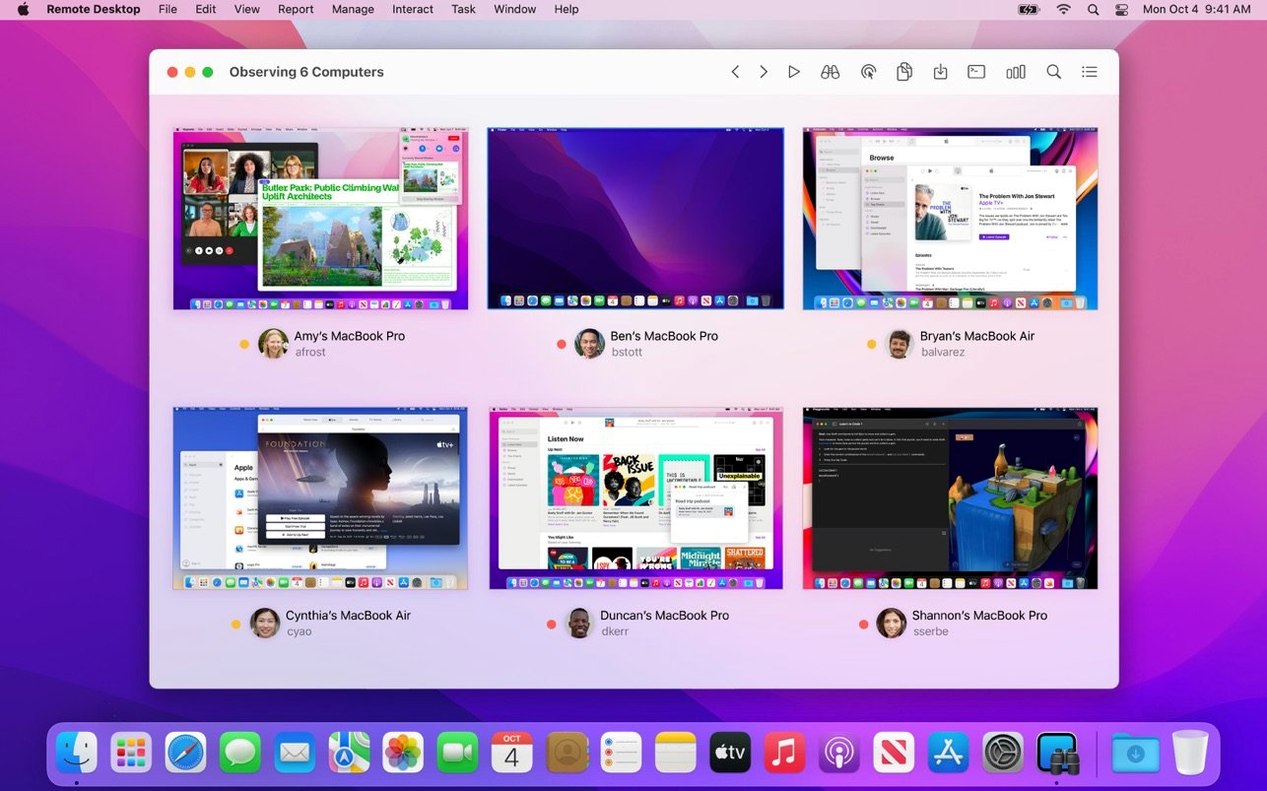
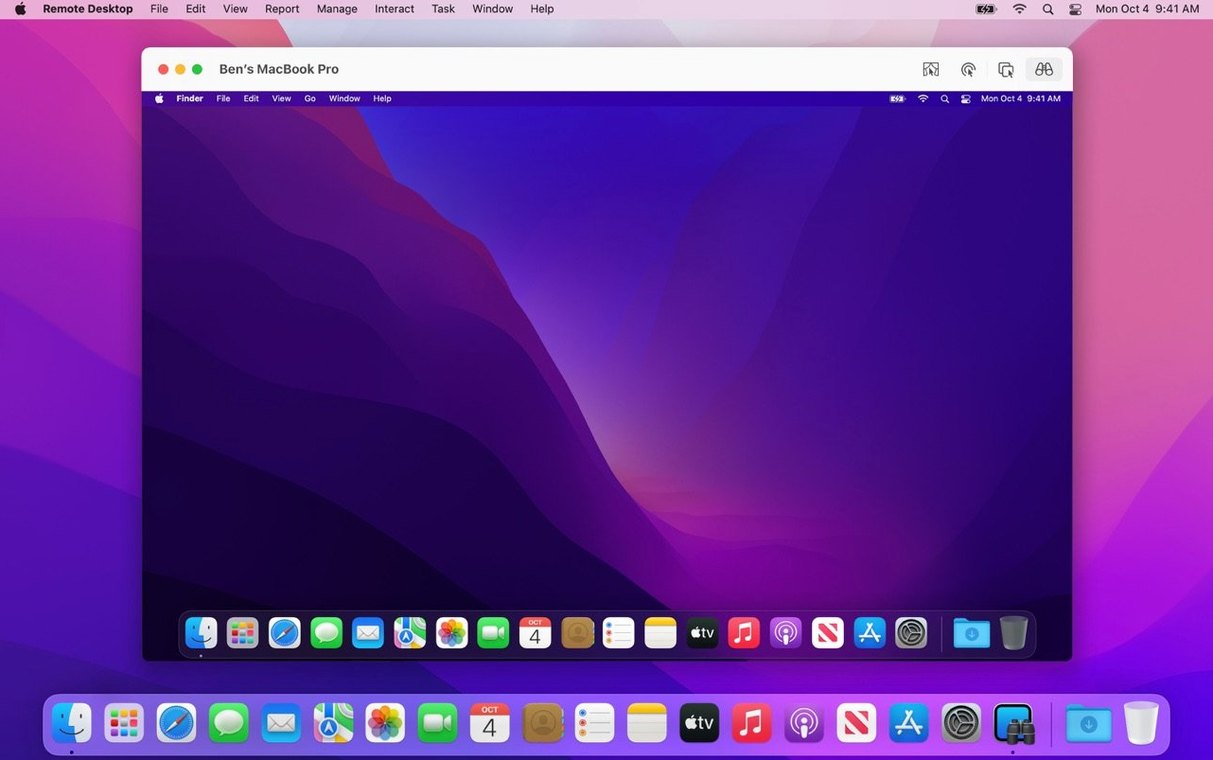
- Remote control and assistance – Observe or control a remote screen, send keystrokes, or let a user share their display for help. Works over VNC too, so you can manage Windows, Linux, or UNIX machines from the same console.
- Software distribution – Push packages or files to one Mac or a group. If a target is offline, you can schedule the install for when it reappears on the network. Transfers are encrypted.
- System reporting – Generate reports with over 200 hardware and software characteristics. Remote Spotlight search lets you find files on a distant Mac without connecting to its desktop.
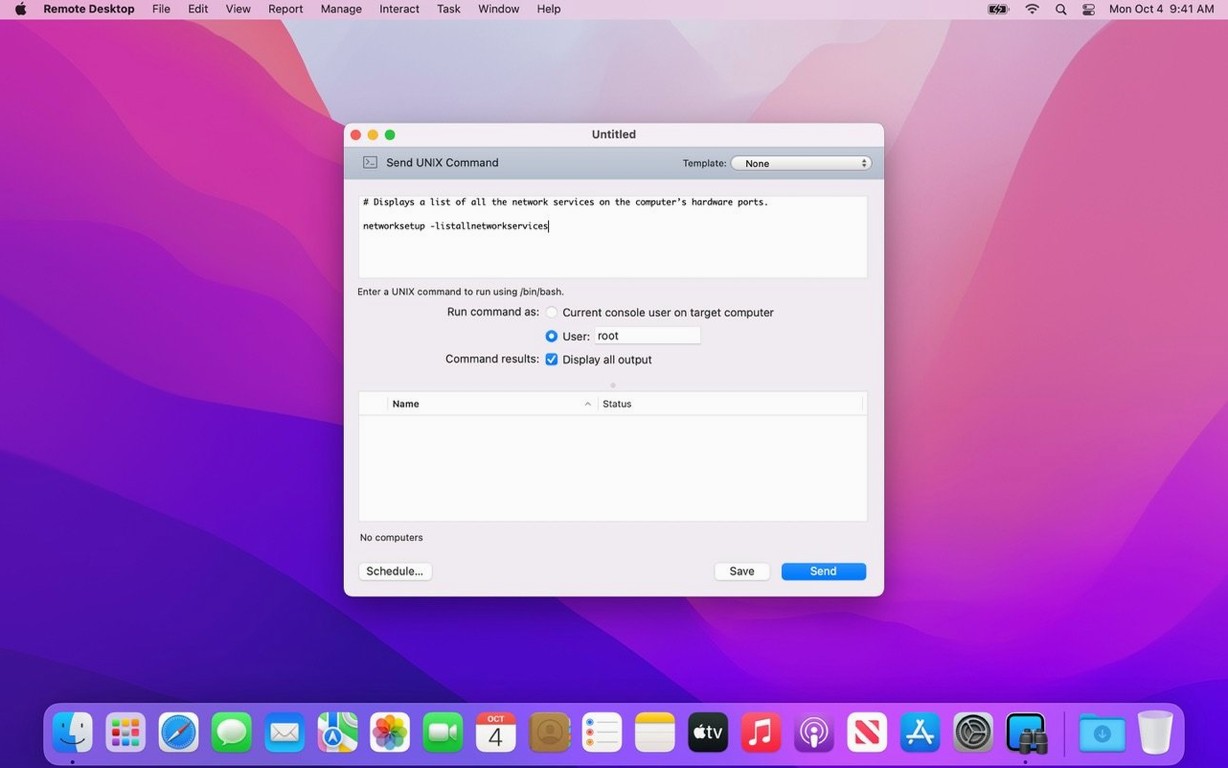
- Command execution – Run shell commands, lock screens, sleep, wake, restart, or shut down any managed computer. All actions can target a list or a single machine.
- File transfer – Drag and drop files between your Mac and a remote Mac. No extra setup, no staging server needed.
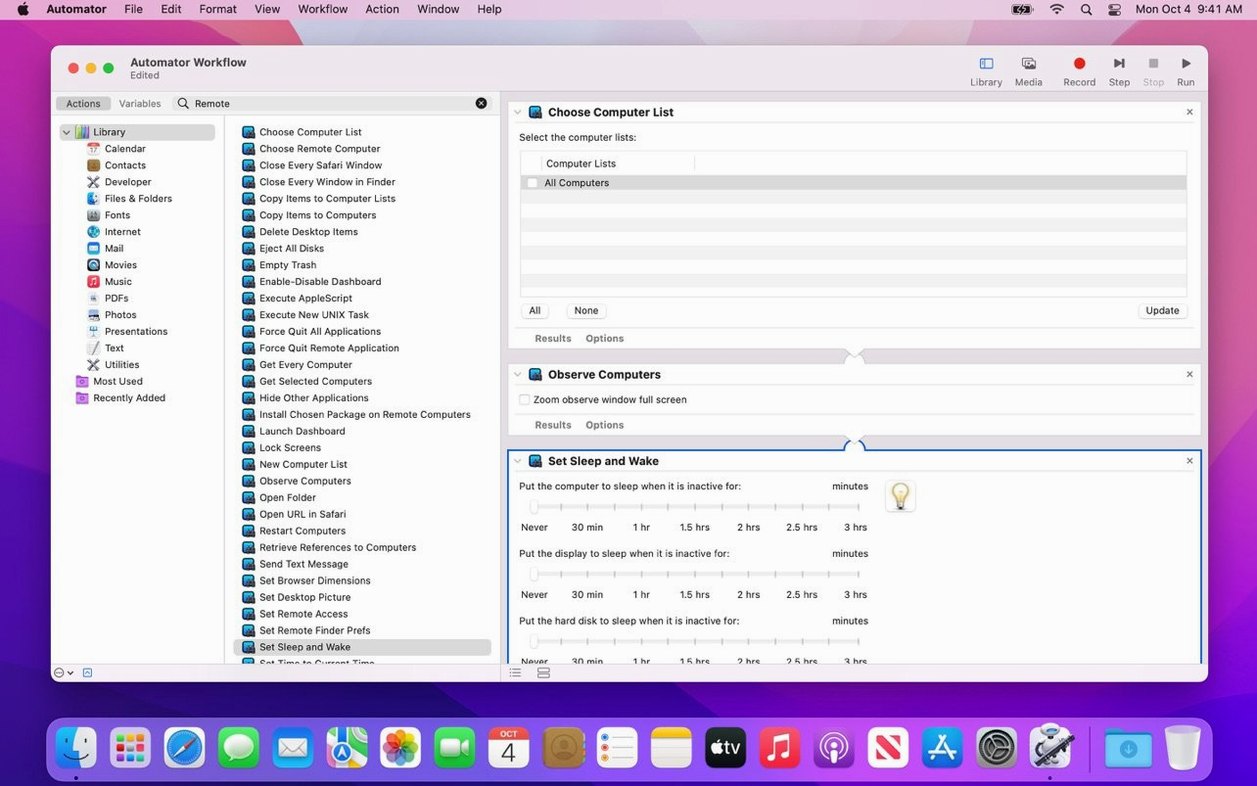
- Automation – Script repetitive tasks with AppleScript or Automator. The app exposes a full set of actions for unattended workflows.
Version 3.10 adds macOS Tahoe 26 compatibility, Accessibility and Remote Keyboard menu items on that OS, and VoiceOver support for remote Macs. It requires macOS 15.5 or later and runs on both Intel and Apple Silicon.
Here is how it compares with a few other approaches.
Remote Desktop by Microsoft. The built-in RDP client on Windows is a remote desktop tool, not a management suite. It handles screen sharing and file transfer, but it does not do software distribution, system reporting, or scheduled push installs. For a mixed environment with Windows targets, you would still need something else for inventory and patch deployment.
TeamViewer. This is the go-to for ad-hoc remote support, especially across the internet. It excels at one-off connections and cross-platform access, but it falls short on batch operations. You cannot push an app to twenty machines at once or run a report across your whole fleet from the same interface. It also depends on a third-party relay service, which can be a concern in air-gapped networks.
Apple Remote Desktop is closer to a lightweight enterprise management tool. It trades cloud convenience and broad platform support for deep macOS integration and local network control. If your fleet is all Mac on a managed LAN, it covers more ground than a simple remote viewer.
Details That Matter in Daily Use
Several features in the release do not jump out from the feature list but make a difference when you handle real tickets.
- Curtain Mode. When you take over a remote screen, you can blank the client display. The user cannot see what you are doing, which is useful during maintenance or sensitive configuration. It also avoids confusing the user with a second cursor moving on its own.
- Copy and paste between computers. This works in both directions without a separate clipboard sync tool. Pull a log snippet from the remote machine and paste it into a ticket on your admin Mac, or push a license key without saving it to a file first.
- VNC management. The same console handles Windows, Linux, and UNIX machines if they run a VNC server. You do not need a second remote tool for the few non-Mac servers in the closet.
- Remote Spotlight search. Looking for a specific config file or log on a distant Mac? You can search its drive without taking over the desktop. That saves time when you only need to verify something exists.
Scenario: The After-Hours Software Rollout
A support tech at a chain of dental clinics needs to update the imaging software on twelve operator workstations. The clinics are closed now, but two of the Macs went to sleep before the maintenance window started.
From the admin Mac, the tech selects the group of target computers and starts the package deployment. Apple Remote Desktop copies the encrypted installer to each machine. For the two offline units, the tech schedules the installation for first boot tomorrow morning. A brief check the next day confirms all twelve workstations are on the correct version. No site visit, no USB stick, no staged rollout across multiple nights.
- Adds macOS Tahoe 26 compatibility.
- Adds Accessibility and Remote Keyboard menu and toolbar items on macOS Tahoe 26 or later.
- Adds VoiceOver support for remote Mac on macOS Tahoe 26 or later.
- Includes bug fixes and performance improvements.
- macOS 15.5 or later
- Intel or Apple Silicon
Questions I get about this line
Yes. It supports VNC, so you can manage Windows, Linux, and UNIX systems from the same remote desktop console.
The install order
- Mount the disk image and run Open Gatekeeper friendly.
- Press Enter in Terminal to bypass Gatekeeper.
- Drag the app to the Applications folder.
- Launch the app.