Free download (5.1 GB) Previous versions
- Version
- 29.2.1
- Developer
- GRAPHISOFT
- Languages
- Russian, English
- License type
- Included
| macOS range | macOS 14 or later |
|---|---|
| Chip | Apple Silicon, Intel 64-bit |
| Download | 5.1 GB |
| Previous versions | 54 on file |
Screenshots
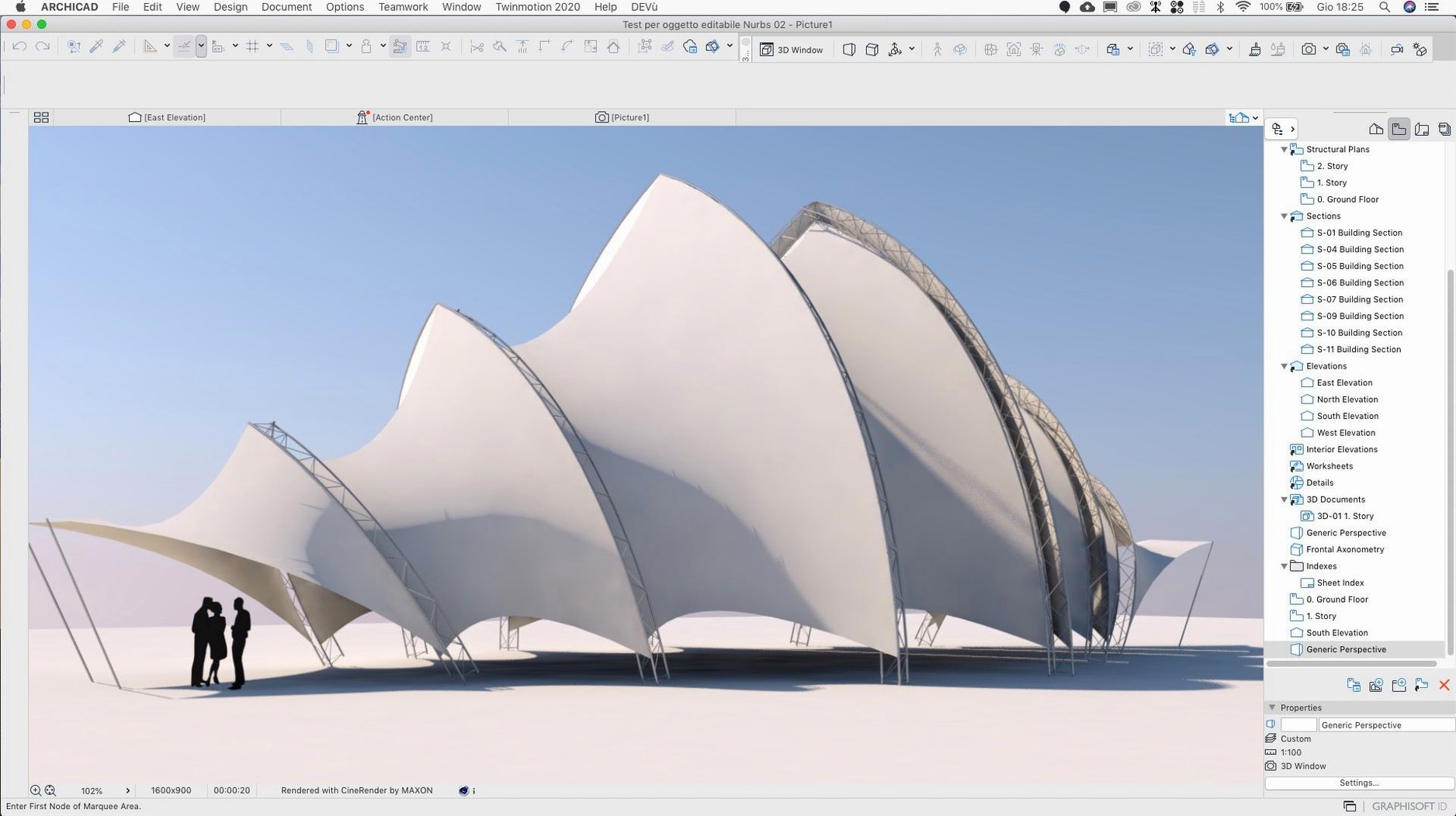
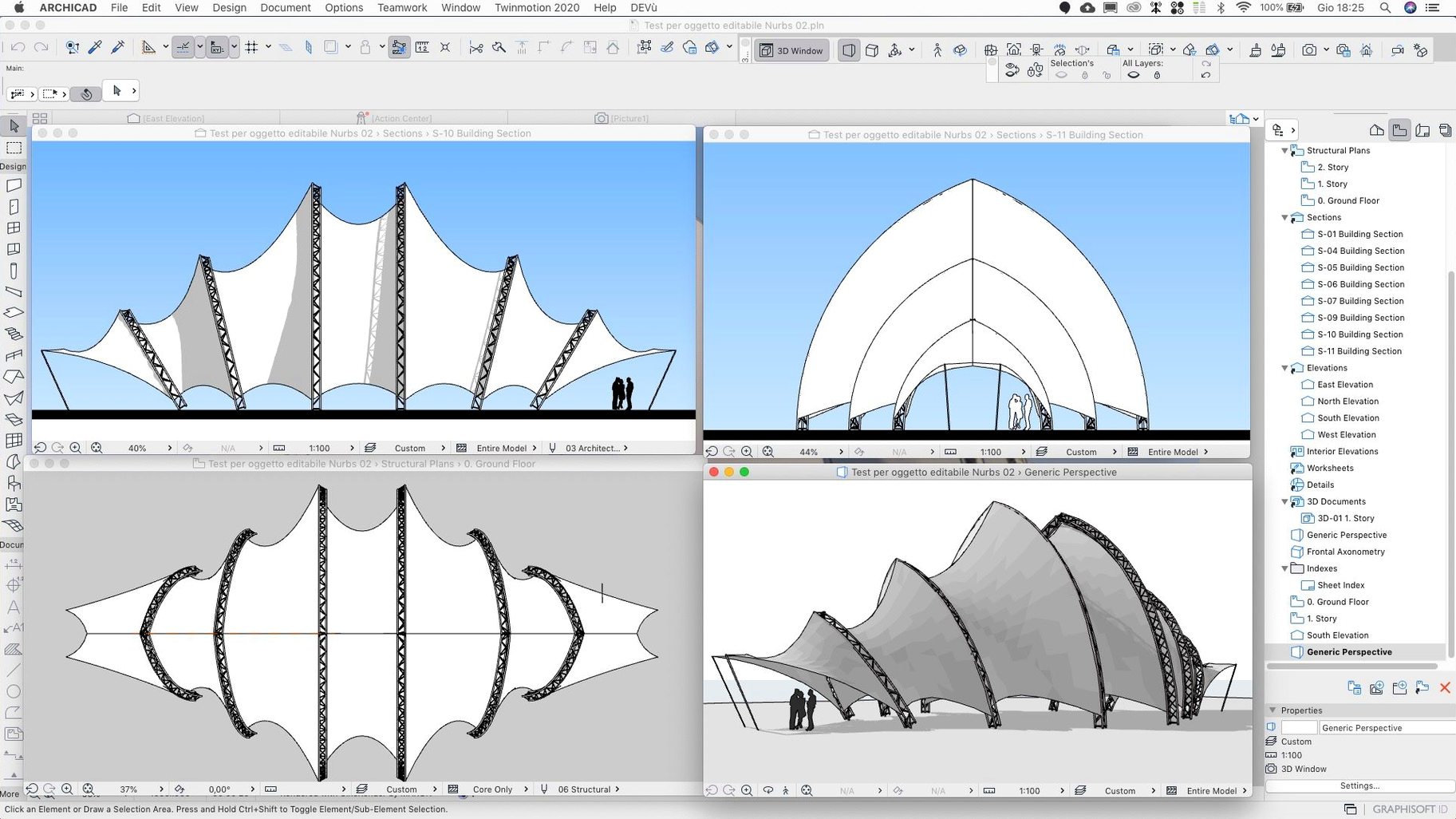
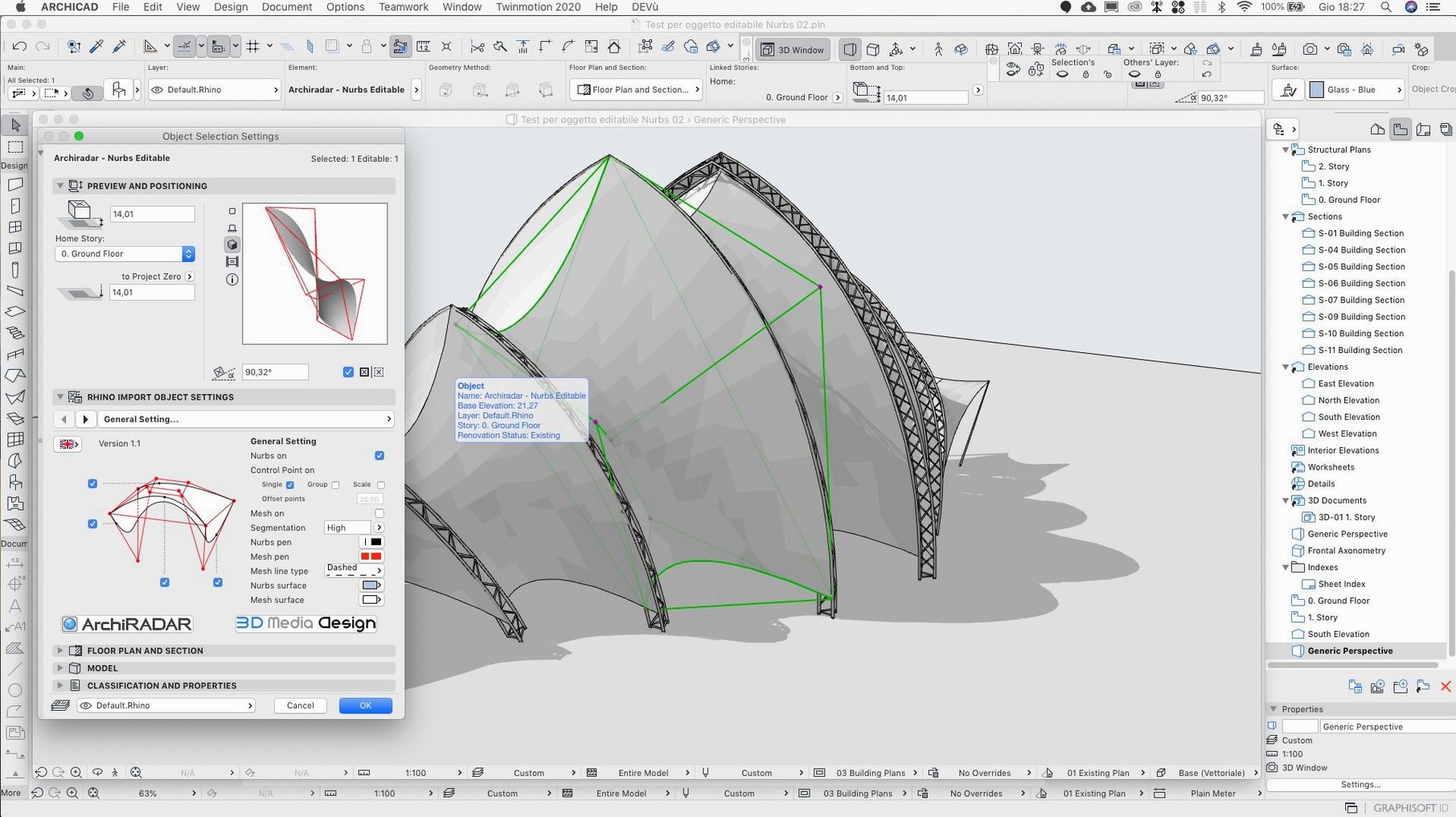
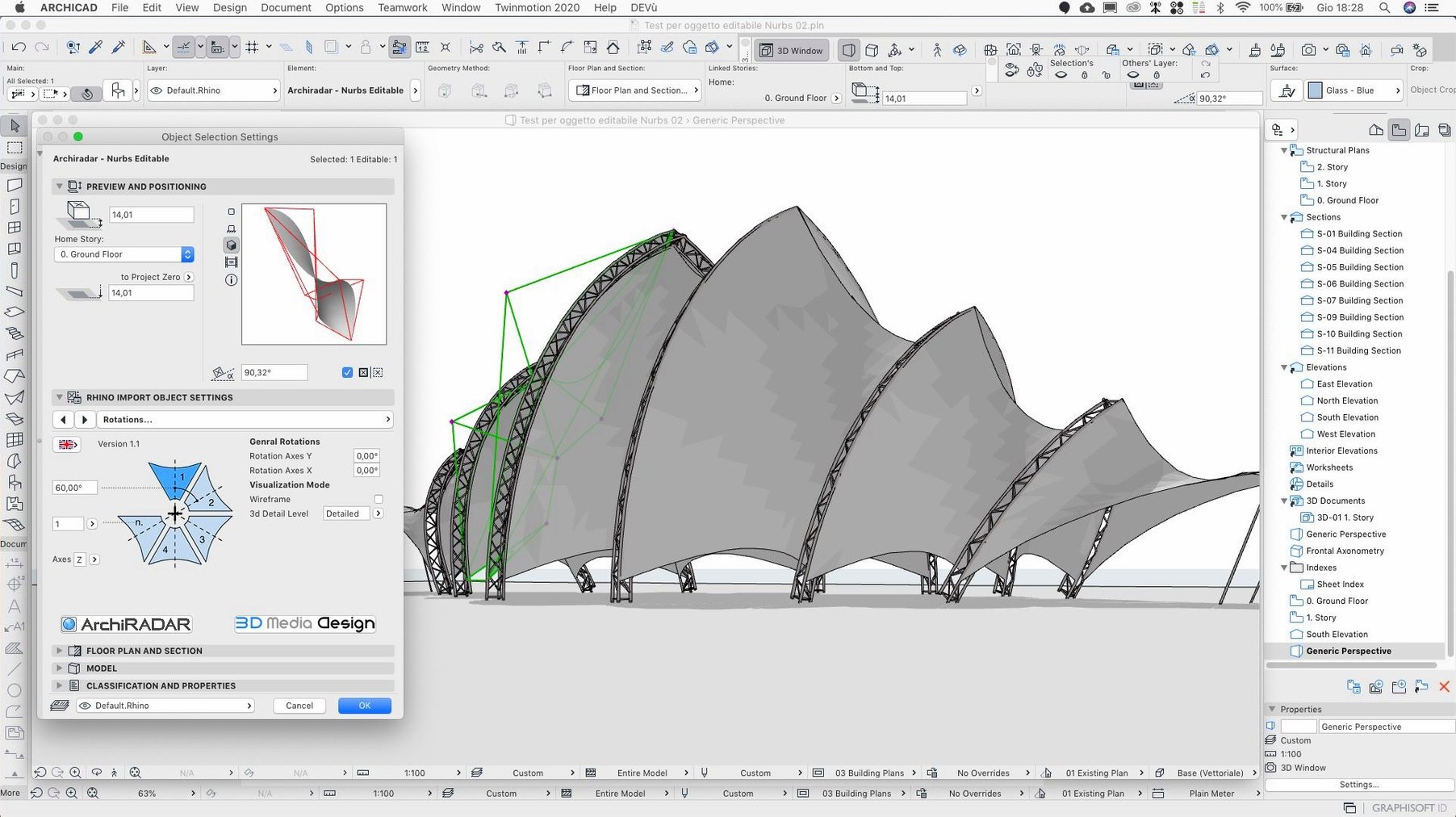
Scroll the row, it snaps to each screenshot. Click one to see it wider.
ArchiCAD is a BIM and architectural modeling application for Mac, letting you design, document, and collaborate on 3D building projects.
BIM (Building Information Modeling) — A modeling approach that combines geometry and data, so changes update across plans, sections, and schedules.
GDL (Geometric Description Language) — A scripting language used to create parametric objects, from doors to complex custom elements.
3D Architectural Design — Model buildings in a virtual environment, then generate construction documents from the model.
BIM Components Portal — An integrated web portal for exchanging third-party BIM components directly within the app.
Version 29.2.1 is a hotfix that corrects several issues, including input in the Rotate command, a crash when scrolling Attributes, and incorrect zone wall surface values.
Intel and Apple Silicon support confirmed
Can I run this on an Intel Mac with macOS 14?
Yes. The download package includes both ARM (Apple Silicon) and x86 (64-bit Intel) builds. Install the architecture that matches your hardware. The minimum OS is macOS 14, so older systems like macOS 13 or macOS 12 won't work.
Do I need to install the main version before the update?
Correct. Version 29.2.1 is a hotfix update, not a standalone installer. You must have the full ArchiCAD 29 main version on your machine before applying this update. Without the base install, the update package will not proceed.
Can I switch the interface language after installing?
The package ships with Russian and English. If you need a different language, open Graphisoft Downloads, pick the version, architecture, and language you want, then download and install separately. Registration is only required for the initial download, not for updates.
Will my existing projects and BIM components work with 29.2.1?
Yes. The hotfix addresses specific bugs without changing project file format or GDL compatibility. Projects created in earlier ArchiCAD 29 builds open normally. The BIM Components Portal and object dialog work as before.
What if I work with a team on BIMcloud?
This update specifically improves Send and Receive performance on BIMcloud SaaS. The Share dialog no longer selects the wrong host server for the current folder. If you collaborate remotely, the hotfix is worth applying.
Rotate command input now works correctly
Version 29.2.1 is a targeted hotfix, so most of the changes are behind-the-scenes corrections. Here is what shifts in daily work:
- Rotate command input — Values entered in the Rotate command are now interpreted correctly. If you had to double-check rotation angles after entering them, that step is no longer necessary.
- Teamwork Send and Receive on BIMcloud SaaS — The operation no longer takes inconsistently long to complete. Teamwork sessions feel more predictable, especially when multiple users are syncing changes.
- Share dialog host server — The dialog now selects the correct host server for the current folder. No more accidentally sending changes to the wrong server or having to manually correct the selection.
- Zone wall surface values — Zone Stamps and schedules report correct wall surface area values after zone geometry changes. Quantity takeoffs and area calculations are reliable again.
- Migrated project dimensions — Projects migrated from earlier ArchiCAD versions no longer contain shifted dimensions with incorrect values. Existing dimension data stays where it was placed.
- Attributes scrolling crash — Scrolling through the Attributes list no longer causes a crash. That freeze when browsing layers, line types, or fills is gone.
None of these changes alter how you model, draw, or set up views. They remove friction points that interrupted work mid-task.
BIMcloud lag gone in morning session
Morning session, mid-size residential project. I open the project file from BIMcloud — the Teamwork Send and Receive runs through without the lag we saw in the previous build. The hotfix makes a difference right there.
First task: adjust the floor plan on level two. A wall needs to rotate 90 degrees to match the revised structural grid. I select the wall, open the Rotate command, and type the angle directly. Earlier, I would have to re-enter the value twice because the command read the input wrong. Not anymore. One entry, one rotation, done.
Next, verify the zone surfaces for a ground-floor apartment. The client flagged a discrepancy in the schedule. I check the Zone Stamp — the wall surface area matches my manual calculation. The hotfix addressed the geometry-change issue, so the stamp updates correctly after any zone edits. No need to regenerate or recalculate.
Mid-morning, I need to place a custom window from the BIM Components Portal. I open the object dialog, find the search field, and download the component directly. The integrated portal works as expected — no separate browser, no file import step.
After lunch, we receive an updated consultant model. The migration includes dimension annotations from an earlier ArchiCAD version. I open the received file, check a few sections — dimension values are correct. No shifted lines, no incorrect values. The migrated project fix holds.
Late afternoon, I browse the Attributes list to check layer assignments. I scroll through layers, fills, and pens without a hitch. The crash that could hit during this step is gone. I assign a new layer to a set of walls, update the drawing, and send the changes back to BIMcloud. The Share dialog picks the correct server — no manual override needed.
End of session. The hotfix version doesn't add new tools, but it removes the small irritations that break flow. That is what 29.2.1 is for.
- Fixes a remaining input issue in the Rotate command.
- Improves Teamwork Send and Receive on BIMcloud SaaS.
- Fixes a crash when scrolling through Attributes.
- macOS 14
- Intel or Apple Silicon
The install order
- Read the install instructions included with the package.
- Install the main version of ArchiCAD first.
- Then install the update. The update requires the main version to be present.
- For additional languages, open Graphisoft Downloads, pick the product version, architecture, and language, then sign in or register if prompted.
- Registration is not required for updates.