Free download (522 MB) Previous versions
- Version
- 4.7.2
- Developer
- Autodesk
- Languages
- English
- License type
- K'ed by Monter Group
| Chip | Apple Silicon, Intel 64-bit |
|---|---|
| Download | 522 MB |
| Previous versions | 1 on file |
Screenshots


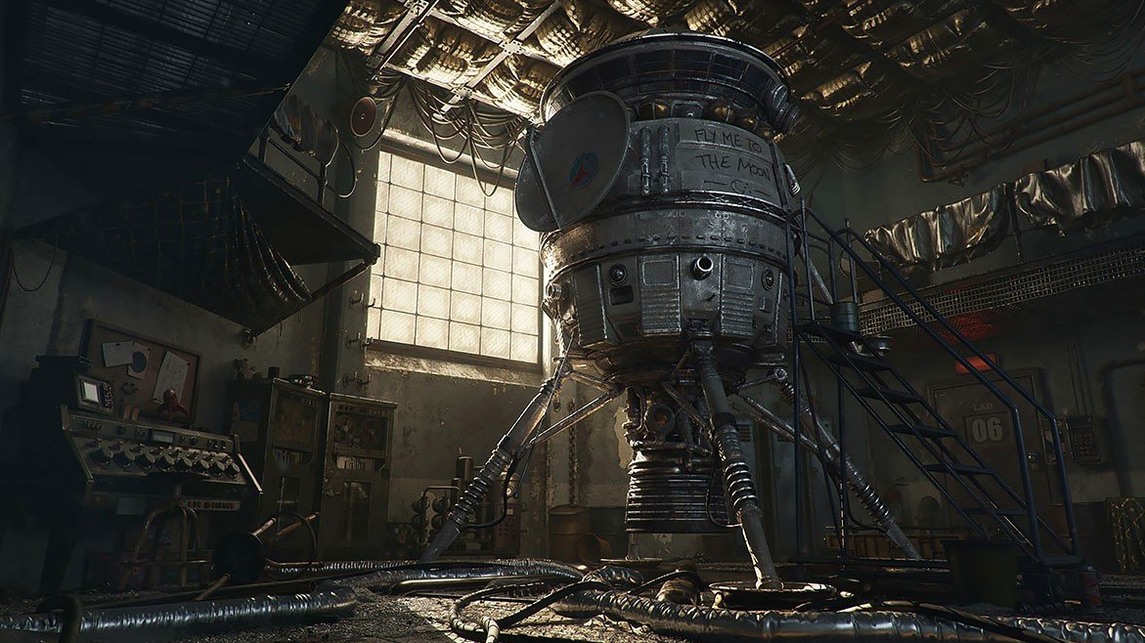

Click a screenshot to see it wider.
Arnold for Cinema 4D is a rendering plugin that brings Autodesk's Arnold renderer into Cinema 4D.
Arnold for Cinema 4D 4.7.2 — a plugin that extends Cinema 4D with Arnold's production-grade rendering tools, distributed as a Mac installer.
Adaptive sampling — automatically focuses render samples where needed, cutting noise without manual tweaking.
Light manager — central panel to adjust all lights in a scene, including intensity and color, without hunting through the object list.
Advanced AOV support — outputs separate passes like depth, normal, and beauty for compositing.
Arnold Shading Network editor — node-based workspace for writing custom shaders, plus support for custom cameras, light filters, and output drivers.
Particle support — works with Thinking Particles, XParticles, and Turbulence for motion graphics renders.
Wrong Scene Scale Breaks Ray Tracing
New users often try to run Arnold with the wrong scene scale. If your Cinema 4D scene uses very large or very small units, Monte Carlo ray tracing can behave unexpectedly. Set your scene to real-world scale before you start.
Another one: ignoring the light manager. Beginners adjust lights one by one in the object panel, then wonder why the render looks uneven. The light manager in Arnold gives you a single view of every light source. Use it from the start.
People also forget to check the plugin menu after installation. Arnold for Cinema 4D adds its own menu item in Cinema 4D's main menu bar. If you don't see it, the installer may have missed the custom install path. Re-run the installer and point it to your actual Cinema 4D folder.
Finally, beginners tend to crank render quality to max and walk away. Adaptive sampling does the balancing for you. Let it work before you override it manually.
Plugin Works Inside Cinema 4D's Toolbar
Arnold for Cinema 4D works as a standard plugin inside Cinema 4D. You do not launch it separately. When you install it, the plugin menu appears in Cinema 4D's toolbar, and the render engine handles output from inside the scene workflow.
On macOS, the installer uses the default Cinema 4D application folder. If you keep Cinema 4D in a custom location, the installer prompts you for the path. It is a standard macOS disk-image installation — mount, run, done.
The plugin supports Thinking Particles, XParticles, and Turbulence, so motion graphics workflows that rely on particle systems stay intact. You can build particle effects in Cinema 4D and hand them to Arnold for rendering without converting or rebuilding.
For compositing pipelines, the Advanced AOV support outputs depth, normal, and beauty passes directly. Those files work in After Effects or Fusion without extra render steps. The Arnold render engine handles CPU and GPU rendering, so you can pick your hardware based on the scene size and deadline.
- macOS 10.13 or later
- Intel or Apple Silicon Mac
- Cinema 4D installed
Questions I get about this line
Yes, it supports Thinking Particles, XParticles, and Turbulence, so you can render particle-based effects directly.
The install order
- Mount the downloaded disk image.
- Run the standard installer and follow the prompts.