Free download (1.1 GB) Previous versions
- Version
- 2026.3
- Developer
- JetBrains
- Languages
- English
- License type
- Included
| macOS range | macOS 11 or later |
|---|---|
| Chip | Apple Silicon, Intel 64-bit |
| Download | 1.1 GB |
| Previous versions | 2 on file |
Screenshots
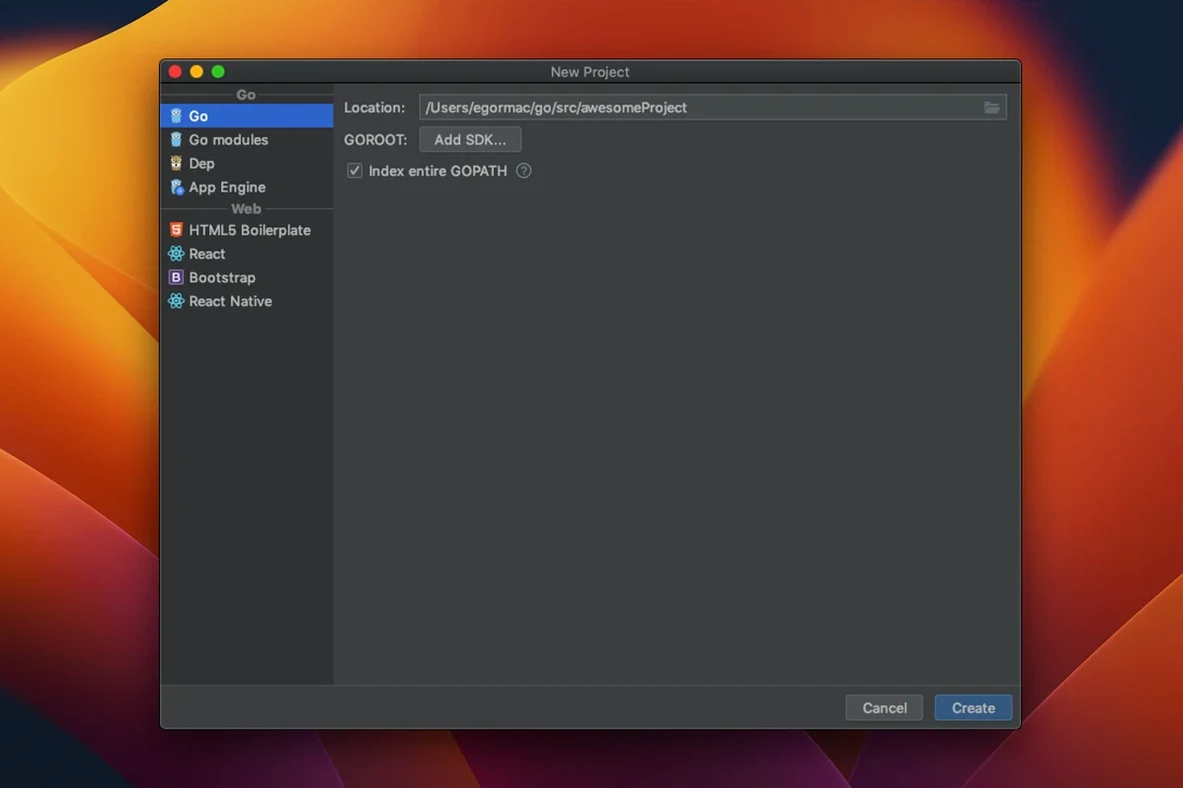
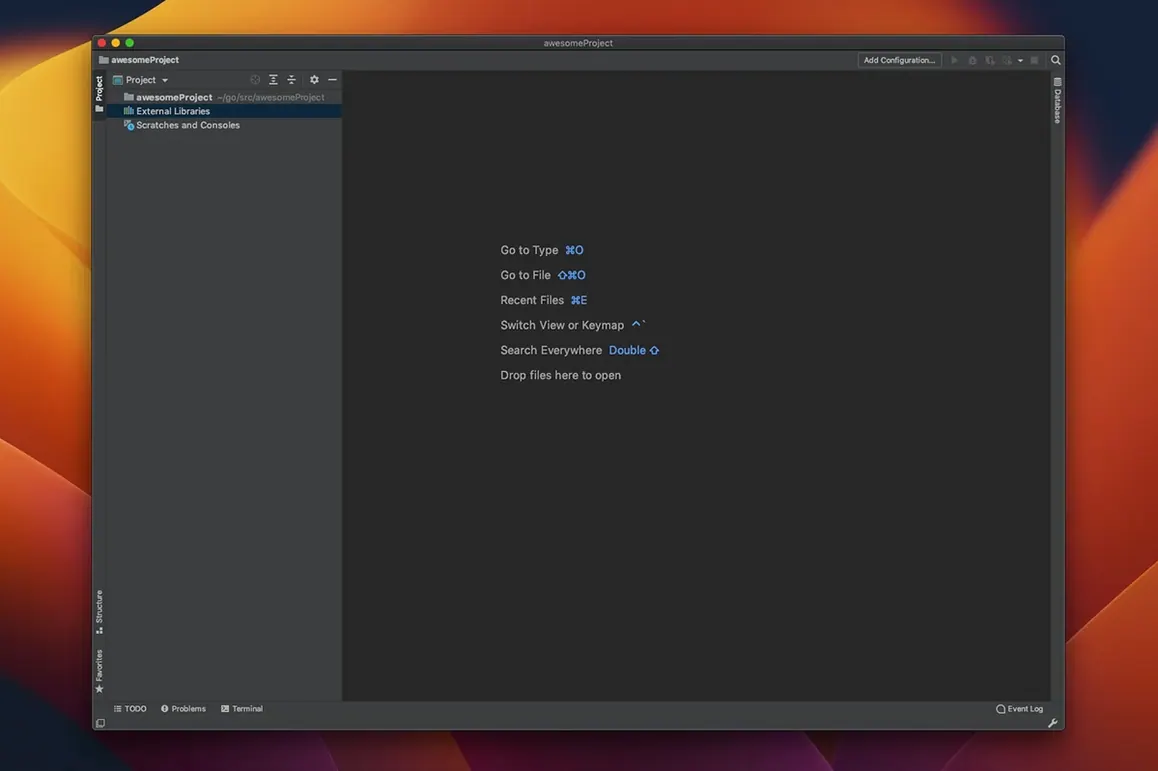
Click a screenshot to see it wider.
GoLand 2026.2.3 brings a handful of quality-of-life improvements for Go developers. The new Join string literals intention merges adjacent strings in one action, and a quickfix for struct field alignment saves time when Go vet complains. Compiler escape analysis results now show inline, so you can see which variables escape to the heap without leaving the editor. The release also adds support for Go 1.26’s experimental goroutine leak profiler.
What GoLand Does
GoLand is JetBrains’ cross-platform IDE for Go development. It runs on macOS, Windows, and Linux, with separate installers for Intel and Apple Silicon Macs. The editor includes smart code completion, built-in documentation, and instant navigation to overridden methods, implementations, and declarations. You can run tests and analyze code coverage directly from the IDE. Git, GitHub, and Mercurial support is built in, and over 1,000 plugins extend the toolchain when you need more.
For Daily Go Developers Who Want Full-Featured IDE
If you write Go daily, GoLand handles the plumbing. It suits developers who want a full-featured IDE rather than a minimal editor. The bundled JetBrains Runtime means you don’t need a separate JDK for the IDE itself. The 2026.2.3 release is a solid pick for teams that value code insight and integrated tooling. Download the right build for your Mac’s chip and get back to coding.
Primary Language Devs Managing Monorepos
GoLand fits developers who work with Go as their primary language and prefer a rich editor over assembling plugins. If you manage monorepos or multi-module projects, the IDE’s navigation and refactoring tools keep you from jumping between terminal windows. Teams that enforce code style and linting benefit from the on-the-fly error detection and automated fixes—fewer review cycles spent on formatting.
Mac users switching between Intel and Apple Silicon machines will appreciate the separate builds. The Intel build runs on older hardware, while the Apple Silicon build uses the M-series efficiency. Both share the same feature set, so project files move between machines without issue. Developers who also dabble in JavaScript, TypeScript, or SQL can stay in one window—GoLand handles those languages and connects to databases, Docker, and Kubernetes containers through built-in tool windows.
Join String Literals and Struct Field Alignment Quickfix
The Join string literals intention is a small time-saver. When you see "prefix" + "suffix", one action merges them into "prefixsuffix". The struct field alignment quickfix works the same way: run Go vet, see an alignment warning, and apply the fix from the editor without editing struct tags by hand.
Inline escape analysis is the update with the most practical impact. Before this release, you had to run go build -gcflags=-m to see which allocations escape to the heap. Now the same information appears inline in the editor. It helps spot performance issues while you write, not after a profiling session. The Go 1.26 goroutine leak profiler is experimental, but it’s already useful for identifying goroutines that never finish—a common source of memory growth in long-running services.
For those who want to try the latest features, download goland for mac from the JetBrains installer page, selecting the build that matches your Mac’s architecture. The bundled JetBrains Runtime handles the rest.
Release notes for 2026.3 are posted on the JetBrains site. Highlights cover performance tweaks, smarter code completion, and better support for Go workspaces.
- macOS 11 (Big Sur) or later
- Apple Silicon or Intel 64-bit
Questions I get about this line
Yes. The installer page offers separate downloads for Intel and Apple Silicon, so pick the one that matches your Mac.
Yes, JetBrains Runtime is bundled with the IDE, so you don't need to install Java separately.
The install order
- Download the GoLand installer for your Mac's chip (Intel or Apple Silicon).
- Open the downloaded file and drag GoLand to your Applications folder.
- Follow the included setup instructions to activate and start using the IDE.